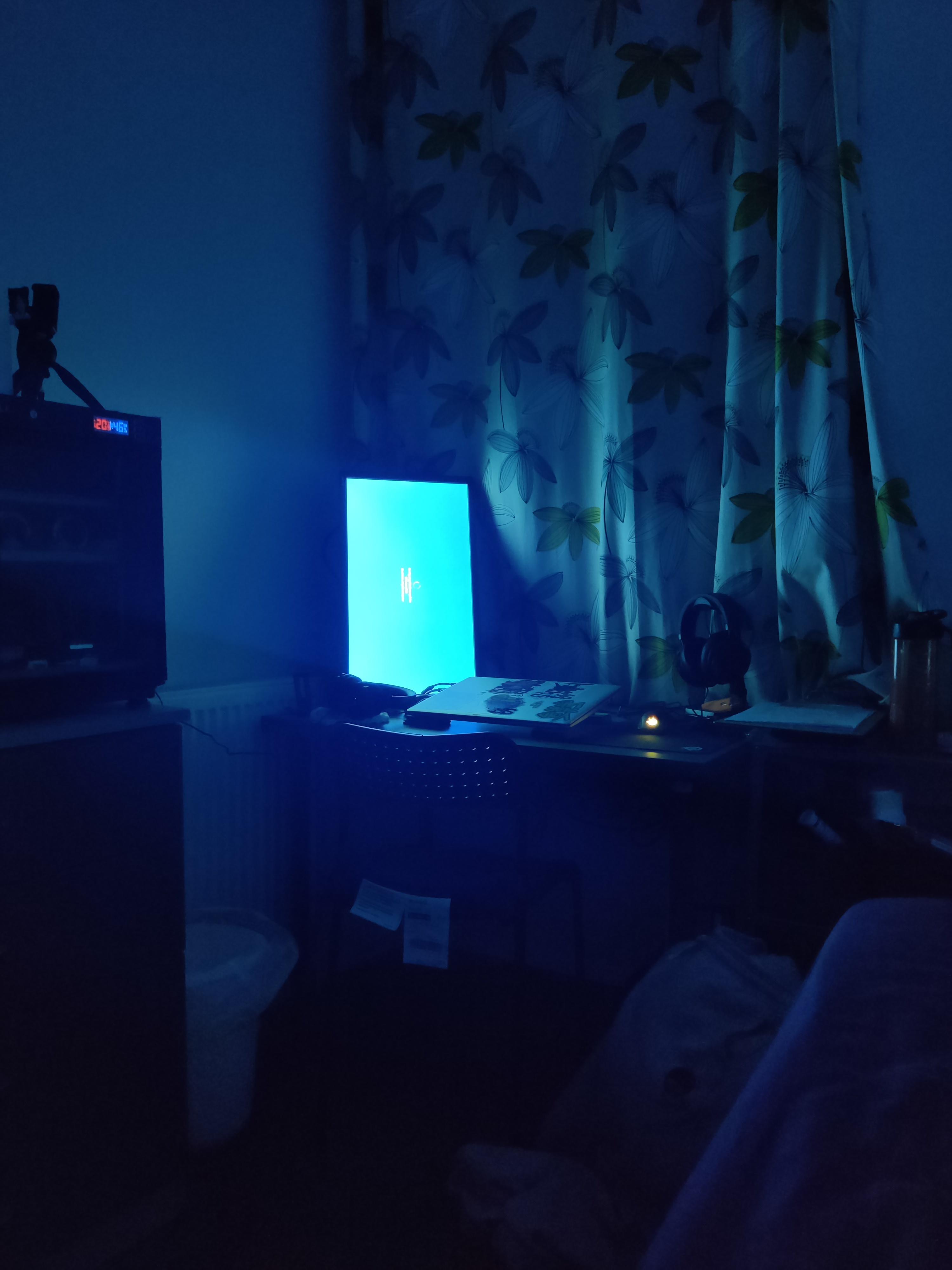
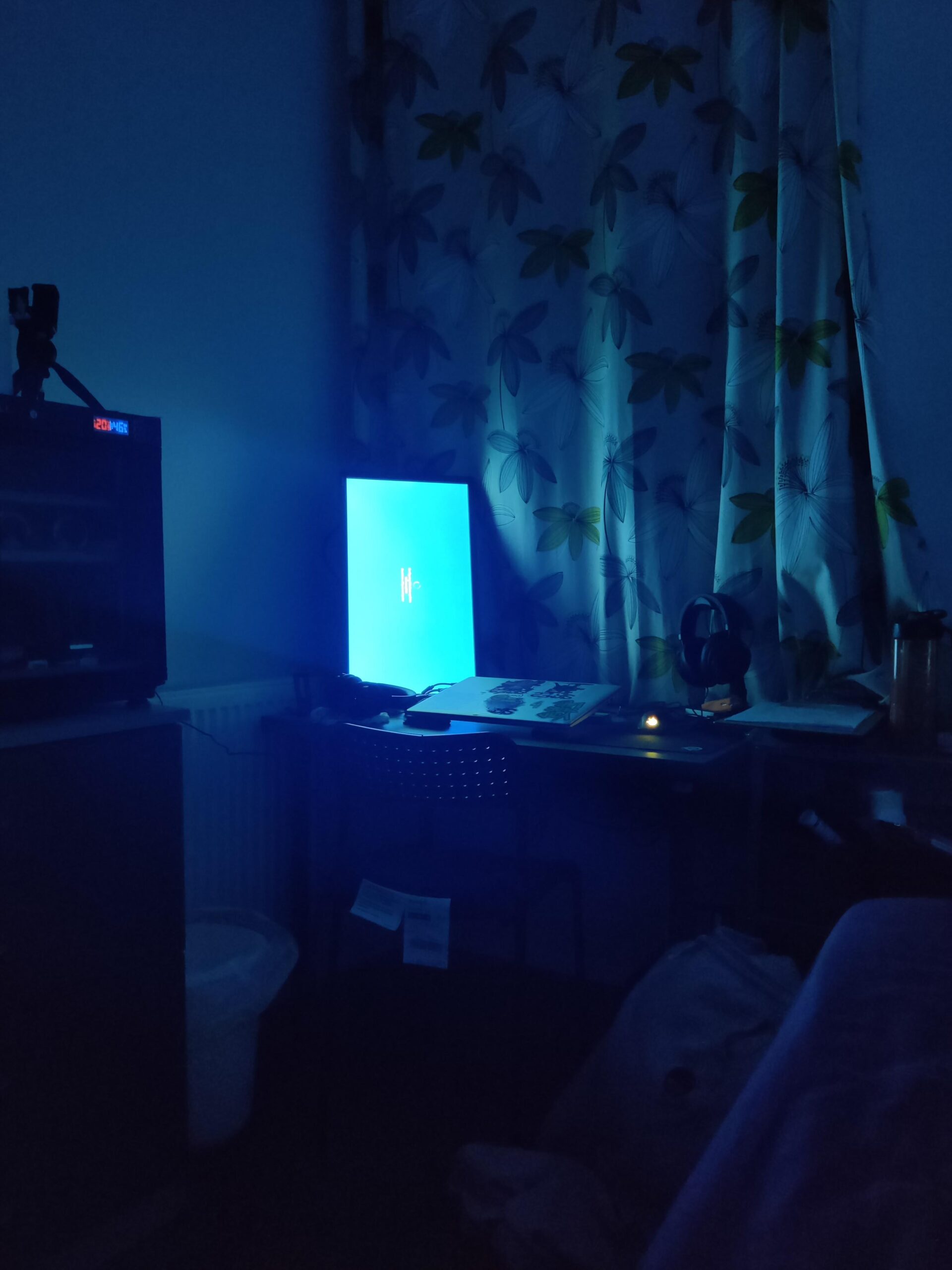
If there’s something strange in your neighborhood…
Captain_Pumpkinhead
Windows will attempt to update your computer while you are sleeping. The intention is to keep your computer up to date while interrupting you as little as possible. However, this method creates issues for users who leave their idle computer sleeping, or hibernate their computer when not using it, or have their monitor in their room.
There _is_ a way to disable this, but you have to edit a couple values in the Registry. You’ll have to use Google to find what to change, I don’t remember anymore. It worked just fine on my old HP laptop, but it didn’t work at all on my custom built desktop PC, so your results may vary.
Titanium_Eye
What shall we do with a windows update
What shall we do with a windows update
What shall we do with a windows update
Early in the morning?
BeGentle00
A silence alarm to wake you up. It’s 6am, it’s time to start a fulfilling day~ 😀
Well solution to that is easy if you dont want that happen agin go to power options -> change advanced power settings -> sleep -> Allow wake times ->disabled. Pc wont power on agin on update.

9 Comments
If there’s something strange in your neighborhood…
Windows will attempt to update your computer while you are sleeping. The intention is to keep your computer up to date while interrupting you as little as possible. However, this method creates issues for users who leave their idle computer sleeping, or hibernate their computer when not using it, or have their monitor in their room.
There _is_ a way to disable this, but you have to edit a couple values in the Registry. You’ll have to use Google to find what to change, I don’t remember anymore. It worked just fine on my old HP laptop, but it didn’t work at all on my custom built desktop PC, so your results may vary.
What shall we do with a windows update
What shall we do with a windows update
What shall we do with a windows update
Early in the morning?
A silence alarm to wake you up. It’s 6am, it’s time to start a fulfilling day~ 😀
It’s awakening.
Dude!! The same thing happened to me this morning
f̘̖̝̹̲̱̦͂ͧ͡e̫̲̲̫ͣ́̆̕e̴̲͙̩̼͎̲̫̯͗̔͊̾d̶͙̖͉̳͕͊ ̵̟̮̗̝͎̰̭̇̾ͫm̢̤͚̟̞̠͔͙̹̌ͨ͑͊ẹ̵̣͇͆̐̔ ̴̜̙̭̫̰͈͓̟ͯ̌u̷͕̝̻̪̹͂ͩ͂p̼̬̰̝̿ͣ͞ḍ̳̼̹̰̱̀̀ͅa̴̘̥̤̓ͩ͋t̨͓̖̪͔̝̜̺̞͗͆͋͊ē̤͎͇̟̌̋͟s̗̳̣̬̭͇̦̘̔͊́
Well solution to that is easy if you dont want that happen agin go to power options -> change advanced power settings -> sleep -> Allow wake times ->disabled. Pc wont power on agin on update.
Walk into the light ……