get ur baterry from mobo..reset bios…if nothing happens ,your pcu is fried…or the gpu…you have an internal gpu on ur cpu? try to bind ur monitor to that and see if have image…sry my english is crap af…in technical terms im no good…try first to reset bios.
Diceman_C7
what do you overclock? gpu or cpu? what cpu it is?….gimme some data pls
OutOfCtrl_TheReal
clear cmos
Noxious89123
* Power it all off.
* Clear the CMOS. (Check your manual) for how.
Many modern boards have a button on the rear I/O, but if not you can either use a jumper on the appropriate pins on the board if it has them, or just remove the CMOS battery and let everything discharge for a minute.
Pop the battery back in and power it all back up, you should then be able to get back in to BIOS.
Clearing CMOS will wipe all of your BIOS settings, so you’ll need to reinput everything again.
IntelBusiness
Best practice is to remove the CMOS battery, press the power button a few times to drain the remaining electricity from the capacitors, then replace the battery and reboot. You would need to re-enter your BIOS settings, but the issues should be gone.
uncreative47
May be able to short pins instead of remove battery to clear CMOS too, if OCing memory you’ll do that a LOT lol, if GPU just make sure not to enable setting to initiate OC through SW on boot or anything to save some hassle (until stable/finalized), if CPU just keep saving backups of BIOS while you fiddle with shit to make small changes one at a time (same with memory)
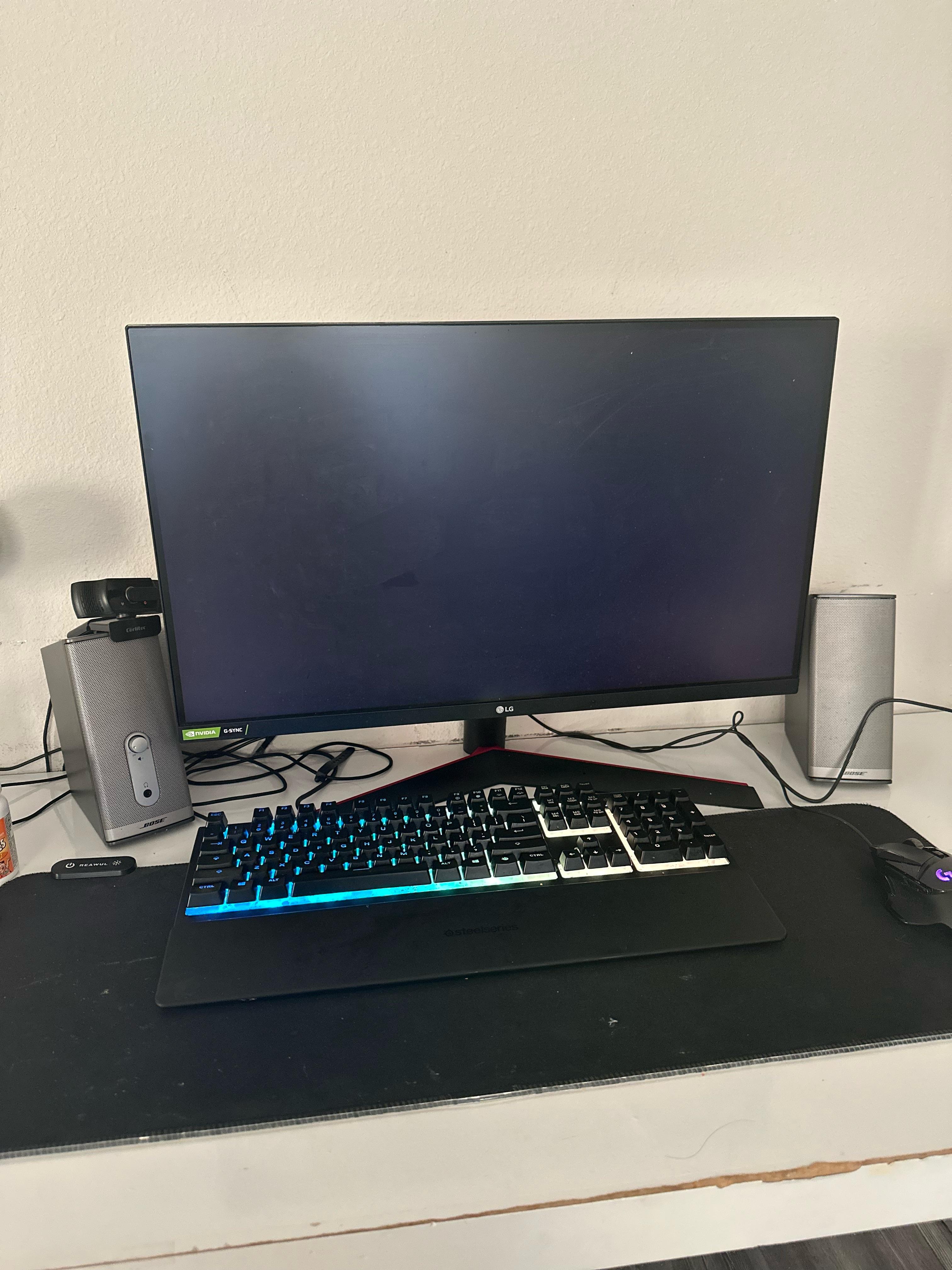
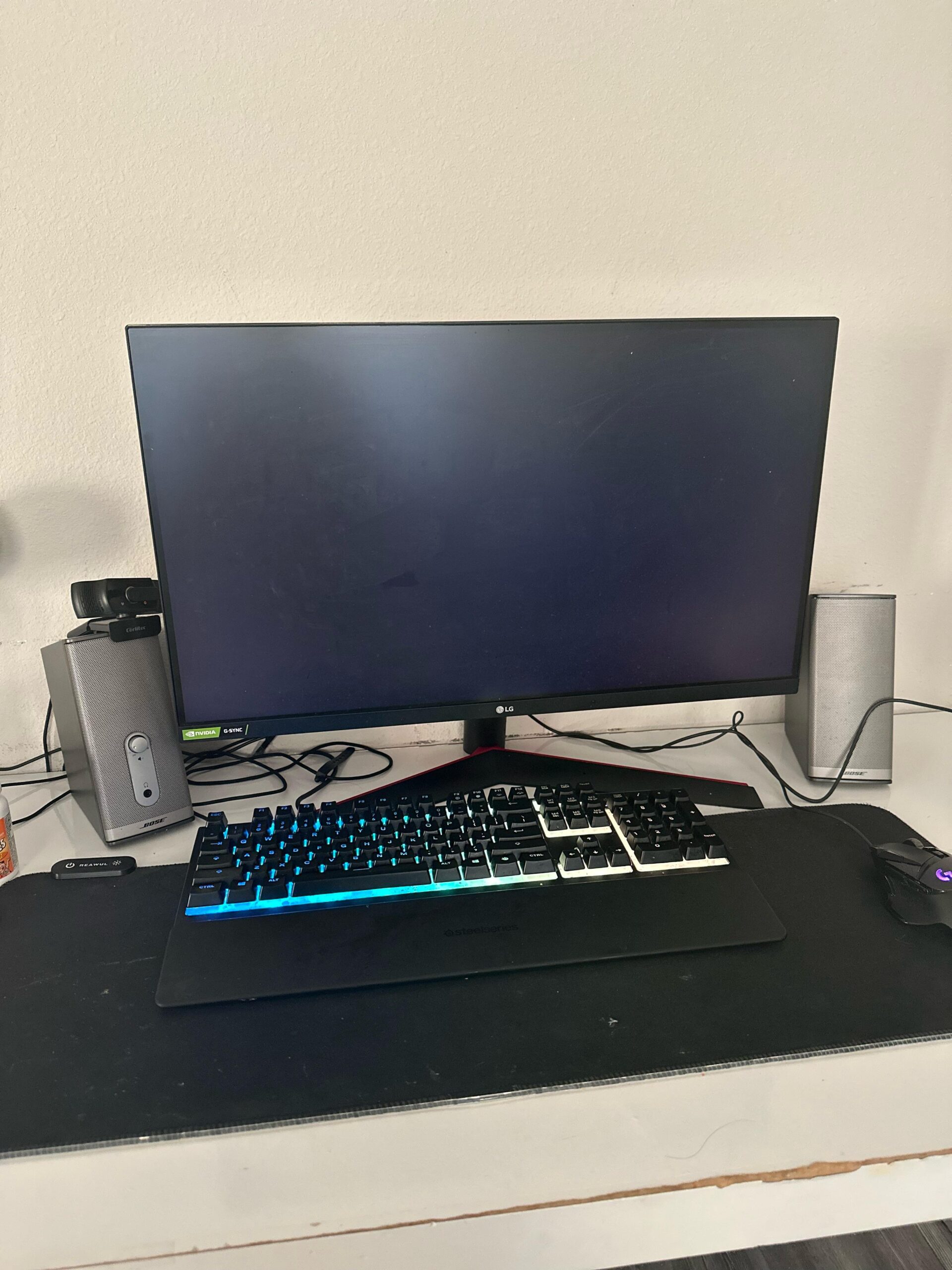
Also may be worth including whether it responds to trying to power on at all vs if it acts the same as if unplugged (edited just to mention the image kinda answers this anyways)
Regardless though, clearing cmos is almost always a good first step with “oops what happened”
Nervous_King_8448
Reset it clear the cmos.
Dominos-roadster
Clear cmos, and check if you have fast boot enabled after power loss in bios options.

8 Comments
get ur baterry from mobo..reset bios…if nothing happens ,your pcu is fried…or the gpu…you have an internal gpu on ur cpu? try to bind ur monitor to that and see if have image…sry my english is crap af…in technical terms im no good…try first to reset bios.
what do you overclock? gpu or cpu? what cpu it is?….gimme some data pls
clear cmos
* Power it all off.
* Clear the CMOS. (Check your manual) for how.
Many modern boards have a button on the rear I/O, but if not you can either use a jumper on the appropriate pins on the board if it has them, or just remove the CMOS battery and let everything discharge for a minute.
Pop the battery back in and power it all back up, you should then be able to get back in to BIOS.
Clearing CMOS will wipe all of your BIOS settings, so you’ll need to reinput everything again.
Best practice is to remove the CMOS battery, press the power button a few times to drain the remaining electricity from the capacitors, then replace the battery and reboot. You would need to re-enter your BIOS settings, but the issues should be gone.
May be able to short pins instead of remove battery to clear CMOS too, if OCing memory you’ll do that a LOT lol, if GPU just make sure not to enable setting to initiate OC through SW on boot or anything to save some hassle (until stable/finalized), if CPU just keep saving backups of BIOS while you fiddle with shit to make small changes one at a time (same with memory)
Also may be worth including whether it responds to trying to power on at all vs if it acts the same as if unplugged (edited just to mention the image kinda answers this anyways)
Regardless though, clearing cmos is almost always a good first step with “oops what happened”
Reset it clear the cmos.
Clear cmos, and check if you have fast boot enabled after power loss in bios options.