
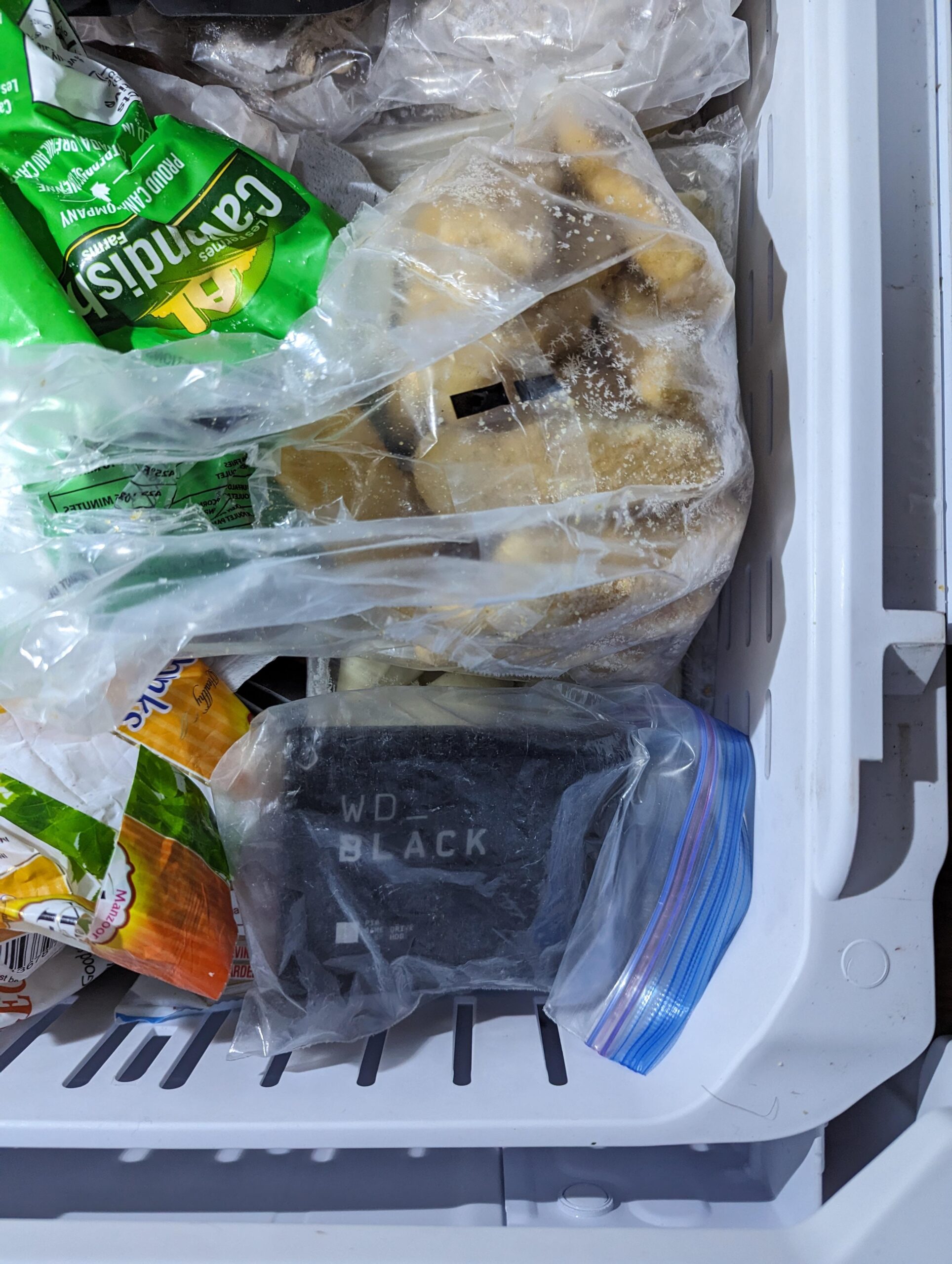
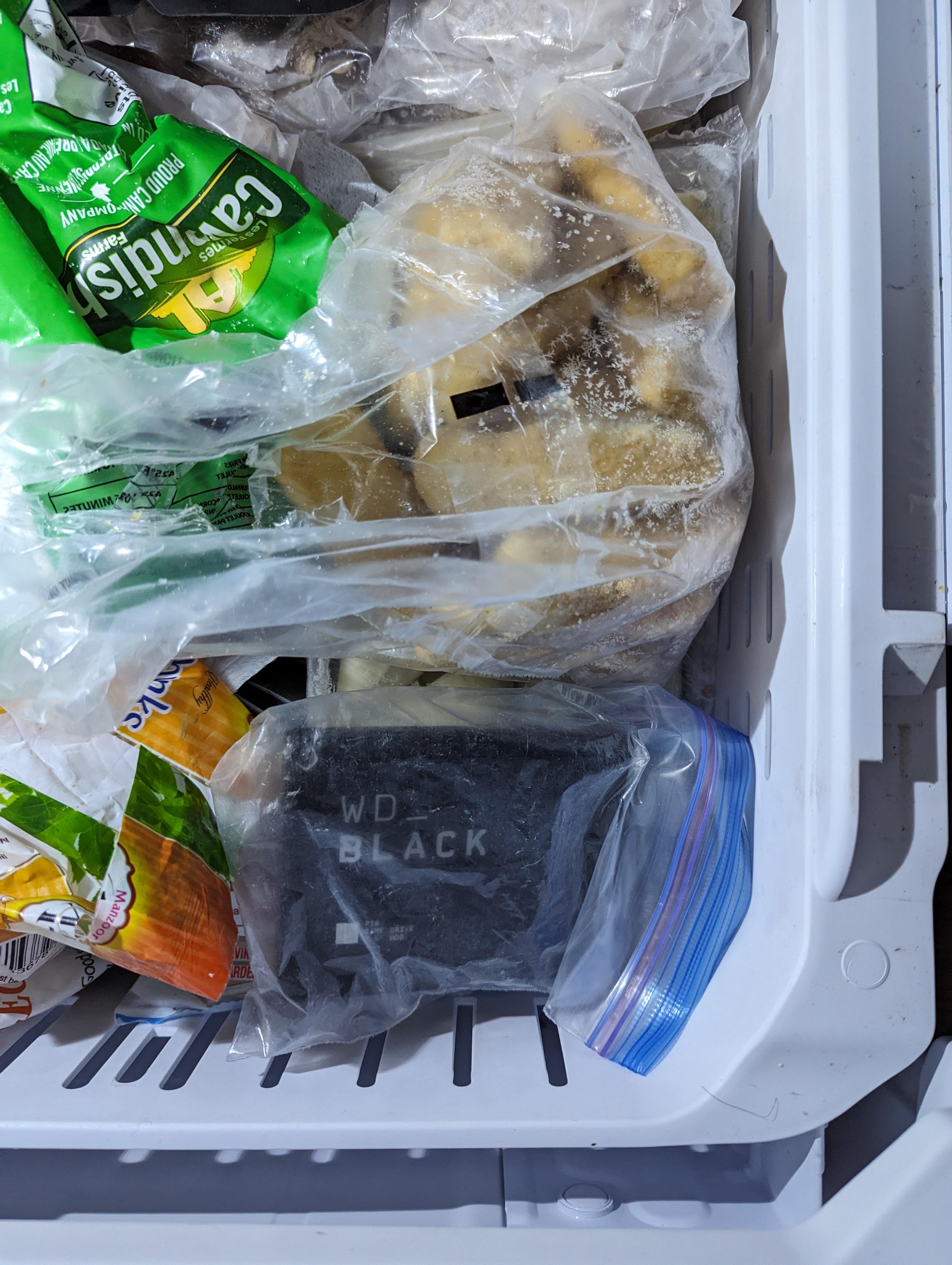
Had my WD Black 5TB backup drive die on me unexpectedly! It sounds like an electronic alarm coming from the drive. I reached out to WD support but they say my warranty has ended on November 1st 2023 (the drive is 3 years old now). There’s probably 1 TB of files on there. The alarm noise seems to indicate that the head is stuck/frozen. Supposedly throwing your hard drive in the freezer is like using rice to save a phone that got wet. I’ll update this in a few hours if I manage to get any data from it.
34 Comments
This only works on HDDs, and rarely works.
Worth trying at least.
the only trick that works is having backups – more than one 😁
I have been in IT for years… and have never heard of this? What is the mechanism?
What in the fuck is this trick
It worked for me in the past for an old HDD.
It kept it working for few minutes until it dies.
If it’s a SSD then no

RemindMe! 2 hours
I like how it just so happened to bresk within a week of warranty expiration. I’d be livid.
thats not going to work might even make it wrose lol.
Dude, I hate when you just run out of solutions and just go with the silliest option out of desperation
It has worked for me for forensic recovery, although it took repeated trips as it would only get about 20 minutes of use each time. I would wrap in a cloth to absorb condensation.
ssd doesn’t have moving parts
I mean, the oven method certainly won’t on a hard drive so better give whatever the freezer trick is a shot I guess
WD ain’t what it use to be. Had 1 die unexpectedly and another kept corrupting files. Both were refused for any sort of support or even suggestion. I got Western Digital beef.
Edit: corruption occurred on WD red after 2 years. WD Blue died.
1) its an ssd not a hard drive
2) if anything thats just gonna corrupt the data on the ssd because of bitrot and the fact that colder environments make electrons escape more easily
I have tried this about half a dozen times as far back as 1998 and it only ever worked once. And when it did work the drive only worked for about 15 minutes before being unusable again.
When you try to recover your data and on the off chance it does work, be prepared to get your most important data first because there is no guarantee for how long the drive will be useable.
I’ve been told that it doesn’t work and can even cause further damage because of condensation.
It’s never worked
I did it once. The HDD failed completely and it was the last, desparate, solution. But my god it worked wonders!!! The drive works till today! Well, not really 🙂 It did work a bit longer, but around a minute or so, too short do download anything
If the head is truly stuck and as a last resort, get a medium screwdriver and tap it lightly on the cover, once again a last resort for stiction
I an see how freezing can shrink the mechanical parts enough to allow rescuing the drive data.
I can also seeing any ambient humidity in the drive potentially freezing and destroying any data still accessible.
High risk, high reward. Good luck OP.
Not gonna lie, if it fails, bonking it to start the head swinging in the correct direction can make it work for a while.
Unfortunately it’s a very calculated bonk.
One of the platters from that drive is now a coaster.
I have temporarily revived a drive by opening it and very gently moving the head too but again risks.
[deleted]
Damn. I’d have bitched if it was only a few days out of warranty I’d insinuate that they were designing their products to fail right outside of the warranty and they better make that shit right
I don’t want to be that person, but if it’s a backup drive, why do you need to get any data off it?
Looks like you’re gonna have a wet WD black the second you pull it out and it hits room temperature air
It’s a myth
>head is stuck/frozen
You should rather heat it then. /s
It won’t work if its an SSD. The tricked worked cause of the spinning disks, no moving parts in an SSD
Edit: That’s not an ssd my bad, I have one that looks like this
Nice way to add condensation and make recovery even more expensive
Science ruuuuules
Be cool if it worked
That warranty date is awfully convenient for the company. Hmmm….
This is why you follow the 3-2-1 backup rule.
Keep three copies of your data on two storage types/mediums with one off-site.
As a 20 year service tech, this is one of my favorite things to teach new techs.
This actually works fairly reliably.