
On my old motherboard (ASUS Prime Z690-A) I enabled AI overclocking, after a month or so my PC slowly started deteriorating with apps crashing, blue screens, chrome tabs crashing and more. This got worse and worse and I was trying to figure out the issue. I thought it was an SSD issue so swapped my SSD for my partners and it fixed the issue for a bit but slowly started happening again.
I recently upgraded to a new build with all new parts (apart from CPU and RAM) with a ASUS Z790-I. I enabled AI overclocking and left it.
Today it asked me to confirm the Overclock and I said yes. Immediately my PC started having the same instability issues that I was having on my Z690-A.
I’ve tried disabling the AI overclock in my bios by changing the overclock box back to “default”, I tried resetting the bios using the “clear cmos” button, I tried changing the motherboard back to its defaults by pressing f5 and I’ve tried to manually disable the overclock.
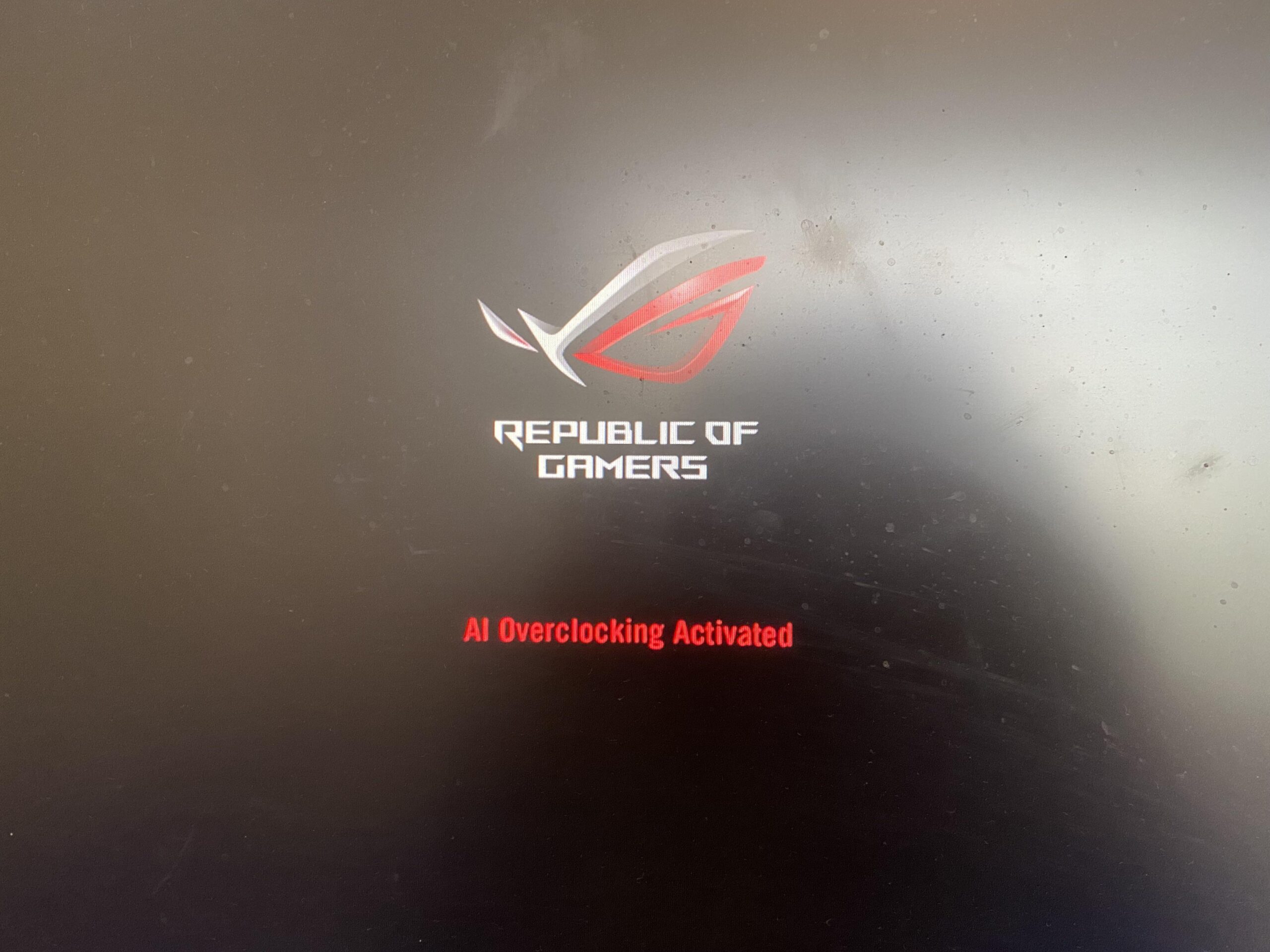
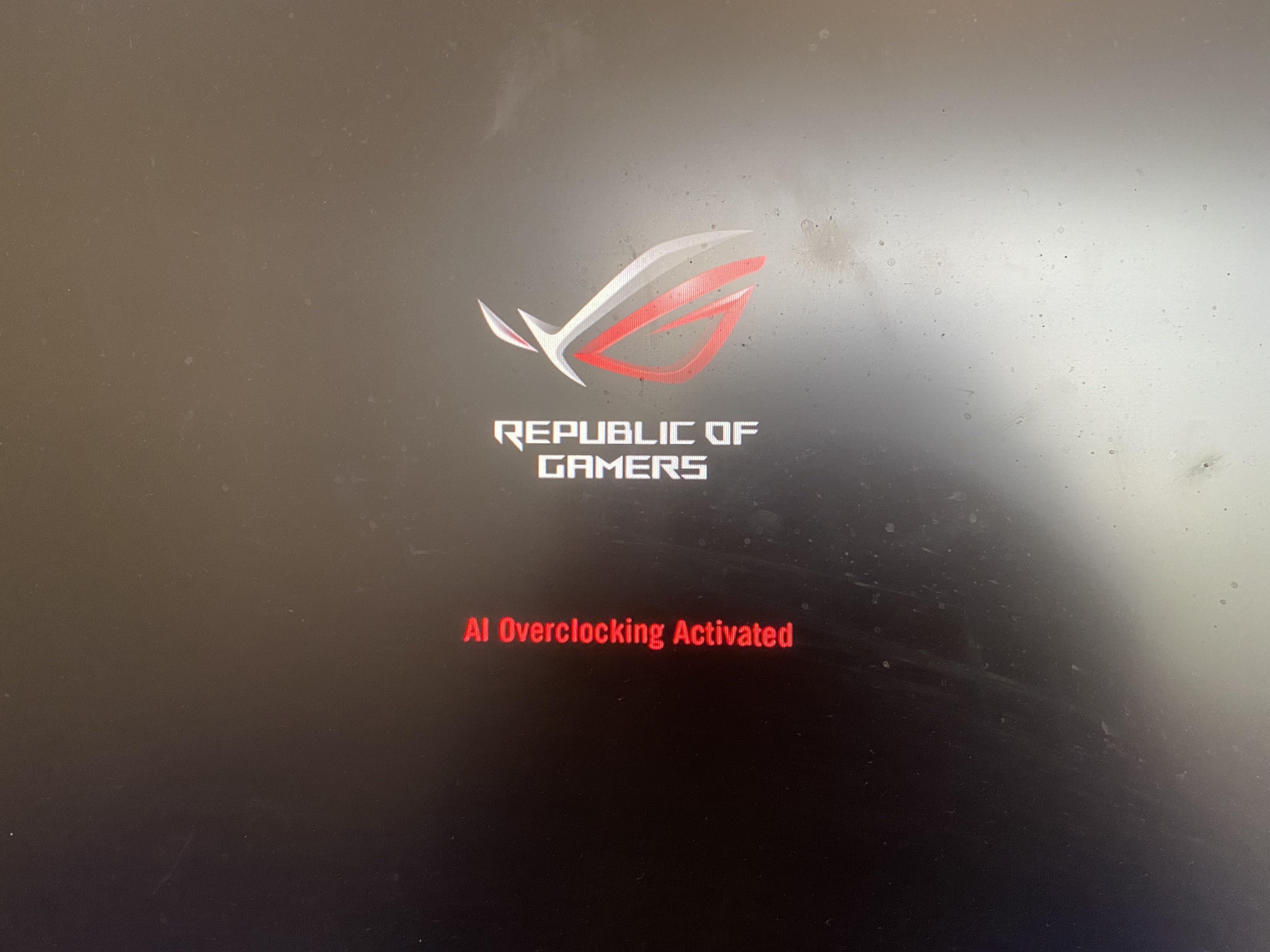
But every time I turn my PC on after these changes, I get the “AI OVERCLOCK ACTIVATED” message, along with the BIOs turning “AI OVERCLOCK” back on in the overclock box.
I feel like I’ve exhausted everything I know how to do and I’m not sure what to do to fix it now. Any help or advice would be amazing please, thank you!