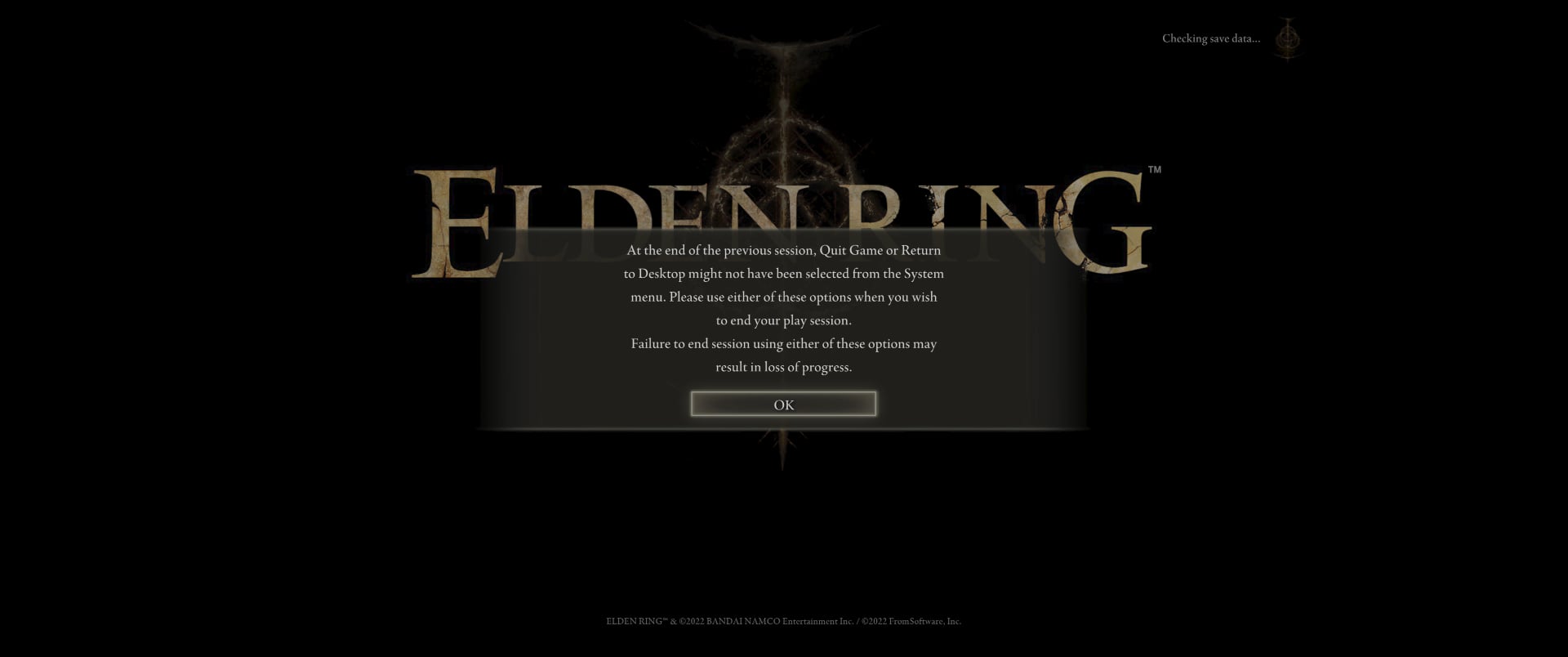
Had this happen before loaded in I was like wait what then it barred the edges lol, I hope they consider it for the expansion.
MightyDanWhang
I KNOW! I had this happen once in my 400 hours in the game and no one believed me because I didn’t capture it.
maohayato
yeah, it happened a few times to me too. the game actually can actually display ultrawide but they just put black bars on the side to hide it
GraceRaccoon
i dont even use ultrawide and it pisses me off that they won’t just remove the black bars, wtf
Legna-snave
Man….. Been playing this franchise since it was an exclusive for PS called Demon Souls! Kinda got tired of it afterwards.
Ok back on topic! I’ve had issues like this before with games. Last one was The Evil Within and I had to find a way to adjust the aspect ratio for the game itself to fix it.
Damnit now I wanna play Elden Ring again! 🤦🏾♂️
Marsmawzy
Ha that’s silly
Zerodyne_Sin
Happens every driver update for me. What’s worse is I think it’s rendering the sides but there’s just a cover on them lol.
the_Athereon
Yeah. The game actually renders in whatever resolution you set it to and then adds black bars to make it 16:9. It’s an incredibly frustrating decision by the devs.

10 Comments
What the fuck ?
Just use Flawless Widescreen to make it permanant
Had this happen before loaded in I was like wait what then it barred the edges lol, I hope they consider it for the expansion.
I KNOW! I had this happen once in my 400 hours in the game and no one believed me because I didn’t capture it.
yeah, it happened a few times to me too. the game actually can actually display ultrawide but they just put black bars on the side to hide it
i dont even use ultrawide and it pisses me off that they won’t just remove the black bars, wtf
Man….. Been playing this franchise since it was an exclusive for PS called Demon Souls! Kinda got tired of it afterwards.
Ok back on topic! I’ve had issues like this before with games. Last one was The Evil Within and I had to find a way to adjust the aspect ratio for the game itself to fix it.
Damnit now I wanna play Elden Ring again! 🤦🏾♂️
Ha that’s silly
Happens every driver update for me. What’s worse is I think it’s rendering the sides but there’s just a cover on them lol.
Yeah. The game actually renders in whatever resolution you set it to and then adds black bars to make it 16:9. It’s an incredibly frustrating decision by the devs.