
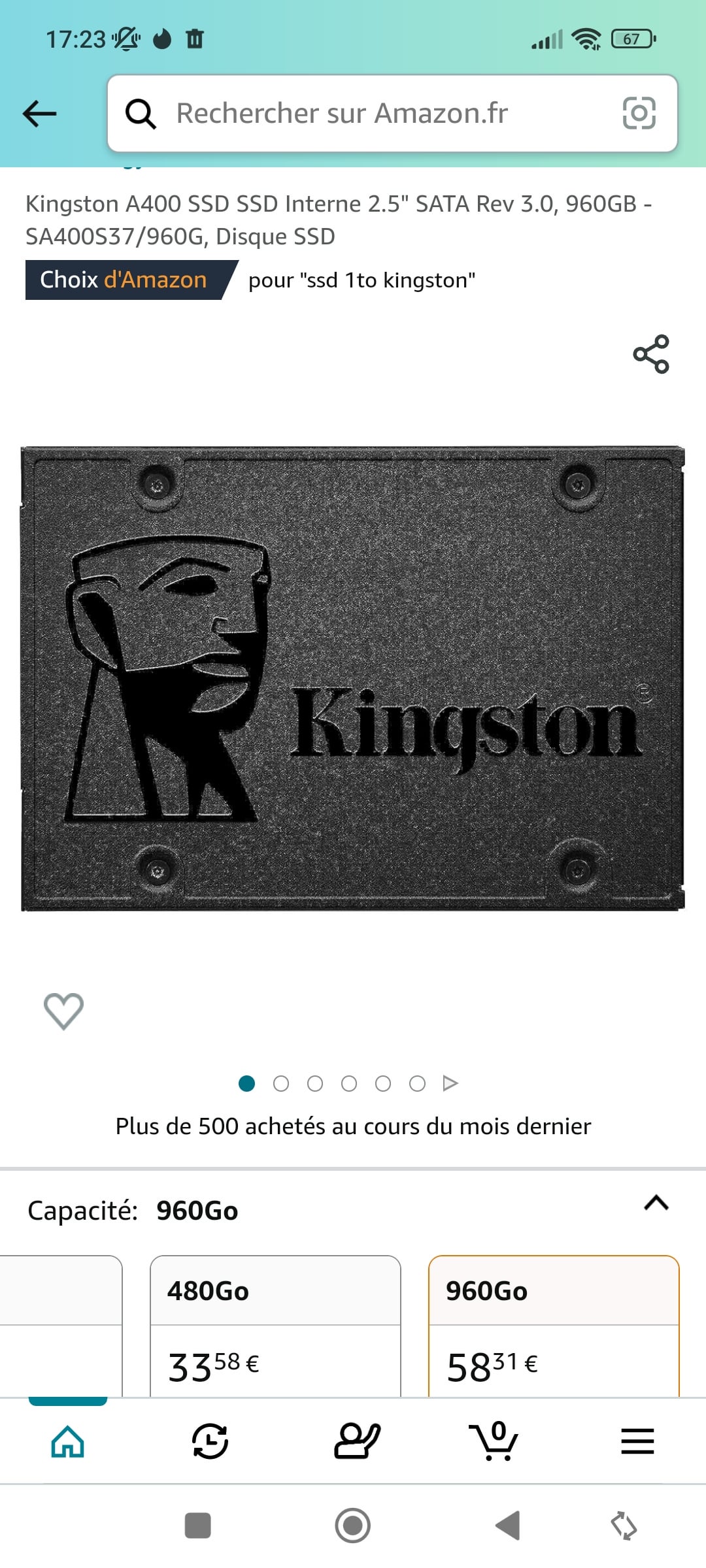
I’ve been building PCs for 20 years now and this is the first time I couldn’t fix an issue.
Bought one. Not detected even in disk management. Tried every SATA port… Amazon replaced it, same issue. Tried other PCs and same problem. Got refunded and my Samsung nvme works like a charm….
Any idea?
27 Comments
did you go into Command Prompt and see if it shows up there, or in the BIOS?
I’ve had to assign a letter through command prompt in rare cases using DISKPART.
Also depending on what other NVMe drives you have installed it may deactivate certain SATA ports.
If you have M.2 NVMe drives installed they may be disabling the respective SATA ports. I would consult the manual of your motherboard if that is the case.
Kingston a400? A big batch of them have bad firmware , nothing but troubles they gave me. I throw it away and never again an ssd from Kingston.
if you have an m.2 installed they might disable some sata ports as they can share bandwidth.
Did you tried with a case usb?
MY experience with the a400 lineup was that I bought it about 2 years back, installed it, didn’t have much use for my pc since I was waiting for a GPU, so, it was barely used during its 2 months life time, which by the end of it, gave me I/O error. i ended up returning it and getting a crucial one, has been working flawlessly since then, almost 2 years now.
Yes, you missed “Kingston”. Kingston’s SSDs are crap. Had one dying on me conpletely without a chance of recovery and another about to give out with tons of misreads every single day
So basically you bought this? https://youtu.be/mUX0yl4VwRA
ive got one of them fricks in my piece of crap
240gb
i need a new pc
if u put a nvme, one of the satas dont work. mine are grey sata connectors that link with the nvme
I have 2 on my machine. You’re doing something wrong. They’re great budget SSDs.
Tried every SATA port.
​
whats your mainboard ? If you have 4 ports and load it with PCIe devices ( GPU M.2s and more) it may go as far as to disable all 4 . With 6 SATA ports usually one M.2 slots when in use will disable ata 5 and 6
I know you probably did this, but you also plugged in the SATA power cable from your PSU right?
A400s are bad. I currently have one and the read/write speeds drop to low double digits when the drive fills up past 50% and the speeds continue to drop the fuller it gets. Apparently this happens with all A400s, I wouldn’t use them at all. Mine is practically unusable in its current state due to the constant freezes I experience in games that can sometimes last over a minute before going back to normal.
When I got my PNY SATA drive I had to go into something and assign it a letter. If that makes sense. Like it wouldn’t show up anywhere so I had to tell windows hey this is now “(F:) drive” or whatever
What motherboard do you have? Some mobos disable certain ports, depending on what other ports are being used.
maybe try reading your motherboard manual and seeing if having multiple m.2 drives diables sata drives? (sorry if this sounds rude, i promise you that’s not my intention)
I remember reading something like this for my motherboard (an asus z490f), it might be that, i heard kingston makes pretty decent budget ssds
of course maybe you got unlucky and got a bad ssd, in which case just swap it for a replacement (or something else if you prefer)
I’m so late to this OP, but I have this same SSD. At least for me it’s never been detected as a viable boot drive. There is something wrong with this SSD and I would not recommend it. Get yourself a crucial drive.
You might need to initialize the disk in disk manager so Windows will see it.
https://preview.redd.it/zbb1hg2f7txb1.jpeg?width=1080&format=pjpg&auto=webp&s=50739ae775649158bb611cb207da9e3cd8f2d527
I also had this SSD and it caused me some issues. I bought a new one and the issues were gone, but it could be unrelated to your case. Though I had the same problems you were having.
Try to go to your storage manager you may need to assign it a drive letter. I think it’s something like partition drives or something.
I used to do system building and we were using v300’s when I joined this firm (MLC flash).
When we started using v400 (eventually a400) which are TLC or QLC, we found that certain older chipsets would have issues, such as not recognizing the drive at all, or not recognising it after a reboot – weird!
I have this SSD and I wouldn’t recommend it. The speed got REALLY slow after 2 years despite the SSD being seen as “healthy”.
When it comes to your issue someone else already mentioned sata slots being disabled when using m.2 slots. Most likely that
Unrelated but I tried swiping to see the next pic on Amazon as if I was buying this for like 10 seconds
Formatting?
Not a building noob made me laugh