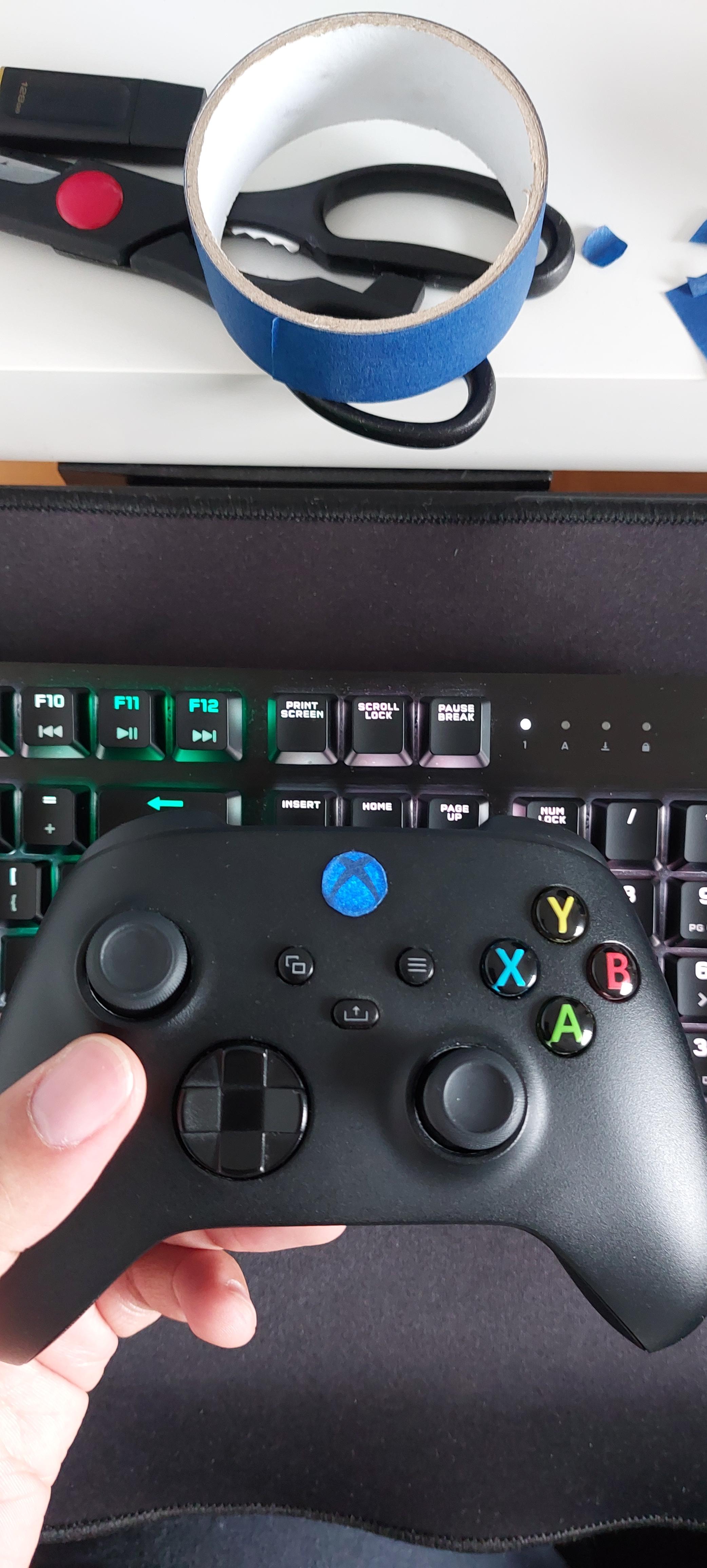
Microsoft gave the option to dim the xbox logo light on the series S/X but not on PC unless you have the elite controller. I had to take matters into my own hands before I suffer from permanent blindness.

Microsoft gave the option to dim the xbox logo light on the series S/X but not on PC unless you have the elite controller. I had to take matters into my own hands before I suffer from permanent blindness.
23 Comments
Yeah, it sucks. You need third party tools to do this on Windows. I believe reWASD and DS4Windows both offer this feature.
Isn’t the light from your display much brighter than the Xbox logo or do you dim that as well?
You can turn it off with ds4windows
Get an elite controller. You can set the brightness of that button light.
8bitdo controllers are your friends.
Electrical tape on every annoying LED in my home.
It ain’t that bright. Play with the lights on, it’s better for your eyes anyways lol.
Why does that light bother you so much?
Big brain moves.
Guys, it is not that the light is really bright. But when you play in a dark room with nothing but the monitor on, it is distracting and annoying
…how often are you looking at your controller? My whole controller is LED/RGB and i don’t even notice when I’m playing
Does steam not let you play with the lights settings? You can with PlayStation
Its insane how bright it is. So distracting.
We can dim the lights on X/S? Dayum.
I just covered the button with electrical tape
I dimmed it with a sharpie
Electrical tape is really nice for this
Buy some Light Dims, they’re very cheap and one of the sizes fits that button. Also useful for covering LEDs on electronics without completely blocking them.

You can dim it on the Xbox accessories app on windows
Download the “Accessories” app for the Microsoft Store and you can customize that there.
I got the same scissors from Walmart, they suck. Although they seem to get the job done everytime
you have a big ass light source in the form of your computer display and this tiny xbox logo bothers you?