
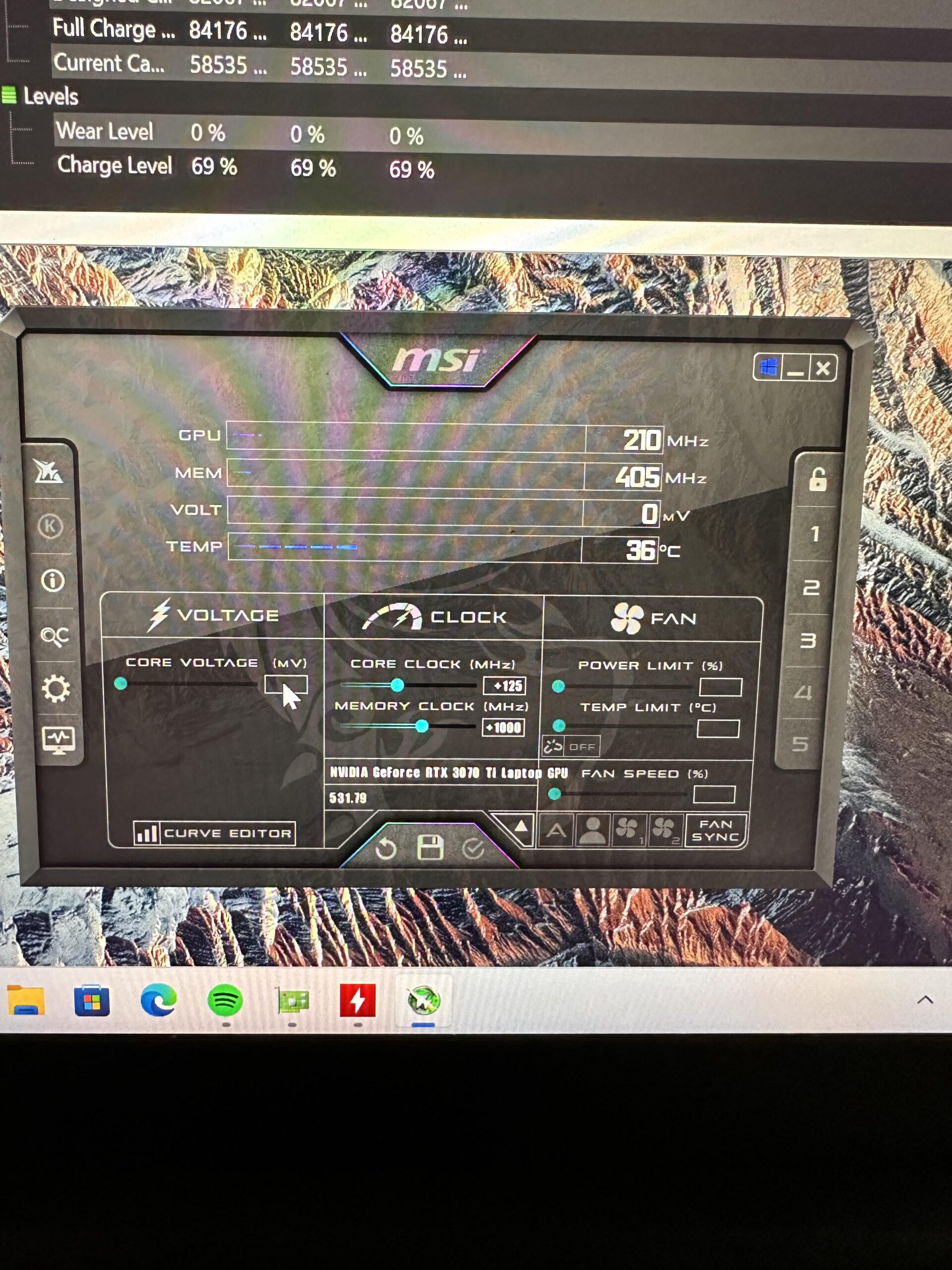
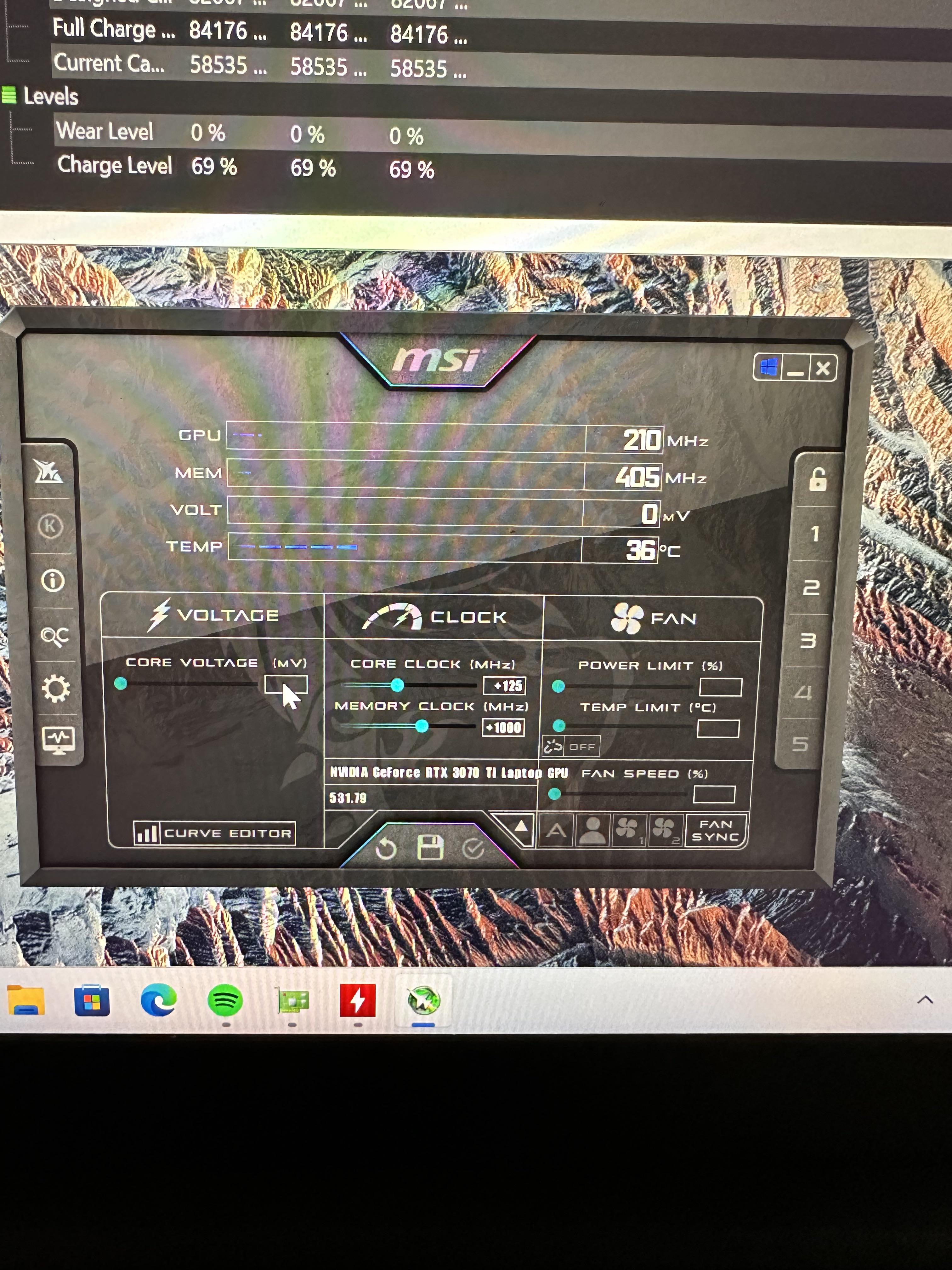
Pretty much what the title says. I’m a relatively new Overclocker who travels frequently with a 2022 Blade 17 running a 3070ti and an Alder lake i7-12800H processor. Recently repasted the CPU and GPU in the labtop and set up a duel-highspeed blower system that connects to two small portable A/C units that I throw inside my suite cases. Needless to say, thermals are not a problem for me. I’ve officially hit the wall for maximum power the card will let me use.
Anyone know how to override the manufacturer guard rails to allow myself to feed the card more watts? Currently core voltage and power limit are greyed out on MSI afterburner.
Yes, I know fan is greyed out because my GPU and CPU don’t have built in fans like a desktop.
There’s surprisingly little literature for laptop overclocks. Any ideas? Voltage editor won’t unlock also when I try to adjust settings and “accept the warning” in MSI afterburner
Current set up is +125Mhz core/1000Mhz memory.
3D mark score 3046 on speed way
Temps 67C memory 79C GPU hotspot
Boost clock is maintaining 1905Mhz without issue.
1 Comment
Unless your willing to go flash a new BIOS that wasn’t made for that machine or something else just as extreme I’m pretty sure your sol. Laptops don’t allow for the same kinda tinkering as desktops and their bios’s are often locked down so there’s no software that’s gonna help. Someone feel free to correct me but I’ve never been able to do anything like this on any of my laptops without flashing another BIOS.