
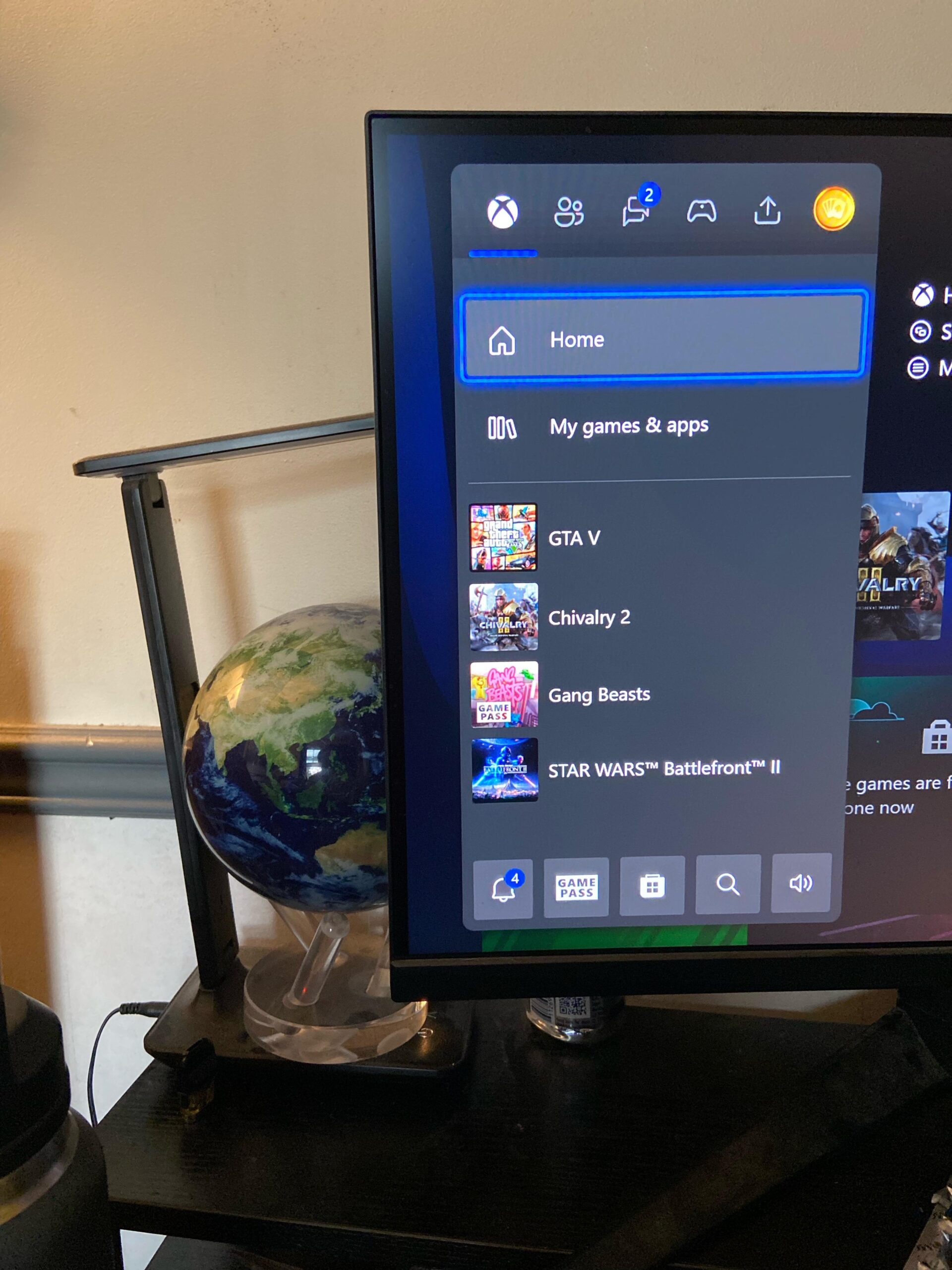
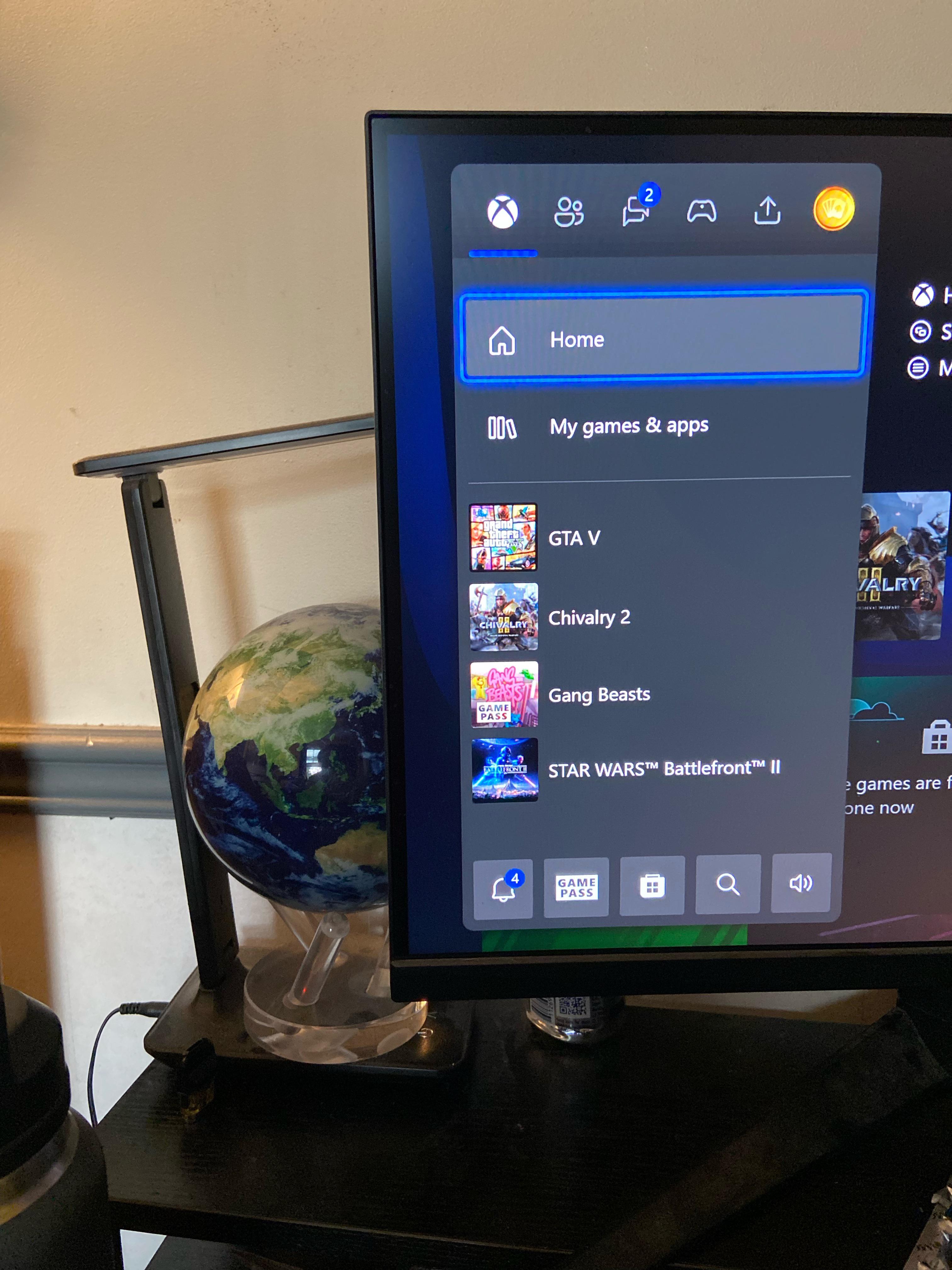
As you can see in the photo my monitor isn’t displaying the picture in the correct resolution. Yesterday everything was fine and the image would fit perfectly on the screen but now I have these black bars around all the edges. I tried resizing the resolution manually but it said it was already perfect. It then changed its recommended display settings to 3840×2160 from the usual 2560×1440. Super confused how the recommended settings suddenly changed and I’ve been fiddling with it for hours trying to reinstall old drivers for the graphics card or the monitor itself but nothing is fixing the issue. Any insight would be really appreciated. Thanks!
2 Comments
Hello kmacdizzle, and thank you for your submission to Gaming PC! If you are new please check out our rules over at the wiki [here](https://www.reddit.com/r/gamingpc/wiki/rules)!
We have recently added the useful feature of Title Flair! You can set this manually by clicking Flair under your post once you have submitted your post, but if you missed it in the rules there is a much better way that will automatically flair your post!
To do this simply add what your post is about in brackets before your title. For example for a Build Log you can type [Build Log] before your post so that it looks like this; [Build Log]My new awesome build!, and the bot will automatically set your flair to Build Log! This works for Build Log, Build Showcase, News, Hardware News, Hardware Release, Discussion, and Miscellaneous!
Also remember that this is a place for discussing and sharing our love of Gaming Computers! This is NOT the place for help building or determining what parts you should buy, that is better suited for /r/buildapc. Troubleshooting questions should be directed to /r/techsupport. Thank you again!
*I am a bot, and this action was performed automatically. Please [contact the moderators of this subreddit](/message/compose/?to=/r/gamingpc) if you have any questions or concerns.*
I typically use this monitor with my pc but tried using my Xbox to see if it was the monitor that was messed up or if it was a setting on my pc. The problem still remains