Normally, I’m not used to having two screens, and my old laptop could be docked using a docking station, so I whenever I’m on my desk, I use laptop with the lid shut whenever it’s on a docking station.
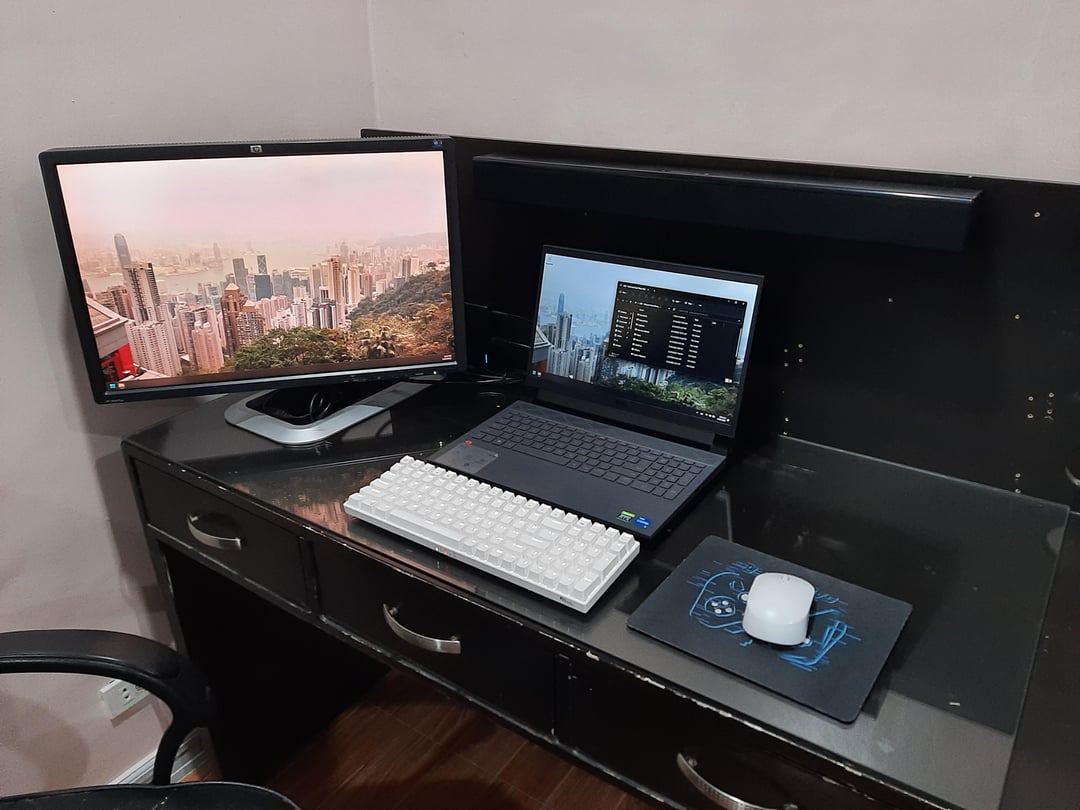
With the new laptop though, I no longer have an elegant way to dock this to a docking station, but if I use the laptop with the lid shut, I’m obstructing some of the ventilation as there’s some above the keyboard. Since I’m gonna have to leave the laptop open anyway whenever it’s on, and I already have this huge monitor, then might as well get used to having two screens.
I’ll be using the laptop’s screen as my primary display, as it has a nicer 120Hz one. Most of the time, I’m still going to use one screen, but if I find myself needing some more real estate (when researching something, or just having a video playing on the other screen, while doing my work on the built-in display), I can easily turn it on.
ramutoola
nice setup ,
i will however recommend a laptop stand, to incline ur laptop slightly up for ventilation

2 Comments
Details:
Normally, I’m not used to having two screens, and my old laptop could be docked using a docking station, so I whenever I’m on my desk, I use laptop with the lid shut whenever it’s on a docking station.
With the new laptop though, I no longer have an elegant way to dock this to a docking station, but if I use the laptop with the lid shut, I’m obstructing some of the ventilation as there’s some above the keyboard. Since I’m gonna have to leave the laptop open anyway whenever it’s on, and I already have this huge monitor, then might as well get used to having two screens.
I’ll be using the laptop’s screen as my primary display, as it has a nicer 120Hz one. Most of the time, I’m still going to use one screen, but if I find myself needing some more real estate (when researching something, or just having a video playing on the other screen, while doing my work on the built-in display), I can easily turn it on.
nice setup ,
i will however recommend a laptop stand, to incline ur laptop slightly up for ventilation