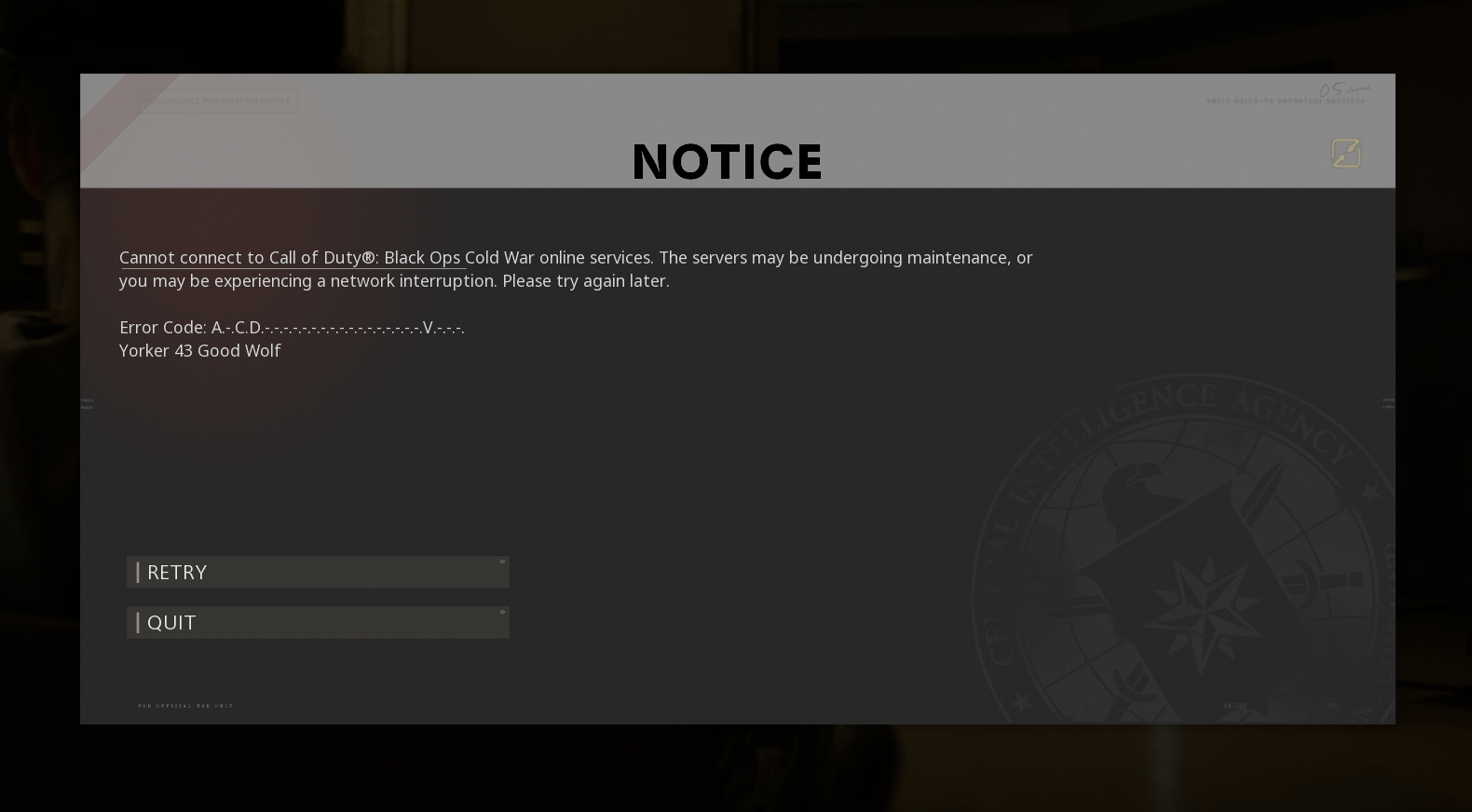
My cousin keeps getting this error. We did some digging and have tried just about everything we could find. Any help would be appreciated.

My cousin keeps getting this error. We did some digging and have tried just about everything we could find. Any help would be appreciated.
6 Comments
I have never recieved this error code but from what I have read it says resetting your router is a common fix bit assuming youve done that already
Sounds like a NAT error, or something sitting on the ports that the game needs. If rebooting the router doesn’t clear it, your cousin will need to look at what else is on the same network as their client.
Absolute best practice is to boot everything else offline, cold boot the computer with everything but Cold War disabled, and see if the problem persists, and then investigate from there.
Edit: here’s the [list](https://support.activision.com/articles/ports-used-for-call-of-duty-games) of ports that need to be kept clear.
PC or console? If PC, probably a good idea to update your network drivers on PC.
Are you using an Xbox
This is the error you get in bo3-4 and cold war for having an unstable internet connection, try plugging it into an ethernet cable or playing while the internet is more stable. I face this basically every night when I’m at my family’s apartment although internet isn’t slow at all
Sounds like a firewall might be blocking the connection to the game server. I know my friend had the same issue and his vpn kept auto connecting mid game and the game did not like that and wouldn’t connect until he fully disabled his vpn