
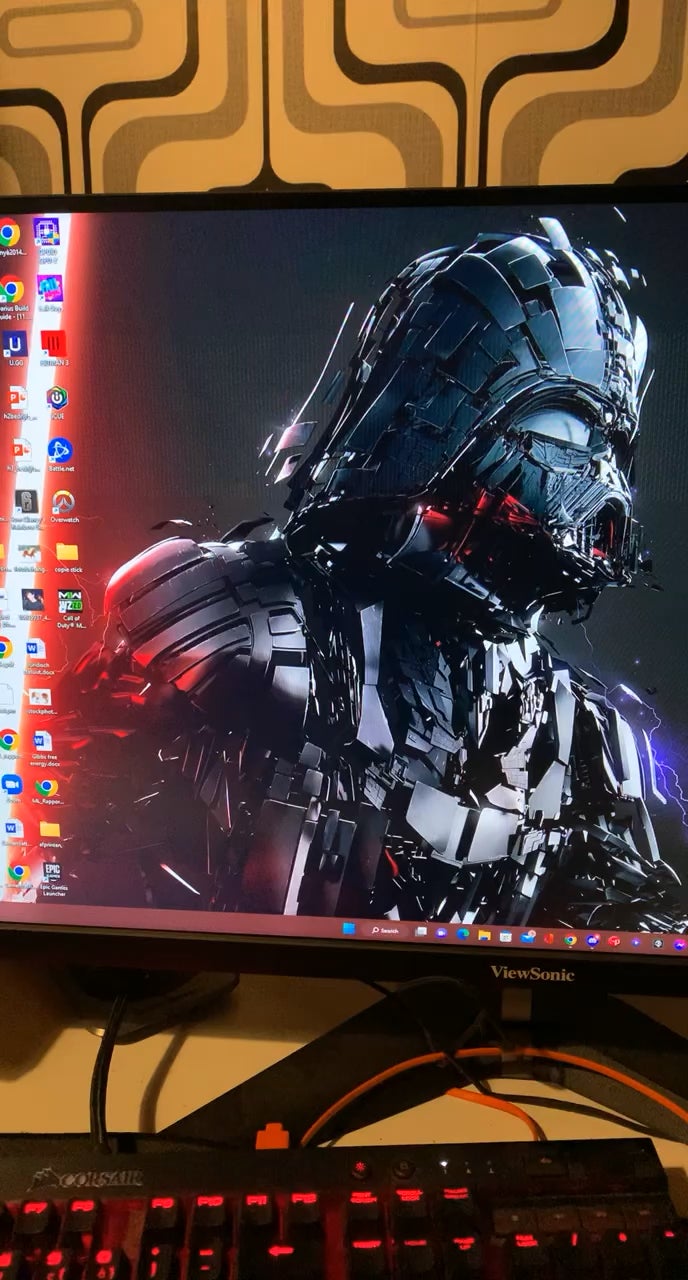
I used the monitor on 144Hz for a while and it worked perfectly. I took a break from gaming and now after doing the windows 11 update and after upgrading my driver I get this problem.
I bought a new Display cable so it is not that, when I change my screen to 120 Hz it occurs rarely. Only when using 144 Hz it is constantly. Is my GPU broken or my screen or what is going on?
I tried reinstalling my driver and turning of GSYNC, but nothing seems to work.
2 Comments
Hello Rs3tk, and thank you for your submission to Gaming PC! If you are new please check out our rules over at the wiki [here](https://www.reddit.com/r/gamingpc/wiki/rules)!
We have recently added the useful feature of Title Flair! You can set this manually by clicking Flair under your post once you have submitted your post, but if you missed it in the rules there is a much better way that will automatically flair your post!
To do this simply add what your post is about in brackets before your title. For example for a Build Log you can type [Build Log] before your post so that it looks like this; [Build Log]My new awesome build!, and the bot will automatically set your flair to Build Log! This works for Build Log, Build Showcase, News, Hardware News, Hardware Release, Discussion, and Miscellaneous!
Also remember that this is a place for discussing and sharing our love of Gaming Computers! This is NOT the place for help building or determining what parts you should buy, that is better suited for /r/buildapc. Troubleshooting questions should be directed to /r/techsupport. Thank you again!
*I am a bot, and this action was performed automatically. Please [contact the moderators of this subreddit](/message/compose/?to=/r/gamingpc) if you have any questions or concerns.*
rollback your driver and test the previous driver