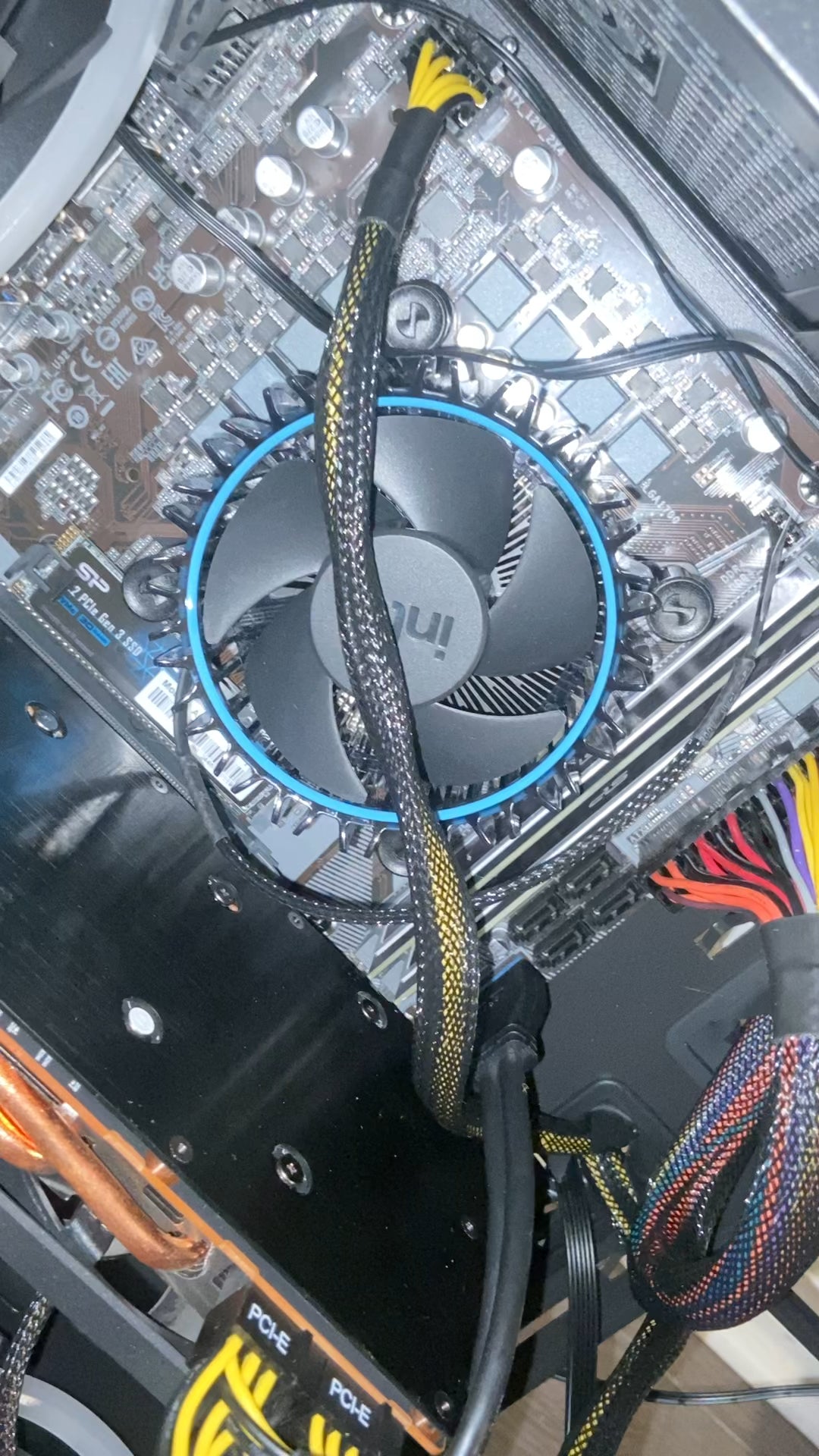
Pc won’t start. First build. If I hit Power occasionally the fan moves and I hear a click for a split second. Any ideas what’s going on? Update because of video

Pc won’t start. First build. If I hit Power occasionally the fan moves and I hear a click for a split second. Any ideas what’s going on? Update because of video
9 Comments
Hello Material-Map-5733, and thank you for your submission to Gaming PC! If you are new please check out our rules over at the wiki [here](https://www.reddit.com/r/gamingpc/wiki/rules)!
We have recently added the useful feature of Title Flair! You can set this manually by clicking Flair under your post once you have submitted your post, but if you missed it in the rules there is a much better way that will automatically flair your post!
To do this simply add what your post is about in brackets before your title. For example for a Build Log you can type [Build Log] before your post so that it looks like this; [Build Log]My new awesome build!, and the bot will automatically set your flair to Build Log! This works for Build Log, Build Showcase, News, Hardware News, Hardware Release, Discussion, and Miscellaneous!
Also remember that this is a place for discussing and sharing our love of Gaming Computers! This is NOT the place for help building or determining what parts you should buy, that is better suited for /r/buildapc. Troubleshooting questions should be directed to /r/techsupport. Thank you again!
*I am a bot, and this action was performed automatically. Please [contact the moderators of this subreddit](/message/compose/?to=/r/gamingpc) if you have any questions or concerns.*
Check your front panel pins. They’re not correctly connected to the mother board. Check mobo manual for instructions.
I just finished my build with the same symptoms! I read my mother description and it said” 13 gen intel I7, may require a BIOS upgrade”. I bought a I7 13700 processor and had the same symptoms that you described above. I realized my mother board didn’t have the latest BIOS to use a 13 gen I7 after messaging tech support from India for an hour. I had to buy a 12 gen processor to get my motherboard to come up!
additional useful information.
Not at all an expert in PC Builds but mine did this too. I took it completely apart and put it back together and it worked! I think in my excitement to assemble I rushed the build. Mobo contact with case may have caused a problem for me – upon rebuild I paid close attention to where the mobo mounted to the case (lots of points where contact should not be made). Anyhow rebuilding took absolutely no time and I was able to pay more attention to everything. My cable management improved the second time too.
I had the same issue with a build. Take the memory out. Start it. Wait for a few seconds(it will turn on). Shut the system off. Add one stick of memory. Boot (it will come on). Shut off. Add last stick of memory. Happened to me. It is also possible you need to update the bios to support the cpu but try the memory trick first.
Unplug the cable down from Gpu on motherboard please.
Idk what your issue might be but if you should make sure all components are seated properly.
Check cpu socket if any pins are bend