
We completed large-scale benchmarks Gears of War E-Day Multiplayer Beta from RTX 3060 to RTX 5090 and RX 6750 XT – RX 9070 XT in conjunction with CPU AMD and Intel. We reveal real system requirements, FPS, and rendering quality.
This subsection of our review highlights the main graphical aspects of this game. Particular attention is paid to the version of the graphics engine used, the version of the API used, graphic settings and the quality of development of the main visual aspects.
Supported OS and Graphics API
Gears of War: E-Day requires a 64-bit version to run. Windows 10 or Windows 11. For the game to run smoothly, an SSD with 130 GB of free space and DirectX 12 API support are required. A graphics card with hardware support for ray tracing is also a requirement from the developers.
Gears of War: E-Day minimum system requirements
These settings are designed to run the game at a basic graphics level:
OS: Windows 10 (64-bit, 22H)
Processor: AMD Ryzen 5 2600X, Intel Core i7-6850K or Intel Core i5-10400
Video card: NVIDIA GeForce RTX 2060, RTX 5050, AMD Radeon RX 6600 or RX 9060
DirectX: Version 12
Storage device: 130 GB (SSD required)
Gears of War: E-Day Recommended System Requirements
This configuration is aimed at high image quality and detail:
OS: Windows 11 (64-bit, 25H2 and newer)
Processor: AMD Ryzen 5 5600 or Intel Core i5-11600K
Video card: NVIDIA GeForce RTX 3060 Ti, RTX 5060, AMD Radeon RX 6700 XT or RX 9060 XT
DirectX: Version 12
Storage device: 130 GB (SSD required)
The Coalition, with the support of Xbox Game Studios, launched an open beta benchmarking of the multiplayer mode for the shooter. Gears of War E-DayThe project is being developed as a full-fledged prequel to the original trilogy, taking players back to the very beginning of the Locust Horde invasion. The beta is available on PC, PlayStation 5, and Xbox Series X/S consoles, reflecting the publisher’s new platform strategy. Beta benchmarks are designed to test the network code, collect telemetry on weapon balance, and benchmark infrastructure load before the full fall release.
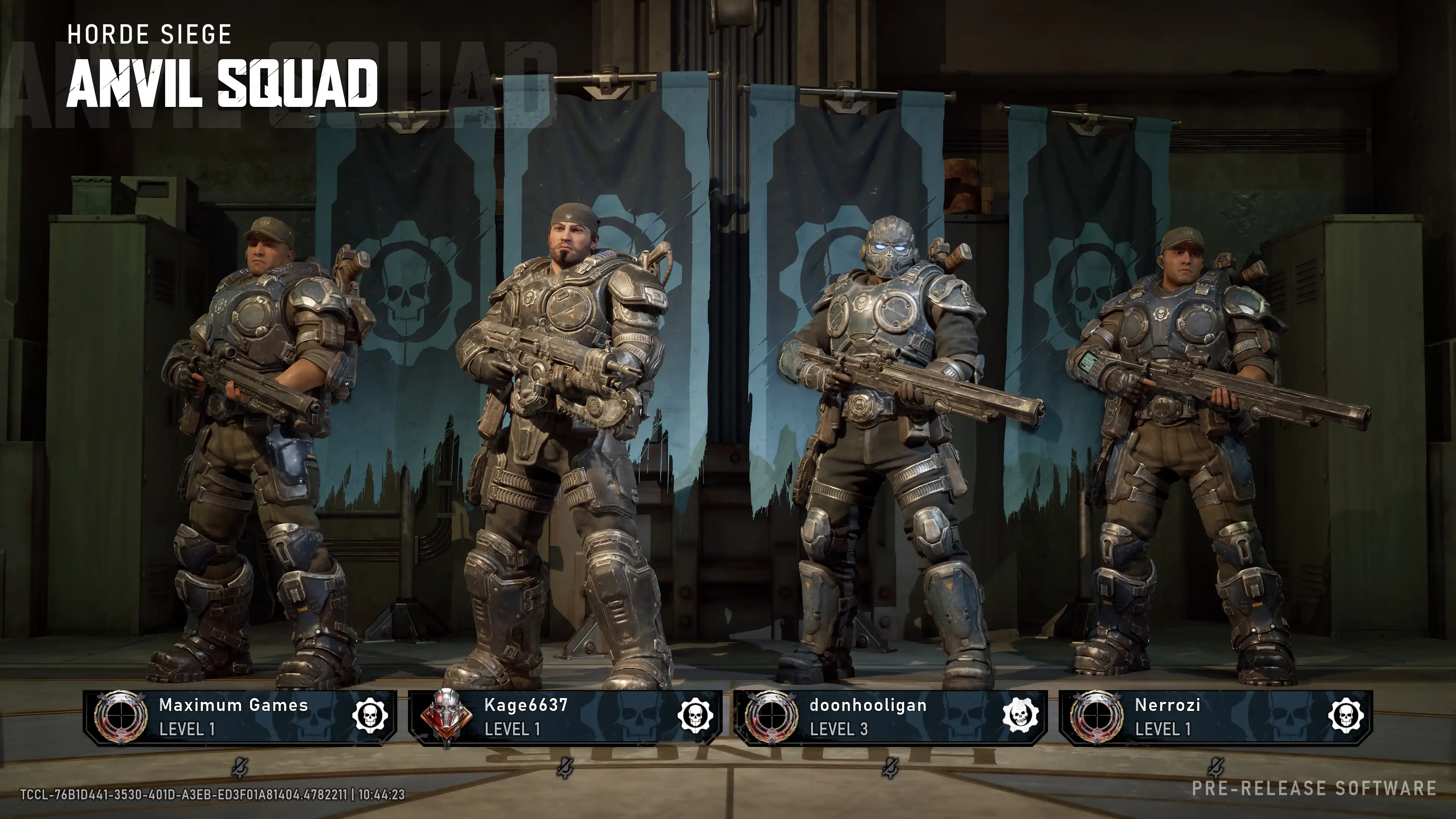
The multiplayer’s narrative and thematic context are closely tied to the first days of the disaster in Lima. Players take control of young Marcus Fenix and Dominic Santiago, as well as members of the COG’s sixth squad and elite Locust warriors. The developers deliberately abandoned the vibrant color palette of the franchise’s later installments, returning to the dark, claustrophobic style that made the early games famous.
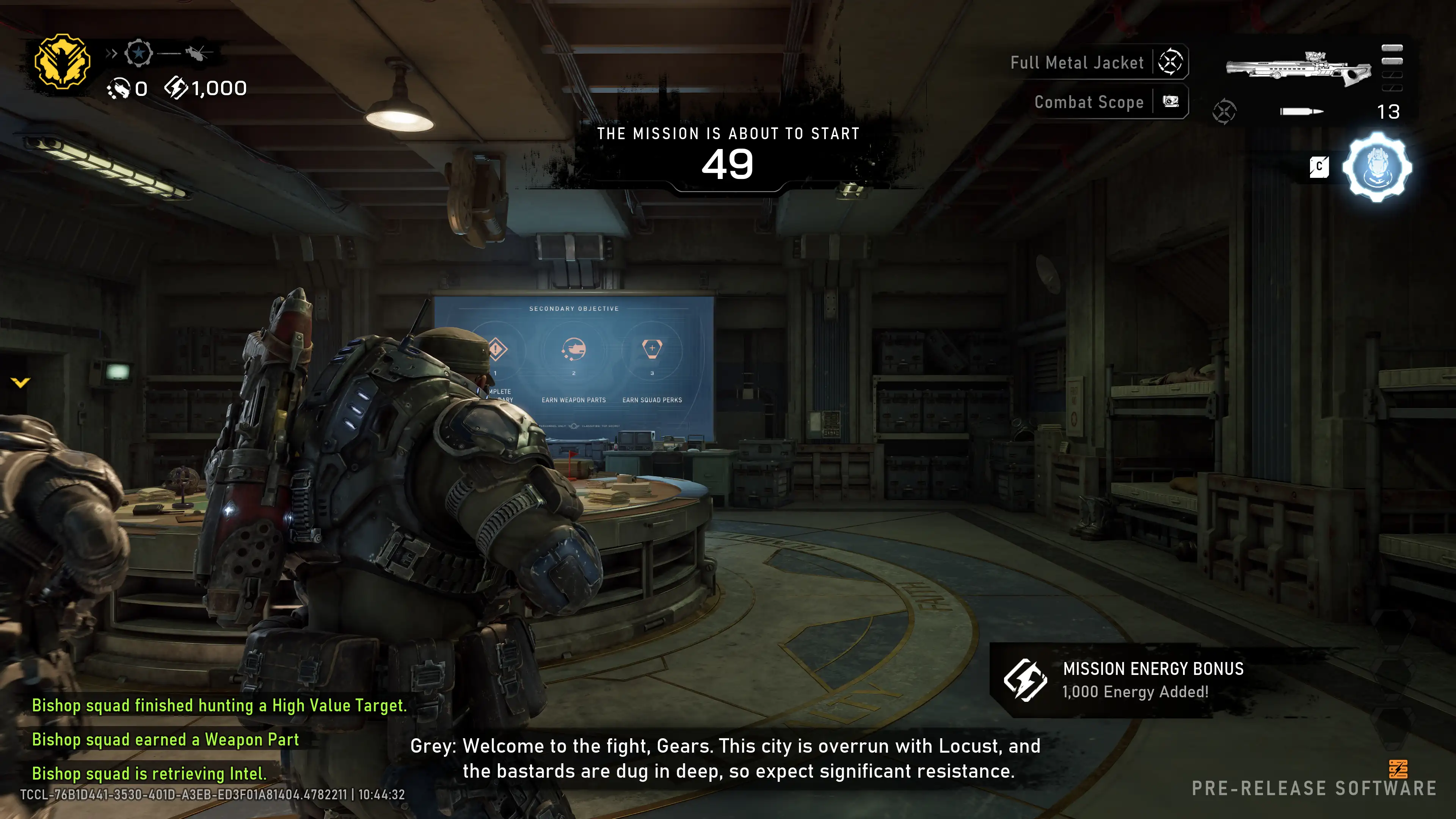
Three multiplayer maps are available to players during open benchmarking: the ruined city streets of Lima, an abandoned industrial factory, and a flooded port area. Game modes include classic Team Deathmatch, holding points in King of the Hill, and the updated Execution mode, which requires brutal close-quarters finishing moves to eliminate the enemy. The development team is actively collecting feedback to finalize the multiplayer balance.
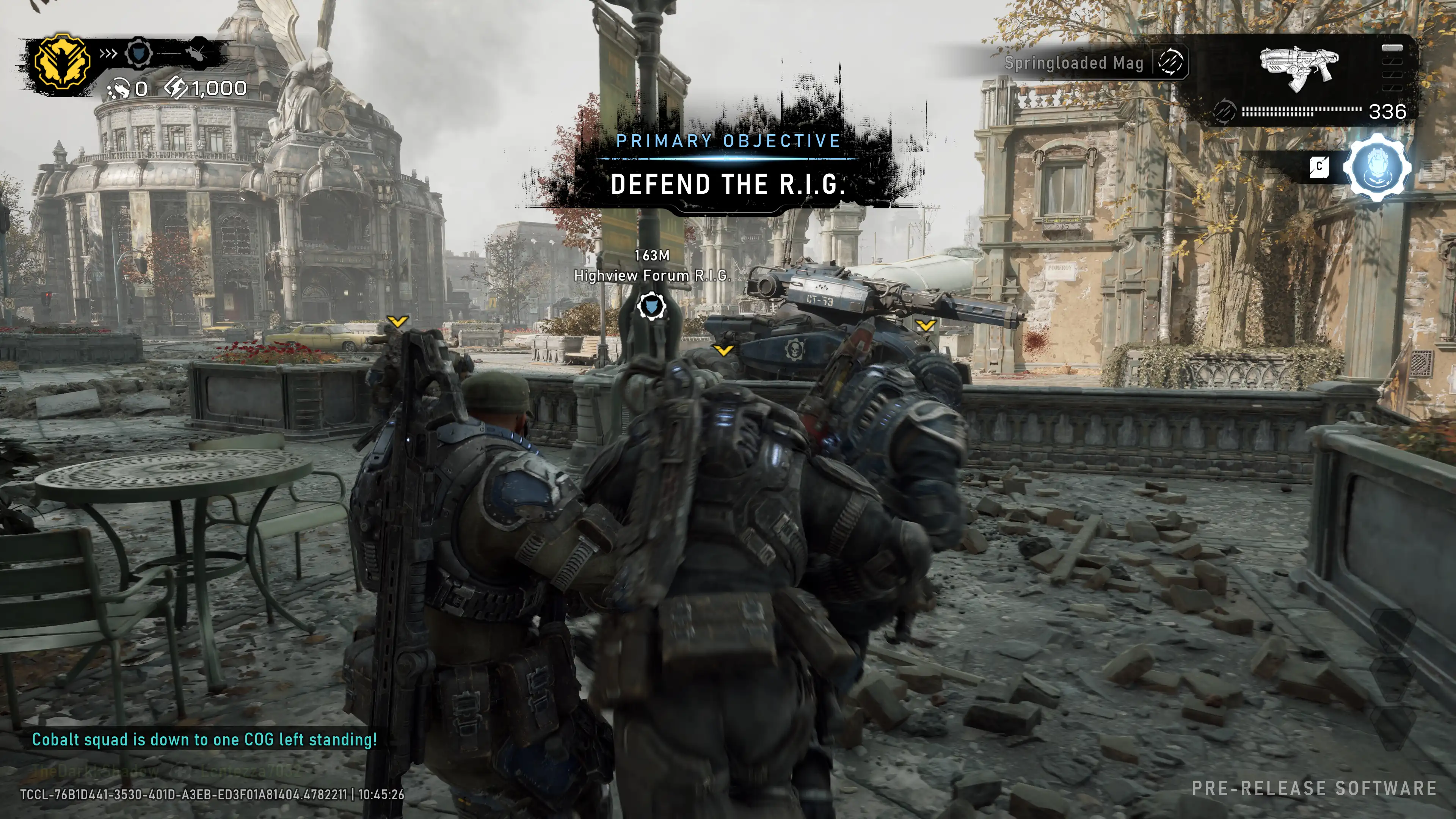
Multiplayer gameplay framework Gears of War E-Day The game is based on improved cover-based shooter mechanics and a tactical tempo. Players once again feel the tangible weight of COG gear and armor. The classic Active Reload mechanic has returned, where a well-timed shot not only speeds up magazine changes but also provides a temporary damage boost for the next burst.
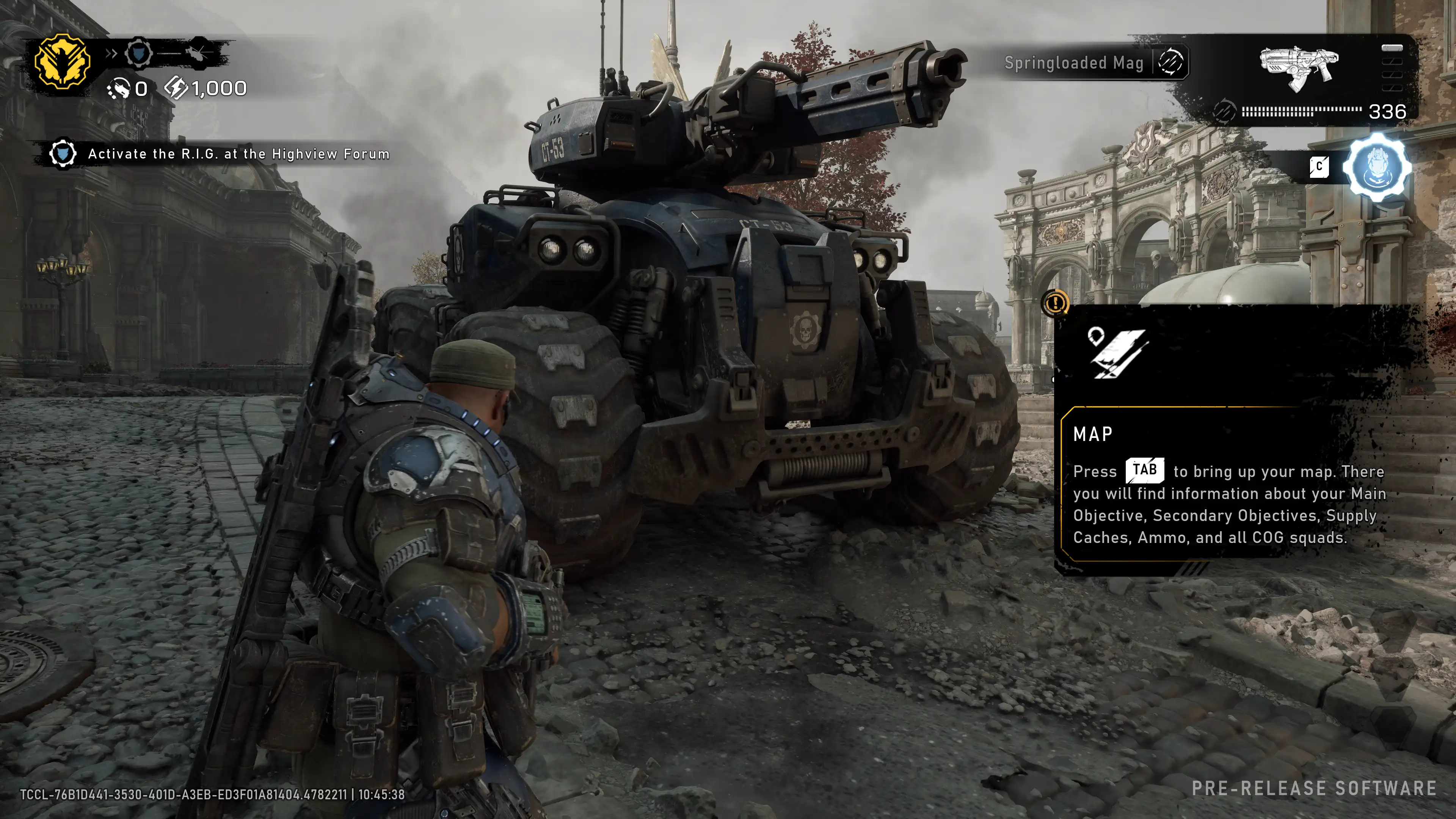
The combat system focuses on close- and medium-range combat. The legendary Lancer assault rifle, complete with chainsaw, remains the primary tool for controlling space, while the Gnasher shotgun is the primary weapon for aggressive close-quarters combat and maneuvering duels. The developers have reworked the wall-bouncing system: movements are now smoother, but now feature a rigid inertia animation, eliminating unnatural jerks and making firefights more readable.
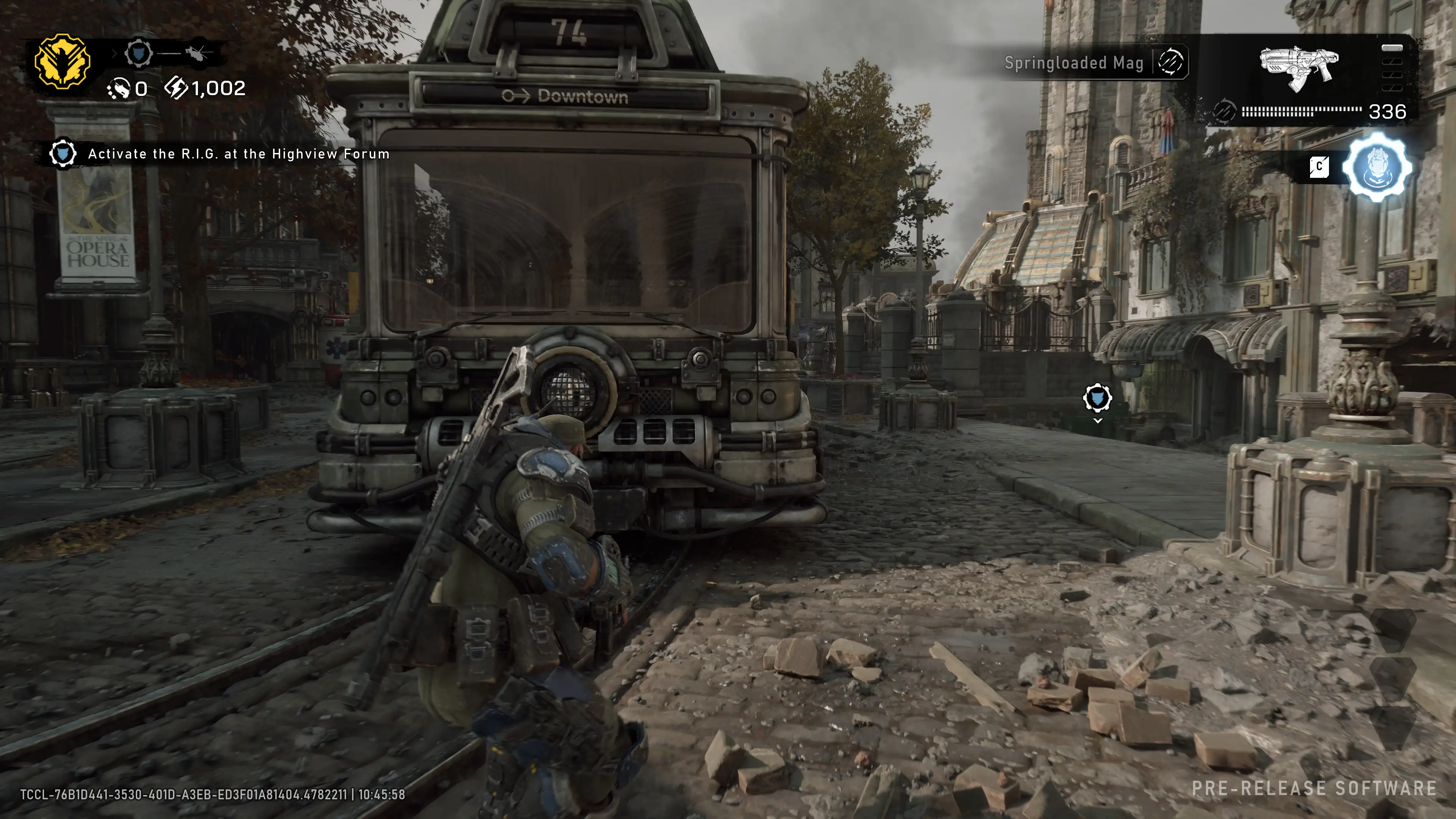
Customization and progression in the beta version offer independent character and weapon upgrades. By fulfilling match objectives, players unlock new fighter skins, brutal execution animations, and arsenal skins. The entire progression system is free of random drop containers and is based solely on direct user activity.
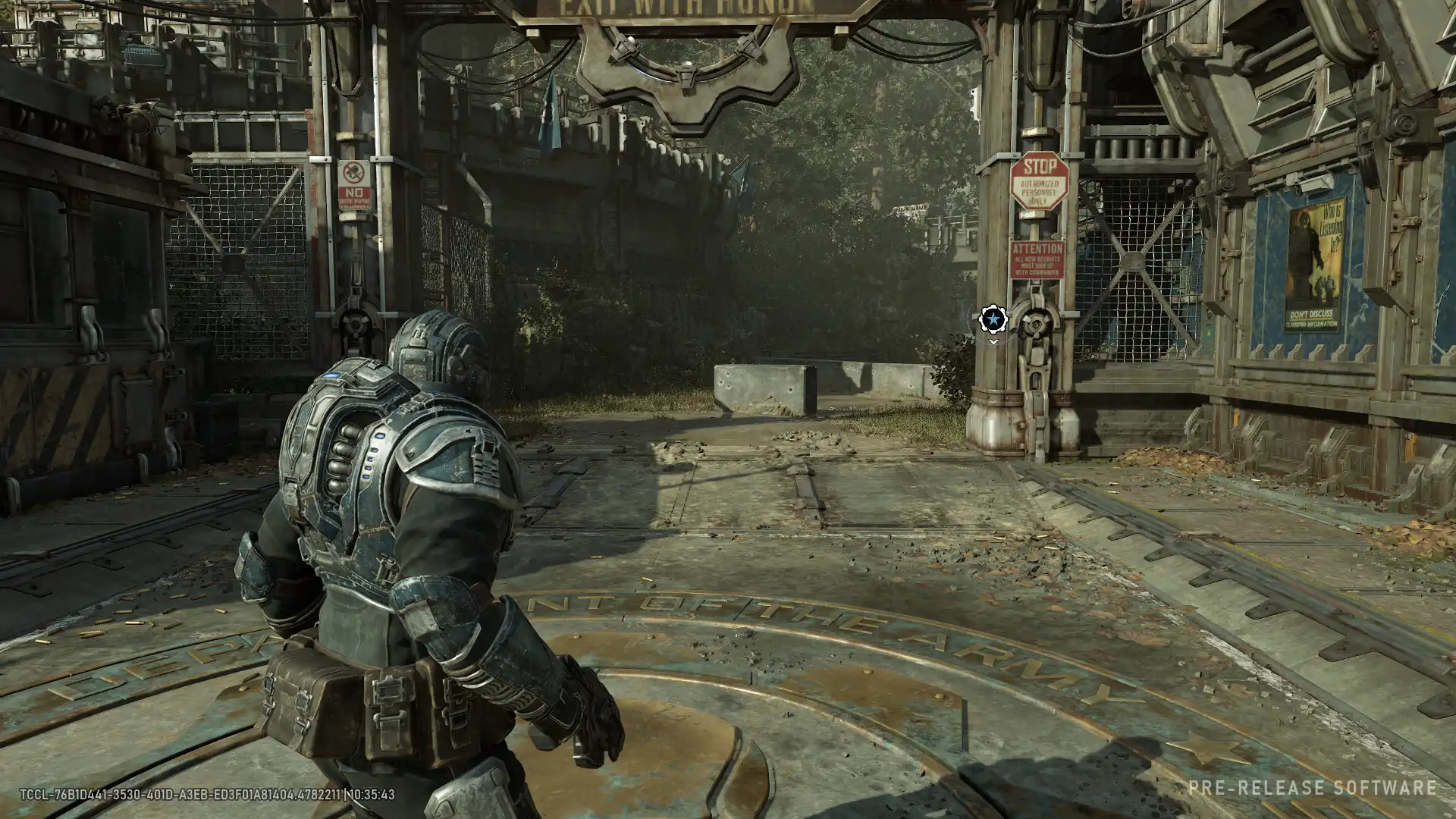
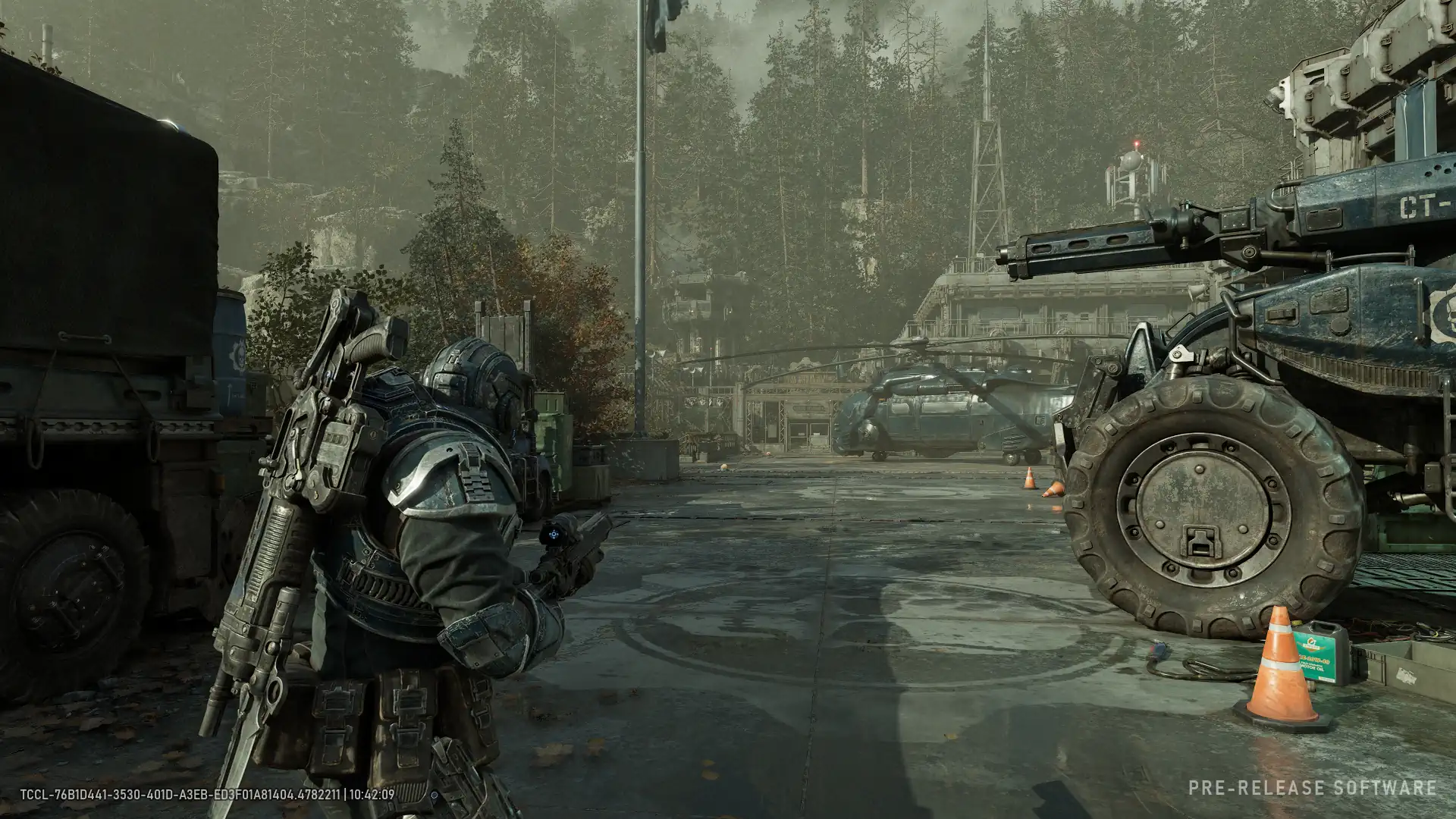
Visual design of multiplayer Gears of War E-Day Demonstrates a remarkable level of detail, conveying the horror and chaos of the first days of the war. The surrounding world literally disintegrates: crushed brick walls, burning carcasses, and twisted metal structures create a dense atmosphere of destruction. The use of physically based rendering (PBR) allows for the realistic rendering of armor, wet concrete, and thick blood.
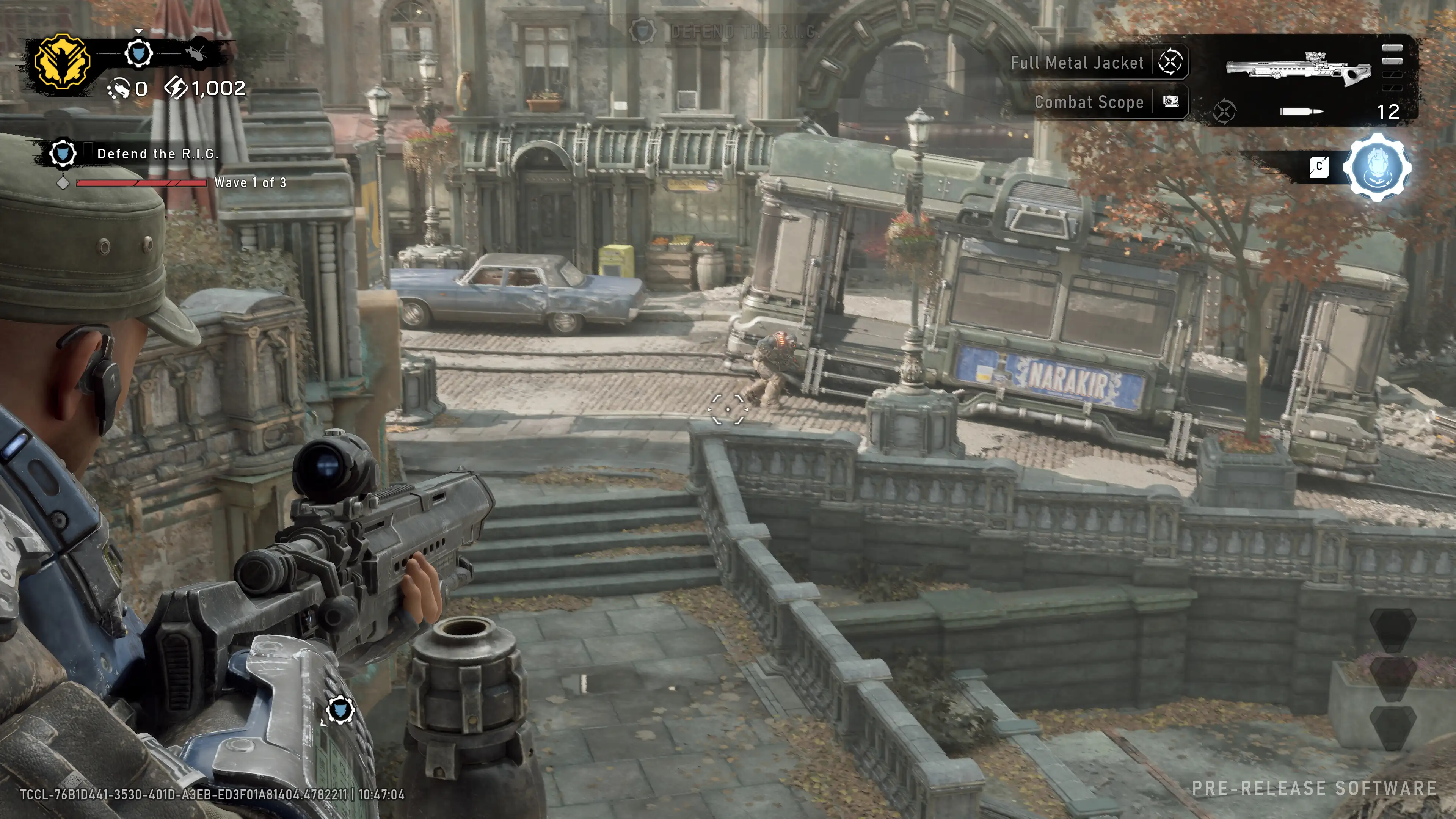
The Locust fighter and warrior models have been meticulously detailed and animated. Marcus and Dom’s armor displays fresh scratches, dirt, and soot. Horde enemy models feature grotesque geometry, and their skin and scales react realistically to light sources. A real-time dismemberment and damage system makes high-caliber weapon hits and chainsaw attacks incredibly physical.
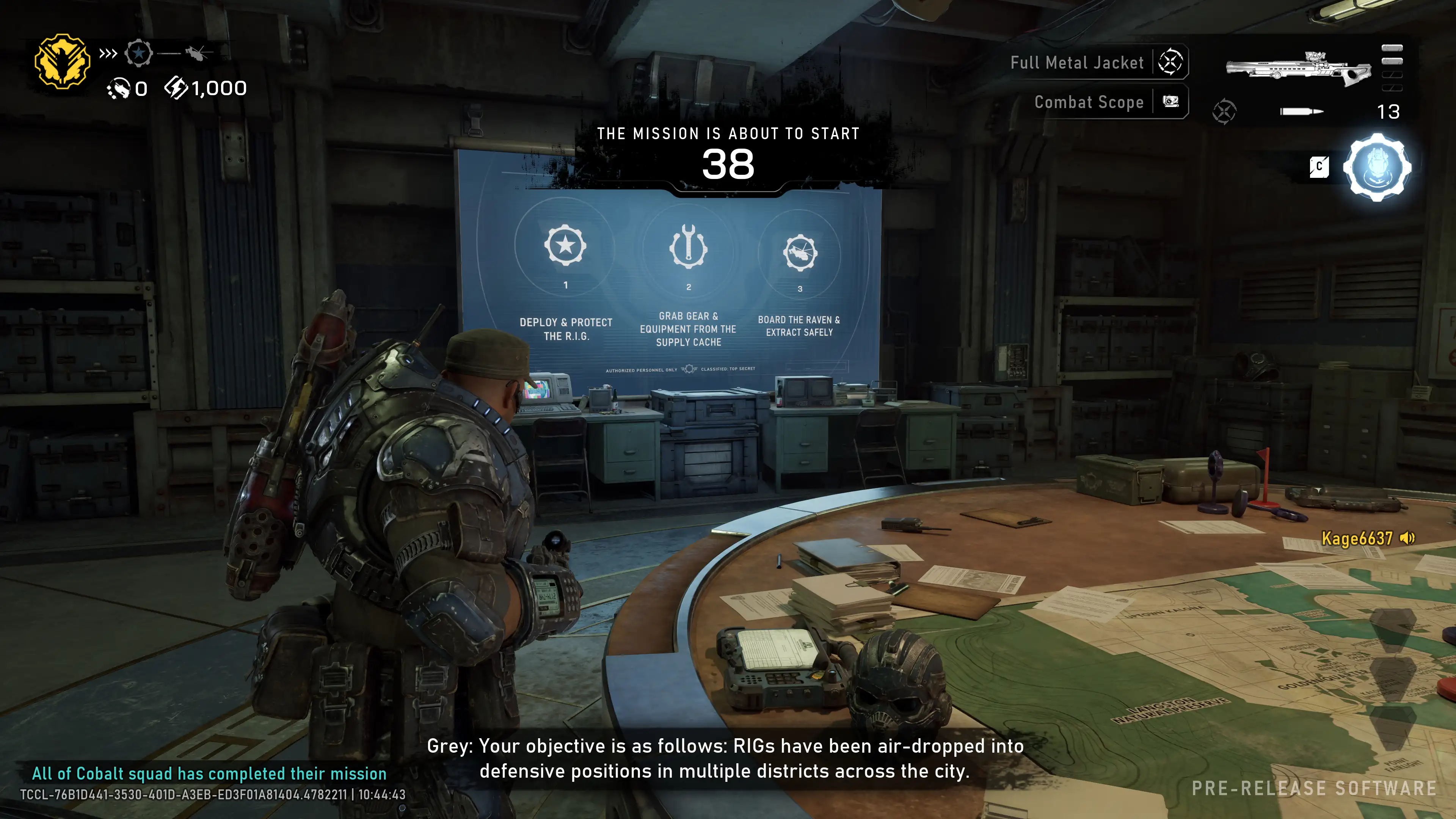
The lighting accentuates the dark visual aesthetic. Thick smoke screens from fires, muzzle flashes, and chainsaw sparks act as dynamic light sources. Night maps and half-flooded locations are filled with dense fog and volumetric shadows, forcing players to carefully observe enemy silhouettes.
Technological base Gears of War E-Day the graphics engine appears Unreal Engine 5Nanite virtualized geometry technology is used to render high-polygon objects in destroyed cities. It allows for rendering millions of polygons per frame, delivering incredible clarity for building debris, brickwork, and street debris without any geometry loading.
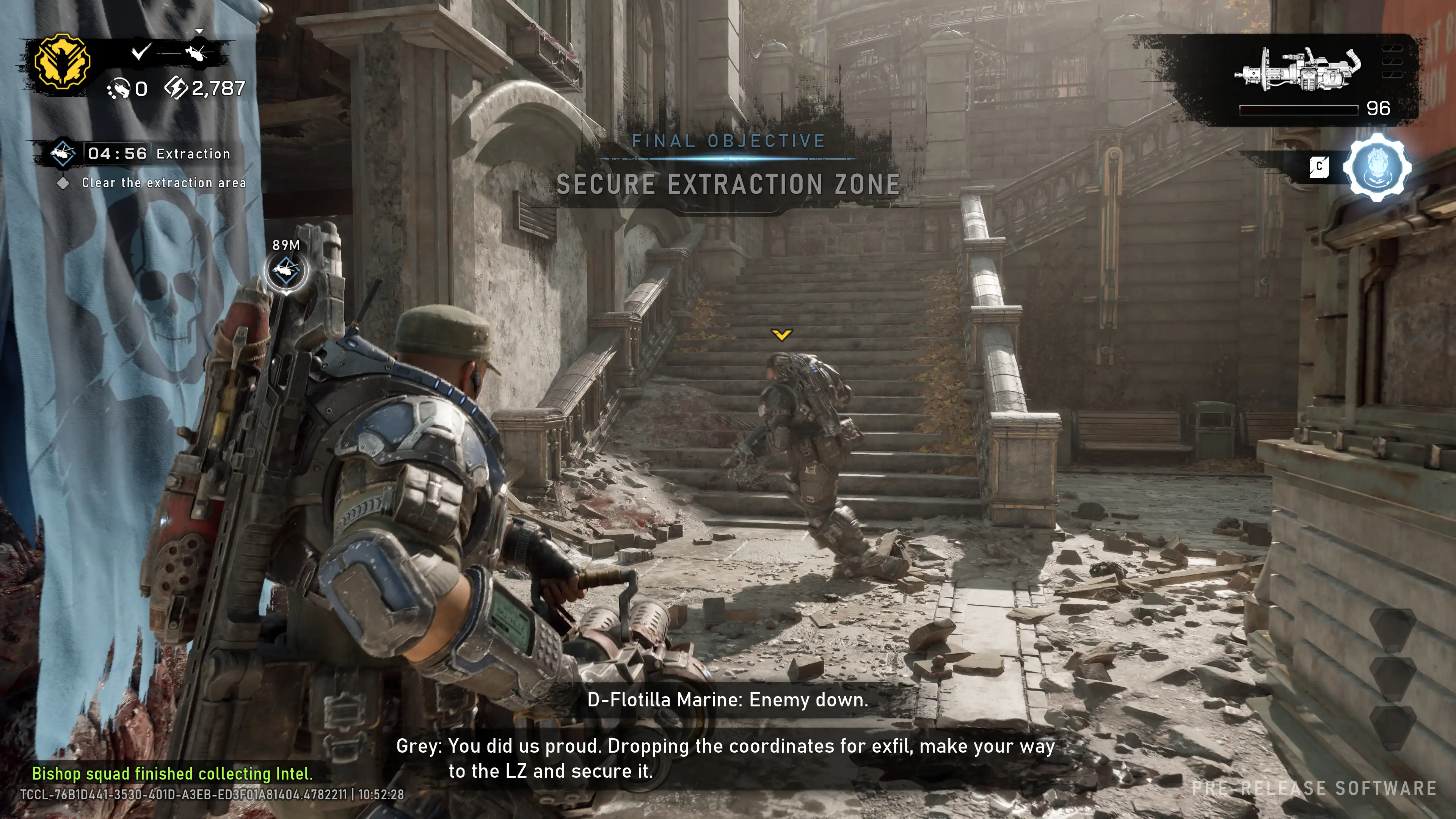
The built-in Lumen module calculates lighting and reflections in real time. Light from gunshots, grenade explosions, and fire dynamically illuminates cover and corridor walls, casting soft shadows on soldiers. The Chaos physics module ensures the partial destructibility of cover: concrete blocks and wooden barriers crumble under intense fire, gradually robbing players of their safe positions.
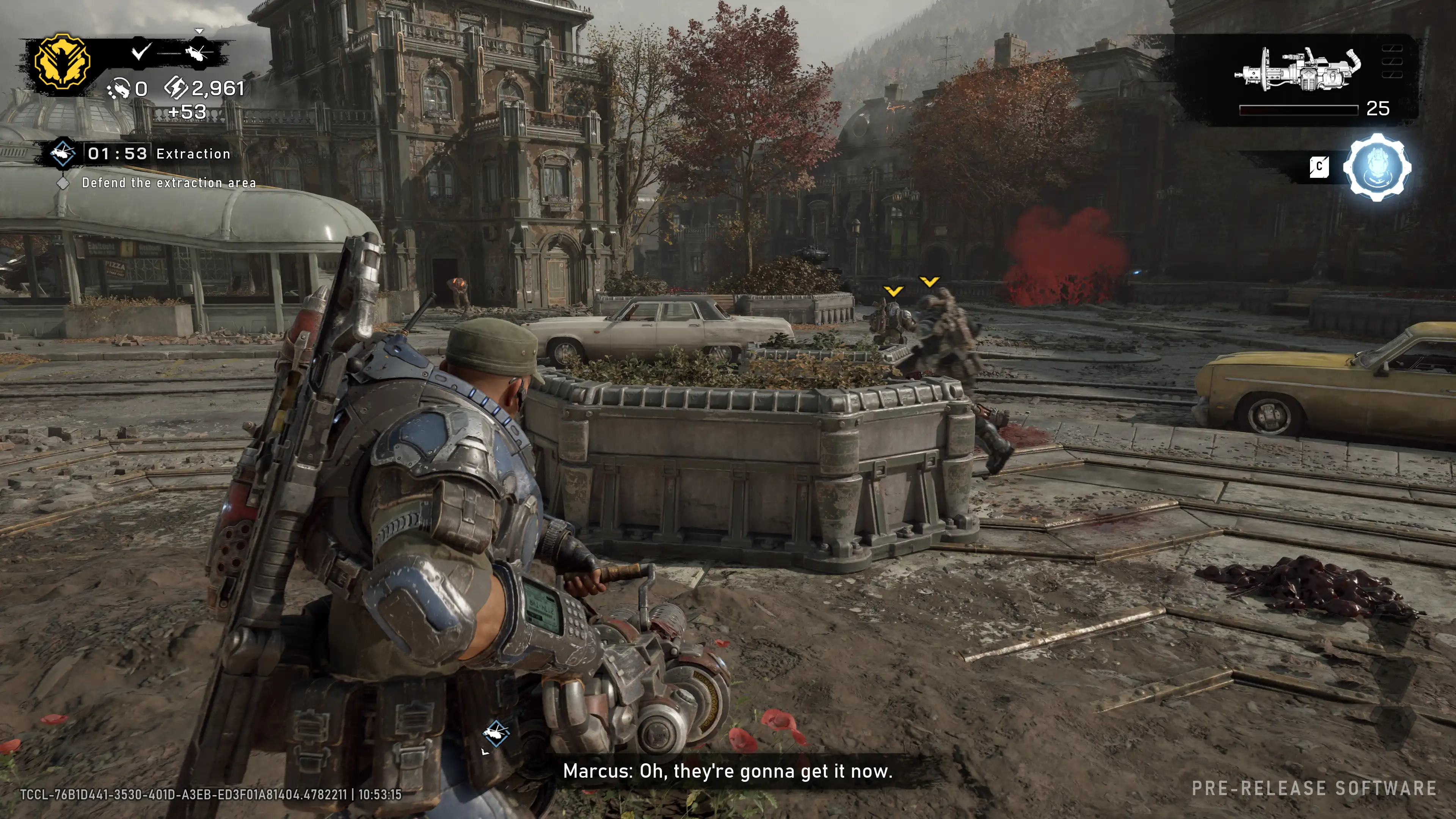
The engine architecture is optimized for online matches with high refresh rates. Streaming asset loading ensures fast round launches and seamless map execution. The audio engine with precise 3D positioning allows you to identify enemy positions based on footsteps, the sound of reloading, and the hum of a chainsaw behind a wall.
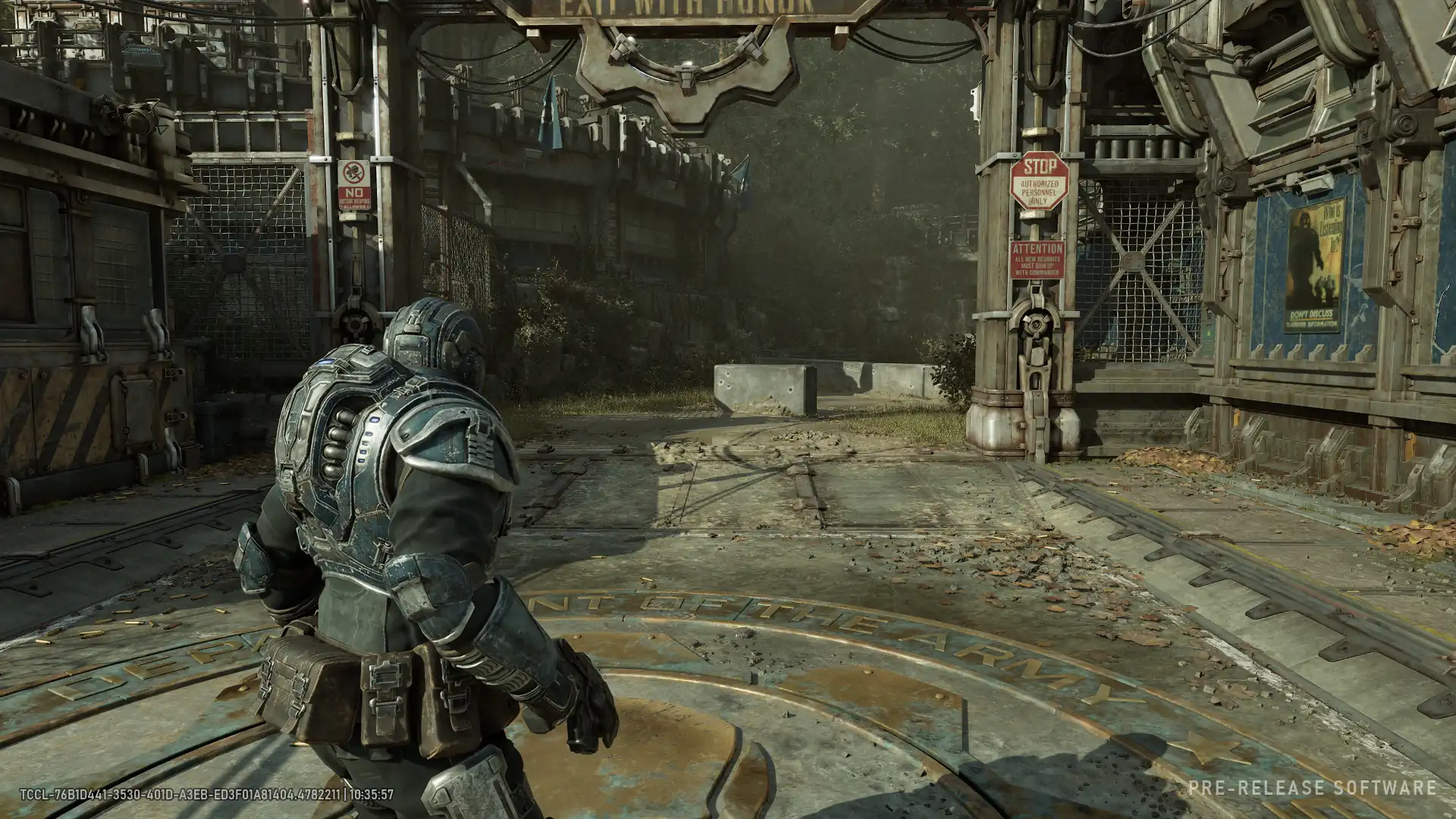
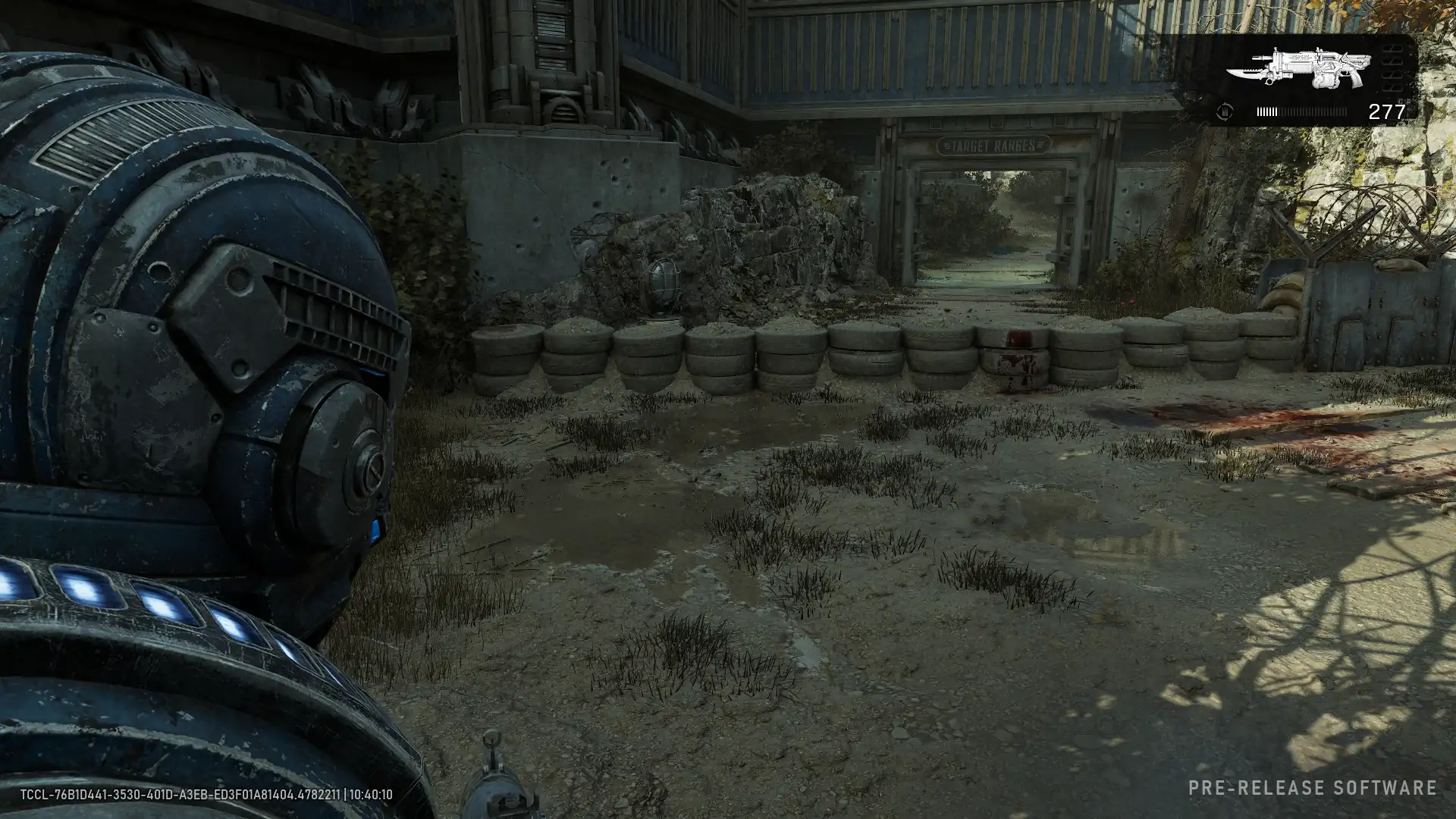
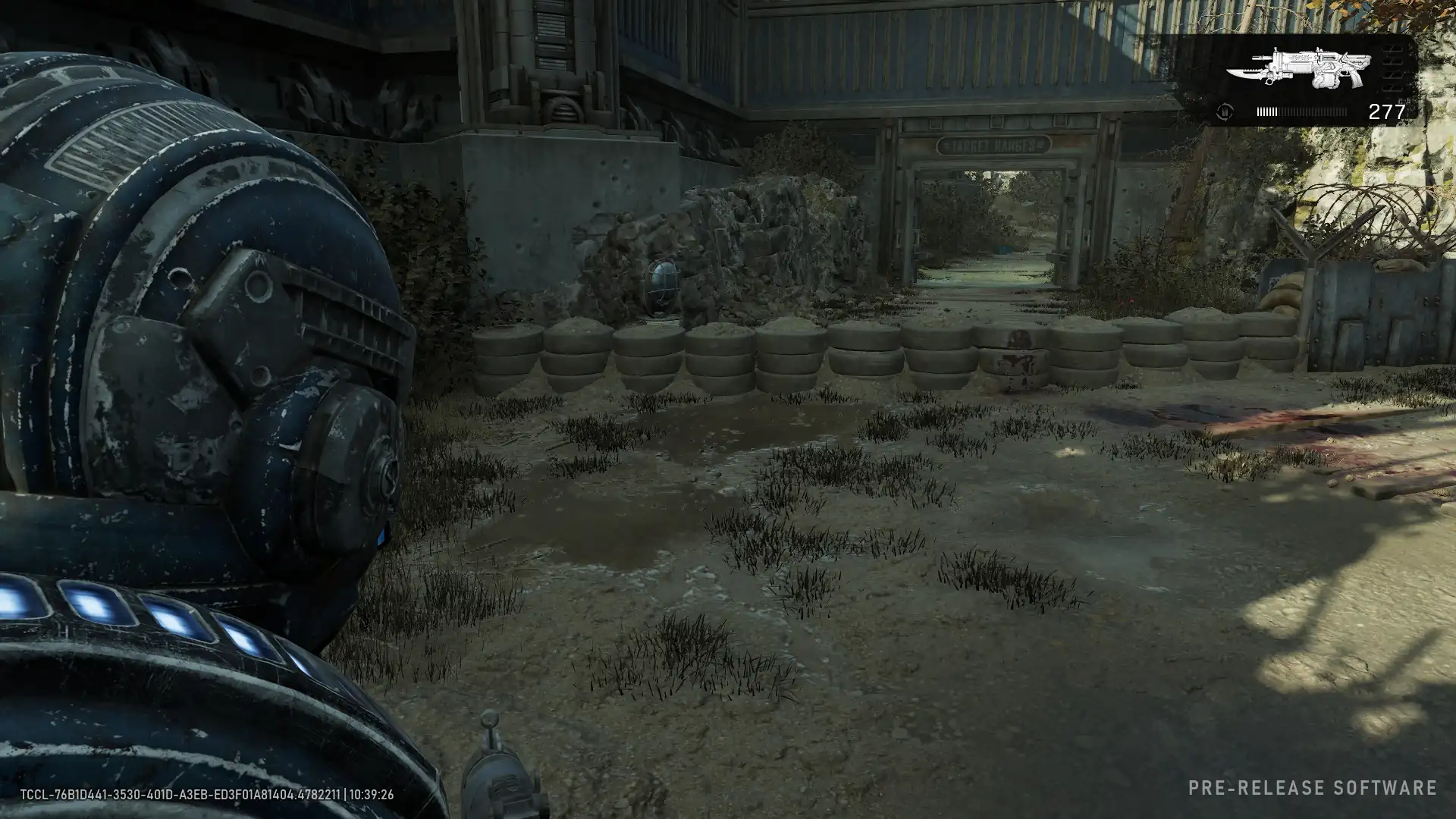
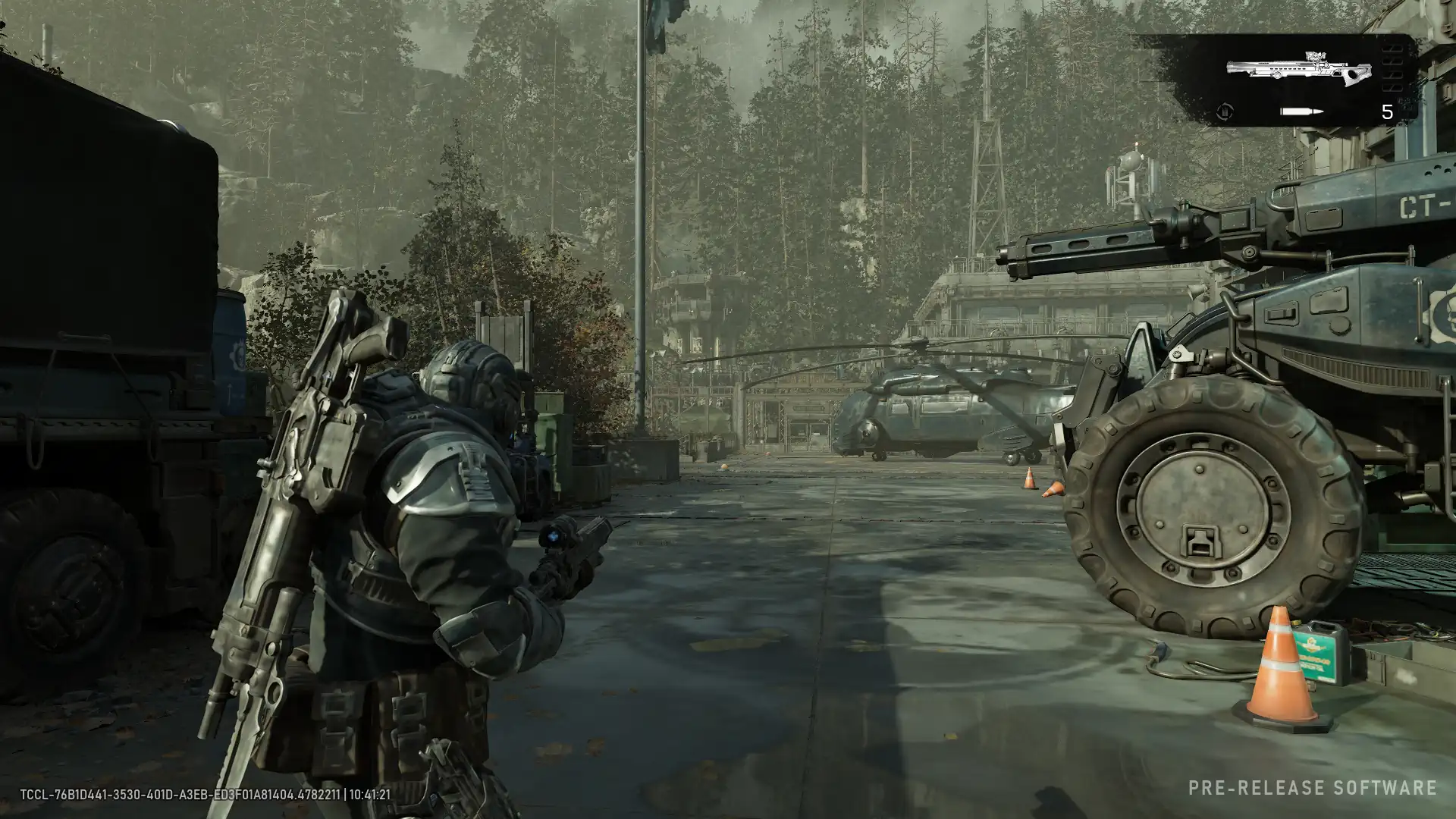
Minimum quality
At minimum graphics settings, the engine significantly reduces image quality to maintain a stable frame rate. The resolution of environmental textures is reduced, making surfaces appear less crisp, and lighting and shadows become simpler. The draw distance is severely limited, so elements of destroyed architecture and landscapes may appear to be loaded directly in front of the camera. Special effects are kept to a minimum.
Maximum quality
Switching to maximum settings transforms the visuals and makes them more accurate. Proper shadows and complex lighting appear, interacting correctly with armor and weapon materials. The draw distance is maximized, so large landscape elements on the horizon are immediately visible without sudden loading. Particle effects, explosions, and volumetric smoke are rendered in high resolution without limitations.
Below you’ll find a hardware table kindly provided by our sponsors: GIGABYTE , ASUS , Kingston , and DeepCool . It lists the motherboards, graphics cards, memory modules, and cooling systems used in the benchmarks, as well as the current operating system and driver configurations.
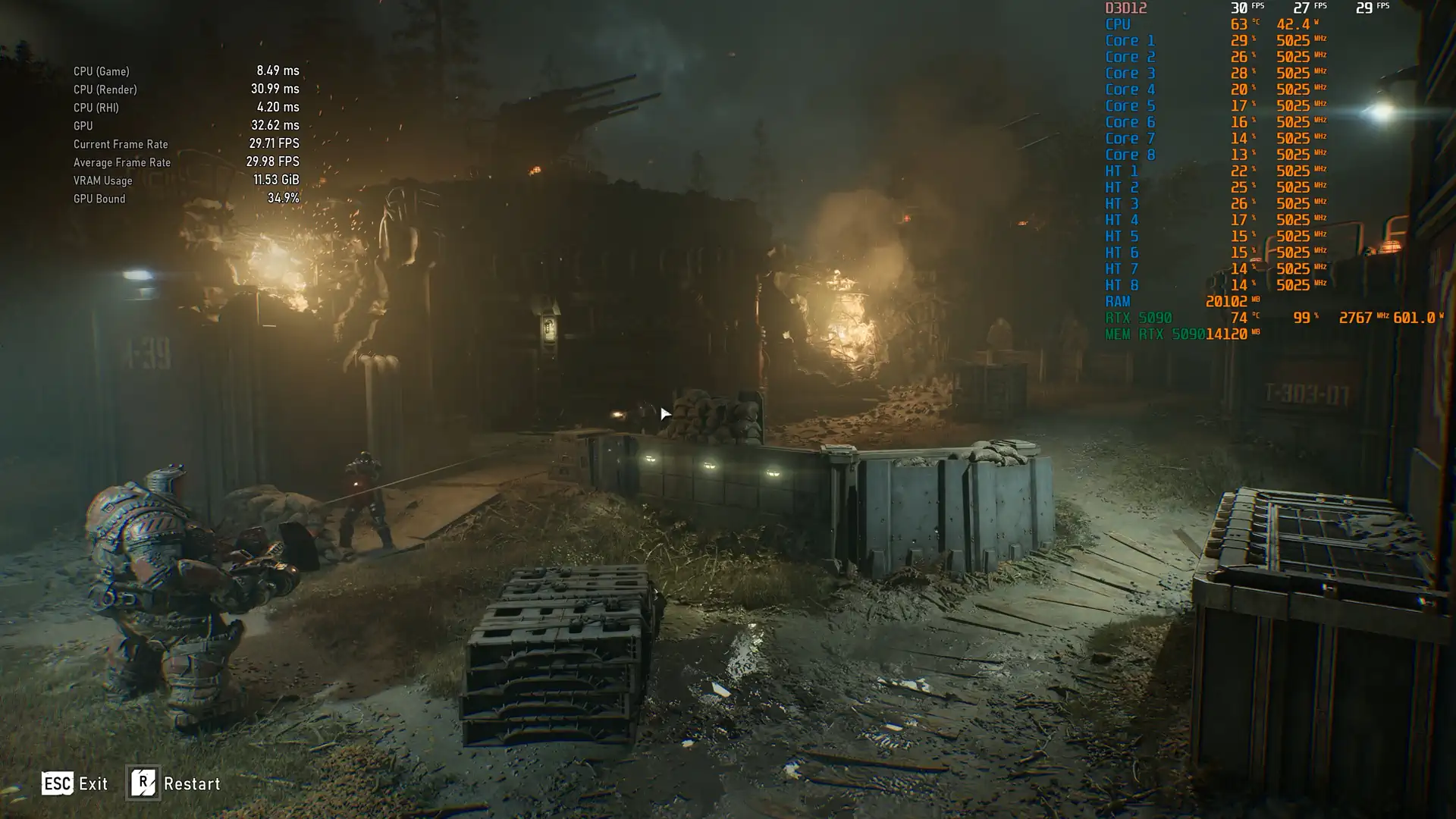
All video cards were benchmarked at maximum graphics quality using MSI Afterburner. The purpose of benchmarks is to determine how video cards from different manufacturers behave under the same conditions. Below is a video of a benchmarked segment from the game:
Our video cards were benchmarked at separate screen resolutions of 1920×1080, 2560×1440, and 3840×2160 with maximum graphics settings in native mode and with upscalers in Quality mode.
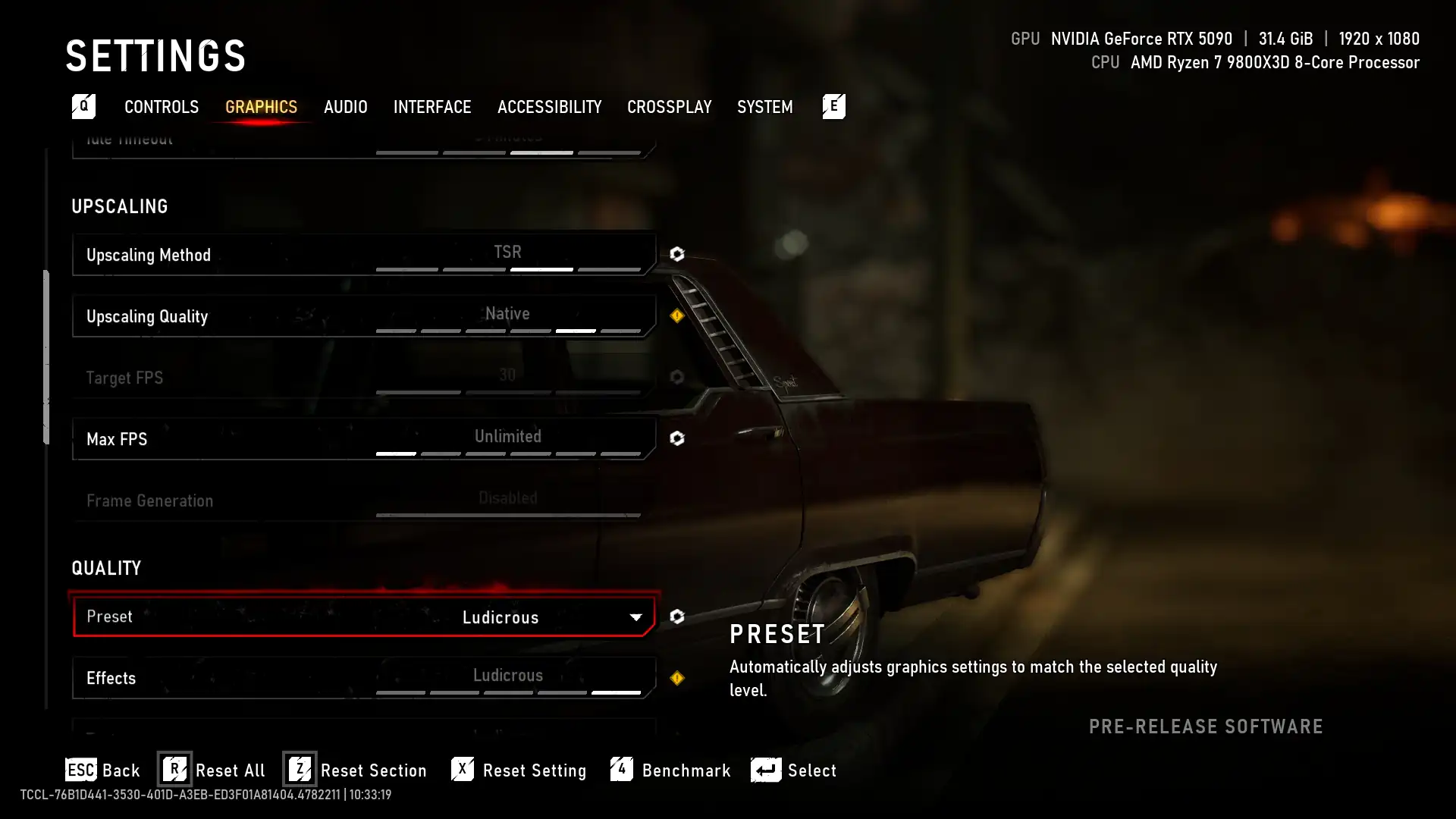
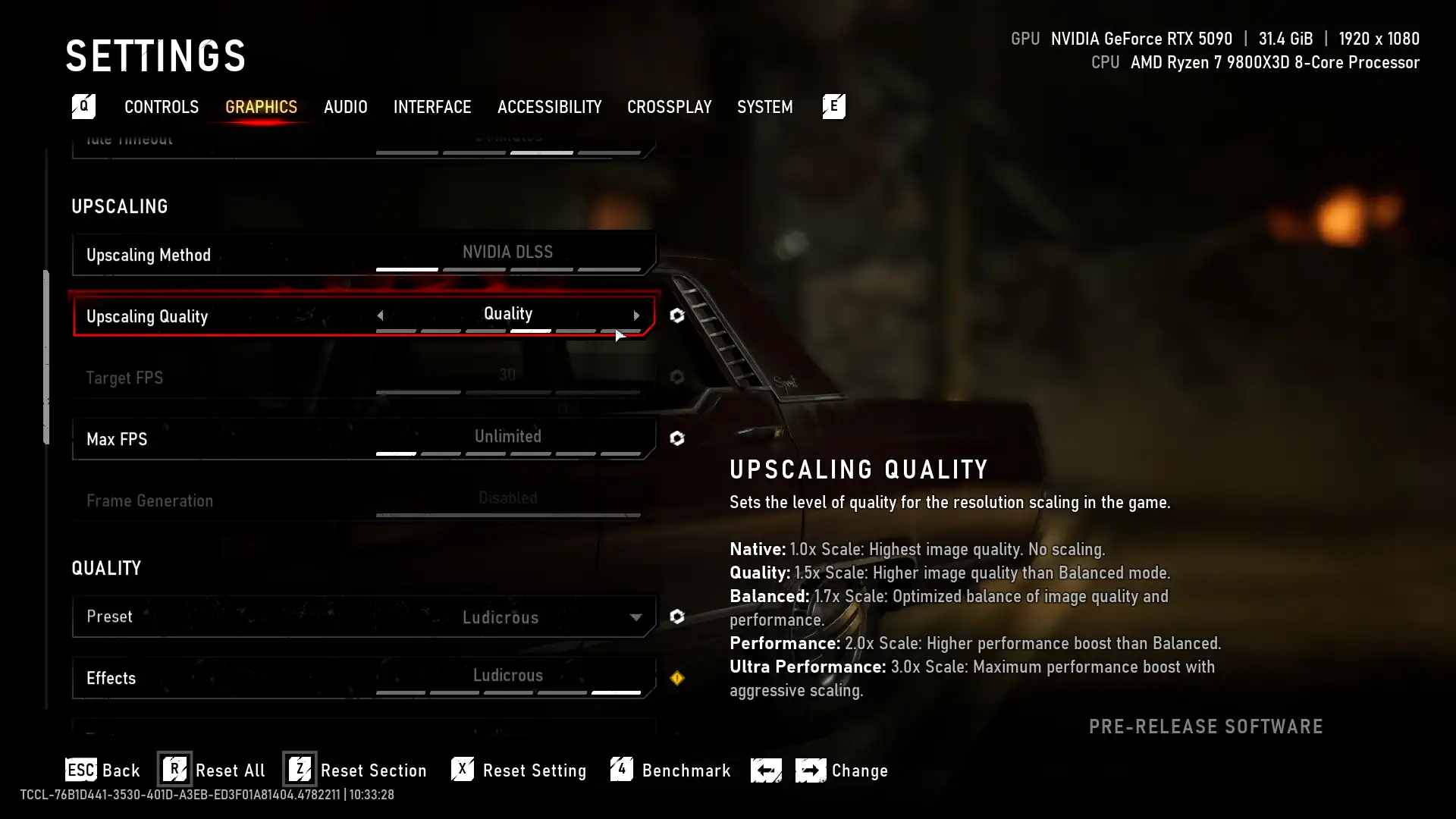
In the video card benchmarks, the resolution 1920×1080 is selected by default, other resolutions are added and removed manually. You can also remove and add any video card positions. You can also select any of our benchmark processors from the list in the drop-down menu, comparing its performance with the given video card benchmarks (the most productive solution is selected by default). The test is carried out on the most productive one in this game CPU and scales to other processors, taking into account their benchmarks on NVIDIA and AMD video cards.
 LudicrousLudicrous + DLSS / FSR Quality
Min/Avg FPS / Avg FPS / Avg (%)
020406080100
Native
When resolved 1920×1080:
Average FPS (25 frames): Achieved on video cards of this level Radeon RX 7900 or GeForce RTX 4060 Ti.
Minimum FPS (25 frames): Provided by video cards of the level Radeon RX 9070 or GeForce RTX 4070.
Comfortable average FPS (not less than 60 frames): Possible with video cards of the GeForce RTX 5090 level.
When resolved 2560×1440:
Average FPS (25 fps): Achieved on GeForce RTX 5070 Ti-level graphics cards.
Minimum FPS (25 frames): Provided by video cards of the GeForce RTX 4080 level.
When resolved 3840×2160:
Average FPS (25 fps): Achieved on GeForce RTX 5090-level graphics cards.
Minimum FPS (25 frames): Provided by video cards of the GeForce RTX 5090 level.
DLSS FSR Quality
When resolved 1920×1080:
Average FPS (25 frames): Achieved on video cards of this level Radeon RX 6800 or GeForce RTX 3060.
Minimum FPS (25 frames): Provided by video cards of the level Radeon RX 6800 or GeForce RTX 4060 Ti.
Comfortable average FPS (not less than 60 frames): Possible with video cards of the level Radeon RX 9070 XT or RTX 5070 Ti.
When resolved 2560×1440:
Average FPS (25 frames): Achieved on video cards of this level Radeon RX 6950 XT or GeForce RTX 4060 Ti.
Minimum FPS (25 frames): Provided by video cards of the level Radeon RX 7900 XT or GeForce RTX 5060 Ti.
Comfortable average FPS (not less than 60 frames): Possible with GeForce-level video cards RTX 4090.
When resolved 3840×2160:
Average FPS (25 fps): Achieved on GeForce RTX 5070 Ti-level graphics cards.
Minimum FPS (25 frames): Provided by video cards of the GeForce RTX 4080 level.
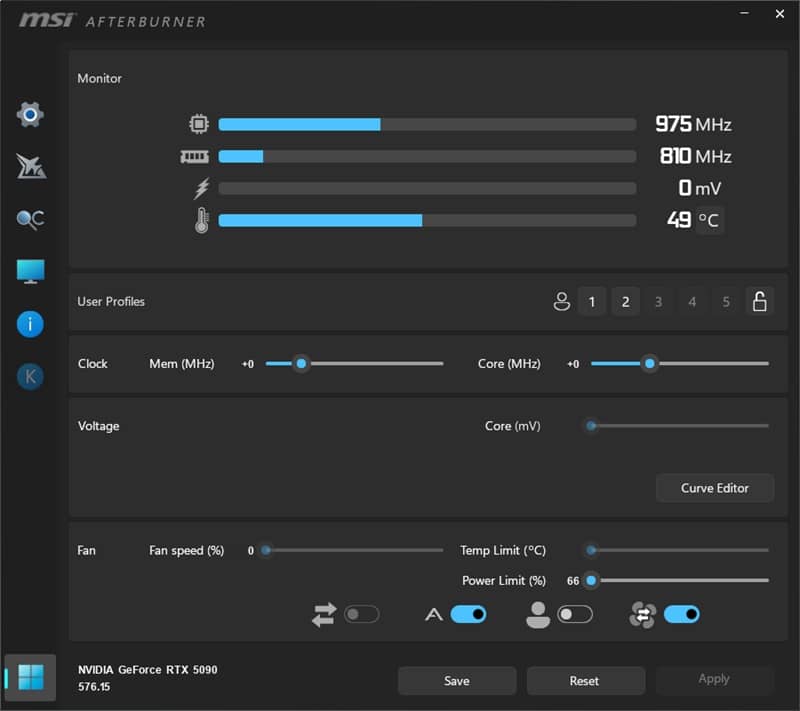
Testing of the video memory consumed by the game was carried out by the MSI Afterburner program. The results on video cards from AMD and NVIDIA at separate screen resolutions of 1920×1080, 2560×1440 and 3840×2160 with different anti-aliasing settings were taken as an indicator. By default, the most current solutions are displayed in the graph. Other video cards are added and removed from the graph at the reader’s request.
020406080100
Resolution 1920×1080:
Video cards with 12 GB of video memory: consume 8 GB
Video cards with 16 GB of video memory: consume 8 GB
Video cards with 24 GB of video memory: consume 9 GB
Video cards with 32 GB of video memory: consume 9 GB
Resolution 2560×1440:
Video cards with 12 GB of video memory: consume 10 GB
Video cards with 16 GB of video memory: consume 10 GB
Video cards with 24 GB of video memory: consume 11 GB
Video cards with 32 GB of video memory: consume 10 GB
Resolution 3840×2160:
Video cards with 12 GB of video memory: consume 12 GB
Video cards with 16 GB of video memory: consume 13 GB
Video cards with 24 GB of video memory: consume 13 GB
Video cards with 32 GB of video memory: consume 13 GB
Testing was conducted at a resolution of 1920×1080. You can add or remove any processor entry in the processor benchmarks. You can also select any graphics card to be benchmarked from the drop-down menu and compare its performance with the provided processor benchmark results (the most powerful NVIDIA solution is selected by default). Testing is performed on the most powerful NVIDIA and AMD graphics cards and scales down to lower-end models.
LudicrousLudicrous + DLSS / FSR Quality
Min/Avg FPS / Avg FPS / Avg (%)
020406080100
When using NVIDIA video cards:
Processors for acceptable FPS (not lower than 25 frames per second):
AMD Ryzen 3 5100
Intel Core i3-10100
Processors for comfortable FPS (at least 60 frames per second):
AMD Ryzen 5 5600
Intel Core i3-12100
When using AMD video cards:
Processors for acceptable FPS (not lower than 25 frames per second):
AMD Ryzen 3 5100
Intel Core i3-10100
020406080100
Loading and using streams:
Maximum Load: The game can load up to 16 threads.
Optimal Loading: Maximally utilizes up to 12 threads.
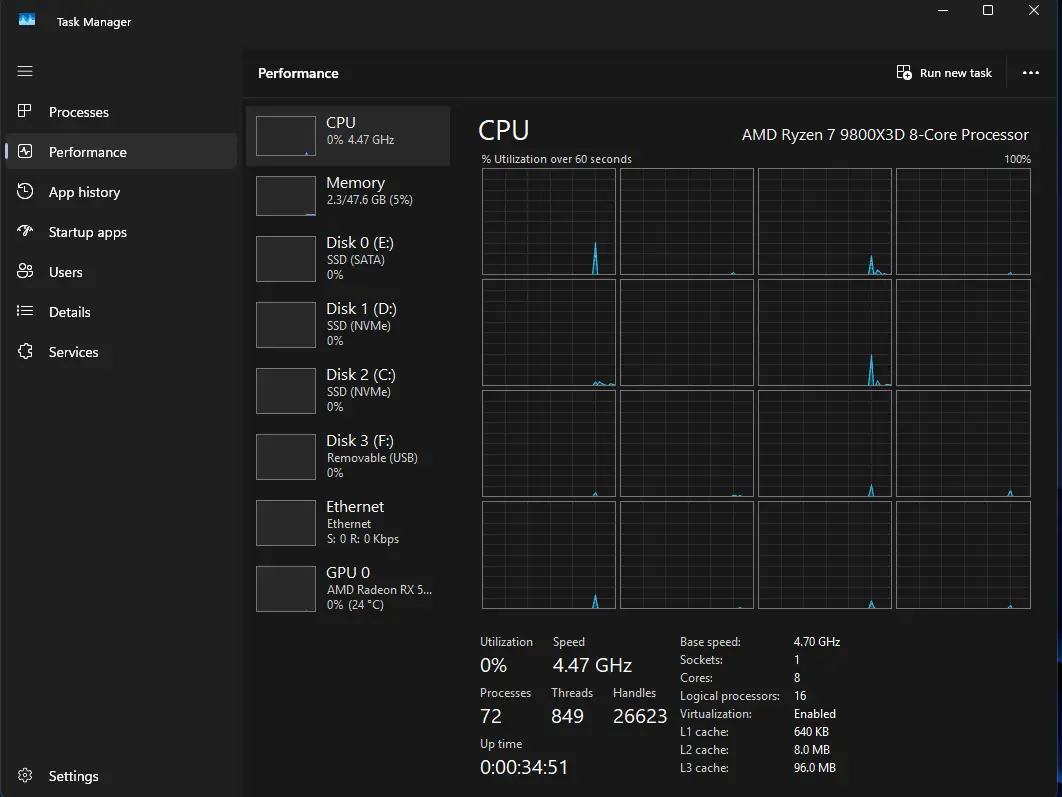
The indicator was taken as all used RAM. The RAM test on the all system was conducted on various video cards without launching third-party applications (browsers, etc.). In the graphics, you can add and remove any resolutions and video cards as desired.
020406080100
Resolution 1920×1080:
Video cards with 12 GB of video memory: consume 23 GB of RAM
Video cards with 16 GB of video memory: consume 18 GB of RAM
Video cards with 24 GB of video memory: consume 18 GB of RAM
Video cards with 32 GB of video memory: consume 18 GB of RAM
Resolution 2560×1440:
Video cards with 12 GB of video memory: consume 23 GB of RAM
Video cards with 16 GB of video memory: consume 19 GB of RAM
Video cards with 24 GB of video memory: consume 18 GB of RAM
Video cards with 32 GB of video memory: consume 18 GB of RAM
Resolution 3840×2160:
Video cards with 12 GB of video memory: consume 26 GB of RAM
Video cards with 16 GB of video memory: consume 12 GB of RAM
Video cards with 24 GB of video memory: consume 18 GB of RAM
Video cards with 32 GB of video memory: consume 18 GB of RAM