

Hi everyone,
I'm looking for advice from people who have experience optimizing gaming laptops, especially for Call of Duty: Warzone.
Here are my laptop specs:
- Laptop: Acer Predator Helios 300
- Display: Quad HD (QHD) 165Hz
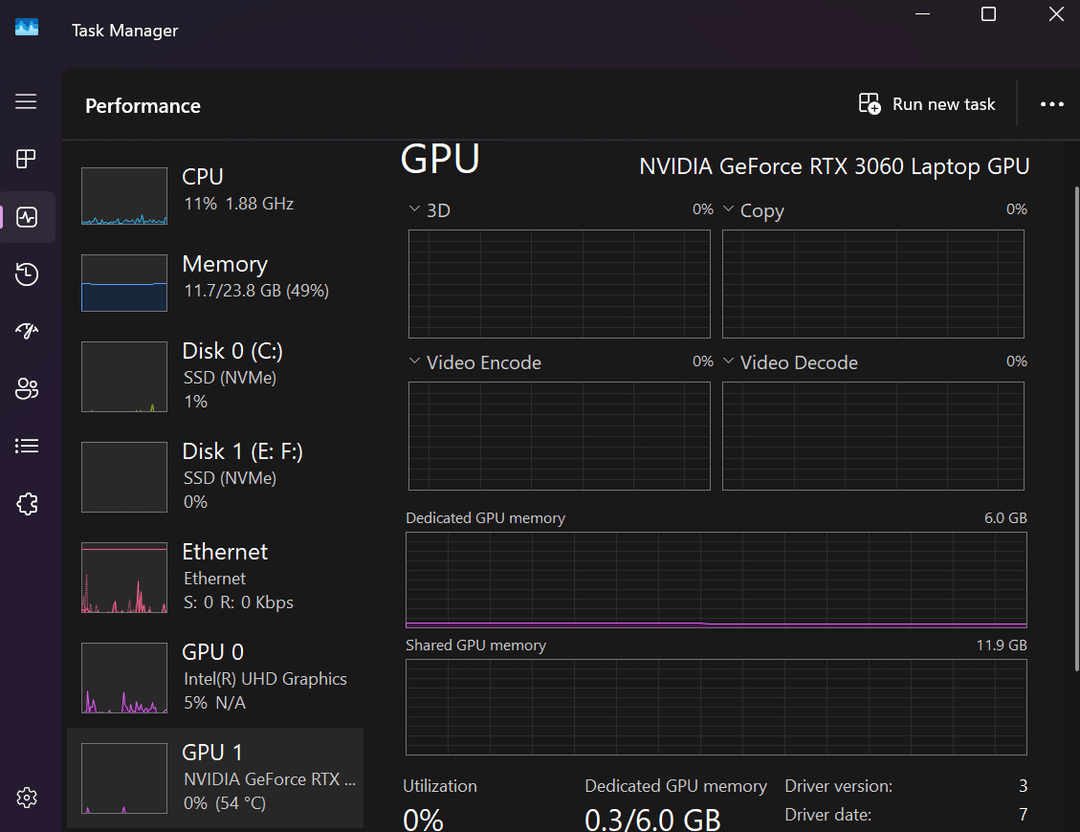
- GPU: NVIDIA GeForce RTX 3060 Laptop GPU
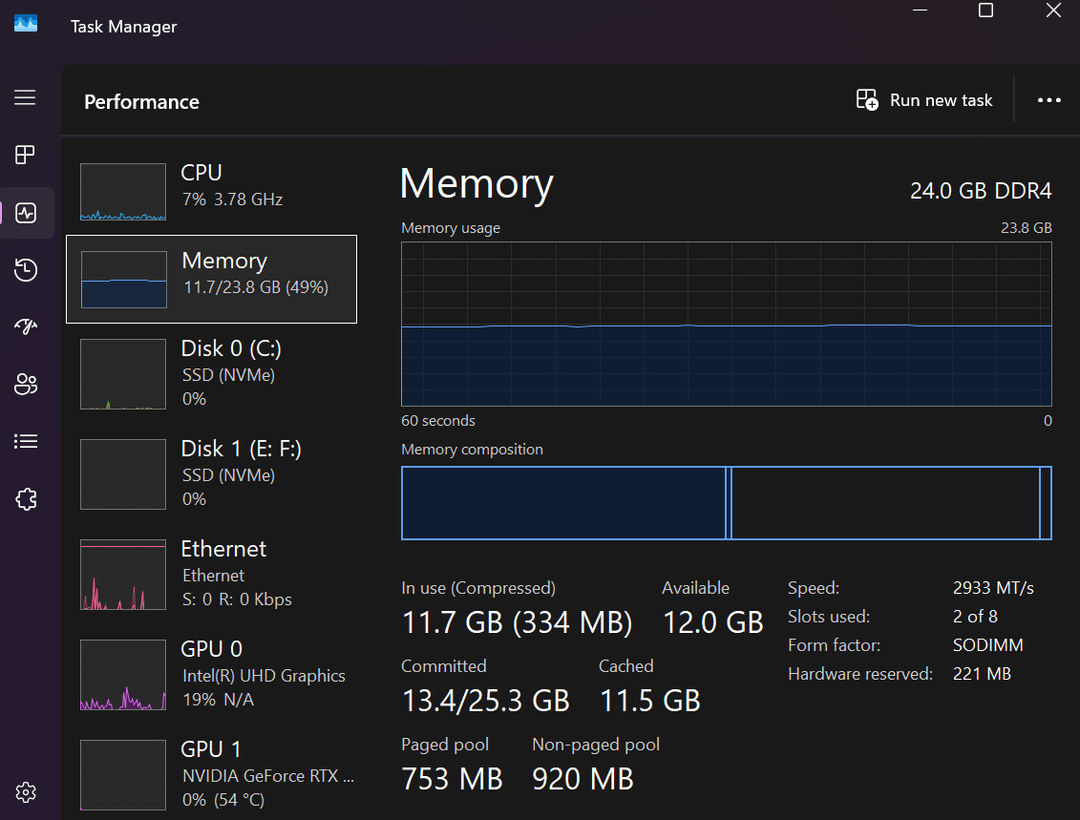
- RAM: Upgraded from 16GB to 24GB DDR4 (16GB in one slot + 8GB in the other)
- Storage: 2TB total
- C: 1TB SSD (Warzone is installed here through Battle.net)
- E: 488GB
- F: 443GB
- Game launcher: Battle.net
I've already done the following:
- Installed the latest NVIDIA Game Ready Driver (version 610.88).
- Installed the NVIDIA App/NVIDIA settings.
- Updated my graphics drivers.
The problem is that in Warzone my FPS is very unstable. It usually stays around 40-70 FPS, sometimes reaching around 60-70 FPS, but it constantly drops and never stays stable.
Since my laptop has a 165Hz QHD display, I'd like to get as much performance as possible. I understand I probably won't get a constant 165 FPS, but I want to know if there's anything I'm missing that could significantly increase my FPS and make it more stable.
What settings or optimizations would you recommend?
- BIOS settings?
- Windows settings?
- NVIDIA Control Panel settings?
- In-game graphics settings?
- Any PredatorSense settings?
- Is my 16GB + 8GB RAM configuration hurting performance compared to using two matching RAM sticks?
- Could installing the game on the C drive still be limiting performance in any way?
I'd really appreciate any tips or suggestions. Thanks!