
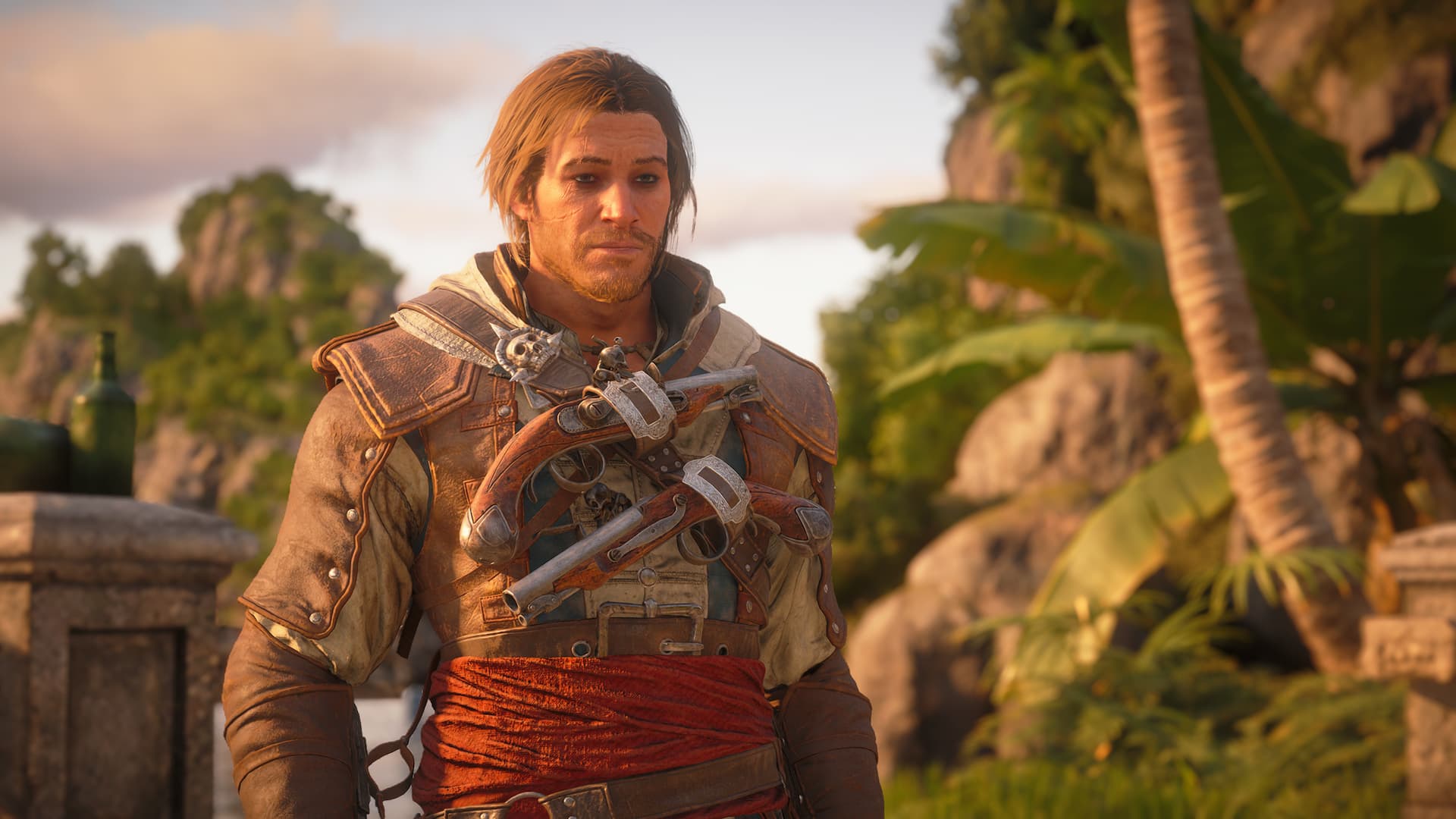
Assassin’s Creed Black Flag Resynced is an open-world game set in the Caribbean, and you get plenty of freedom to sail the seas as a pirate Assassin. Here are a few early-game tips and tricks to keep in mind as you step into the boots of Edward Kenway.

Jump to a Section:
General Tips and Tricks
Upgrades make you stronger, not skill trees or levels. Modern Assassin’s Creed games are much more RPG-like than Black Flag Resynced. In this game, you need to gather resources, money, and materials to upgrade Edward Kenway’s gear and his ship.Upgrade your hideout early. The Great Inagua hideout is unlocked during the This Old Cove quest in Sequence 3. Upgrading the hideout can increase passive income, unlock new Jackdaw ship upgrades, and more.Treasure maps provide longitude and latitude. Look for numbers on the bottom-right corners of treasure maps to find the longitude and latitude of the treasure they mark. Longitude and latitude numbers also appear under your cursor on the world map, which should help you find the treasures.You can adjust your walk speed on mouse and keyboard. Enter the Mouse & Keyboard tab of the Control menu to find the Walking Speed slider.Exploration Tips and Tricks
Hover over named map locations to see what they contain. Put your cursor over a named location on the map screen to see a list of viewpoints, collectibles, treasure, flora, fauna, and more that can be found there. This helps if you’re going for 100%, but also if you need materials for certain crafting recipes.Eagle Vision helps find treasure and important objects. Hold Right Stick on controller or V on keyboard to activate Eagle Vision. Look for soft white and yellow lights through walls – they indicate supplies, treasure, or rare items. Soft green lights indicate key mission items.Secrets and chests make sounds when nearby. Listen for a ‘shimmering’ noise while exploring because chests trigger an audio cue as you approach them. Activate Eagle Vision to help you locate nearby treasure.Viewpoints and other icons show up on the map as you explore. The eagle icons that indicate viewpoints show up on your map as you get near them, which encourages exploration. And synchronizing one viewpoint can lead to finding many others in the surrounding area.Stormy weather is great for stealth. Enemies have a hard time seeing or hearing you during bad weather when you’re on land. Use those opportunities for risky movements and actions that you otherwise wouldn’t be able to pull off on clear days.Combat Tips and Tricks
Turn on the Area Loot option. This option is found in the Motor Preset tab under Accessibility Presets. If you want to speed up looting, Area Loot allows you to loot the surrounding area with the single push of a button/key, instead of having to go from body to body after combat.Certain weapons can chain takedowns. Check the descriptions for swords you obtain to see their takedown count. Whenever you perform a takedown with these swords, you can quickly look at the next nearby enemy to immediately defeat them without breaking their guard.Use your gear when overwhelmed. You don’t need to fight with swords alone. You have access to pistols, a rope dart, and smoke bombs that can all be used quickly with input shortcuts in close combat when necessary.Quick pistol shots destroy heavy enemies. Hold R2/RT and press Triangle/Y on controller to quickly shoot your pistols at heavy enemies without aiming. This is great for defeating larger threats in close-quarters combat.Naval Tips and Tricks
Pay attention to the sails icon. The icon in the bottom-left corner of the screen shows you whether you’re at half sail or full sail. Your crew or Kenway will also say it out loud when you adjust the sails. You’ll want to change to half-sail for tighter turns, especially in naval combat.Naval weapons used are determined by camera placement. Your ship automatically switches its weapons depending on which direction you’re looking with the camera. The weapon you use will always fire in the direction you’re facing.You can sail to marked locations automatically. Activate the pathfinder line while sailing, then hold Y/Triangle on controller or E on keyboard to have your ship sail along the line on its own.Use your spyglass! The spyglass shows you what loot you’ll get from enemy ships, along with their naval strength and vessel type. It can also be used to tag whatever you’re looking at to mark objects on the map.Listen to your crew. When you use the spyglass, Adéwalé or another crewmember often provides info about the vessel or point of interest you’re looking at. They even point out weather patterns and tell you when enemy targets might be too strong for the Jackdaw.Start combat with the mortar. Hold L1/LB on controller or Q on keyboard to aim the mortar from long distance well before you reach your target. The mortar deals good damage at a safe distance, making the eventual close combat easier.