
The Sims 4’s Quality of Life improvements for the Base Game are off to a great start. EA’s promises of putting new scotch tape over a paper mache foundation of a Base Game is met with new player error reports. “Failed to Launch The Sims 4” is an error message that keeps popping out for players who use select Custom Content in The Sims 4, with a dedicated EA support forum thread of over 190 upvotes.
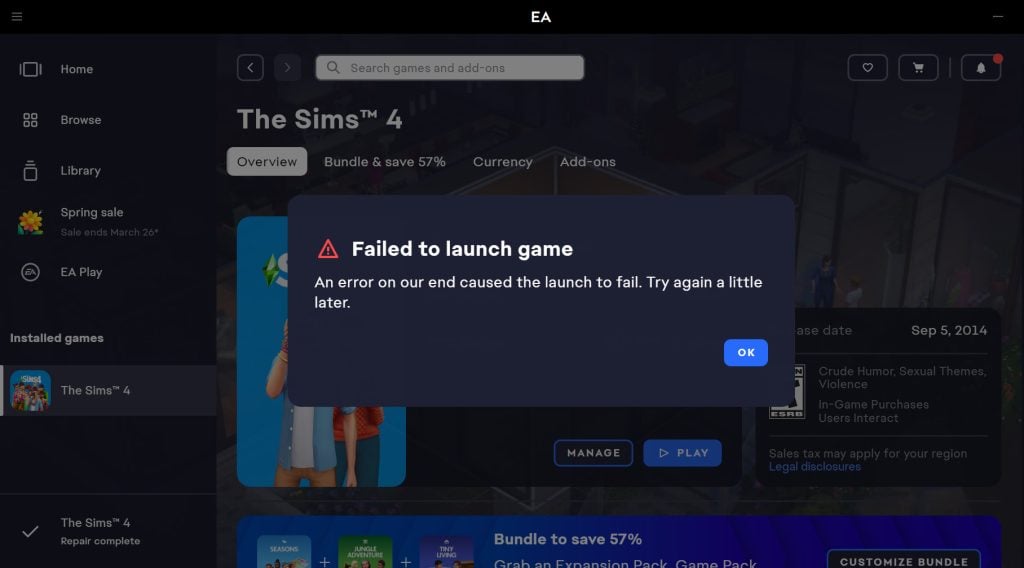
What is the new “Failed to Launch The Sims 4” Error about?
The issue persists for players who both updated with the March 17th and March 18th Updates for The Sims 4 on PC / Mac. Some players report that they expected the issue with broken Sims 4 Custom Content to be fixed in the Hotfix before encountering this issue, while some report they can’t even test out which Mods are causing the issues due to the launch crash. Here are some of the experiences reported by different players:
My game launch once after the update finished (without cc and mods) and isn’t launching at all with mods and cc! It has a error message popping up saying “An error on our end caused the launch to fail. Try again a little later.”
Source: Myrie16
Are you kidding me? Yesterday at least my game was opening, but today it won’t even launch. How is this supposed to be a solution? Am I really the only one experiencing this? It’s honestly impossible not to lose your mind over this. I can barely even force close the game because the screen completely freezes and nothing responds.
Source: itsmeripplee
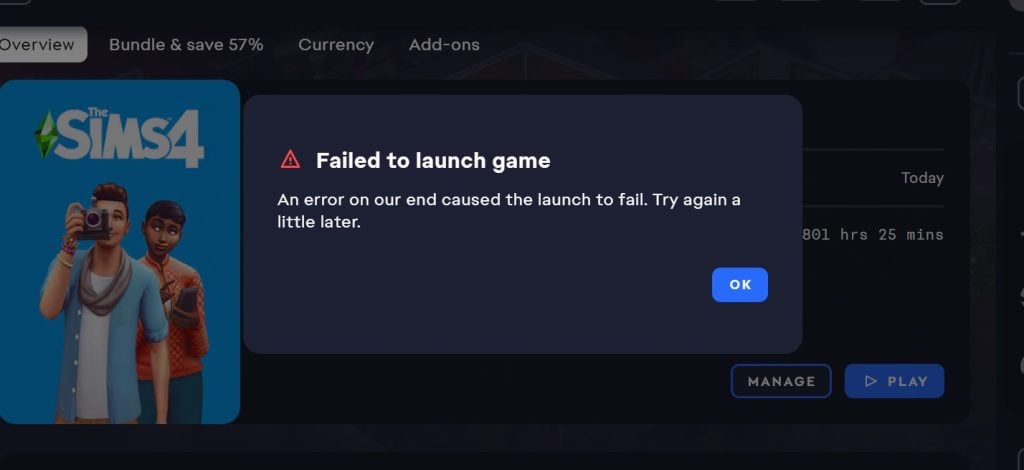
Is anyone else experiencing this issue? I updated my game yesterday and again with today’s fixes, but it still won’t launch. I do play with mods and CC, and I’ve already gone through the whole process — deleting my cache, creating a new folder, and adding everything back one by one. I understand my mods need to be updated, so I haven’t added those back yet. However, my CC still isn’t working. Some CC will let the game launch, but when I try again with the same CC folders, they suddenly stop working. I’ve spent a few hours adding and removing things, but nothing seems to work.
Source: camrynboone13
The Hotfix That Further Broke The Game
You’d normally expect for a Hotfix Patch release to work as intended, but that’s not the case with The Sims 4. Players first reported only not being able to see Custom Content and Mods in their game after the March 17th Patch.
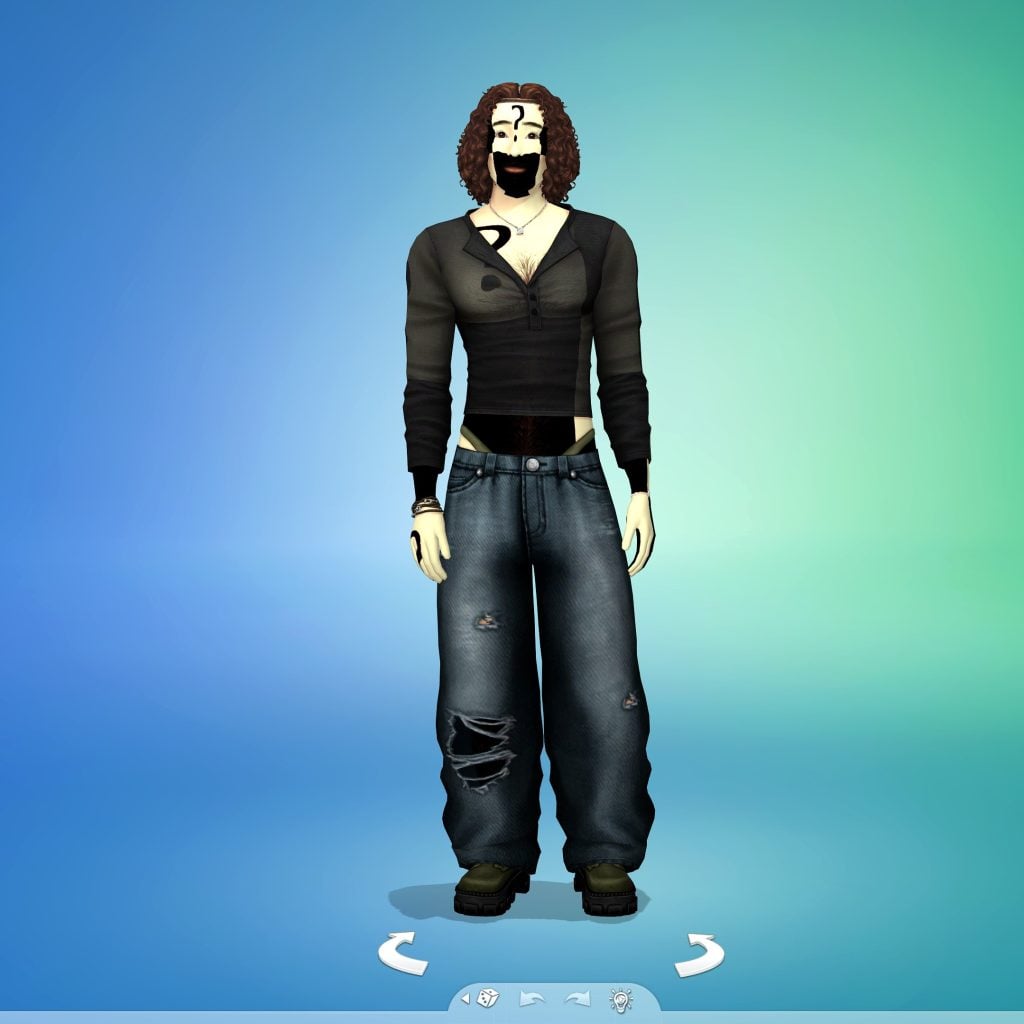
After EA promised to fix that in a new Hotfix Update the following day, it made the situation worse for some by not allowing them to open the game at all. Causing the “Failed to Launch The Sims 4” error message with no solution but to remove the entire Mods folder.
The helper really isn’t helpful, Did all those methods myself and even took so many of my mods out to all script mods off and it still is unable to launch. the looking through cc isn’t the issue its the patch itself that’s the issue. I can’t even run the game without mods even turned on! And I have a fresh install and tried it on three computers now ! Nothing works mods, no script mods, cc only, no mods, no scripts, half and half nothing works anymore. It launched maybe 2 times for me during the test periods perfect but when I redid the same launch with same files it would give the error. it doesn’t matter its an error on the side of EA/ you can have a vanilla game and it will still say “unable to launch, sorry error has occured or simple frozen ea app”
Source: laceysixsix
The Issue Could Be Related to Select CC Clothing Pieces
Sims players who were patient and persistent in testing which CC / Mods could cause The Sims 4 launch error to happen might have found some CC categories that are causing this issue.
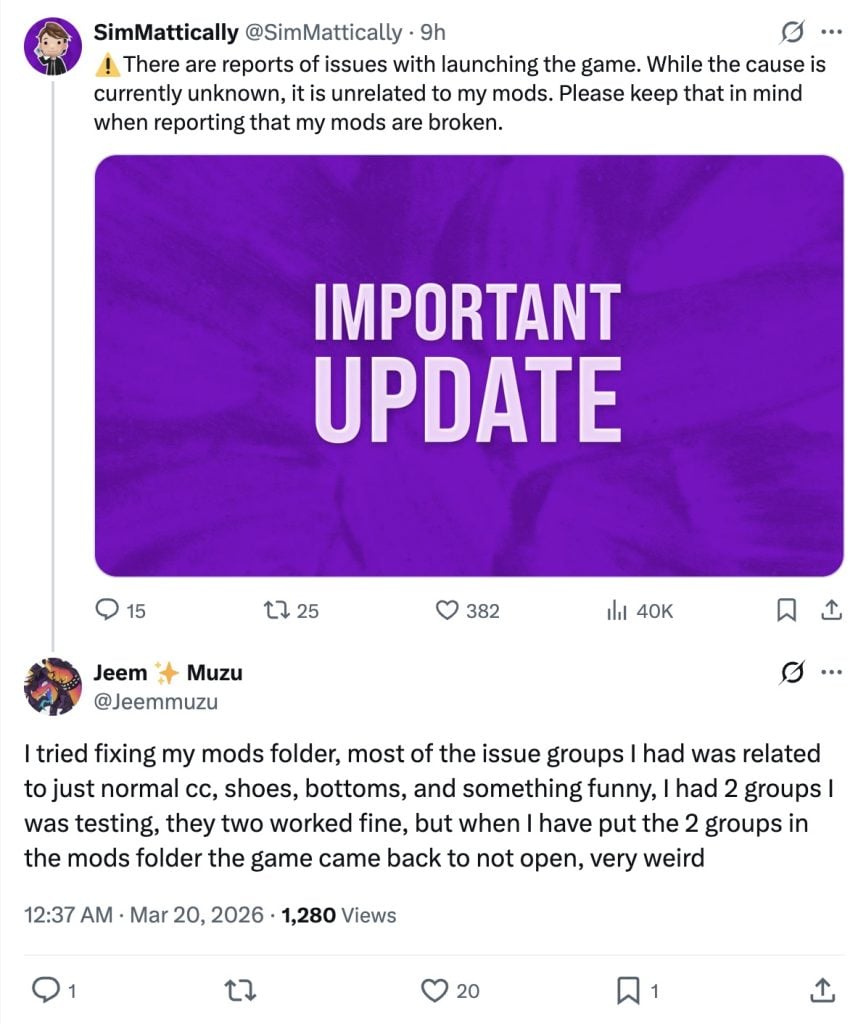
I tried fixing my mods folder, most of the issue groups I had was related to just normal cc, shoes, bottoms, and something funny, I had 2 groups I was testing, they two worked fine, but when I have put the 2 groups in the mods folder the game came back to not open, very weird
Source
This is driving me crazy! So far, I’ve managed to load about 50% of my mods. But the folders with hair, clothes, and shoes are still causing the same error, and the game won’t start! I have thousands of items—clothes, hair, and shoes—from different creators, not to mention that they’re a fundamental part of my saved games.
I’m so frustrated… I feel like banging my head against the wall just thinking about how many hours it’s going to take to figure out which shoe, which outfit, and which hairstyle is causing the conflict (if the problem is even with this custom content).
Why do I have to waste my time and give up my custom content because of their sloppy work? Two updates, and custom content is still causing conflicts—which wasn’t happening before. This clearly wasn’t tested properly. I should at least be able to roll back the update, since I have no intention of using that garbage marketplace.
Source: borin777
EA’s Current Response
EA Community Manager EA_Solaire has acknowledged this issue through the “Failed to launch error” help thread, asking for players to submit their Save Game files to EA for further testing and investigation.

Hello all,
For those of you still encountering this issue, could you share your Electronic Arts folder to help us investigate this further? You can find this folder under Documents-> Electronic Arts.
If so, please send me a DM with a link to your folder. Instructions can be found here
Thanks!
At least we have the completely functional Sims 4 Marketplace with microtransactions to enjoy without any errors until EA decides to take these issues seriously.
Are you experiencing Failed to Launch The Sims 4 error when opening up your game? Let us know about your current experiences with the recent patches in the comments below and stay tuned to Sims Community for latest updates on the game state.