
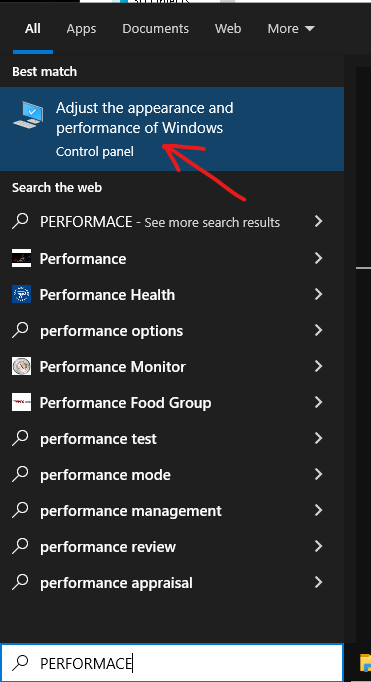
Everything is written here step by step, including the screenshots, yall have been asking for this so i made it:
Everything that can give you maximum FPS and more stable FPS with fewer drops — at any cost 🔥
Mostly for CS2, but it can also help in other games.
IMPORTANT: I am not responsible for anything. Read everything from start to finish before you begin.
Keep in mind that some of these tweaks may disable or affect certain computer functions that you personally use. I do not use those features, so before doing anything, think carefully. I personally use my PC only for gaming, internet browsing, watching videos, and streaming, and none of this causes problems for me. That is why I am sharing this based on my own experience.
WARNING: Your antivirus may be disabled.
If you only download games from Steam and other trusted websites, and you do not visit shady or unsafe sites, then it may not be a problem. But if you are inexperienced, there is a real chance you could infect your PC with malware.
In rare cases:
If you have an old Windows installation, have not updated Windows in a long time, or your Windows files are damaged, some of these tweaks may cause small or even major issues. If you plan to do all of this, it is recommended to reinstall Windows first and then apply these changes.
This is for Windows 10 and Windows 11.
It may also cause your PC parts to run at higher temperatures during gaming. So if you have poor cooling or you are using a laptop, this can be risky.
Overall, the risk is relatively low, because so far nobody who has done this has reported any serious problems.
Some pictures may not show everything properly, so make sure to open them fully.