
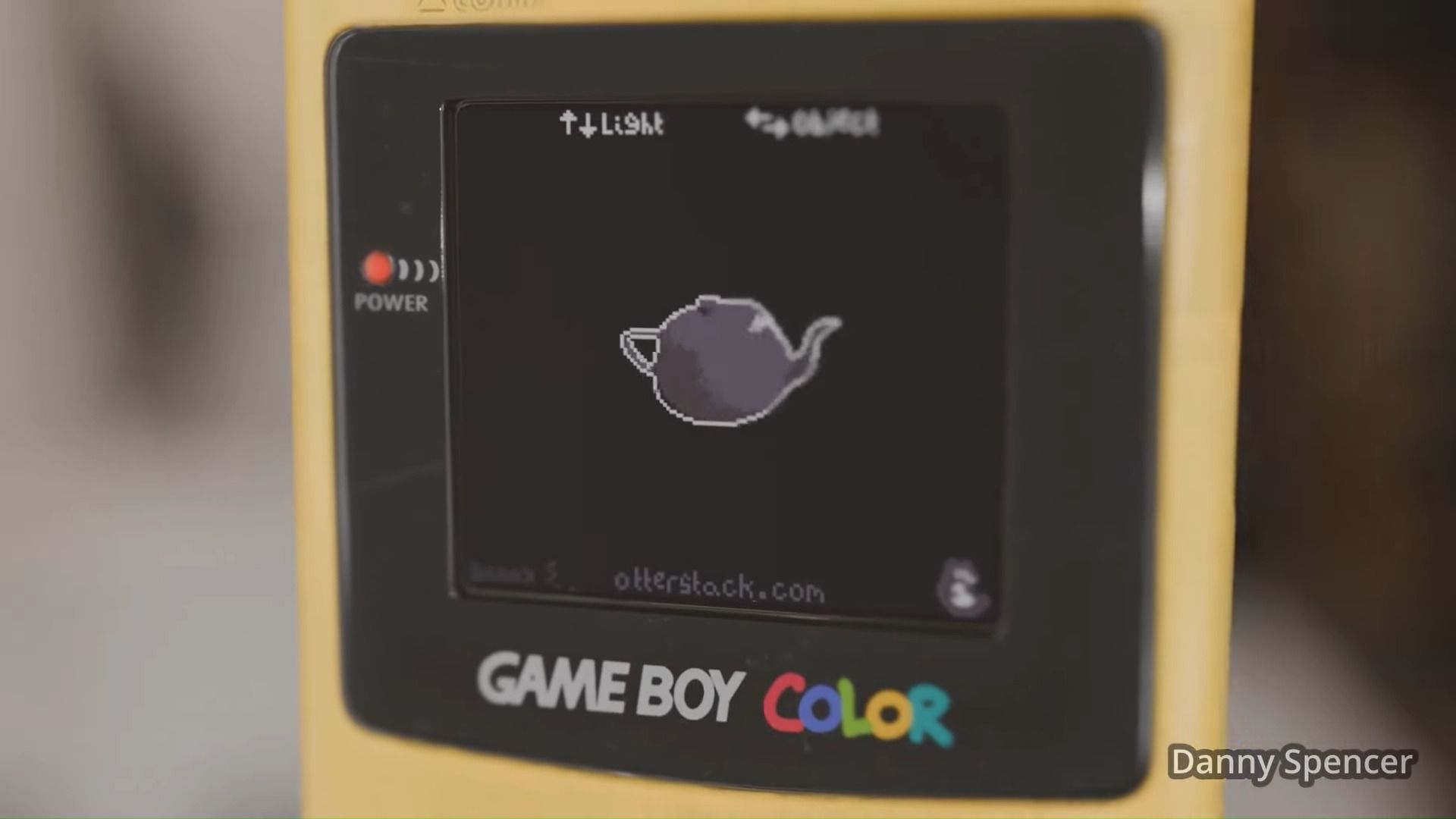
A canny developer has managed to coax a Game Boy Color (GBC) into running an interactive, user-controlled, real-time 3D shader demo. Danny Spencer shared a video, blog post, downloadable ROMs, source code, and even embedded the demo in an online GBC emulator, so anyone interested can give his Lambert-shaded 3D teapot a spin.
You may like
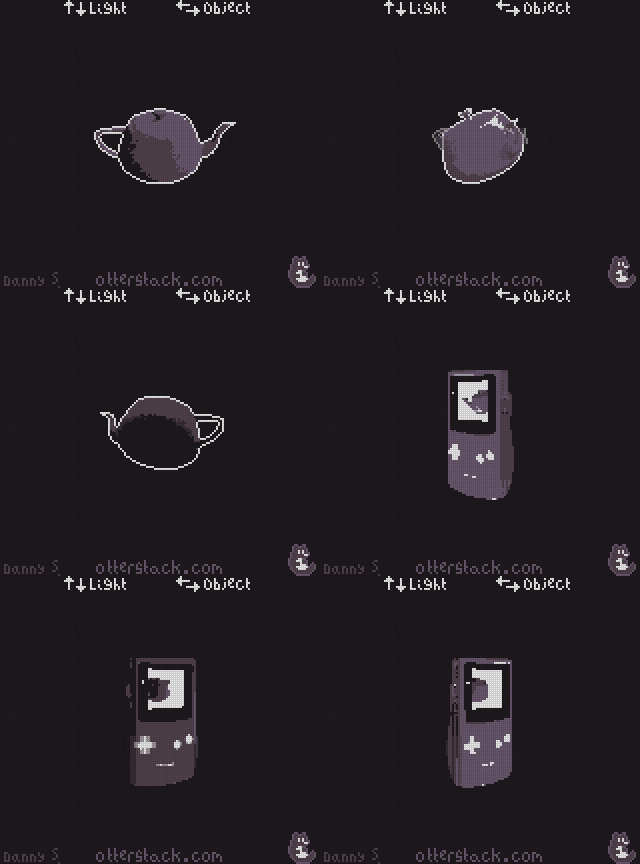
(Image credit: Danny Spencer)
While the extra speed is useful for this real-time 3D demo, the GBC’s processing is still sorely lacking for running a user-interactive shader. For example, Spencer devotes a significant section of his blog explaining how the SM83’s lack of a multiply instruction was deftly sidestepped by using logarithms and lookup tables. To reduce computation overhead, the developer converted vectors to spherical coordinates. Then the Lambert shader is implemented using a spherical dot product. Far more detail about the programming, math, and rendering is available at the linked blog post.
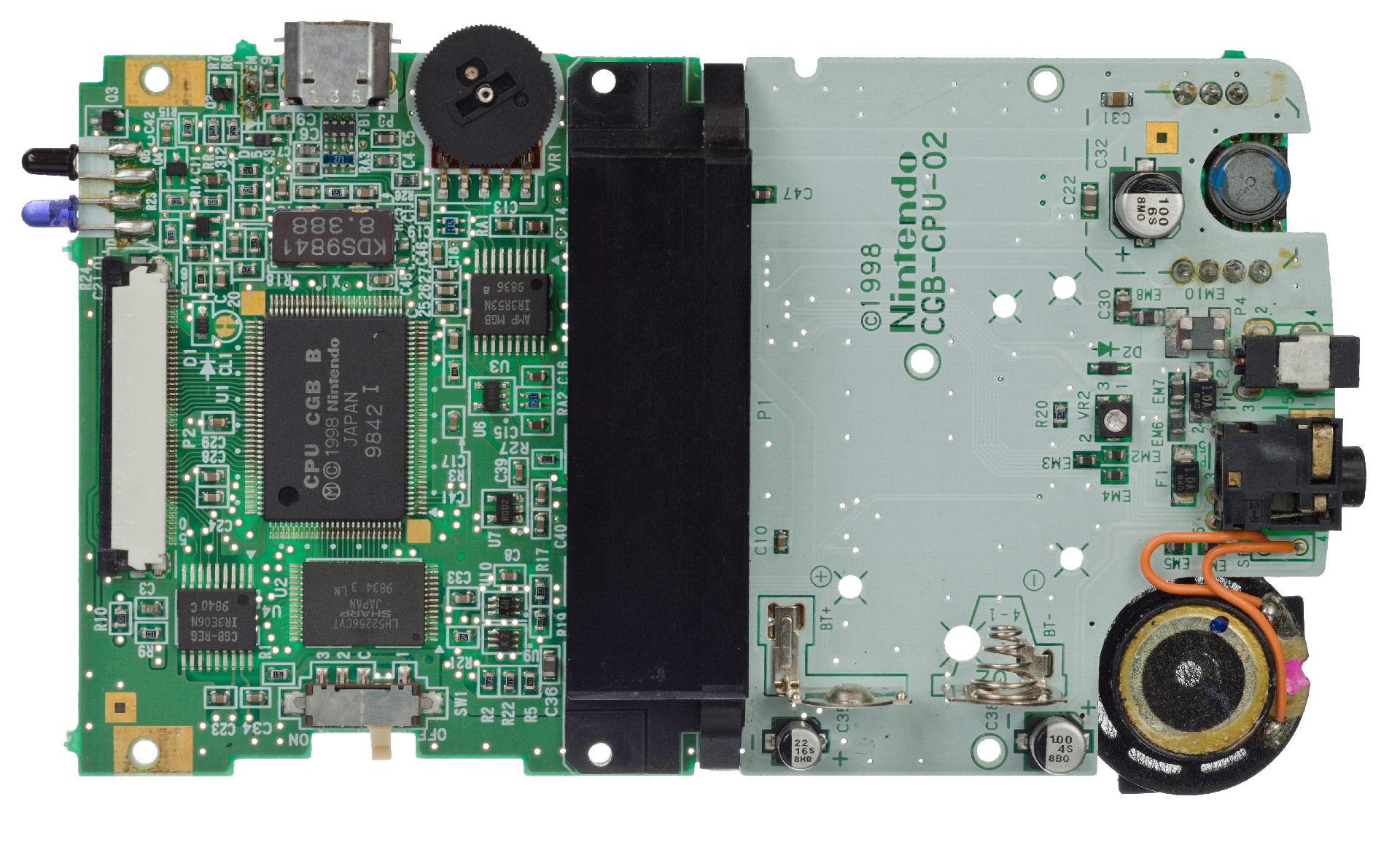
the Game Boy Color’s PCB (Image credit: Evan-Amos)Download and play with the demo
Spencer has made the gbshader code and related resources available on GitHub. There you will also find links to grab GBC ROM releases for this interactive 3D shader demo.
It will be most convenient for the majority of readers to run the shader demo inside the embedded emulator, via the blog post. Here you can use the cursor keys to adjust the position of the light source, while also manipulating the teapot view angle. On my computer keyboard, I could adjust both parameters simultaneously to control the animation and lighting.

Follow Tom’s Hardware on Google News, or add us as a preferred source, to get our latest news, analysis, & reviews in your feeds.