
Since the Season 1 update of CoD Warzone, I started experiencing micro stutters and a feeling that the FPS was low, even though the FPS counter showed 120–150.
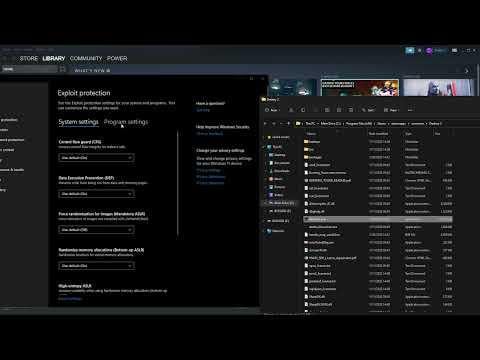
Then I saw a post on Reddit suggesting disabling the Windows Control Flow Guard option. After doing this, the micro stutters disappeared, the low-FPS feeling is gone, and FPS even increased a bit in Warzone.
Basically, you can follow this video:
https://m.youtube.com/watch?v=5Ir5Tf5CTDY
The only difference is the .exe location. I use Battle.net, and mine is located at:
\Call of Duty\_retail_\cod.exe
Restart your PC and test it.