
If you buy something from a link in this article, we may earn a commission. Learn more
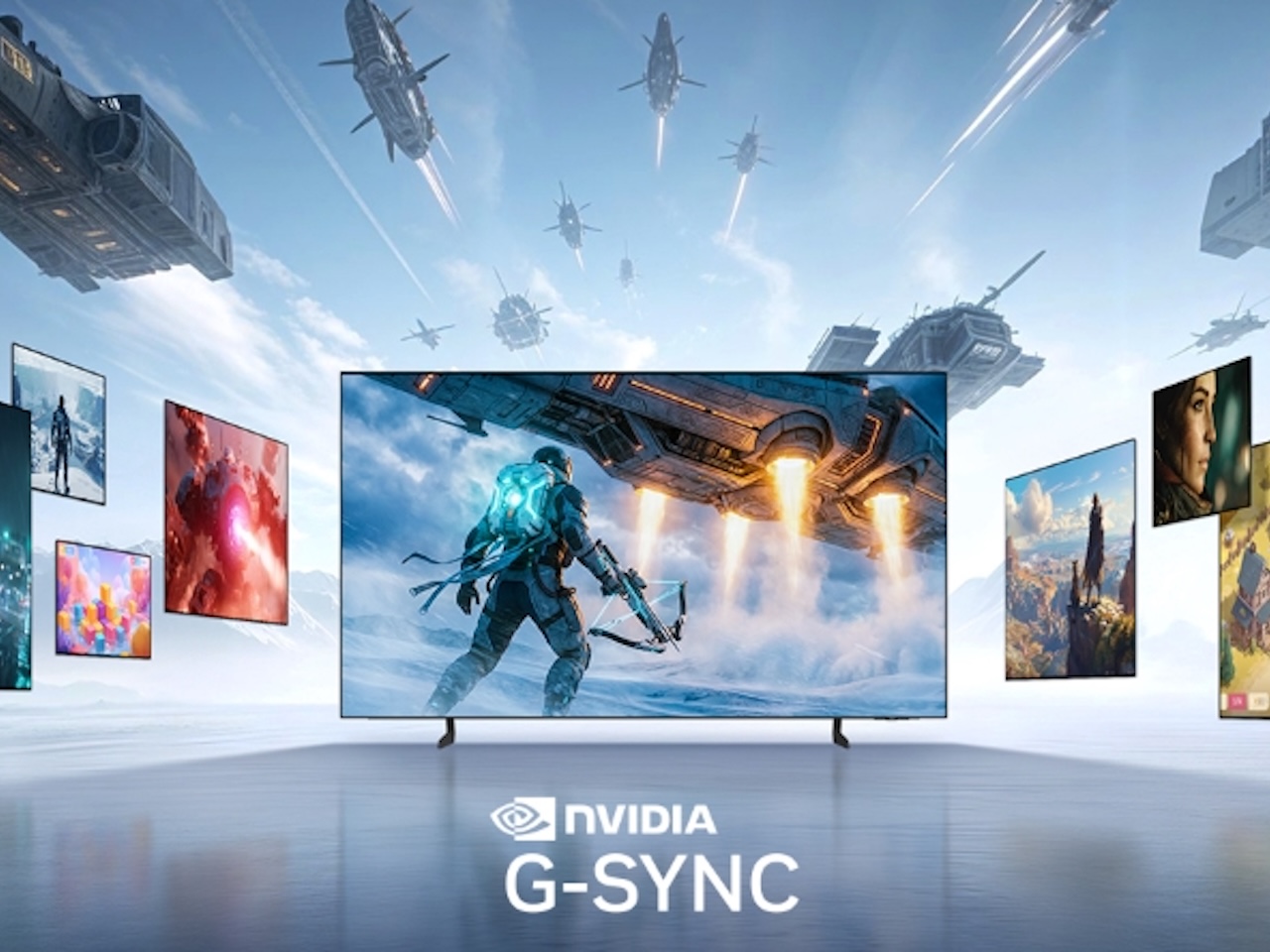
Most gaming displays are solving for screen tearing, but Samsung’s betting that competitive players have already moved past that baseline and are now stuck choosing between resolution and ridiculous frame rates. That’s the tension driving this G-SYNC Compatible certification across its 2026 OLED TVs and Odyssey monitors. The real question isn’t whether these screens sync with NVIDIA GeForce GPUs (they do), it’s whether hitting 1,040Hz on a monitor or 165Hz on a living room TV actually changes how games feel, or if we’ve crossed into spec sheet theater.
Price: Varies
Where to Buy: SAMSUNG
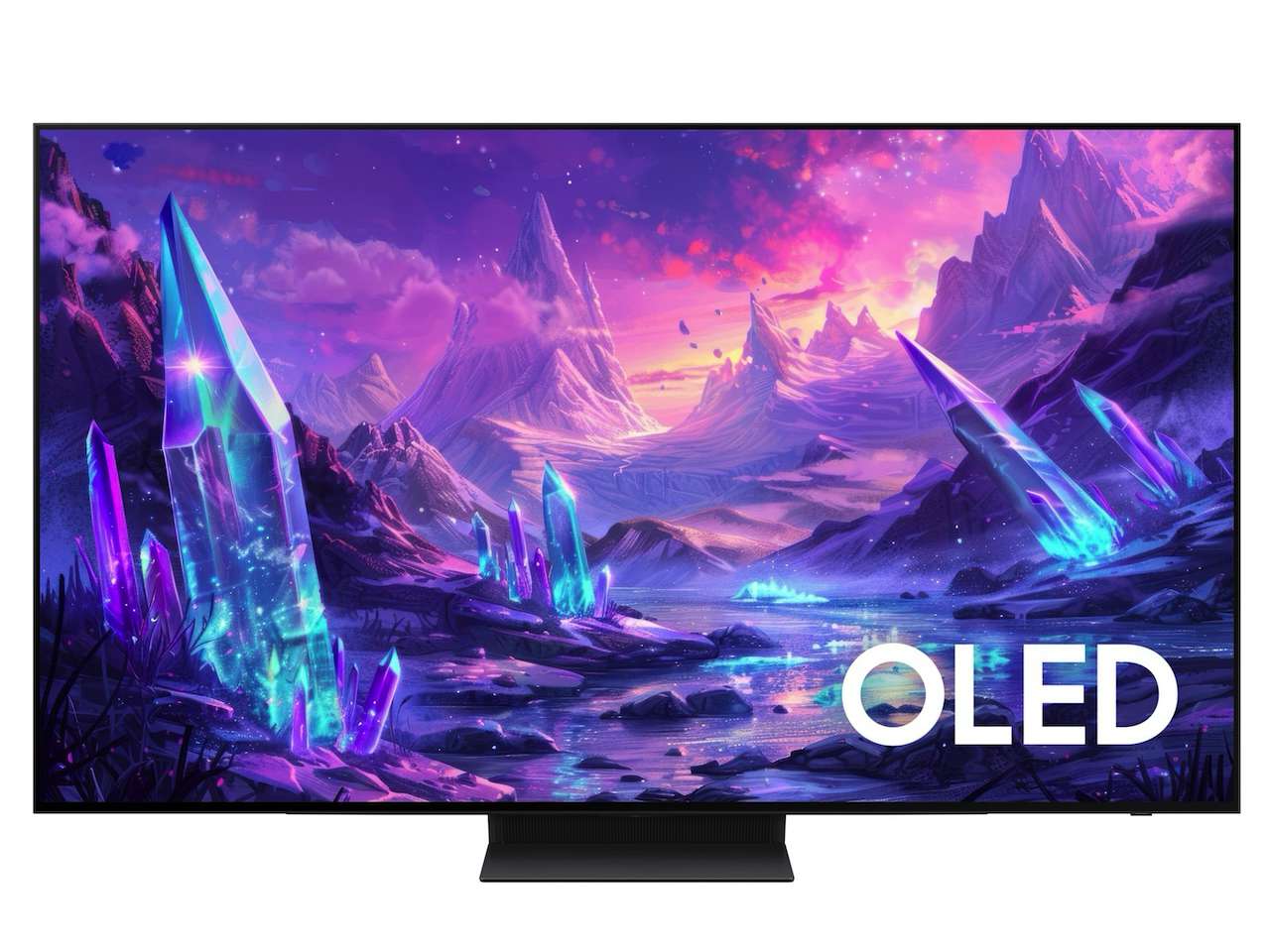
The S95H, S90H, and S85H OLED TVs all carry dual sync compatibility, which means you’re not betting your setup on one GPU manufacturer long-term. Samsung’s also rolling HDR10+ ADVANCED across the lineup, which adjusts brightness, contrast, motion, and color on a per-frame basis instead of locking settings across scenes. You notice this most in fast action sequences where standard HDR tends to crush shadows or blow out highlights when the camera pans quickly. The implementation here keeps detail visible without flattening the image, though the naming convention feels like it’s trying too hard to sound next-gen. Glare Free technology shows up on the S95H and S90H models, cutting reflections without the diffused softness that cheaper anti-glare coatings introduce, and if you’ve fought window glare on a glossy OLED before, you’ll appreciate how this preserves picture quality while actually solving the problem. The top two models push refresh rates to 165Hz, while the S85H stops at 120Hz, which is already higher than most console titles output but gives PC players headroom when frame rates spike. Samsung’s positioning this as cross-platform flexibility, and the G-SYNC Compatible certification across the lineup backs that claim.
Add The Gadgeteer on Google Add The Gadgeteer as a preferred source to see more of our coverage on Google.
ADD US ON GOOGLE
The 1,040Hz Claim Has a Catch
The 27-inch Odyssey G6 (model G60H) hits 1,040Hz, but only when you’re running HD resolution through Dual Mode. Switch to native QHD and the ceiling drops to 600Hz, which is still absurdly fast but not the headline number.
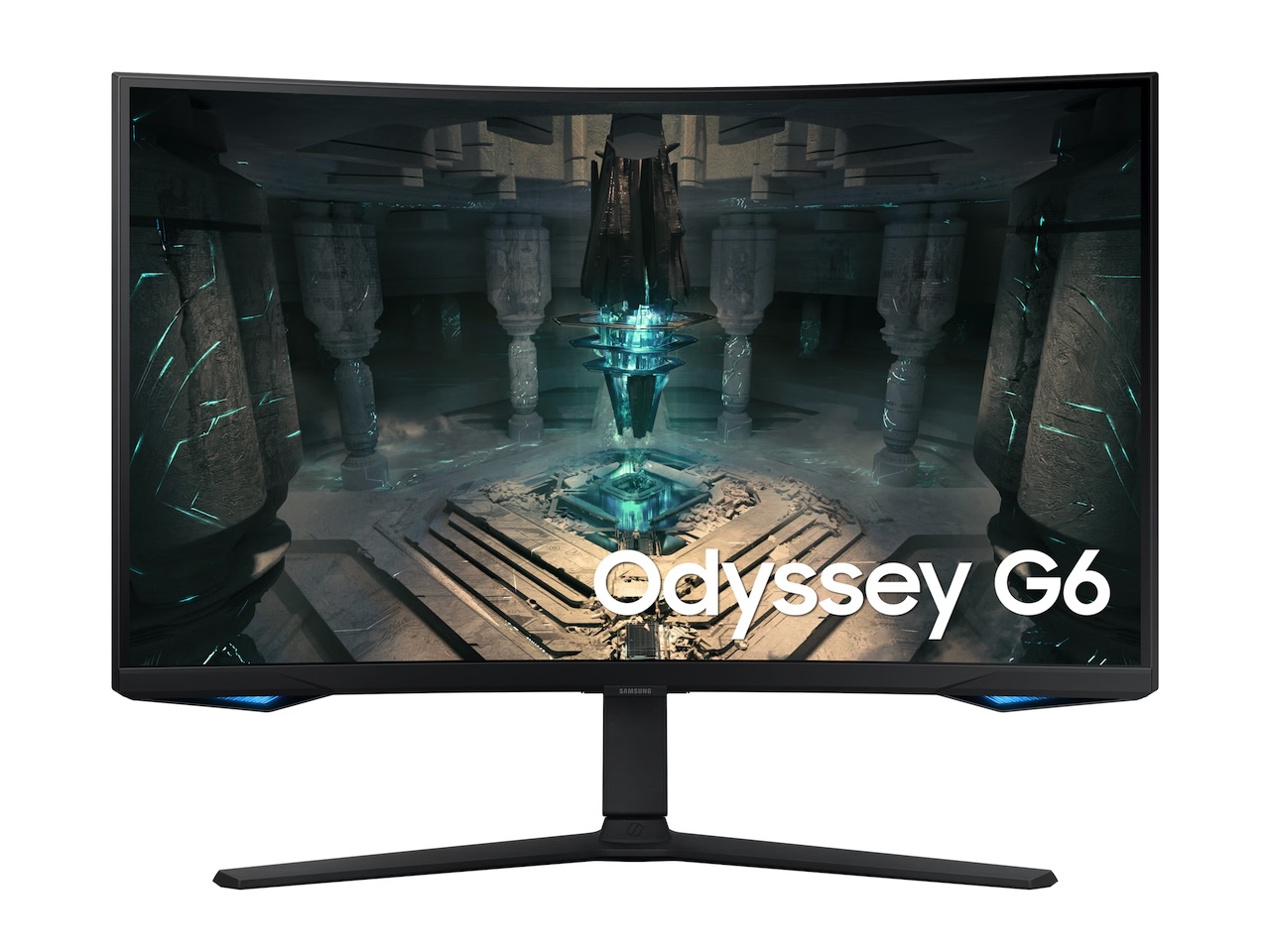
For esports players chasing every millisecond in Counter-Strike or Valorant, the HD-at-1,040Hz option might justify the sharpness sacrifice, especially since many competitive players already run lower resolutions to maximize frame rates anyway. The screen refreshes faster than human eyes can consciously track individual frames, though whether reaction time can keep pace with that speed is a separate bottleneck that varies by player. What you feel is responsiveness that borders on instantaneous, assuming your GPU can push frames fast enough to feed the display, which requires serious hardware and optimized game settings. Input lag essentially disappears at this refresh rate, so the delay between your action and the on-screen result compresses to near zero, which is exactly what high-level competitive play demands when positioning and timing decide wins.
The Dual Mode toggle lets you switch between ultra-high frame rates and native resolution depending on whether you’re playing ranked matches or single-player games, so you’re not locked into one configuration. G-SYNC Compatible certification means frame sync happens automatically when you’re running NVIDIA hardware, eliminating tearing and stuttering without requiring manual setup or proprietary modules. That trade-off between resolution clarity and frame rate speed is the core decision this monitor forces on competitive players who’ve been waiting for displays to finally catch up to high-end GPU output, and Samsung’s made it flexible enough that you’re not permanently choosing one over the other every time you boot up a different game.
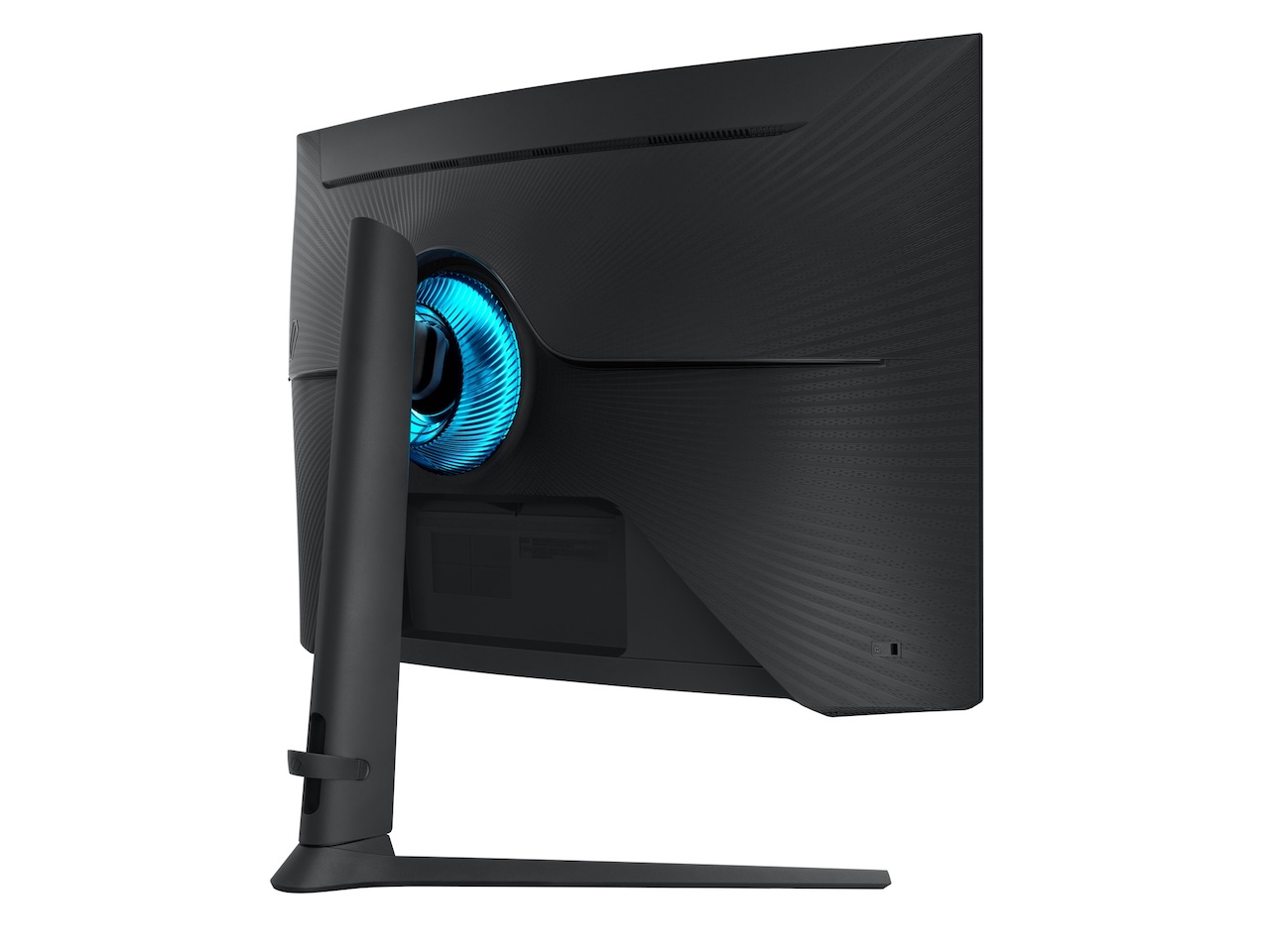
The other G6 variant (model G61SH) uses a QD-OLED panel with QHD resolution locked at 240Hz, trading extreme refresh rates for color accuracy and contrast depth that’s immediately visible in darker game scenes. OLED’s per-pixel lighting makes shadows feel textured instead of uniformly flat, and bright highlights pop without washing out surrounding detail. Response time sits at 0.03ms gray-to-gray, fast enough that motion blur is essentially nonexistent even during rapid camera movements. This model makes more sense for players who split time between competitive multiplayer and single-player experiences where visual quality matters as much as performance.
Both monitors carry G-SYNC Compatible certification, ensuring smoother tear-free gameplay with reduced stuttering whether you prioritize extreme frame rates, high resolution, or a balance between the two. The choice between the G60H and G61SH comes down to whether you value speed above all else or prefer a more balanced display that still performs well but looks better across different content types.
TVs Built for High Refresh Gaming
Samsung’s 2026 OLED TVs push refresh rates higher than most living room displays bother with, targeting PC gamers and console enthusiasts who want performance that matches dedicated monitors.
The S95H and S90H support up to 165Hz, while the S85H caps at 120Hz, which is already excessive for most console titles but gives PC players running high-end GPUs the headroom to take advantage of frame rates that exceed typical TV capabilities. All three models are G-SYNC Compatible, and select sizes of the S90H and S85H also support AMD FreeSync Premium, making them more platform-flexible than displays that lock you into one GPU ecosystem. For console gaming, 120Hz is overkill since most titles target 60fps or use performance modes that push to 120fps only in select games, but the extra refresh rate capacity future-proofs the display as game engines evolve.
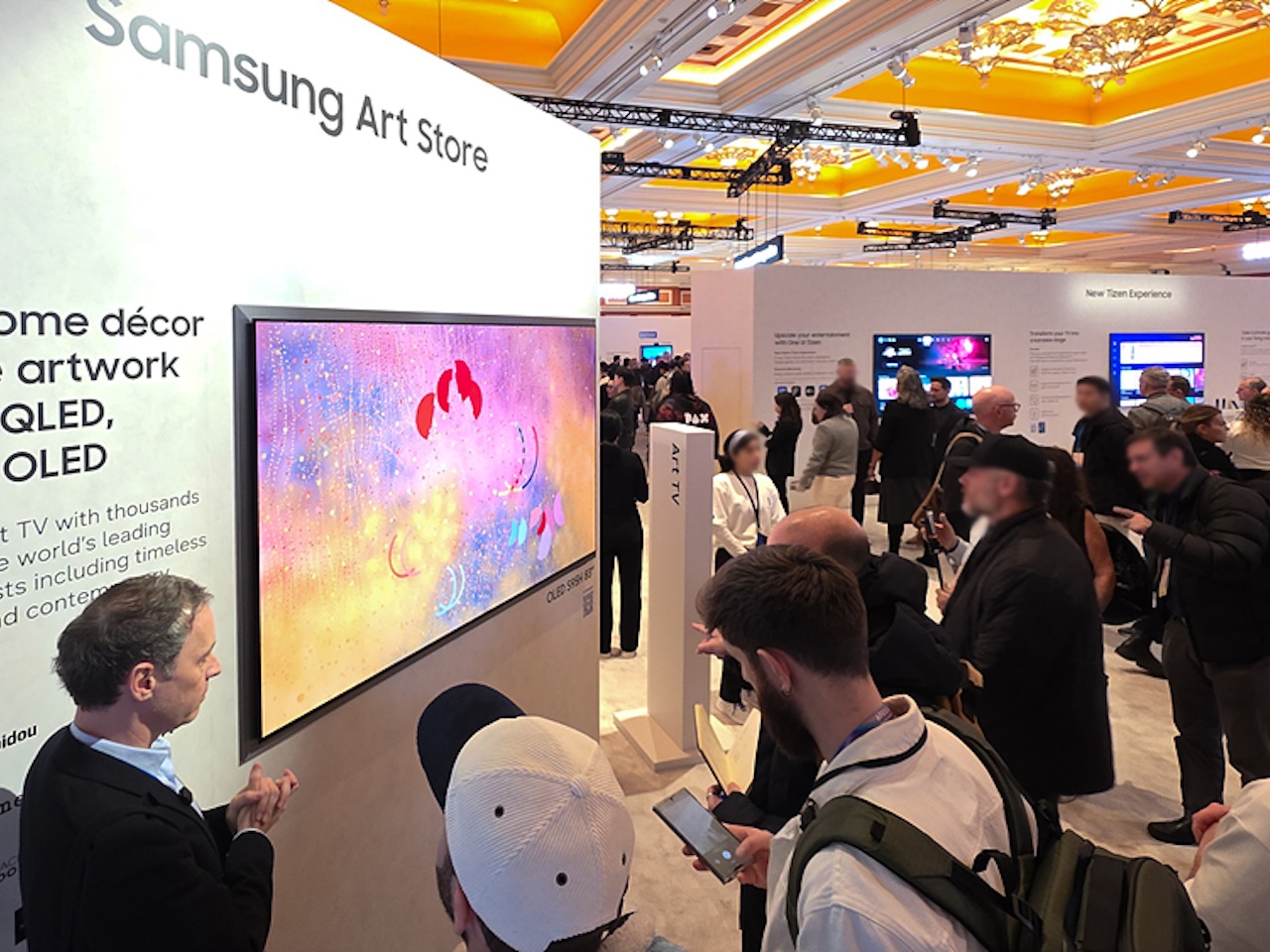
OLED’s self-emissive pixel technology delivers true blacks by turning off individual pixels completely, which creates contrast that LED backlighting can’t match, and this makes a visible difference in games with dark environments or high dynamic range between bright and shadowed areas. Motion handling on OLED panels tends to be cleaner than on most LED displays because pixel response times are faster, reducing ghosting and trailing during fast camera movements or quick action sequences. The platform-agnostic sync support means these TVs work equally well whether you’re connecting a PlayStation, Xbox, or gaming PC, and you won’t run into compatibility issues or need to choose between GPU brands based on your display. Input lag stays low enough for competitive play, though dedicated gaming monitors still edge out TVs in absolute latency, so if you’re chasing the lowest possible delay, you’re better off with a desk setup than a couch-based gaming rig. Glare Free technology on the S95H and S90H reduces reflections without compromising OLED picture quality, cutting down on the mirror-like surface issues that plague glossy screens in bright rooms, and the coating manages this without adding the diffused softness that cheaper anti-glare treatments introduce, so you get usable performance in varied lighting conditions without sacrificing the deep blacks and vibrant colors OLED is known for.
Who This Is For
Competitive gamers waiting for a monitor that pushes past 500Hz without locking them into one resolution will find the G60H interesting, though the HD limitation at 1,040Hz means trading sharpness for speed, and that trade-off only makes sense if your game library and competitive priorities already lean toward lower resolutions for maximum frame rates.
Price: Varies
Where to Buy: SAMSUNG
The G61SH suits players who want OLED image quality with solid refresh rates but aren’t chasing four-digit frame counts, making it the better all-around choice if you switch between single-player and multiplayer games and care about visual fidelity when you’re not in ranked matches. On the TV side, anyone building a high-end living room gaming setup with PC or console hardware will benefit from the 165Hz ceiling on the S95H and S90H, and the dual AMD and NVIDIA compatibility removes the GPU ecosystem bet that most gaming displays force on buyers. If you’re still on a 60Hz display, the jump to 120Hz or higher will feel transformative across nearly every game type, but if you’re already gaming at 144Hz or 240Hz, the improvement becomes marginal unless you’re deep into competitive play where milliseconds separate wins from losses and every technical advantage compounds over thousands of matches.
Love our content?
Sign up for our newsletter today.
No ads, no spam, just links to our latest articles!