
I have a Lenovo Legion 4090 that I bought second hand because it is the best looking GPU I have seen in my life. I have used it for a long while, but after some time it started to crash my PC with blue screen message DPC_WATCHDOG_VIOLATION.
I have never overclocked it, but I had Afterburner and GPU-Z installed like always and after a bit of poking around I figured out when it crashes.
Even though GPU-Z reports max boost as 2520MHz for some reason it is capable to push past it in heavy use (RTX games mostly) and crashes. I made a Afterburner voltage/frequency graph to go flat past 2520 and now it is stable again.
The problem is that the curve is moving around from boot to boot and sometimes resets from flat back to what it was. So now I am wandering if it is possible to tweak the GPU itself to not do this.
I currently have PG139 SKU 330 VGA GPU BIOS. How do I find a replacement bios with no overclock that would fit my model? Would it even work? How do I even look for it?
Edit1:
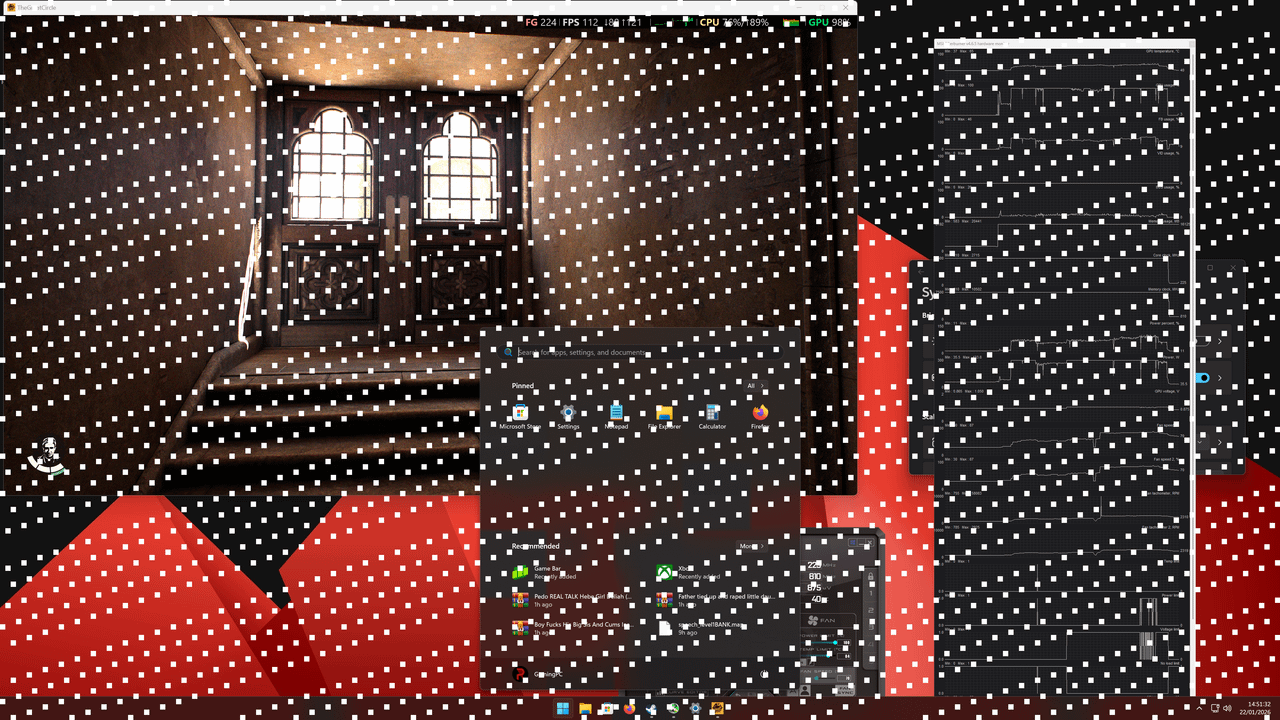
I just tried to remove Expo and CPU overclock and the issue is different. Looks like 2700MHz is stable and it was sitting there for a while after I reset Afterburner. But then it boosted a bit to 2715 and froze the game. That part is the usual thing that happened before blue screen, but this time it recovered, but had a ton of screen artifacts everywhere. On apps, on desktop, on start menu, on task manager. After I force quit the game with task manager the glitches disappeared. then on the Afterburner statistics I see that the max frequency was 2715MHz even though I cant see the spike on crash.
Image: https://i.postimg.cc/dt5KDQXc/image.png
Edit2:
2700MHz is not stable.