
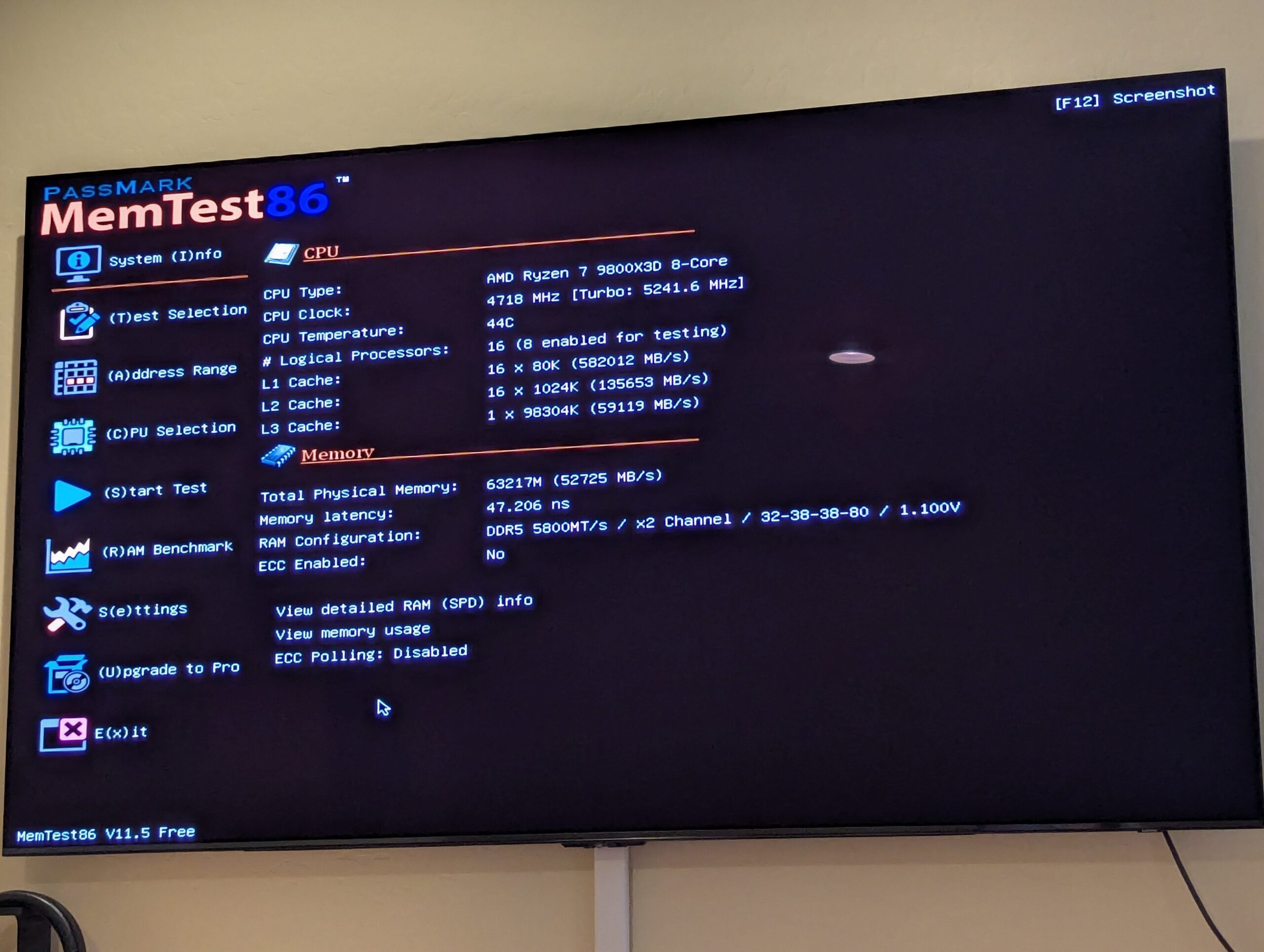
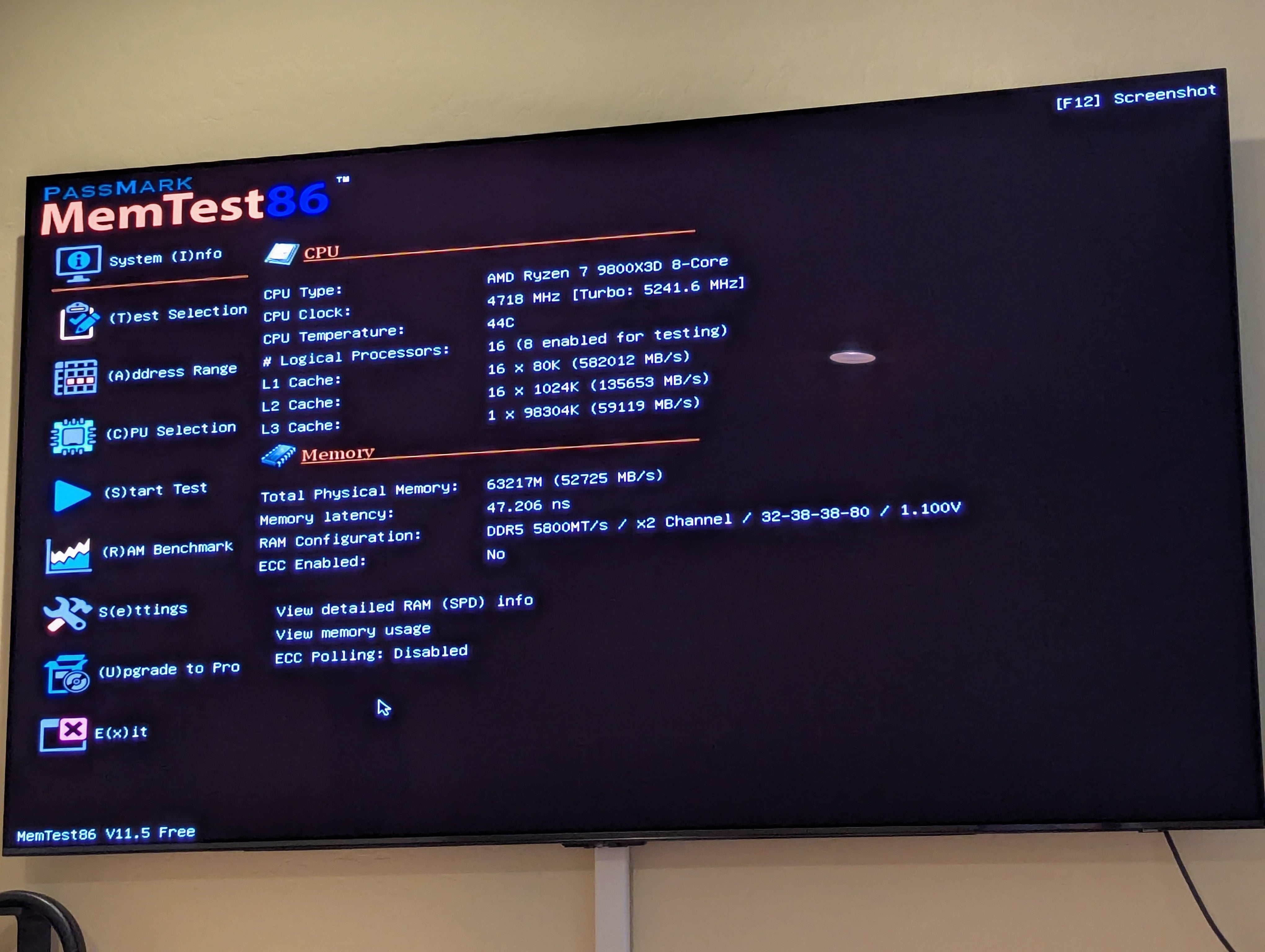
I'm having trouble reaching rated speeds for memory, and am looking for help in what else to test, or whether the next step is to RMA the memory.
TLDR:
- Corsair 2x32gb kit rated 6000 30-32-32-38 1.4v (CMP64GX5M2B6000Z30)
- Memtest passed at stock settings
- Memtest failed at EXPO1 and EXPO2
- Memtest failed at 6000 with looser timings (32-38-38-80)
- Memtest passed at 5800 with looser timings (32-38-38-80)
Images of RAM testing: https://imgur.com/a/pc-overclock-01-7fWv5js
So with those results, is it worth pushing to get rated speeds of 6000 with tighter timings? Anything else to try before RMAing memory? Could it be another component causing issues?
Is there anything I'm missing in the RAM setup that I should change? I'm not familiar with a lot of this, so the way I've set up the RAM settings is by setting EXPO2 to the second loaded profile on the sticks (6200 32-38-38-80), and then manually bumping the speed down until it was stable at 5800.
I'm using 9800x3d, with a ROG Strix B850-i Gaming motherboard, with the latest BIOS updates installed. I used Corsair's iCUE to flash the memory itself to the latest BIOS as well. The memory is on the QVL list from ASUS, and the board is rated for 8400 memory speed, so shouldn't be a problem in theory unless I got unlucky parts.
Somewhat a follow up to a previous post just getting things working: Potential hardware issue on new build, with parts list: https://pcpartpicker.com/list/dPmYMC
Ended up taking it to microcenter for a diagnostic review (didn't have additional parts on my end to test further), and they confirmed it was the PCIe riser cable causing issues overall. Got that swapped out and the system is far more stable, but still having issues pushing memory to rated speeds.
Edit: To clarify too, by "passed" I mean one pass of memtest. Then also using OCCT for a quick 15min CPU / RAM test to confirm. Wasn't sure if longer runs were worth it; the tests that failed were in the first minute typically.