
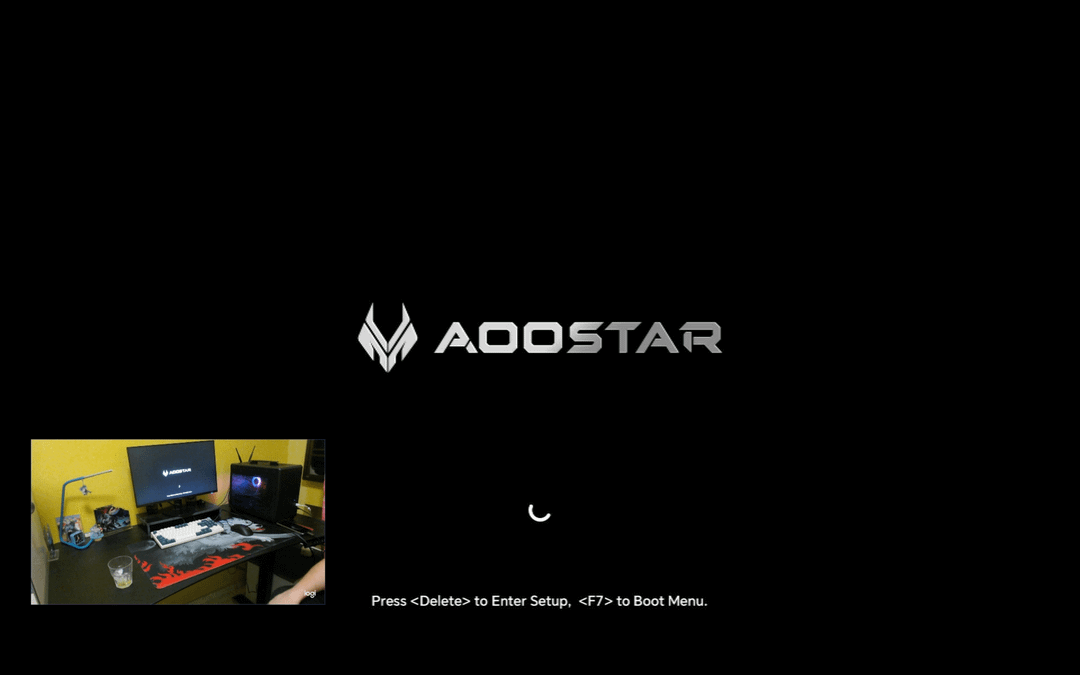
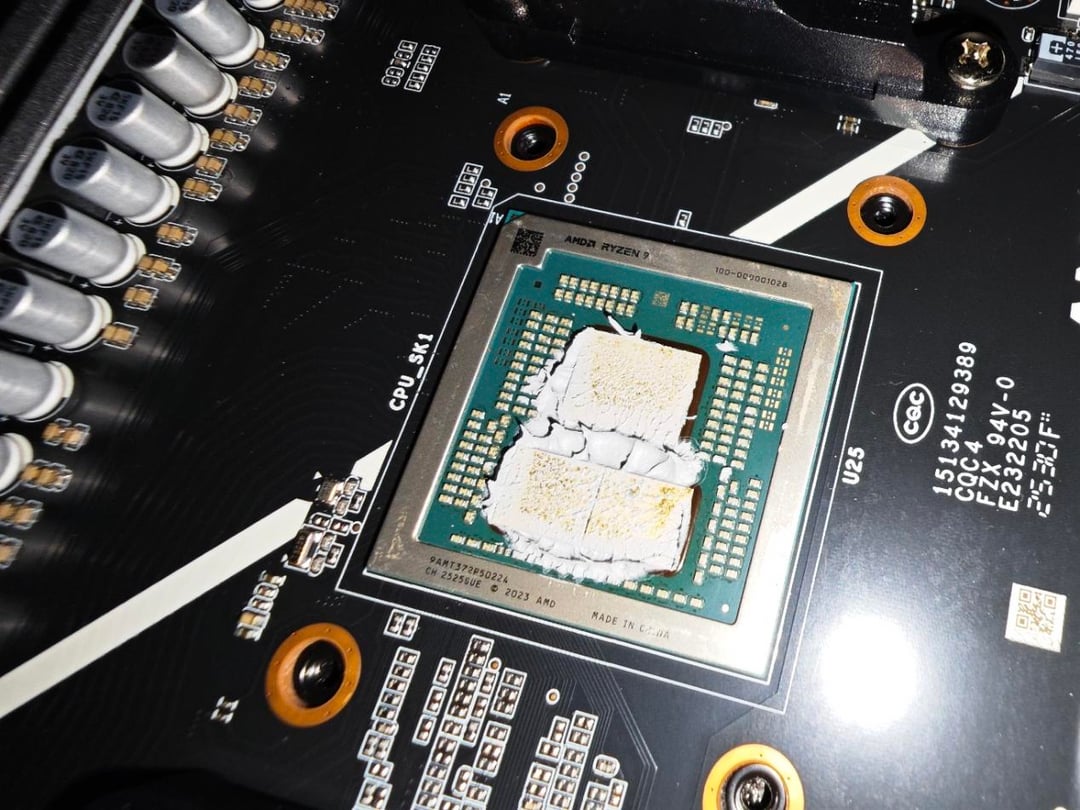
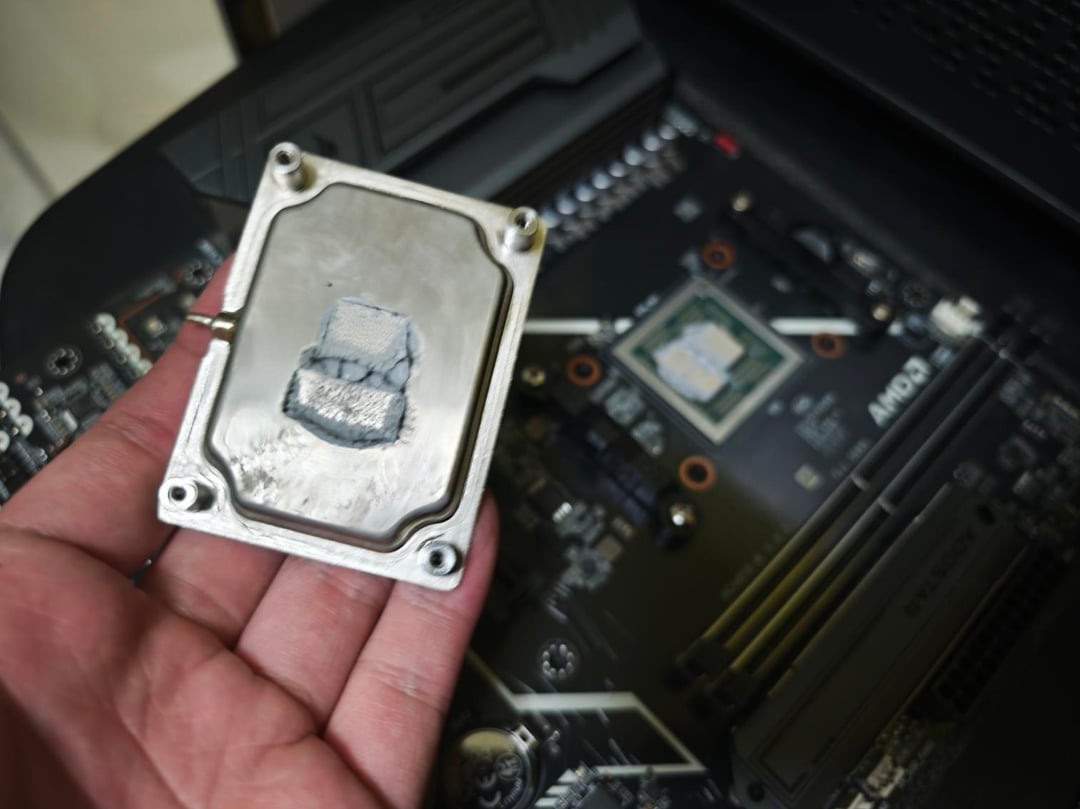
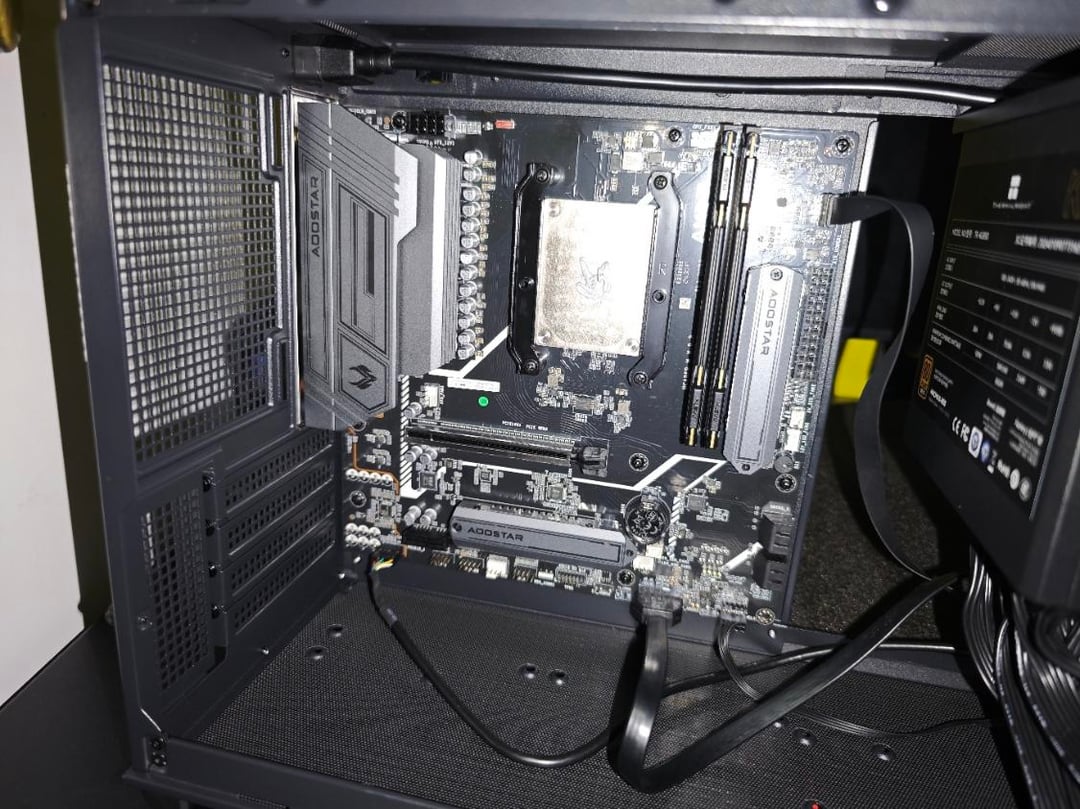
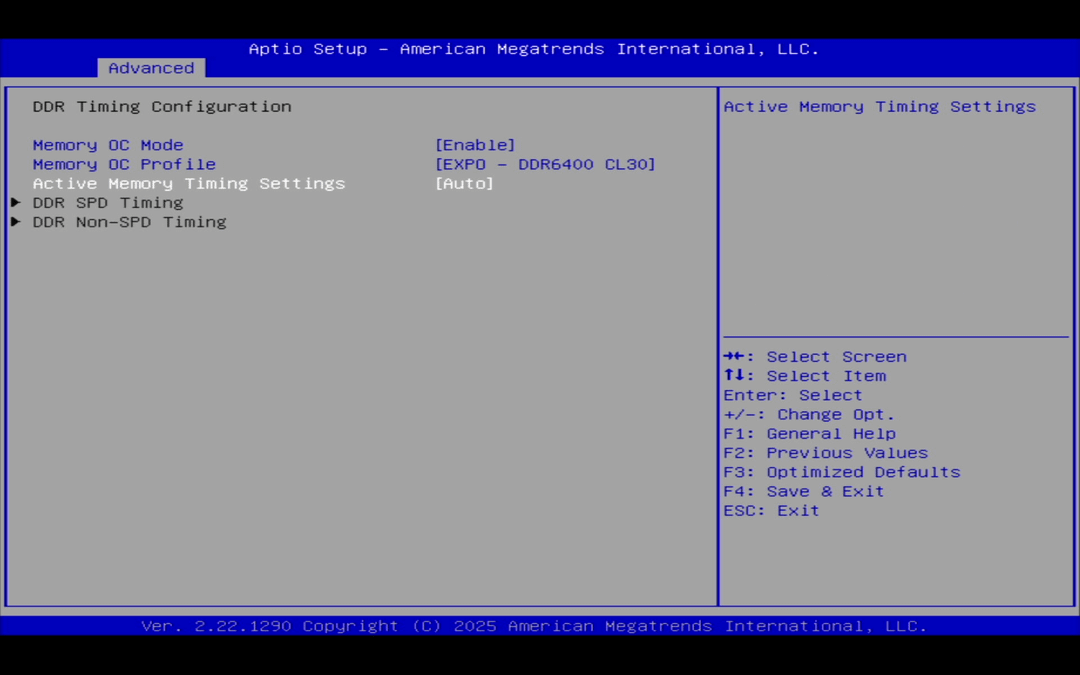
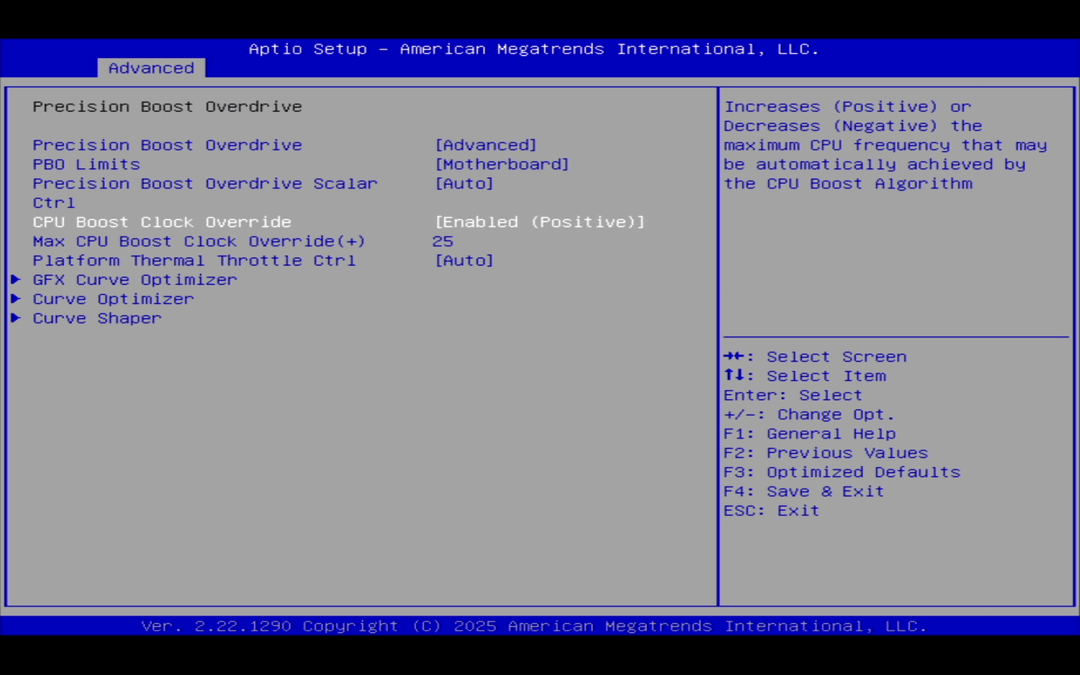
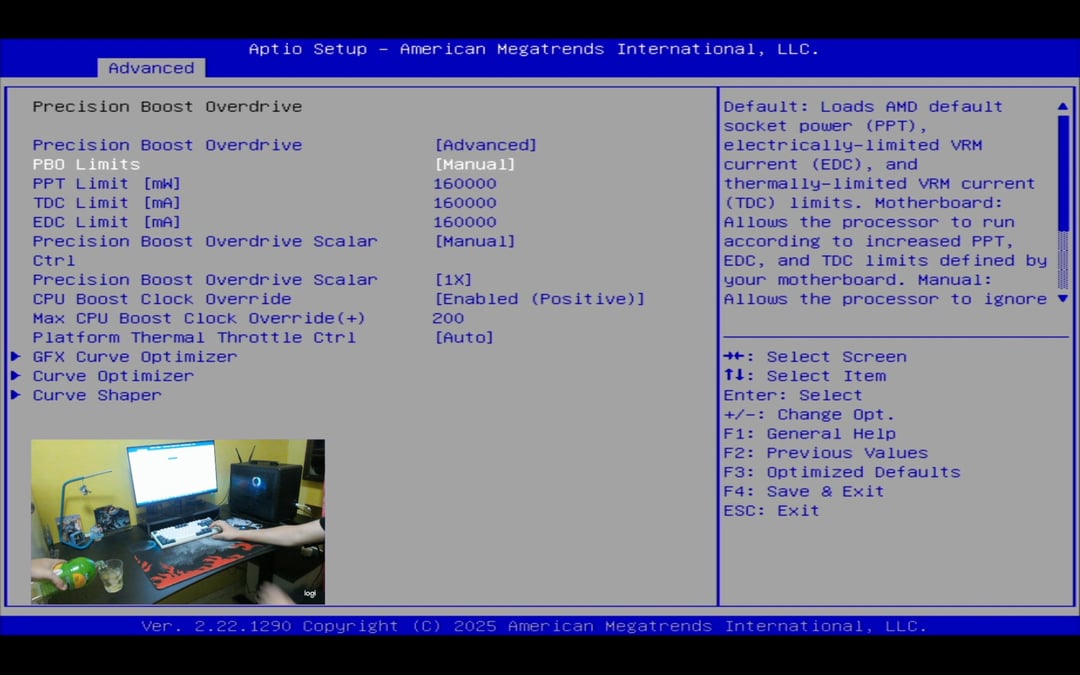
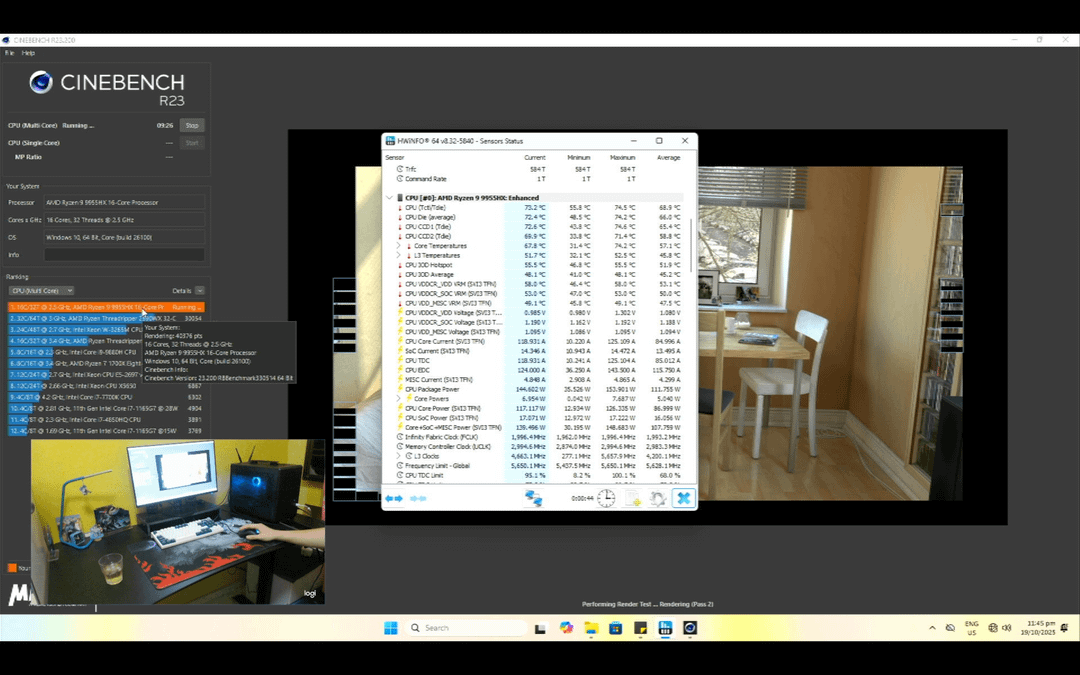
Here are the image for your indulgence. Including the Die revealing, BIOS interface view, and then overclock capabilities
It is easy to remove the heatsink to reveal the die, and once I took it out, I swapped it to use the PTM7950
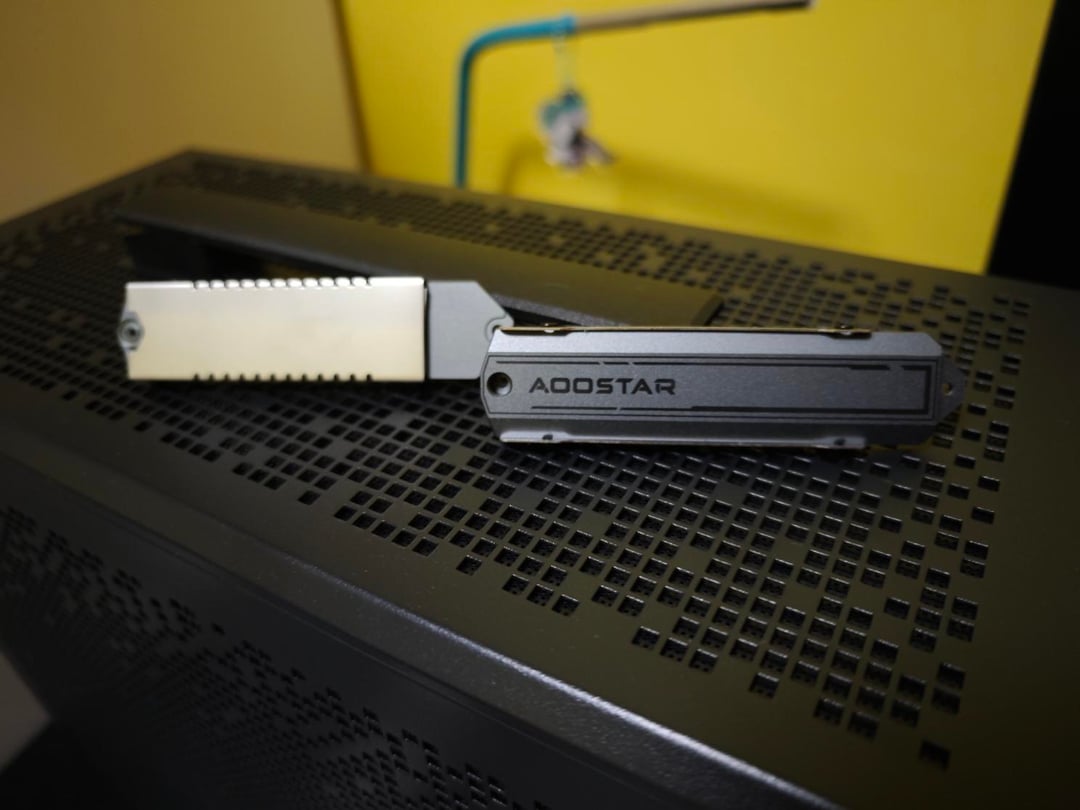
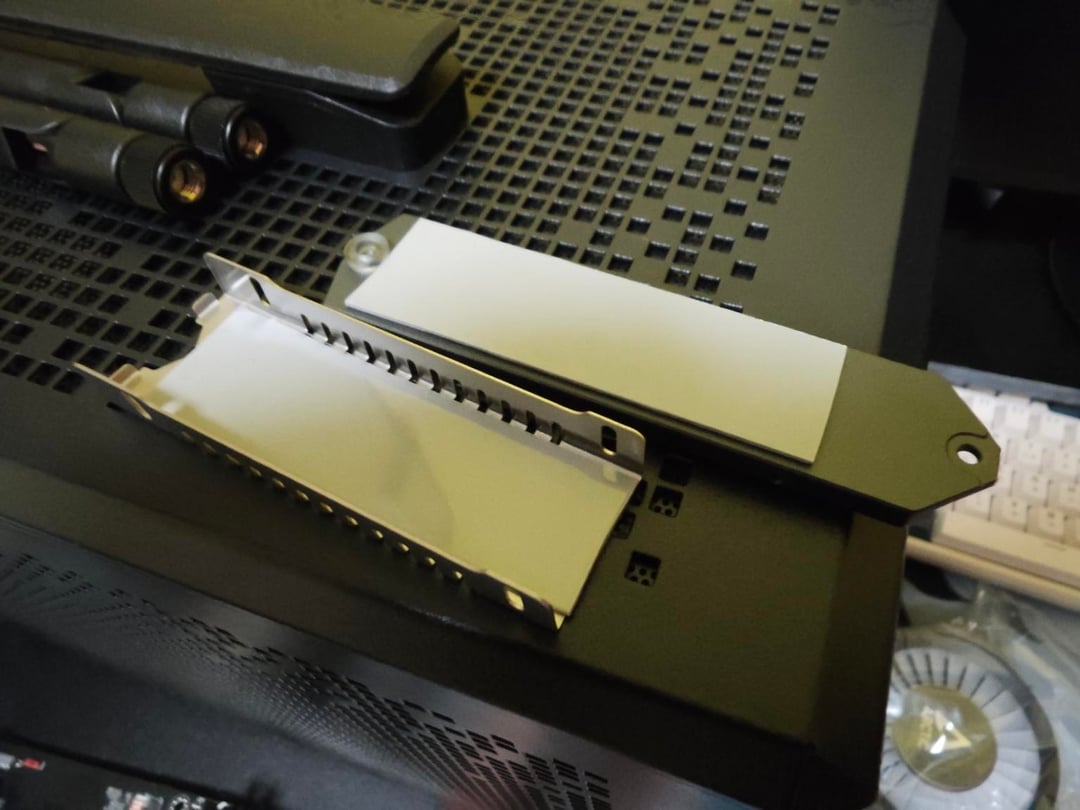
The SSD heatsinks are thick, dual thermal pad on each side for SSD cooling performance. The SSD screw is integrated in the SSD heatsink itself
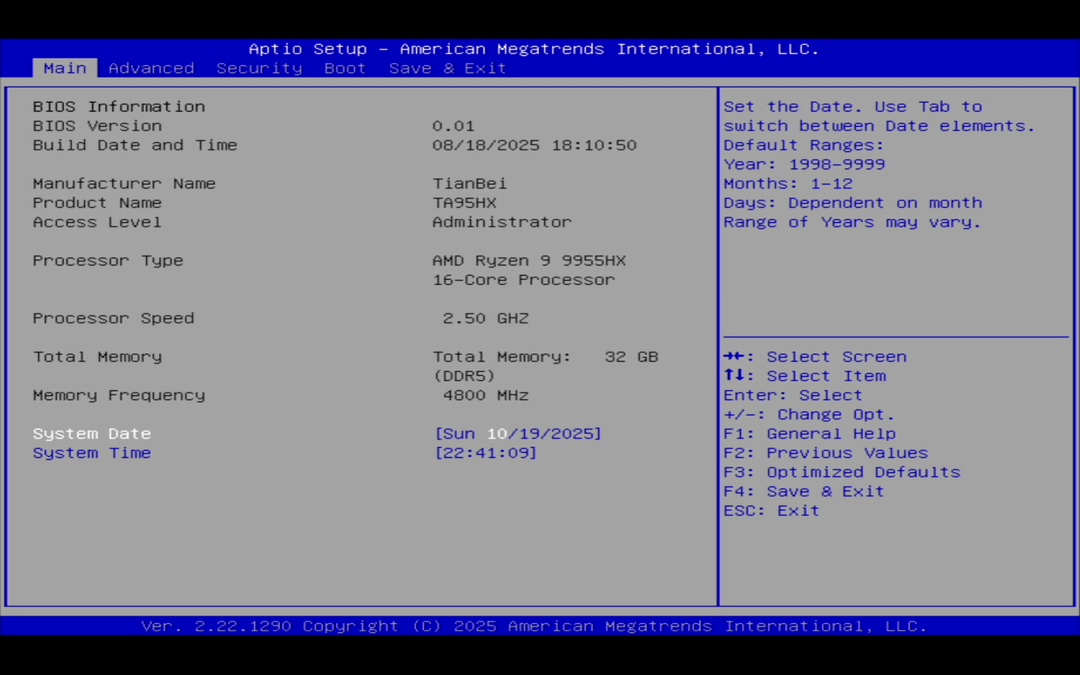
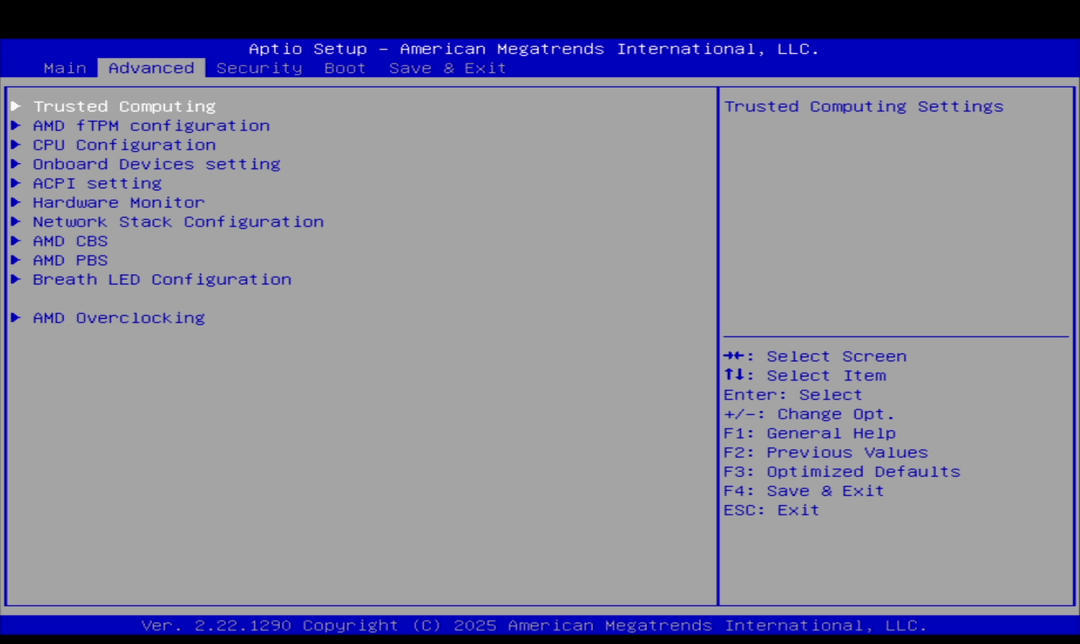
Using the AMI Bios interface, very straight forward. Seen familiar stuffs on regular AMD motherboards. Which includes the AMD Overclocking menu that most laptops with 9955HX does not have.
For the RAM OVERCLOCKING, it will work on my kit but It WON'T WORK to its higher speed dimm UNLESS you manually adjust the memory to 6000mhz (in this case, I have a Klevv Fit V 6400mhz CL30). However, the memory timings will be not following the ram designed CL30 (in my case, it's CL50) which is a problem for most people that don't know how to adust the timings manually. To work it out of the box, probably just get the 6000mhz kits.
For PBO, I finalized with CO – 25 with 160000mW/mA on all 3 PPT, TDC, EDC and I am able to push 155w on Cinebench R23 score of 40k while staying cool lower than 80c (or 176F)
I am sure I am able to push more if I go higher PPT, TDC and EDC but this is good enough. I am impressed that this mobile chip can push so fast without issues. Which is what it matters.
I hope these findings are able to help you with this purchase 🙂 and eventually the F1FGM from Minisforum too