

Linux gaming is better than ever, and I finally feel that it’s actually viable as a gaming platform beyond just a few hardcore Linux fans. However, while Linux gaming is on the up-and-up, it’s far from reaching the end of the road.
There are still quite a few limitations when gaming on Linux, though hopefully these remaining issues will soon be a thing of the past.
The Year of Linux Gaming Is Almost Here (Again)
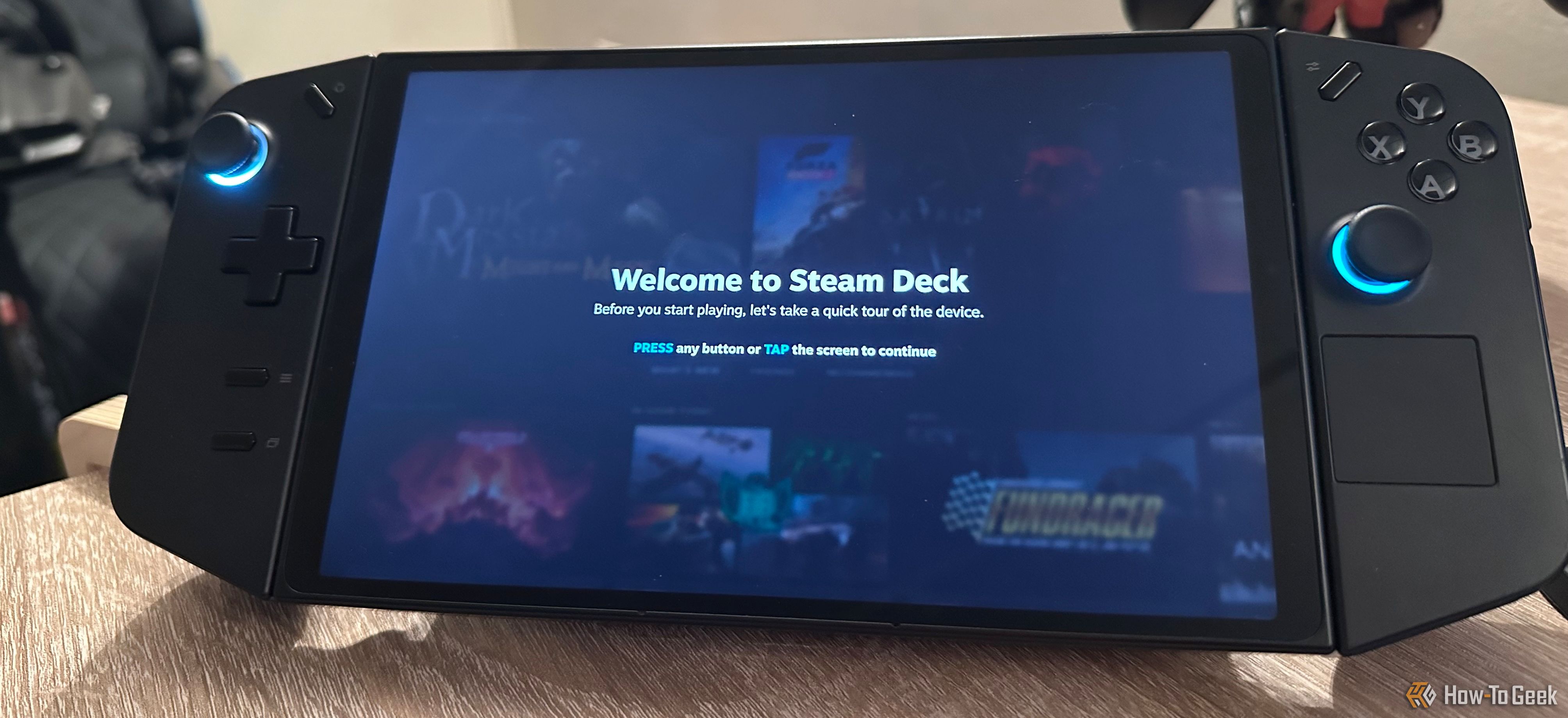
On paper, Linux gaming has never looked better. Proton compatibility lists grow weekly, the Steam Deck has sold millions, and native Linux titles—while still rare—are no longer mythical creatures. I never thought it would happen, but I game on Linux systems all the time now. Whether it’s using SteamOS on my handheld PC or playing unofficial PC ports on my emulator handheld console, Linux is playing some part in my daily gaming diet.
Sydney Louw Butler / How-To Geek
A lot of work has gone into making this possible, notably Proton and the ever-expanding list of Windows games that will now run (and run well) on Linux. While I don’t know if there will every be 100% compatibility, there are thousands of WIndows games that run on Linux today, and about 50% of my own Steam library is compatible. However, there are other issues than simply getting a game to run.

Power Source
50Whr battery
What’s Included
Console, charger, carrying case
Brand
Valve
Screen
7.4-inch (diagonal) LCD display
Storage
512GB NVMe SSD
CPU
Zen 2 4c/8t, 2.4-3.5GHz
Easy Anti-Cheat and DRM: The Final Boss of Compatibility

Lucas Gouveia / How-To Geek
This is the big one. Easy Anti-Cheat (EAC), BattlEye, and various DRM systems remain the bane of Linux gaming. Even though EAC and BattlEye have technically added Linux/Proton support, developers still have to enable it—and many don’t bother.
Anti-cheat systems usually need some pretty low-level access to your computer, and if it’s not expecting to run within a compatibility layer it’s going to freak out and think you’re trying to cheat. This isn’t just annoying, in some cases you might face a permanent ban from a game for cheating, just because you didn’t want to use Windows as your operating system of choice.
Obviously as the popularity of Linux as a gaming platform grows, these anti-cheat solutions will have to get with the times, but right now there’s a good chance your favorite e-Sports or other competitive online game won’t play nice with Linux using something like Proton.
Game Mods and Mod Managers Still Break Constantly
Bethesda Game Studios
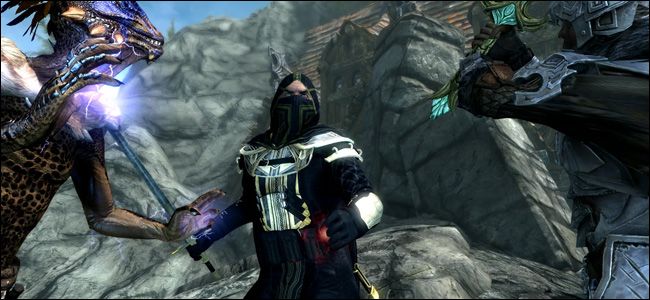
One of the major reasons PC gaming is awesome has nothing to do with horsepower and everything to do with the freedom of modding your games. While manual game modding usually works just fine on Linux, some mods might not be compatible with Proton or other compatibility solutions. On top of this, mod managers (which are the preferred way to install mods these days) might not work either, since these are designed for Windows.
So it’s not like game modding on Linux doesn’t work or can’t happen. It might just not be as easy or straightforward in some cases.
VR on Linux Is Still Rough at Best
Valve
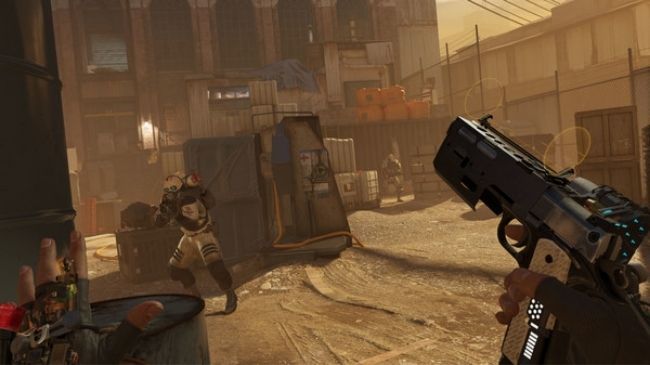
Even as a major VR fan myself, I have to acknowledge that VR is still a pretty niche way to play games on PC and so I understand that it’s not the highest priority for Linux gaming and the people working to make it a reality. That said, VR is still in pretty rough shape as of this writing. You can check sites like VR on Linux to get a sense of which games and headset work with Linux, but there’s a big gap between VR on Linux and Windows still.
Game Streaming Services: Second-Class Support
NVIDIA
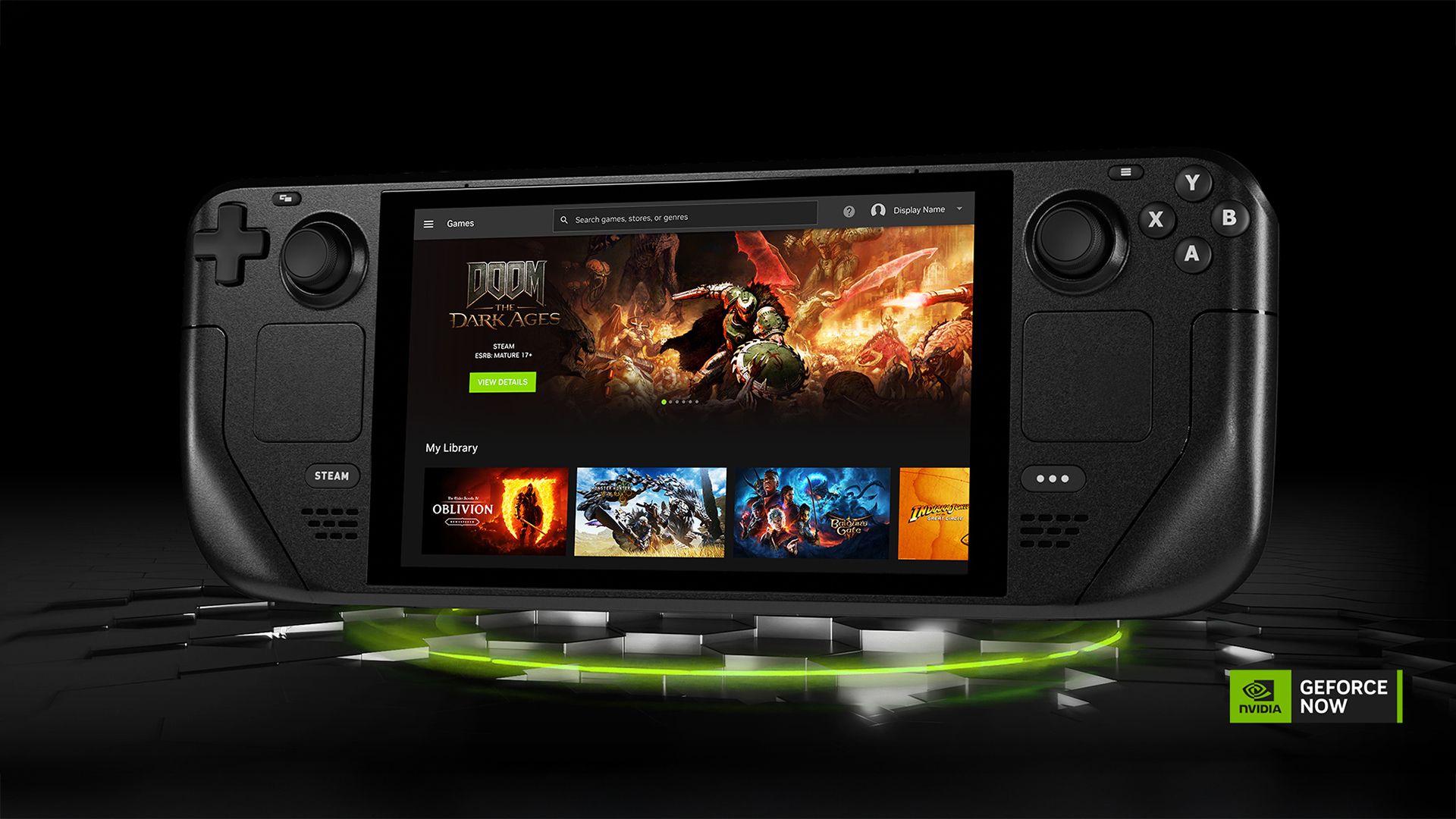
Game streaming should, in theory, be the great equalizer for Linux gamers—no compatibility layers, just pixels sent to your screen. But many streaming services don’t fully support Linux, or they offer a web app with reduced features compared to native Windows clients.
NVIDIA GeForce Now and Xbox Cloud Gaming do work in browsers, but latency, bitrate caps, and missing features like adaptive resolution scaling can leave you feeling like you’re getting the “diet” version.
Performance Isn’t Always Predictable
Kris Wouk / How-To Geek
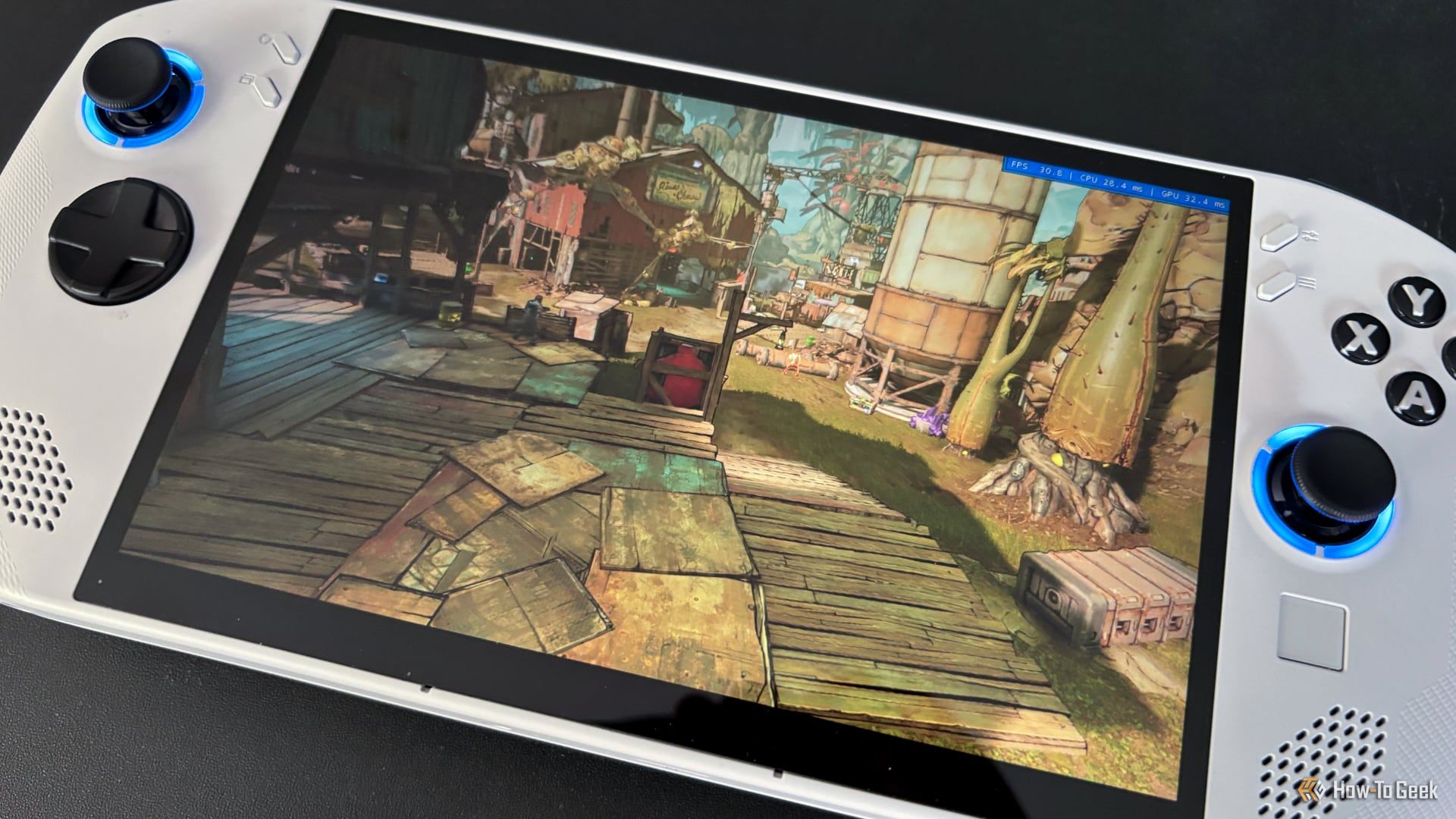
There’s a big difference between a game running under something like Proton and running well. To be honest, this is much less of a problem now than ever before, and it’s only going to get better. In fact, there are many examples now of games running better under Linux using Proton than natively under Windows. That’s both a huge feather in the cap of the folks that work on Proton and a black mark against Microsoft, but I digress.
While I expect most games on Linux running through compatibility layers to perform well, it’s undeniable that performance can’t be guaranteed, and can be inconsistent. It only takes a minor issue under the hood for a game to become unplayable, and regressions to happen as well. I don’t want to make this out to be a Linux-only issue, it can happen under any OS, but the added complication of compatibility layers does mean an extra element of chaos.
We’re Close, but Not There Yet
I’m definitely in the corner that want to dismantle the dominance of Windows in PC gaming, and I think eventually some form of Linux could become the dominant software for PC gamers, meaning more native Linux games in the future. That said, we aren’t there yet and Linux penetration among gamers remains vanishingly low.
That could change overnight, however, and I can’t help but feel the tipping point really is just around the corner.