
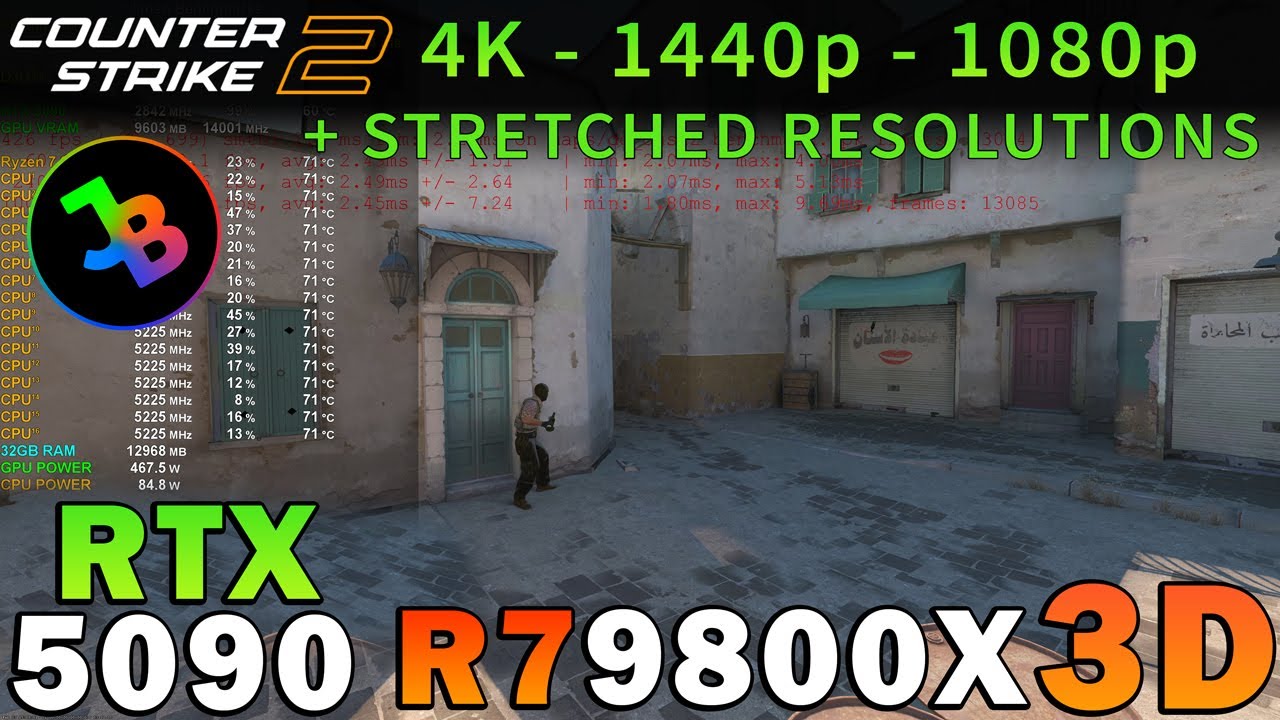
Buy Gamekeys at CDKeys ►https://cdkeys.pxf.io/xkJg3v
Please hit the thumbs up button and subscribe if you like what you see.
Recorded with my dedicated RECORDING/STREAMING PC via Capture Card.
This video was directly Captured from my ULTRAWIDE GAMING Monitor OR my OLED 4K HDR GAMING TV.
Resizable Bar / Smart Access Memory is always ON in my videos.
Support me by becoming a Member on this channel & get access to Member perks:
https://www.youtube.com/channel/UCKRLL6IQAbwdFyji-ehZyHw/join
or by donating via super thanks 🙂
00:00 Important Benchmark Details & Intro
00:09 Settings Showcase Max
00:24 Settings Showcase Low
00:34 4K Max Settings
01:32 4K Low Settings
02:30 1440p Max Settings
03:34 1440p Low Settings
04:33 1080p Max Settings
05:31 1080p Low Settings
06:30 4:3 2048x1536p STRETCHED Max Settings
07:29 4:3 2048x1536p STRETCHED Low Settings
08:27 4:3 1280x960p STRETCHED Max Settings
09:26 4:3 1280x960p STRETCHED Low Settings
10:25 4:3 1024x768p STRETCHED Max Settings
11:24 4:3 1024x768p STRETCHED Low Settings
12:22 4:3 800x600p STRETCHED Max Settings
13:21 4:3 800x600p STRETCHED Low Settings
———————————————————————————————————-
Instagram: https://www.instagram.com/jansn_benchmarks/
Twitter: https://twitter.com/Jansn_Benchmark
TikTok: https://www.tiktok.com/@jansn_benchmarks
———————————————————————————————————-
MY GAMING PC:
GPU: RTX 5090
►https://amzn.to/4go2Mcv
CPU: Ryzen 7 9800X3D
►https://amzn.to/3WFjD3K
CPU-WATERCOOLER:
►https://amzn.to/3E6GX1r
RAM: 32GB DDR5 C30 RAM
►https://amzn.to/499v3S8
Mainboard:
►https://amzn.to/3M8Rnjk
SSD:
►https://amzn.to/3SGIq3g
Case:
►https://amzn.to/3moCDi4
Fans:
►https://amzn.to/3e3bJJF
Power Supply:
►https://amzn.to/3CCK6bd
Mouse:
►https://amzn.to/3WDQ2r5
Mousepad:
►https://amzn.to/3cLN0rw
Keyboard:
►https://amzn.to/3aGI2uI
Headset:
►https://amzn.to/4hHyPoQ
My Ultrawide Gaming Monitor:
►https://amzn.to/3WJ6Zkc
My Office Monitor
►https://amzn.to/358qeHG
My 4K OLED HDR TV:
►https://amzn.to/2KFS7xo
OSD: FPS Monitor (sometimes Afterburner/RTSS)
Windows 11 64 bit
MY RECORDING/STREAMING PC:
GPU: RTX 3090
►https://amzn.to/3Sh0Eaw
CPU: Ryzen 9 7950X3D
►https://amzn.to/3B7IoOm
RAM: 32GB DDR5 RAM
►https://amzn.to/3nuoYfv
Mainboard:
►https://amzn.to/3Kh3gnS
Capture Card:
►https://amzn.to/3bItETX
———————————————————————————————————-
FTC DISCLOSURE:
The above links marked with ► are affiliate links, where I may receive a small commission from qualifying purchases made through those links at no extra cost to you. All views in this video are my own.
Als Amazon & CDKeys Affiliate verdiene ich an qualifizierten Käufen:
Mit ► gekennzeichnete Links in meiner Videobeschreibung sind Affiliate-Links.
Durch manche gesponserte Links bekomme ich eine kleine Provision, der Kaufpreis für euch ändert sich dadurch aber nicht!
Danke für eure Unterstützung.
———————————————————————————————————-
In March 2023, Valve announced an update to Global Offensive, titled Counter-Strike 2. Using Valve’s Source 2 game engine, Counter-Strike 2 is expected to feature major technical improvements over Global Offensive. The game was released on September 27, 2023, with a limited technical test beginning on March 22, 2023 for select players.
Source: https://en.wikipedia.org/wiki/Counter-Strike:_Global_Offensive#Counter-Strike_2
#RTX5090 #9800x3d #counterstrike2
18 Comments
CS2 Benchmark Tool Workshop Link: https://steamcommunity.com/sharedfiles/filedetails/?id=3240880604
There is a screenshot of the FULL RESULT at the end of each part, where you can see the AVG FPS & 1% lows. I had to cut the benchmark scene since the video would be too long.
Please give this video a like & comment for the algorithmn 🙂
Details
A benchmark for testing CS2 performance and FPS, it simulates typical things that would happen during a usual round like bomb plants, nade throws, gunfire, smoke spams, etc…
Interpreting Results
Example >> [VProf] FPS: Avg=517.3, P1=183.5 <<
FPS: Avg > Average FPS over the entire run
P1 > 1% lows, the slowest 1% of frames, basically the lowest your FPS got over the whole run.
The results from this benchmark shouldn't be compared against real competitive matches, due to your client having to simulate the entire game, which doesn't happen when playing on a server.
This benchmark is 100% reliable and reproducible and as such should only be used to compare results against ITSELF, to check for config/hardware changes.
00:00 Important Benchmark Details & Intro
00:09 Settings Showcase Max
00:24 Settings Showcase Low
00:34 4K Max Settings
01:32 4K Low Settings
02:30 1440p Max Settings
03:34 1440p Low Settings
04:33 1080p Max Settings
05:31 1080p Low Settings
06:30 4:3 2048x1536p STRETCHED Max Settings
07:29 4:3 2048x1536p STRETCHED Low Settings
08:27 4:3 1280x960p STRETCHED Max Settings
09:26 4:3 1280x960p STRETCHED Low Settings
10:25 4:3 1024x768p STRETCHED Max Settings
11:24 4:3 1024x768p STRETCHED Low Settings
12:22 4:3 800x600p STRETCHED Max Settings
13:21 4:3 800x600p STRETCHED Low Settings
Show 8K
Nice!
Delta force for the 5080 in all resolutions please 🙏🏾🙏🏾🙏🏾🙏🏾
Pls Minecraft 🙏🙏🙏😭😭😭😭😭
Would live to see 5080 in CS2
SIMS 2 PLS!!!!!!!!!!!
cstriken
Привет всем. Не 60 гц. Нужно 144 гц и 240 гц и 360 гц и 500 гц и 540гц де????
Dropping to 182 fps during bomb explosion. Not what I was hoping for. There are a plenty of optimization related things to fix in CS2.
thank you so much !
so even with wood settings you cant get above 1k fps interesting
For a user who has 14900kf and rtx super 4080, is it better to uncap the fps? as it lowers the frametime? or cap it? but it increases the frame time
if I uncap it, it goes to 1, but if by default 400, it goes to 5?
ниче ни пнял, но очень интересно)) сборка как раз для кс хорошо подходит, запас хоть какой то есть на пару лет😂
и это при том, что комп далеко не настроен абсолютно под кс) там можно сделать +1000 фпс легко)
so 1% lows are the same with my 78003d and 4070ti super game is so broken
1% low are atrocious
Source 2 is a shit.