
Hey dudes!
I just built a new i9-13900k system in January and I’m just barely getting around to doing some tuning and stress testing (been running stock clock speeds on the cpu with XMP enabled up until now).
I’ve followed the steps in this guide to tune the AC and DC load lines so far – [https://www.overclock.net/threads/asus-maximus-z790-extreme-and-intel-i9-13900k-a-tuning-guide-for-beginners.1801569/](https://www.overclock.net/threads/asus-maximus-z790-extreme-and-intel-i9-13900k-a-tuning-guide-for-beginners.1801569/)
What would you guys recommend for core ratios (both P cores and E cores), ram frequency, ram timings, and voltages (both for cpu and ram)?
Any tips on GPU overclocking are also very welcomed!
Here are my specs:
* RAM: Corsair Vengeance RGB 32 gb (2x16gb) 7200mhz DDR5 CL 34-44-44-96-140 (1.45v)
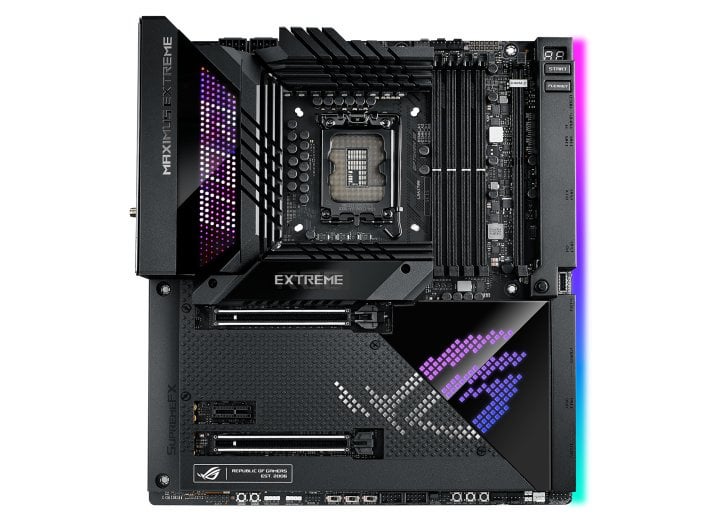
* MOTHERBOARD: Asus Maximus Hero Z790
* Cooler: 360mm GA II LCD by Lian Li
* CPU: i9-13900K (SP104)
* PSU: MEG Ai1300P PCIE5 1300W platinum rated
* GPU: MSI GAMING X TRIO 3090
* NVME: SAMSUNG 990 PRO 2 TB (x2)
One of the tuning services I spoke to suggested turning off hyper threading. Do you guys recommend disabling hyper threading?
I saw that some games can benefit from having HT disabled based on some gaming benchmark videos posted by Optimum on YT. If this is true, are there any additional settings that need to be adjusted when disabling HT such as limiting the number of active e-cores, core ratios, etc?
As mentioned above, my 13900K is an SP104 and my memory controller on the motherboard also shows a pretty high rating within UEFI.
What are some settings you guys recommend for BIOS/UEFI? (any explanation behind the logic/reasoning for making these changes would also be tremendously appreciated)
Not looking to break any records, just want to squeeze out some better performance in my games and find a nice middle ground that offers some solid gains in FPS, system responsiveness, reduced latency, etc without compromising stability for daily use.
Any tips or advice would be immensely appreciated!