
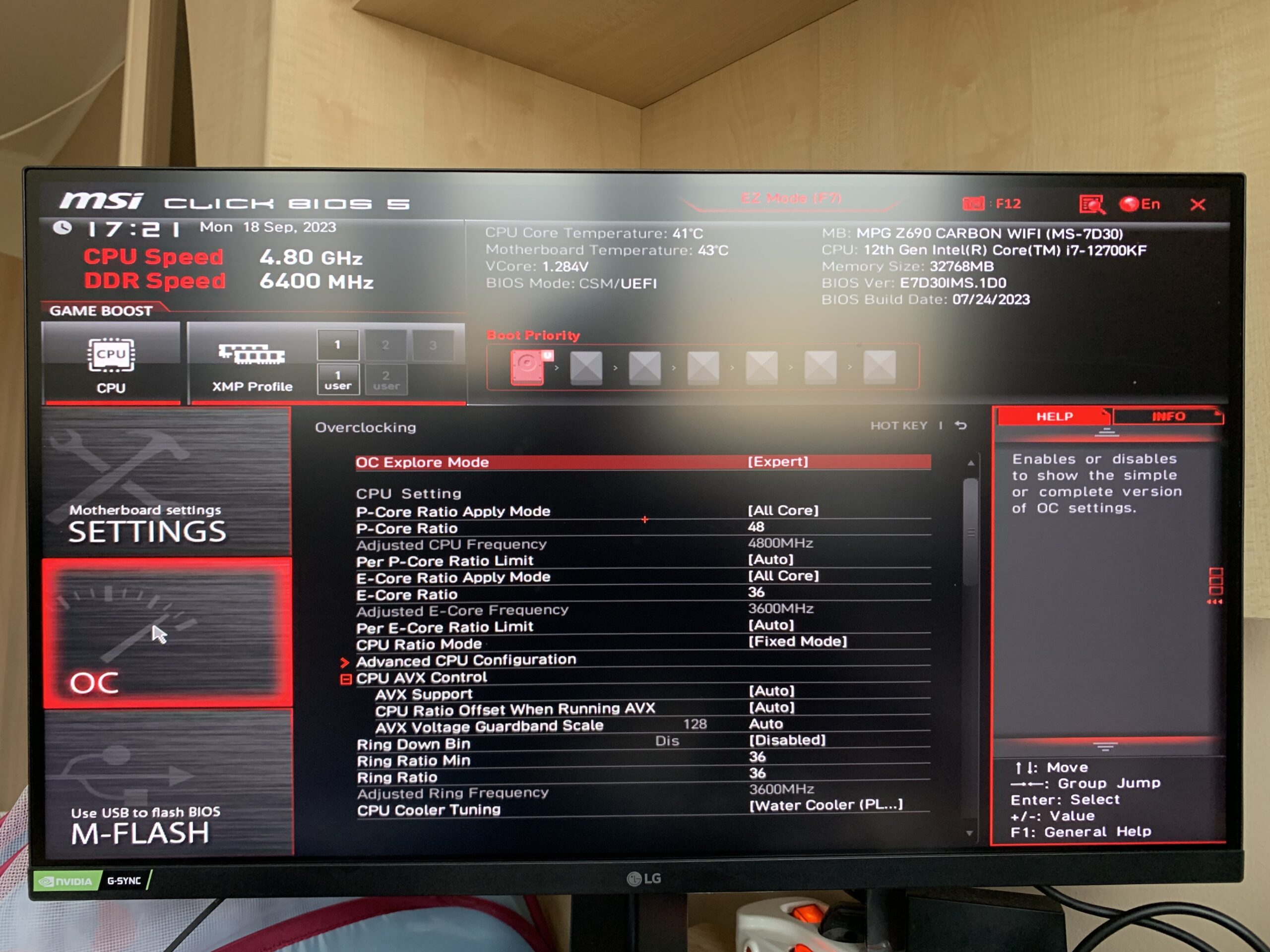
Spend a lot of time with OC’ing RAM and the target achieved.
I have an MSI Z690 carbon Wifi mobo. I built the PC in March last year. I’ve made several test but RAM was stable only on 6000 Mt/s. I read mostly everything about DDR5 OC but did not helped out to stabilize the frequency over 6000.
I wanted to know what is the secret and spent 2-3 weeks with testing and it was worth!
Jumped from 5600 to 6400! 😉
For testing I used Memtest 86; Aida64 Memory benchmark; OCCT Linpack 2021-Phys RAM only \~80%.
CPU fixed on 1000% stable frequency to avoid any error pop up from CPU side.
​
1., CPU SA, VDDQ and VDD2. With my kit no need to increase them. If I set XMP than these voltages increased by the BIOS to 1.2V or higher.
To keep the temp. lower I can fix them on the \~default. CPU SA – 0,910V, CPU VDDQ 1.130, CPUVDD2 1.130V. Memory controller works fine with default voltages.
2., Dram voltage. I should keep it on XMP voltage 1.250V. Increase this voltage is not helpful.
3., Dram VDDQ. It is 1.250V on XMP but I should set nearly the max which is 1.435.
I’ve Set it to 1.425V.
I had errors with 1.405V. Strange that 20mV is really helpful.
4., RX equalization must to set 15.
Without it no boot over 6000Mhz.
5., VTT ODT. Should be enabled.
Important to have only 1 stick in 1 socket for testing. I started with B2 in VTT ODT Auto mode.
When noticed error than increased to 0 then 1. In B2 slot I set 1 and the result is no error.
In A2 slot I had to change back to Auto. I noticed errors with 0 or 1.
6., Power down mode disabled just to avoid any further error.
7., PCH 0,82V increased with 20mv to 0,840V.
​
Pictures taken about BIOS setting.
[https://imgur.com/a/EZ6RfRS](https://imgur.com/a/EZ6RfRS)
​
​