
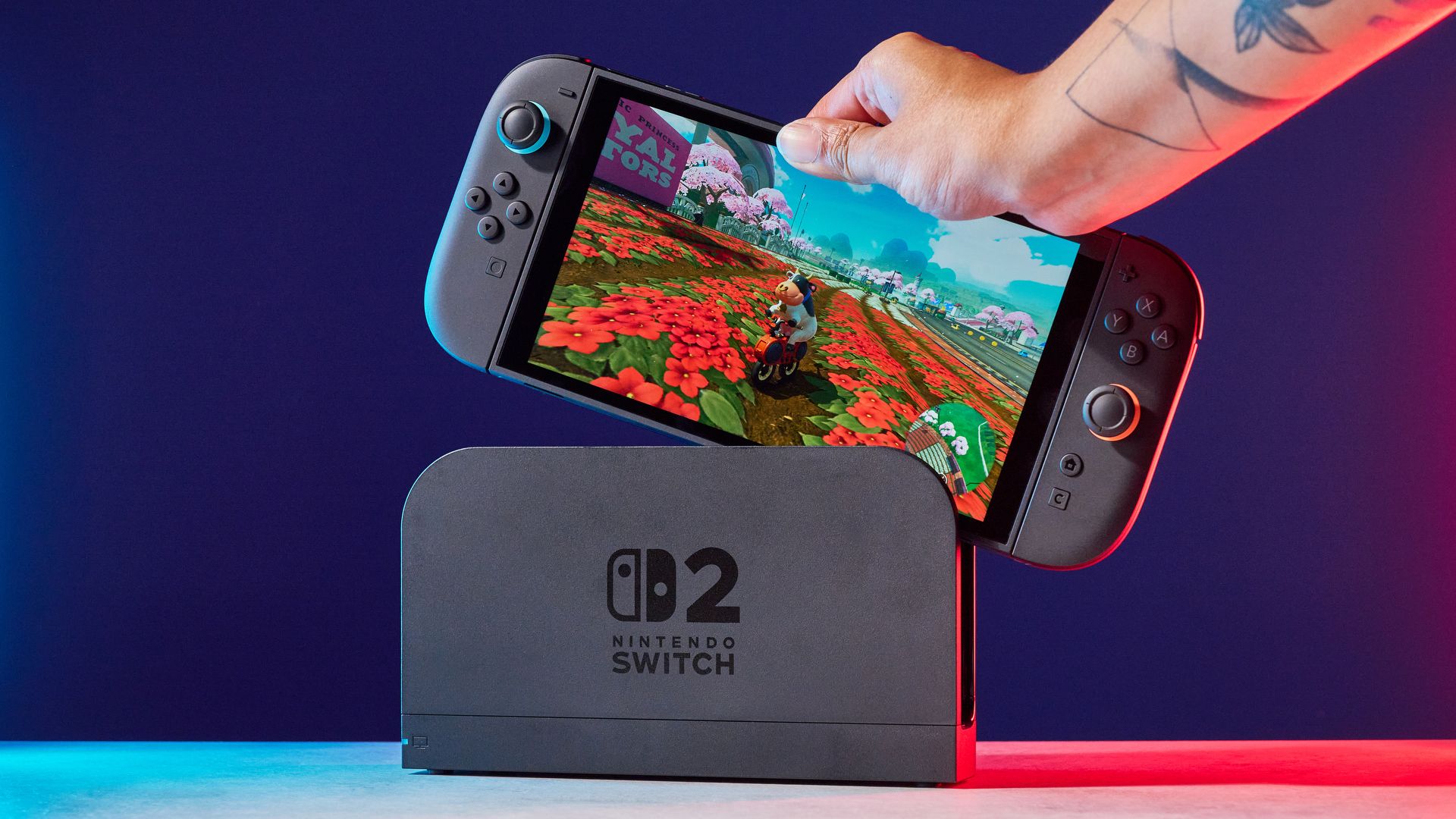
I’ve loved the Nintendo Switch 2 since launch. I said as much in my review last summer, where I labeled it the “hybrid console of my dreams.” 12 months later, and that stance hasn’t changed. However, I’ve had one persistent issue from day one: the relatively paltry internal storage.
The Switch 2 comes packing 256GB of internal storage (of that, only 249GB is usable), and there’s no escaping the fact this isn’t enough in a gaming landscape where blockbuster games boast install sizes best measured in dozens of GBs. Want to install Cyberpunk 2077: Ultimate Edition? That’s 60GB gone? Final Fantasy VII Rebirth? You need 90.5GB of space.
Even physical games won’t save you much room, with the emergence of the controversial “Game-Key Cards,” the entire game is installed on your Switch 2, similar to how discs work on PS5 and Xbox Series X. Yes, Switch 2 game files come in all shapes and sizes (The excellent puzzler Blue Prince takes up just 3.8GB), but if you want to play blockbuster games on the go, or have a large library installed at once, prepare for storage headaches.
Latest Videos From
For me, having a large cross-section of my Nintendo library installed at once is a necessity because I primarily use my Switch 2 for traveling. The last thing I want to do while on the road is be trying to find a Wi-Fi spot strong enough to download a Switch 2 game that’s taken my fancy.
Fortunately, upgrading your storage is a breeze; the process takes 30 seconds. The downside? Compatible microSD Express Cards are pricey.
You may like
So much room for more Switch 2 games
(Image credit: Tom’s Guide)
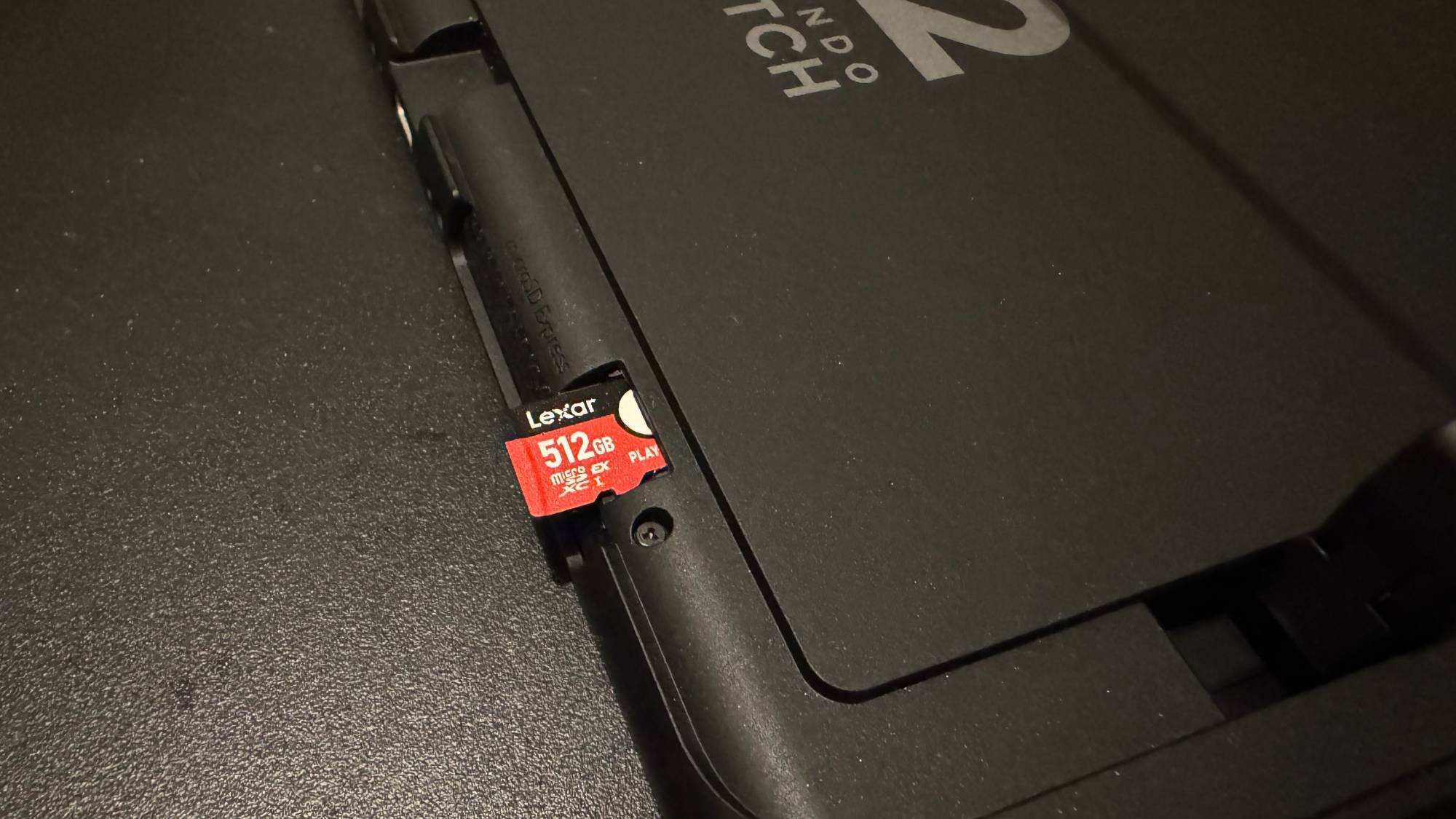
I recently got my hands on a 512GB Lexar Play Pro microSD Express Card, and it’s been a revelation. The install process is almost laughably simple.
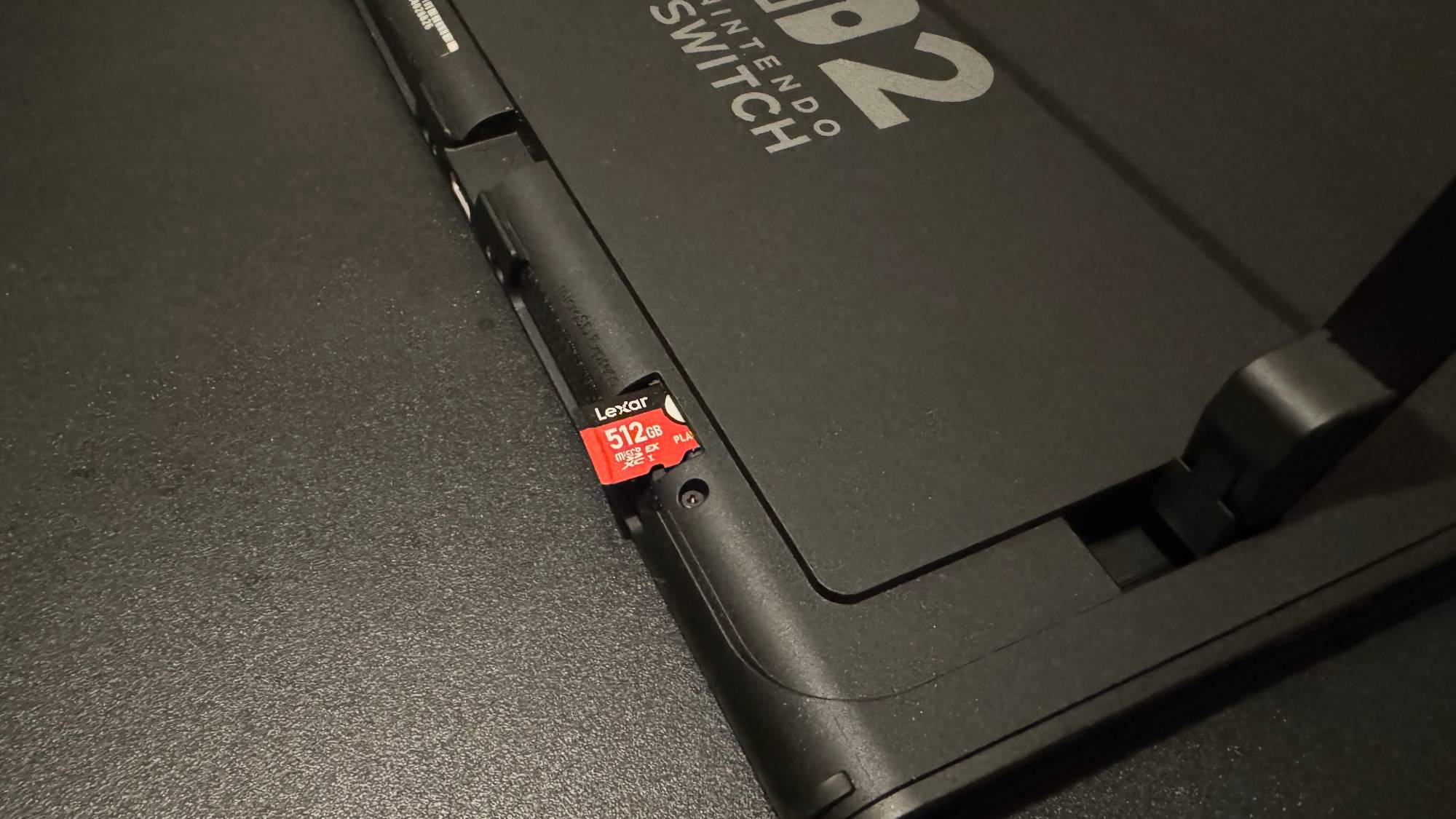
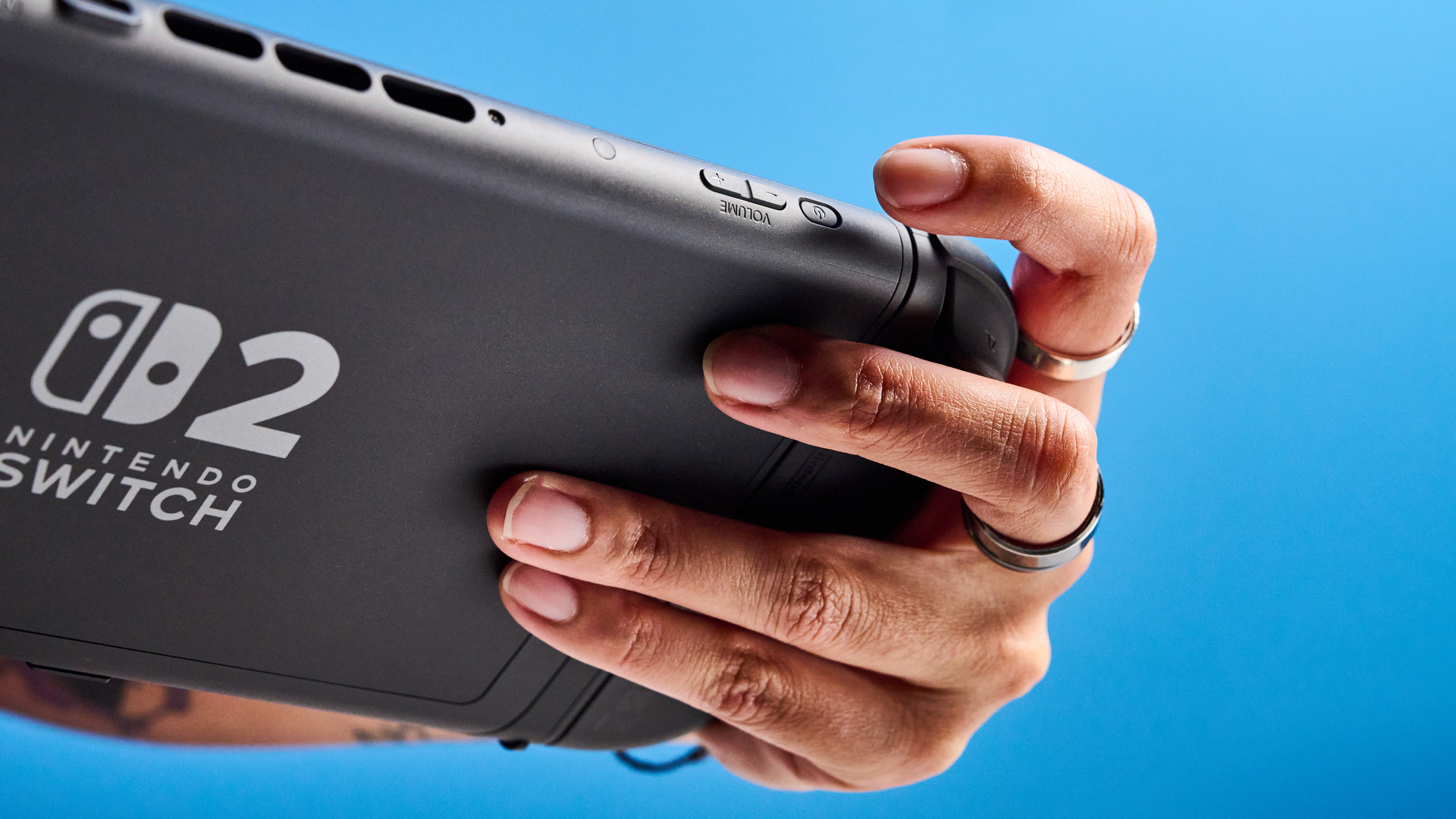
Get your chosen microSD card (remember, it must be an Express model), lift up the Switch 2’s rear kickstand, and insert the card into the console’s SD card slot. Give your Switch 2 a few moments to format, and you’re all done. Nintendo really couldn’t have made the process any smoother.
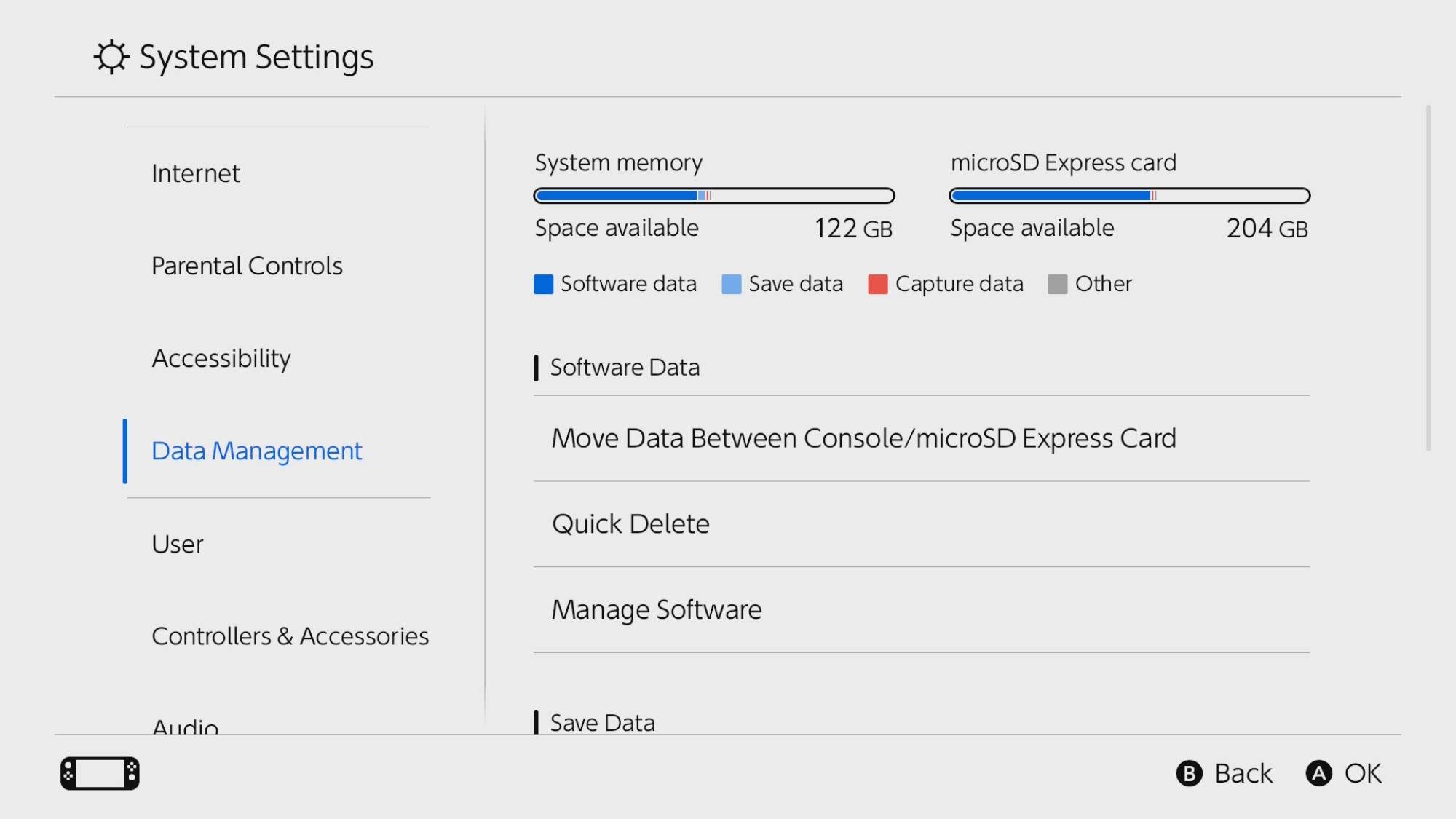
As is typical with additional storage solutions, you don’t get the full memory listed on the packaging. With the 512GB Lexar Play Pro installed in my Switch 2, I was given an extra 465GB of storage capacity. When factoring in the internal storage (which remains useable), this is a pretty healthy amount of wiggle room, even as Switch 2 game install sizes balloon.
(Image credit: Nintendo)
I’ve tested out several of the best Switch 2 games running off the Lexar Play Pro, including Fallout 4 Anniversary Edition, The Legend of Zelda: Breath of the Wild, and recently, the new Switch 2 port of Devil May Cry 5 (it’s epic!). I’ve noticed no increase in loading times compared to playing these titles from the Switch 2’s internal storage, and no reduction in performance.
So, all of this is to say, if you also feel your Nintendo Switch 2’s built-in storage just isn’t big enough, then a microSD such as the Lexar Play Pro becomes a practically essential accessory. With the card snugly installed in my console, my only major remaining gripe with the hybrid console is the pretty lackluster battery life. Maybe I need to pick up a battery pack next?
What to read next
More Switch 2 storage, but at a price
(Image credit: Tom’s Guide)
The asterisk on my glowing recommendation of the Lexar Play Pro microSD is the price. As of writing, on Amazon, a 256GB card costs $84 (currently 15% off, was $99); the model I’ve been testing, the 512GB, is priced at $149, and the largest size, a whopping 1TB, is a wallet-stinging $349. These prices aren’t dealbreakers, but they’re not impulse buys.
The big question is which size is suitable for most Switch 2 owners. I actually did buy a 256GB card last summer, but found the increased storage still wasn’t enough to keep pace with my growing Switch 2 library.
Meanwhile, much as I think the 1TB option will futureproof your console for years to come, ensuring an abundance of storage, $349 is an excessive price and likely pushes the card beyond the budget of most Switch 2 owners.
(Image credit: Tom’s Guide)
It’s the 512GB Lexar Play Pro microSD Card that finds the healthiest middle ground. You’re more than doubling your Switch 2 storage capacity, and while $149 isn’t cheap, it’s more budget-friendly than the 1TB option. If you’re looking to upgrade your own Switch 2 storage, I would recommend the 512GB card. It offers the best balance of storage and price, at present.
Of course, whether you need extra storage is a matter of personal preference. If you’re happy to be diligent with deleting/redownloading games, or only plan to play a small selection of titles at any one time, then you can absolutely enjoy the console with just the internal storage. While 256GB isn’t exactly roomy, it’s enough to install a handful of bigger titles.
However, if you’ve been a day-one Switch 2 owner since last June, or even if you just recently joined the ownership club (welcome!), and have found your storage space dwindling, then picking up a microSD card is a smart investment and resolves one of the console’s more noticeable flaws.

Follow Tom’s Guide on Google News and add us as a preferred source to get our up-to-date news, analysis, and reviews in your feeds. Subscribe to Tom’s Guide on YouTube and follow Tom’s Guide Entertainment on TikTok and Instagram. Finally, you can visit our dedicated Tom’s Guide Savings Squad hub for expert help on getting the best products for less.
More from Tom’s Guide