
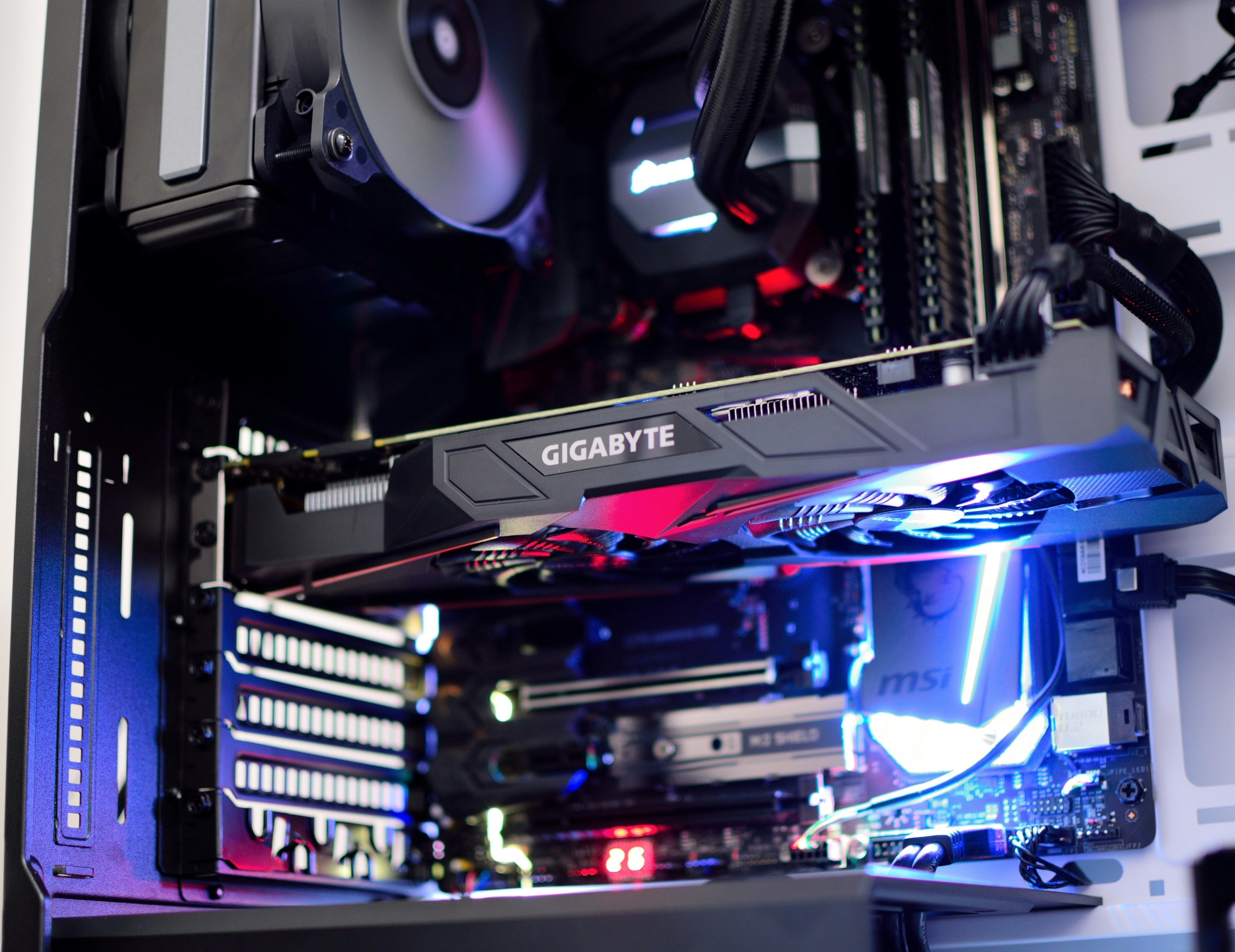
A graphics card plays a central role in gaming and professional workloads, but its long-term value depends on how well it keeps up as games and software become more demanding.
Choosing a future proof GPU involves more than raw speed, since VRAM capacity, feature support, and efficiency all affect GPU longevity. Many users look for an affordable GPU that can handle 1440p or even 4K without frequent upgrades.
This guide compares different graphics card options and highlights what makes some models better suited for long-term use.
The focus is on practical buying decisions rather than benchmark chasing, showing how the right mix of performance, memory, and modern features can extend usability for five years or more in both gaming and workloads. A well-balanced choice often delivers better long-term value than chasing peak performance alone.
Best Future-Proof GPUs To Consider
Choosing a future-proof GPU is mainly about balancing performance, VRAM, and modern features that can hold up across several years of gaming and workloads. The graphics card options below highlight strong choices across different price ranges for long-term GPUs.
1. Nvidia GeForce RTX 5080
A high-end graphics card designed for strong 1440p and 4K gaming, offering excellent long-term headroom and advanced feature support for demanding workloads. It is built to stay relevant even as newer game engines and software tools become more demanding over time.
2. Nvidia GeForce RTX 5070 Ti
A balanced future proof GPU option that delivers near-flagship performance while staying more accessible for long-term gaming stability. It offers a strong mix of efficiency and power for users who want longevity without paying top-tier prices.
3. AMD Radeon RX 9070 XT
Focuses on strong raster performance with competitive efficiency, making it a solid choice for long-term GPU longevity in modern titles. It also handles traditional gaming workloads very well without relying heavily on upscaling features.
4. AMD Radeon RX 7900 XTX
Offers high VRAM capacity, which helps in heavy gaming and workloads that rely on large textures and high-resolution assets. This extra memory makes it especially useful for 4K gaming and professional applications.
5. Nvidia GeForce RTX 5070
A well-rounded graphics card that prioritizes efficiency and modern features, making it suitable for steady long-term use. It is a practical choice for users who want stable performance without excessive power consumption.
6. AMD Radeon RX 7900 XT
A dependable mid-high GPU that can maintain strong 1440p performance over several years with good optimization. It provides a reliable balance between cost and long-term gaming capability.
7. Nvidia GeForce RTX 5060 Ti 16GB
An Affordable GPU option with strong VRAM headroom, improving long-term usability for gaming and creative tasks. Its 16GB memory makes it more future-ready than many cards in its price range.
8. Intel Arc B580
A budget-focused graphics card that offers value-driven performance for users prioritizing cost efficiency and entry-level future support. It is best suited for gamers who want modern features at a lower entry price.
What Makes A GPU Last 5+ Years
VRAM is one of the most important factors in GPU longevity because modern games and creative workloads use larger textures and more detailed assets than ever before. A future-proof GPU with 12GB or 16GB VRAM is more likely to remain stable at 1440p and 4K as requirements increase over time.
Feature support also plays a major role in how long a graphics card stays relevant. Technologies like DLSS, FSR, ray tracing improvements, and modern encoding help extend usability by improving performance in newer games and workloads.
Efficiency and thermals also affect long-term stability. A cooler, well-optimized graphics card places less strain on system components, helping maintain consistent performance over years of use.
How To Choose The Right GPU For Gaming And Workloads
The right graphics card depends heavily on resolution and workload type. A 1080p setup may last longer on a midrange GPU, but 1440p and 4K gaming require stronger models with higher VRAM for consistent performance over time.
Workloads also matter when choosing a future proof GPU. Video editing, AI tools, and rendering applications often rely on memory capacity and encoder features more than raw gaming FPS performance alone.
It is also important not to focus only on current benchmarks. A GPU that just meets today’s requirements may age quickly, while a slightly stronger option provides more flexibility as games and software evolve.
The Safest GPU Picks Are The Ones With Room To Grow
The best long-term graphics card is one that balances VRAM, performance, efficiency, and feature support instead of relying only on peak benchmark results. A future proof GPU should remain capable as both games and workloads become more demanding over time.
Choosing an Affordable GPU with enough memory and modern features often provides better long-term value than chasing short-term performance gains. For GPU longevity, the safest strategy is selecting hardware with enough headroom to stay relevant for at least five years.
Frequently Asked Questions1. What makes a GPU truly future proof?
A future-proof GPU usually has strong VRAM capacity, modern feature support, and enough performance headroom for upcoming games. It should also handle higher resolutions like 1440p or 4K without constant settings reductions. Efficiency and driver support also play an important role in long-term usability. Together, these factors help extend the life of a graphics card.
2. How much VRAM is needed for long-term gaming?
For modern gaming and workloads, 12GB is often considered the minimum for comfortable long-term use. However, 16GB provides better safety for future titles and higher resolutions. VRAM-heavy games continue to grow in demand each year. More memory generally helps a GPU age more gracefully.
3. Is an Affordable GPU good for 5+ years of use?
An Affordable GPU can last 5+ years if it includes enough VRAM and modern features like upscaling support. However, it may require lowering settings sooner than higher-end models. Efficiency and optimization also affect how long it stays relevant. Choosing carefully is more important than just picking the cheapest option.
4. Do ray tracing and DLSS affect GPU longevity?
Yes, features like ray tracing and DLSS can extend a GPU’s usable life by improving performance in newer games. DLSS and FSR help maintain playable frame rates as demands increase. Ray tracing support ensures compatibility with modern visual effects. These technologies help keep older GPUs relevant longer.