
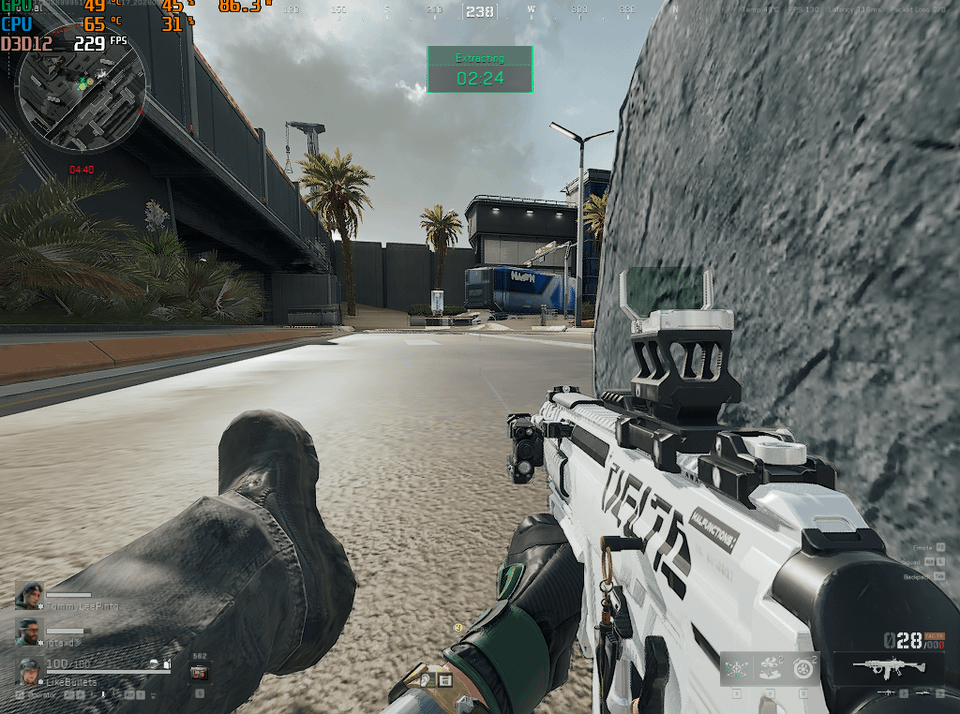
1 – Res 1024X768 Dlss Ultra P
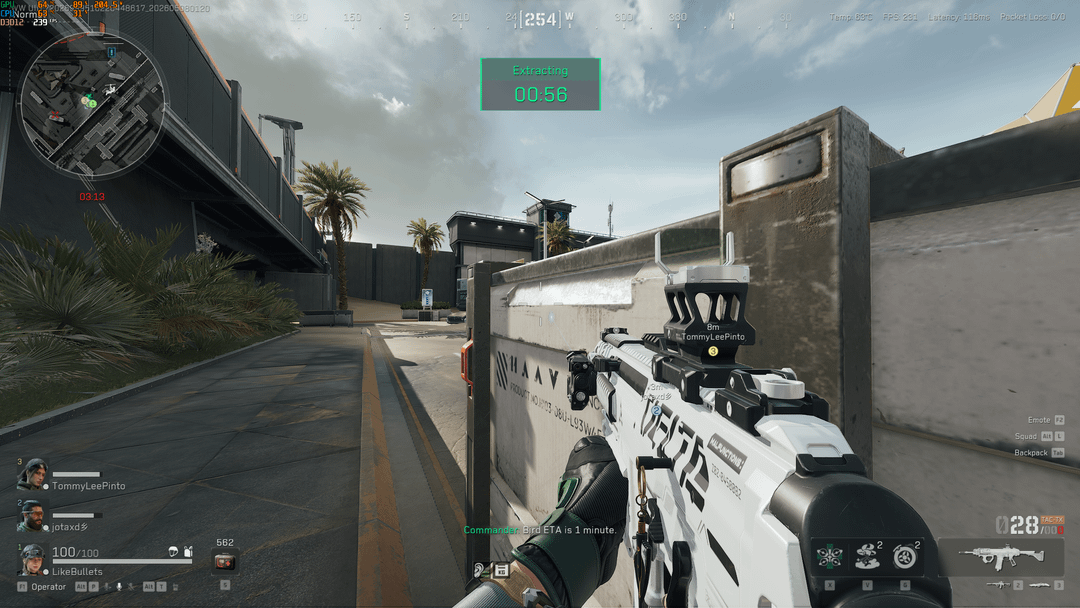
2 – Res 2560×1440 Dlss Quality
The issue is this: with my old 3060 Ti, I used to run the game at 1440p with DLSS Ultra Performance and got around 230 FPS. Now, with the ASUS OC 5070 12GB, I can run the game at 1440p with DLSS Quality and still get the exact same 230 FPS, but with much better image quality.
Here’s the strange part: with the 5070, it doesn’t matter what resolution or DLSS preset I use — the FPS stays exactly the same. Seriously, if I play at 1440p DLSS Quality, I get 230 FPS, and if I switch to 1024×768 with DLSS Ultra Performance, I STILL get 230 FPS.
Things I’ve already tried:
- Updated the BIOS to the latest version for the ASUS B450M Pro Gaming
- Fully updated AMD chipset drivers
- Tested on custom Windows 10
- Tested on custom Windows 11
- Tested on clean/vanilla Windows 11 Pro
- Resizable BAR ON vs OFF
- Different power settings
- GPU + CPU undervolt ON vs OFF
- NVCleanstall tweaks
- MPO OFF
And none of it fixed the issue.
To finish it off, my setup is:
- Ryzen 7 5700X3D locked at 4050MHz
- 2x8GB DDR4 Asgard 3733MHz CL14 (BIOS optimized, 1.54v)
- ASUS RTX 5070 12GB OC Edition
- ASUS B450M Pro Gaming
- Gamemax 750W PSU
And here’s the funny part: I have a friend with a very similar setup, but using a regular RTX 3080, and he gets much better FPS than me in Full HD (around 240–280 FPS).
His setup is:
- Ryzen 7 5700X3D
- 2x8GB 3200MHz CL18
- RTX 3080
Like… it just makes no sense to me that my FPS stays exactly the same regardless of resolution or DLSS preset. Literally none.