
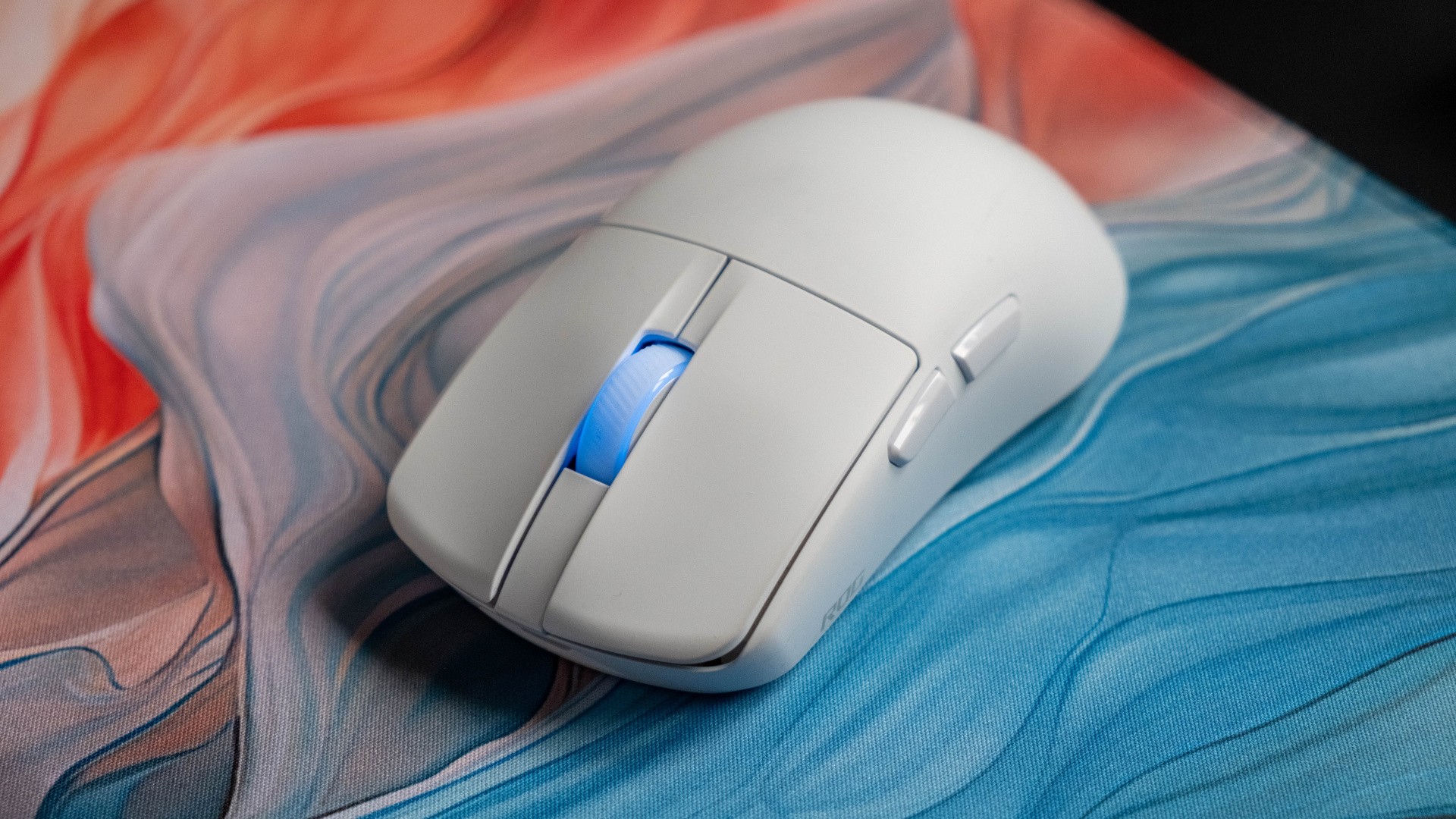
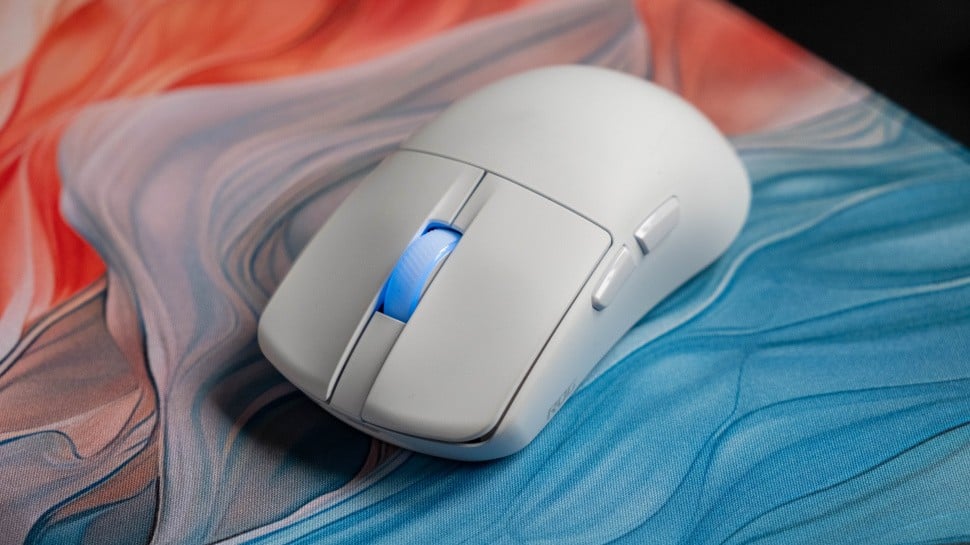
Asus is probably not the first brand you’d think of when it came to high-end gaming mice, but the Taiwanese PC gaming giant has been quietly rolling out some genuinely top-level mice for years now. Their latest effort is the ROG Harpe 2 Ace, and it’s a fantastic all-rounder that stands in stark opposition to the top esports-focused mice like the Razer Viper V4 and Logitech X2 Superstrike. It proves that you can deliver a hugely performant wireless ultra-light mouse for competitive play, yet still deliver on the sorts of features that make a mouse great for office work or more casual gaming.
Of course, a $130/£130 price tag puts the Harpe 2 Ace firmly in enthusiast territory, but given that the original Harpe Ace now retails for a more reasonable $80, I think it’s fair to assume that this mouse will reach a similar price – and a wider audience – in a year or two, especially at shopping holidays like Black Friday.
What I respect about the Harpe 2 Ace is that it sacrifices very little compared to the initial crop of ultra-light mice, which typically used heavily ventilated designs that exposed the internals, compromised build quality and terrified the trypophobic. The Harpe 2 Ace manages to reach a weight of 48 grams, right in the sweet spot for manoeuvrability and control, yet it has a solid shell with no give whatsoever when clutched tightly. It also packs in a slot for the compact 2.4GHz USB dongle and Bluetooth connectivity, both of which are commonly excised for weight-saving reasons by rival mice. The battery is also legitimately good, at a rated 101 hours
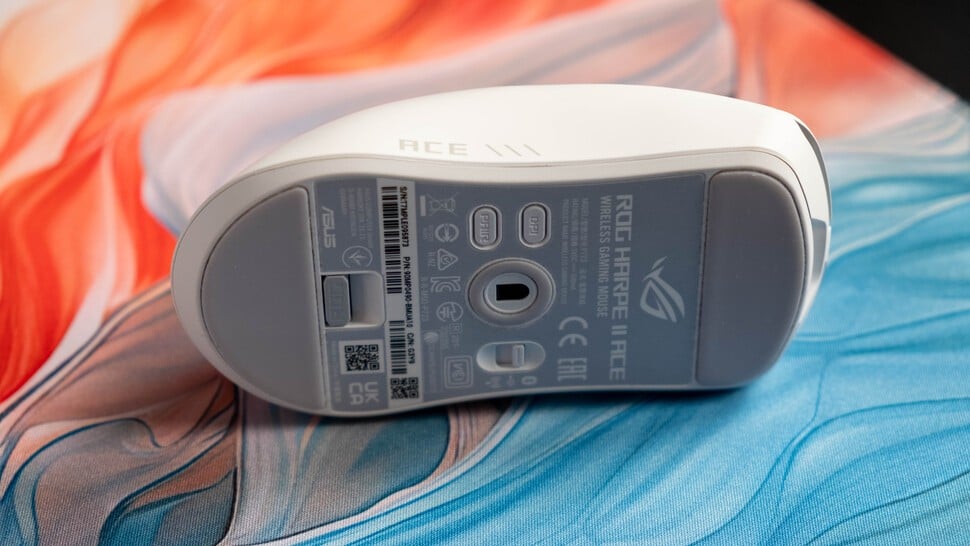
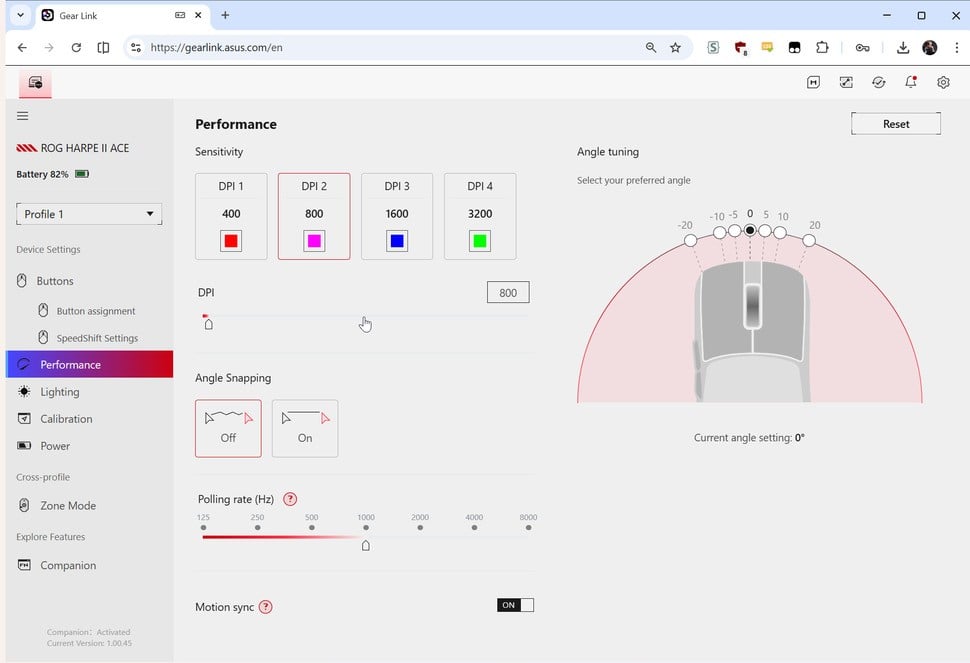
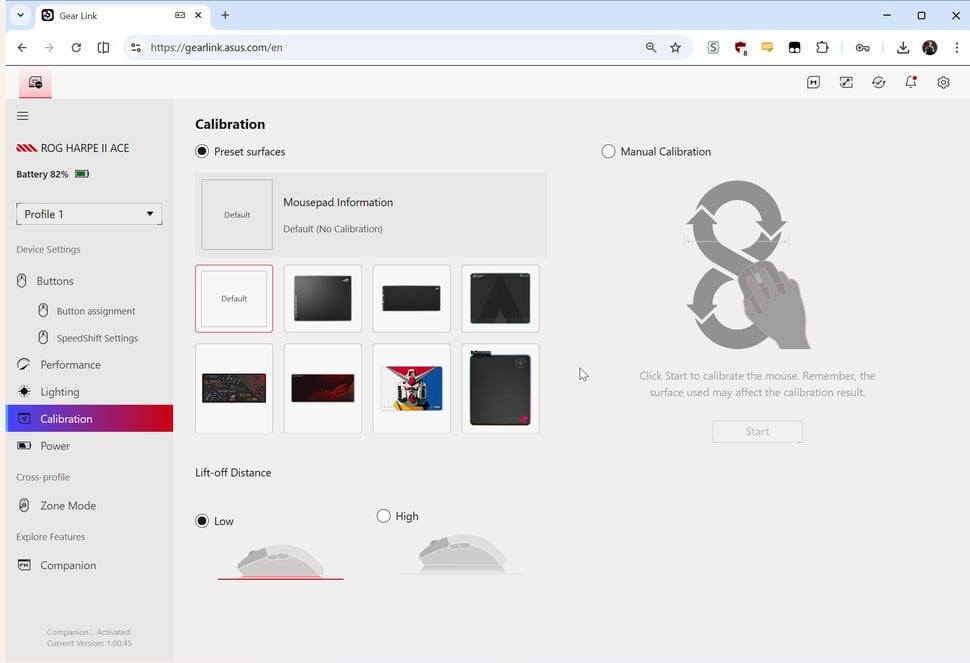
The rest of the internals are top-notch: a 42K DPI optical sensor, optical microswitches under the left and right mouse buttons and a 2.4GHz wireless transmitter that supports up to 8000Hz. That matches the vast majority of premium wireless mice that have come out over the past few months, though the extra-fast clicks and haptic feedback of the Logitech X2 Superstrike remain unique to that particular mouse. One unique capability here is the ability for the sensor to track on glass, which is a nice usability addition for non-gaming use.
The semi-symmetric shape has evolved from the original Harpe Ace, with gently tapered sidewalls, a lower rear hump and rounded mouse buttons, and Asus says that it now supports both claw and fingertip grips. I have a 200x100mm hand and use a relaxed claw style, and the Harpe 2 Ace’s 126x64x40 dimensions feel just right for that purpose. I’d say all but the smallest hands should find the Harpe 2 Ace comfortable to use. The matte coating here is excellent too, offering plenty of grip without showing fingerprints.
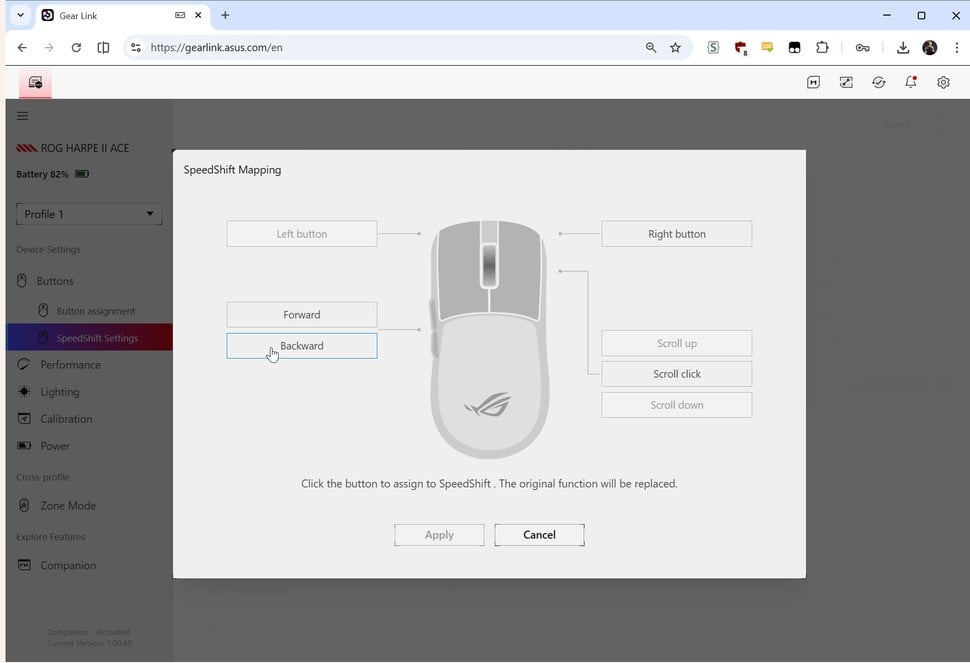
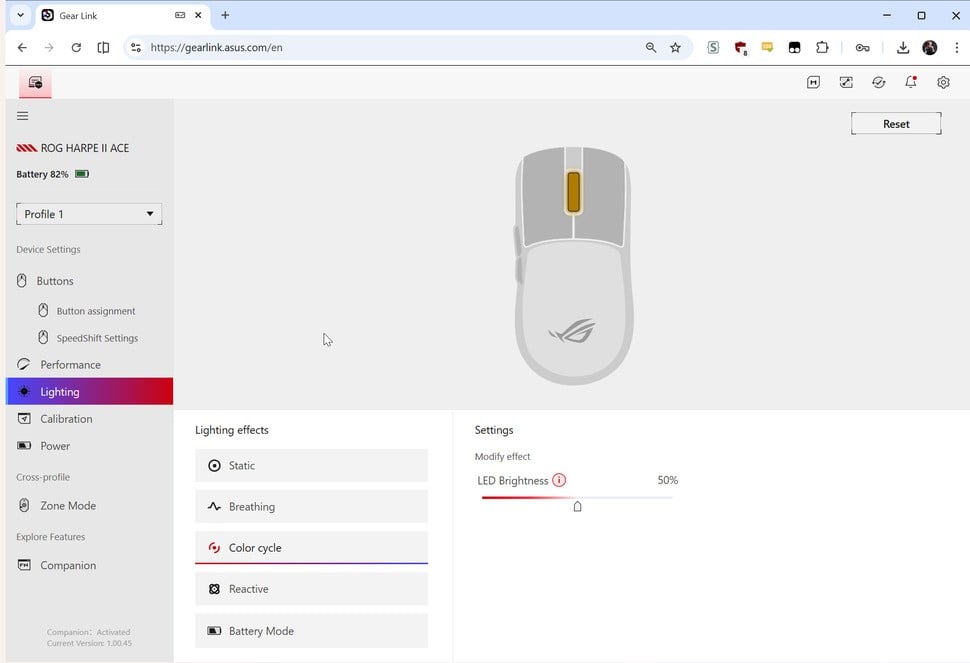
As with other PC peripherals I’ve reviewed recently, traditional downloadable software has fallen by the wayside in favour of a web app. I personally think this is great, as you just need to go to a website, give it access to your mouse, and then you can make whatever changes you’re interested in – lighting, polling rate, button mapping and so on. When you’re done, you leave the site, and you therefore don’t have a program running in the background stealing your (now expensive) RAM. Asus’ Gear Link software is amongst the best I’ve tested, with a sensible layout, well-written English explanations (not always a given) and all of the features that you’re likely to need.
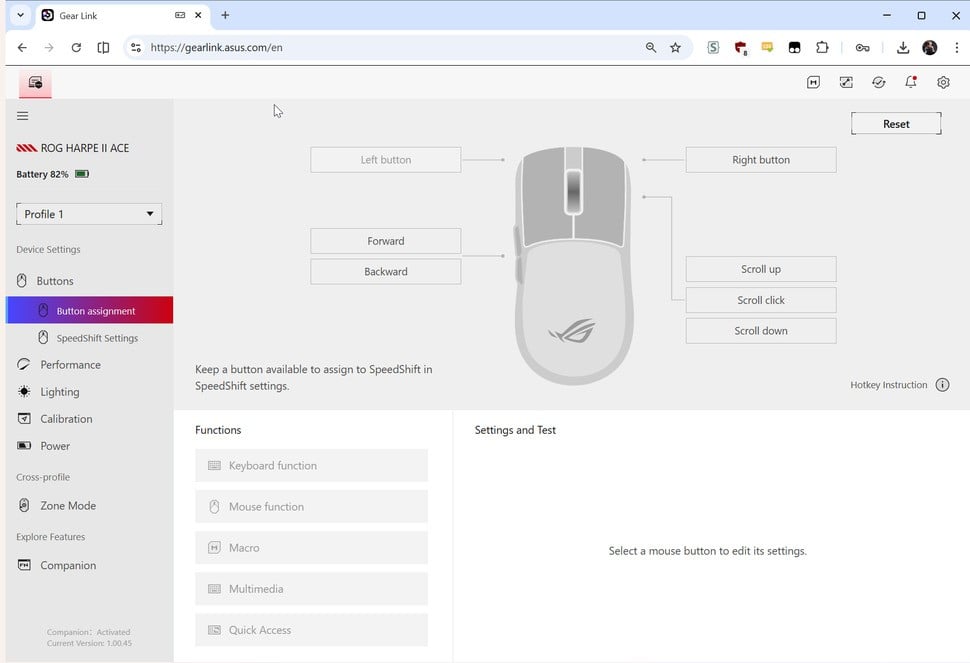 The Gear Link software works well – I just wish it didn’t require a small supplementary download for each peripheral you want to use it with.
 The Gear Link software works well – I just wish it didn’t require a small supplementary download for each peripheral you want to use it with.
 The Gear Link software works well – I just wish it didn’t require a small supplementary download for each peripheral you want to use it with.
 The Gear Link software works well – I just wish it didn’t require a small supplementary download for each peripheral you want to use it with.
 The Gear Link software works well – I just wish it didn’t require a small supplementary download for each peripheral you want to use it with.
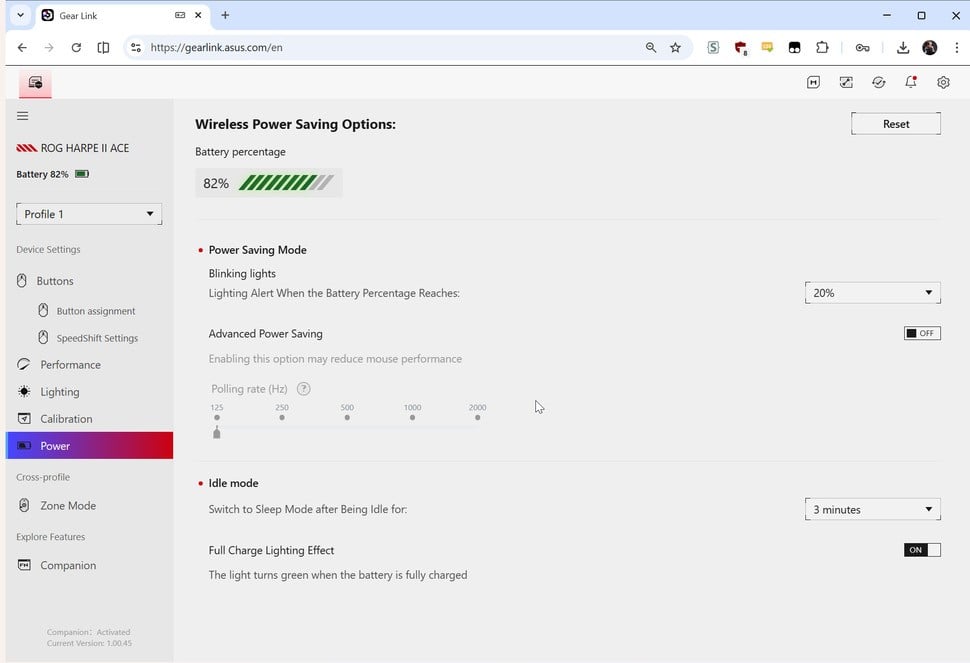 The Gear Link software works well – I just wish it didn’t require a small supplementary download for each peripheral you want to use it with.
 The Gear Link software works well – I just wish it didn’t require a small supplementary download for each peripheral you want to use it with.
The smart decisions Asus has made in terms of shape and components results in a mouse that is capable and comfortable even for marathon gaming sessions. Low DPI playstyles are well catered for, thanks to the low weight and powerful sensor, and I felt confident taking duels in precision-focused first-person games like Counter-Strike 2 and MechWarrior 5: Clans. The mouse is a little less critical in games like Diablo 4, but I appreciated having conveniently-placed side buttons to bind to the map overlay and inventory screen for quick checks or gear swaps in battle.
One thing I noticed was that the Harpe 2 Ace is very easy to pick up and reposition, something that you can do a lot at low DPI settings, and again that’s down to the choice of shape and that grippy matte coating. The mouse clicks and mouse wheel are also nicely composed here, moving easily without the wobble or sponginess that can sometimes afflict even high-end mice.
As well as gaming, I spent a lot of time using the Harpe 2 Ace for work – Photoshopping images, editing articles and running benchmarks. The mouse felt responsive to use even on the Bluetooth connection, which is not always a given, and is appreciated for times when you’re travelling with a laptop that may not have a spare full-size USB port.
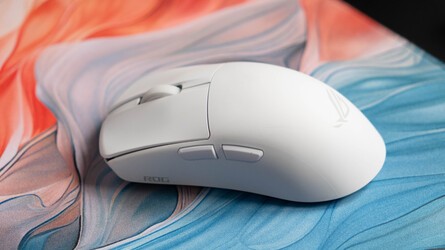
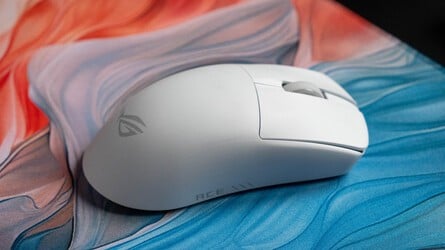
You don’t have a huge number of extra physical buttons to tie to macros, which is useful for some types of work, but there is a SpeedShift feature that lets one button act as a modifier, so it is possible to map more functions than you have physical buttons to press. I also appreciated the Zone Mode setting, which is essentially a customisable profile set up out of the box for maximum competitive capability, so you don’t need to keep the battery-sapping 8K polling engaged for regular use.
Overall, the Harpe 2 Ace is a capable ultra-light mouse that will suit competitive FPS players thanks to its high-end internals, while still offering features with much broader appeal: long battery life, glass tracking, web-based software and Bluetooth support. It compares very favourably to the latest Razer Viper, offering similar performance in competitive games while offering better features outside of that use case. Asus is in something of a golden age at the moment when it comes to peripheral design, and that ought to be noticed and appreciated.
Please note that some external links on this page are affiliate links, which means if you click them and make a purchase we may receive a small percentage of the sale. Please read our FTC Disclosure for more information.