
Good day everyone.
I've been trying to solve this problem myself for two weeks now, but so far, no luck.
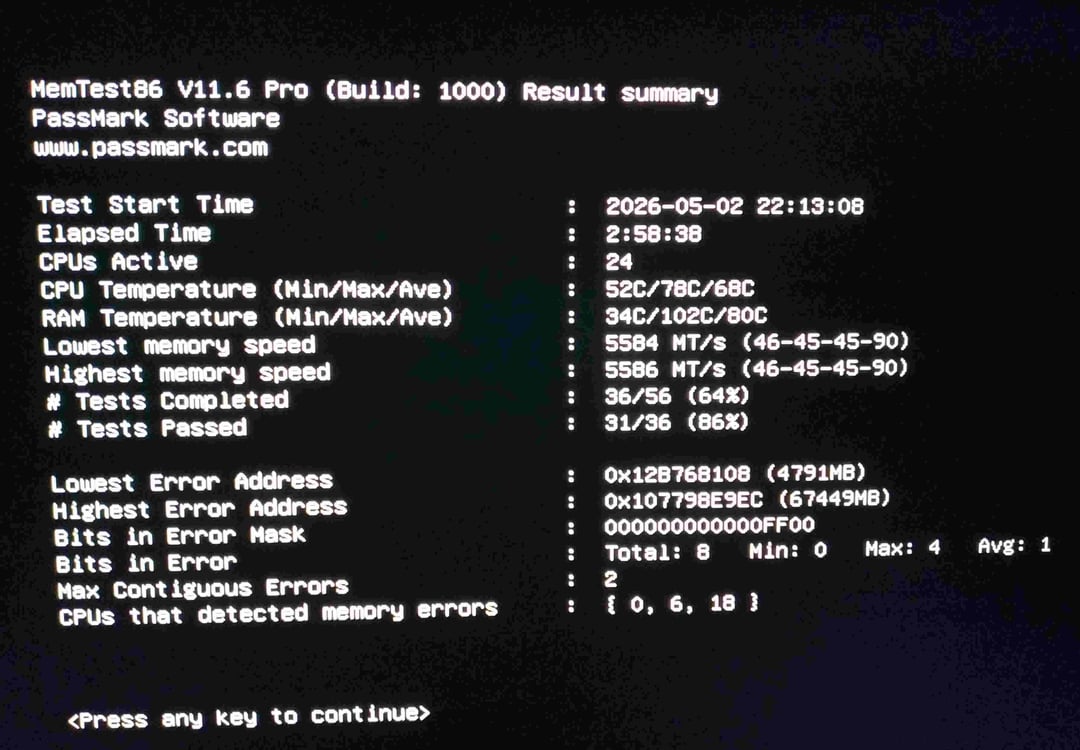
Any advice is appreciated. I have a Mechrevo Yaoshi Ultra laptop with an Intel Ultra 9 275HX. I purchased two additional 32GB Kingston Fury RAM sticks (KF556S40IB-32) and immediately ran them on Memtest86. After four passes, there were no errors. Two or three weeks ago, a BIOS update was required to update the manufacturer's Control Center, and after that, I started getting blue screens every two or three days. I started checking RAM, and the errors kept popping up. And also RAM heats up to 101 degrees Celsius during tests with OCCT, Memtest86, and TestMem5 (it's likely that the errors are caused by overheating… Apparently, the RAM's operating temperature is up to 70 degrees Celsius, and during the first test when I just installed it, it didn't rise above 65 degrees Celsius).
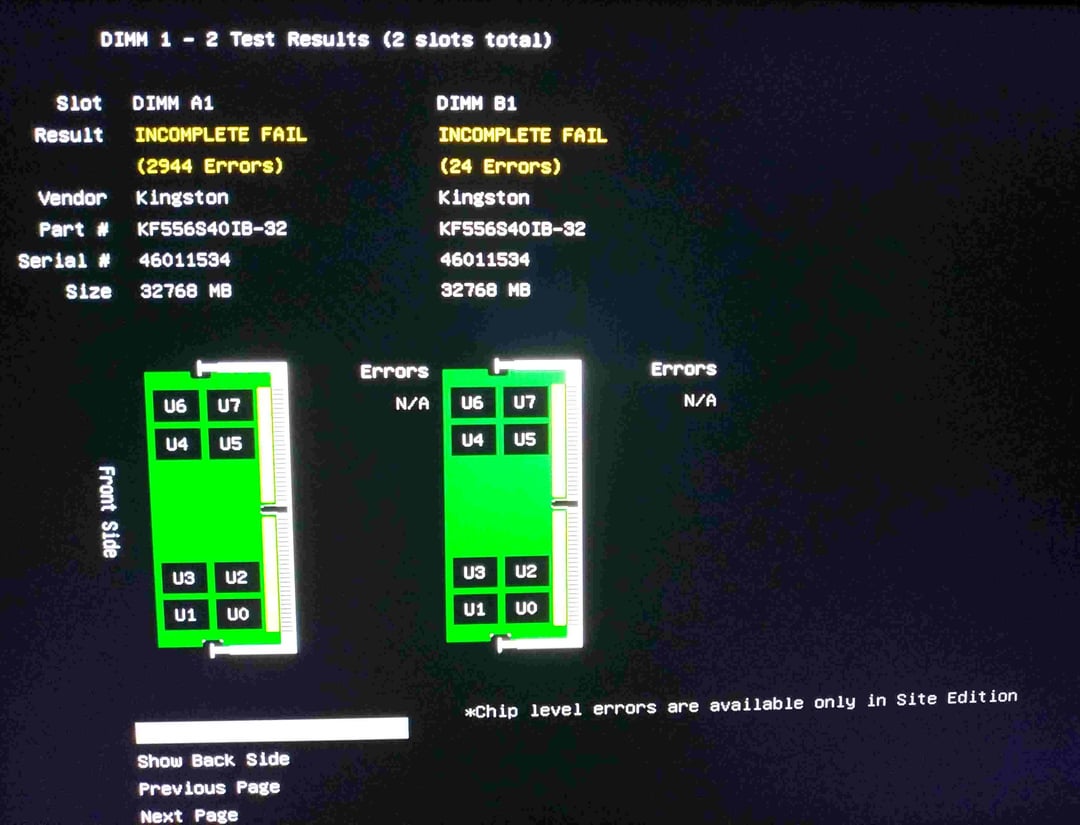
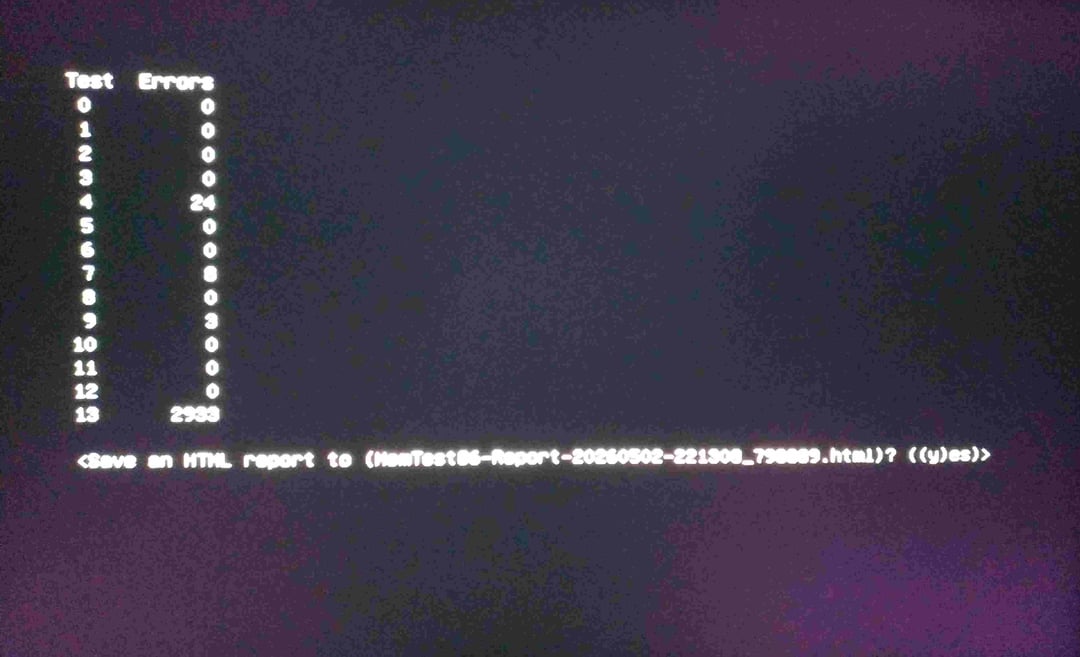
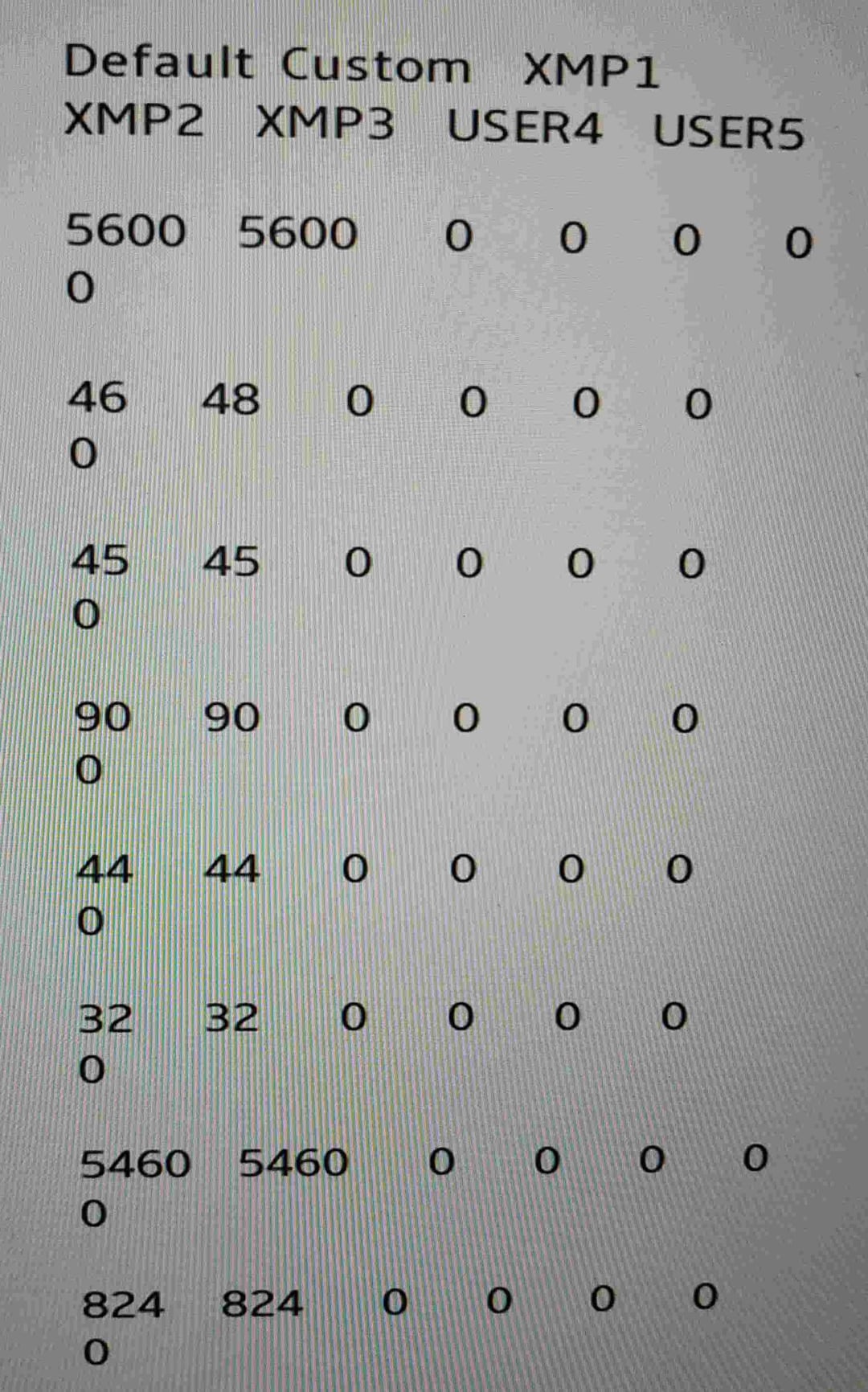
Memtest86 shows errors on both RAM modules. It's unlikely that both suddenly died simultaneously. Never even tried overclocking the RAM. I went into the overclocking settings in the BIOS to try and set the recommended XMP 3. It's mentioned in the profiles, but all the values are set to 0. I reset the BIOS to factory settings, but nothing changed. I also found the original timings for the RAM; the ones set as default in the BIOS are slightly different from those mentioned by the manufacturer (it runs on CL46-45-45-90 instead of the default CL40-40-40-80). Any recommendations would be appreciated! In TestMem5, 7 out of 10 errors occur in test 0, about two in test 1, and one in test 2. I googled it, and these errors are mostly associated with poor parameters and voltage. And again, all these errors start appearing when hwinfo shows the DDR5 SPD Hub Temperature above 95 degrees. I don't have any experience changing RAM parameters; is there any way to use the recommended XMP 3 profile? Also attaching screenshots of the tests and BIOS parameters.