
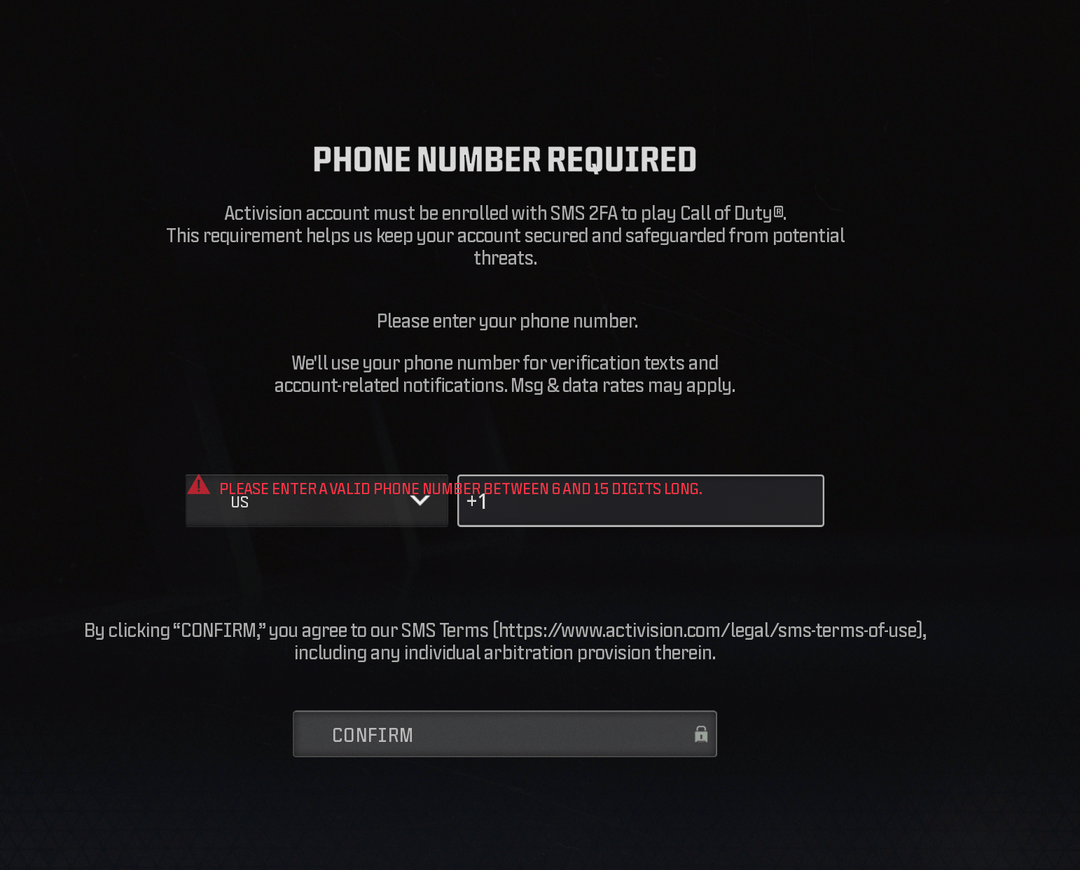
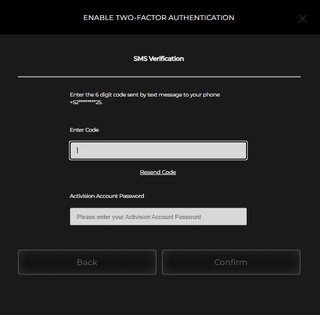
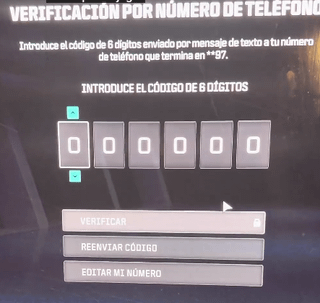
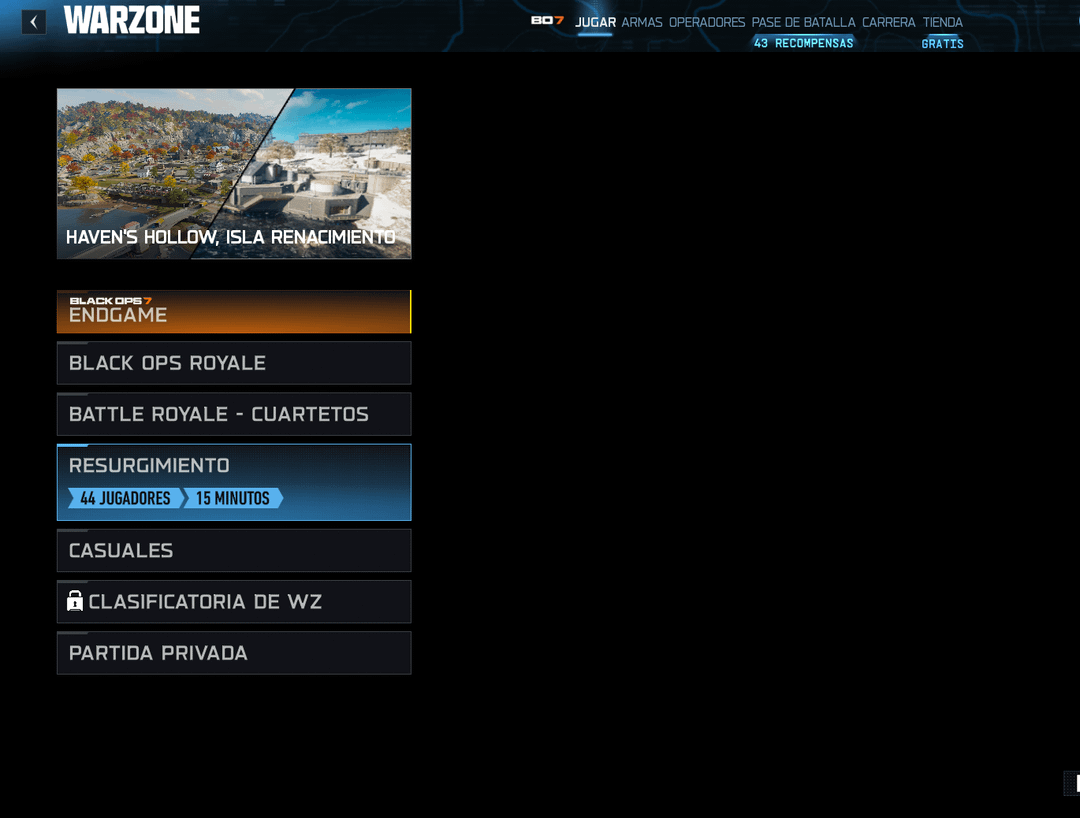
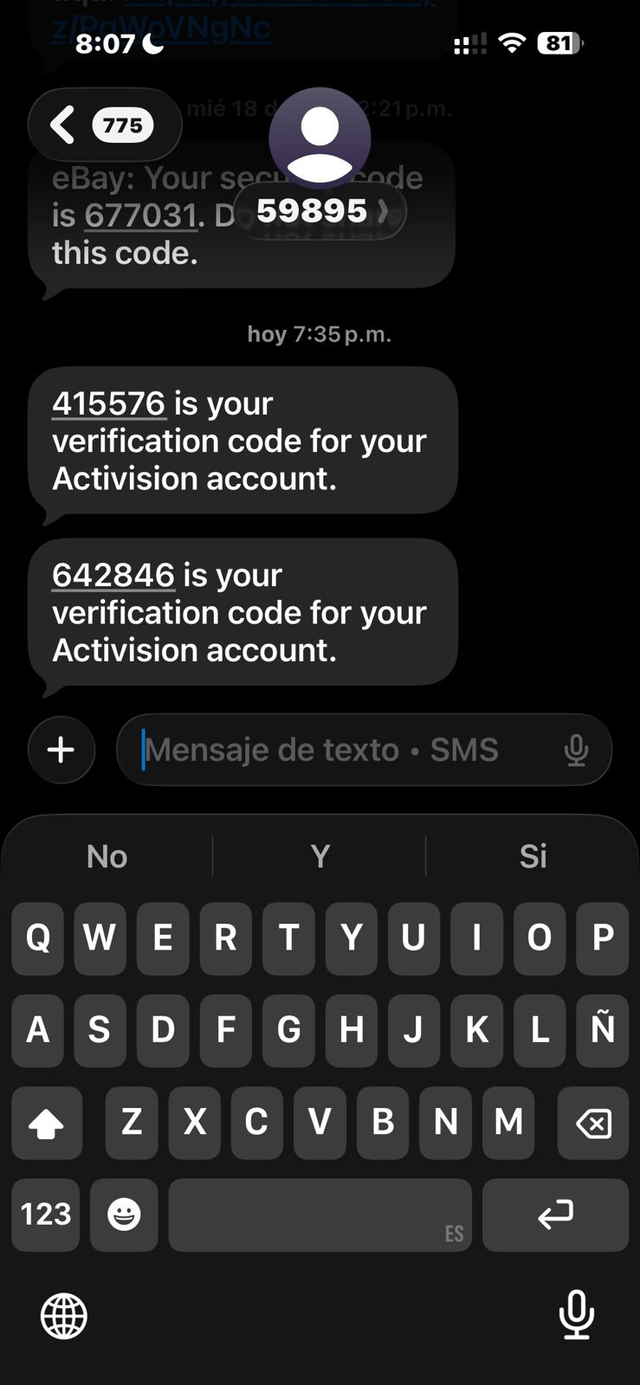
Hi, like many PC players, I tried to play Warzone today but ran into an annoying login screen that wouldn’t let me in. The game asks you to link a phone number, but the problem is that the SMS code never arrives. This seems to be an issue on Activision’s side.
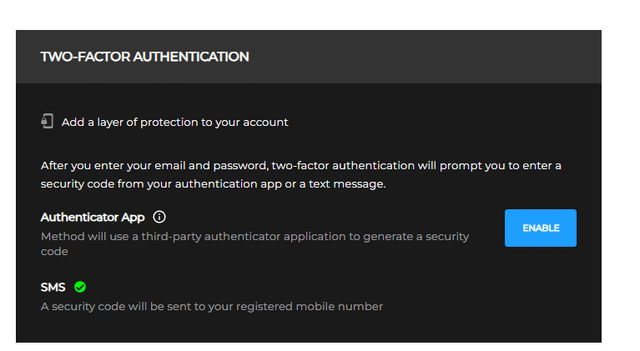
To fix this, you need to enable two-factor authentication (2FA) from the Activision website:
Steps:
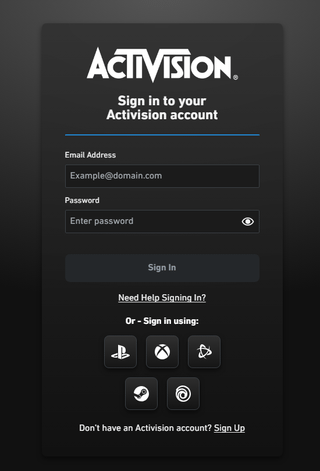
- Go to the official Activision website (https://www.activision.com) and log in to your account. If your account is linked through Xbox, Steam, Battle.net, etc., log in using that platform (in my case, I used Battle.net).
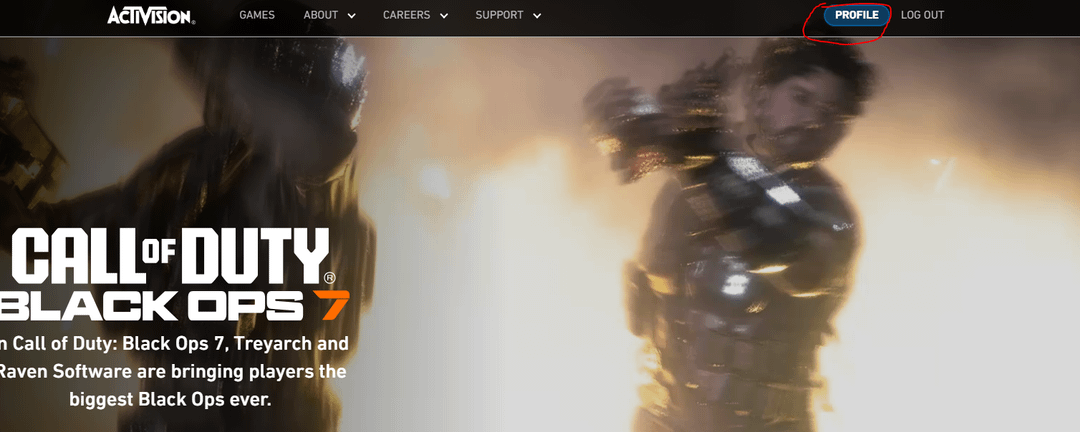
- Once logged in, go to your profile (top right corner).
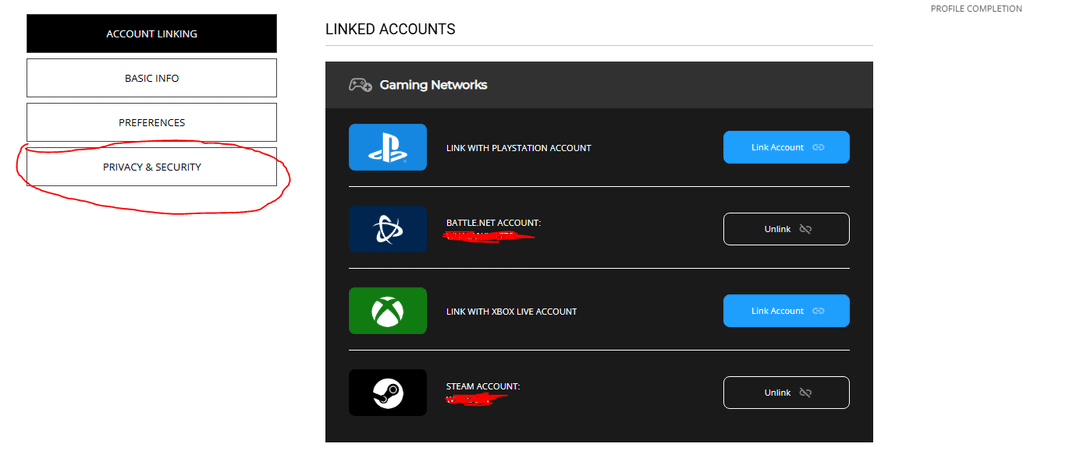
- Navigate to Privacy & Security.
- Enable Two-Factor Authentication (2FA) via SMS. Use a phone you have access to, since losing it could lock you out of your account.
- IMPORTANT: Enter the code you receive via SMS in-game — you should now be able to receive it.
After this:
Once 2FA is activated, you should be able to access Warzone without any issues.
Additional tip:
I recommend also enabling authentication through the Google Authenticator app, just in case SMS codes stop working in the future (like what happened to me today).
If it still doesn’t work:
If you still don’t receive the SMS after doing all this, your only option is to open a support ticket on the Activision website and wait for a response.
I’ve included images above as reference and a video in Spanish explaining (https://www.youtube.com/shorts/I-2pIvphshM) everything I did. Unfortunately, I couldn’t find one in English, but you can use automatic subtitles.
Feel free to add me if you want to play — I’ll leave my ID below.
Wualan#7102446
Note: If you see a red error message when entering your phone number and requesting the SMS saying the service is failing, wait the time indicated before trying again (it didn’t send on the first try for me — I had to attempt it a couple of times).