
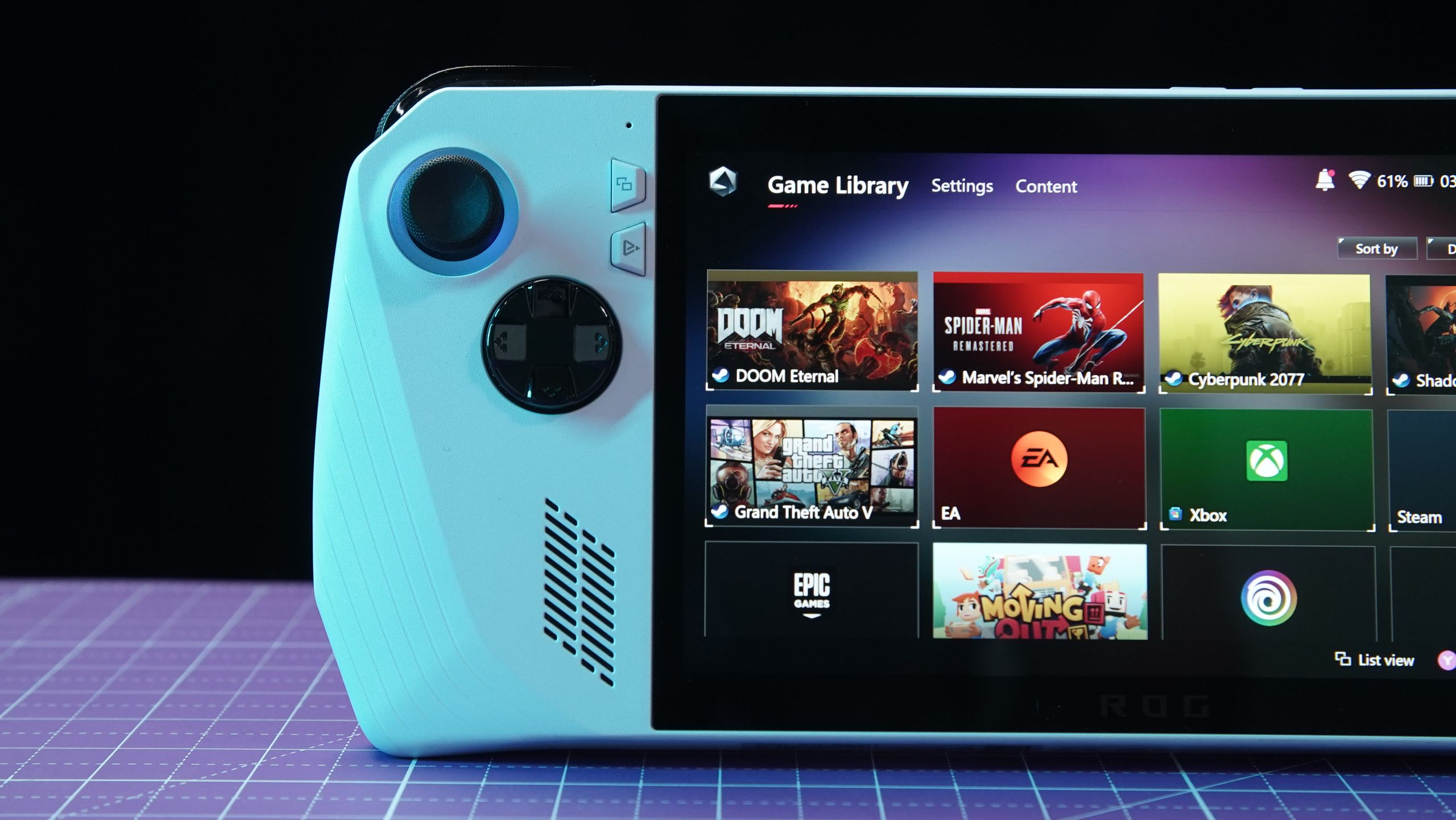
Thanks to RAMageddon, pricing for the best handheld gaming consoles has skyrocketed. One of the more extreme examples is the Legion Go 2 with 2TB of storage, which now costs an eye-watering $2,849 (up from $1,479). No, that’s not a typo. At this price, it can feel like you need to mortgage your house just to game on the go.
However, not all hope is lost. Right now, you can still buy new or near-new gaming handhelds in the $400 to $650 range, or roughly the launch price of the original Steam Deck. Whether you’re into indies, older AAA titles, or Nintendo exclusives, there are still affordable devices that won’t put you in serious debt.
I’ve reviewed or tested all the big-name gaming handhelds released over the past four years, so I know which machines are best suited to specific users. To that end, I’ve put together this guide to help you buy your perfect handheld. I’ll cover what to look for, where the real value lies, crucial warnings if you’re buying used or certified pre-owned, and spotlight three systems worth your hard-earned cash.
Article continues below
You may like
Figure out what you actually need
(Image credit: Tom’s Guide)
Given the ongoing RAM crisis, the first decision is how much you’re willing to spend. Devices in the $300–$500 range offer solid entry-level performance, while $500–$700 handhelds strike a great balance of power and features. Naturally, these prices have ballooned, but keep them as your north star so you don’t get hosed.
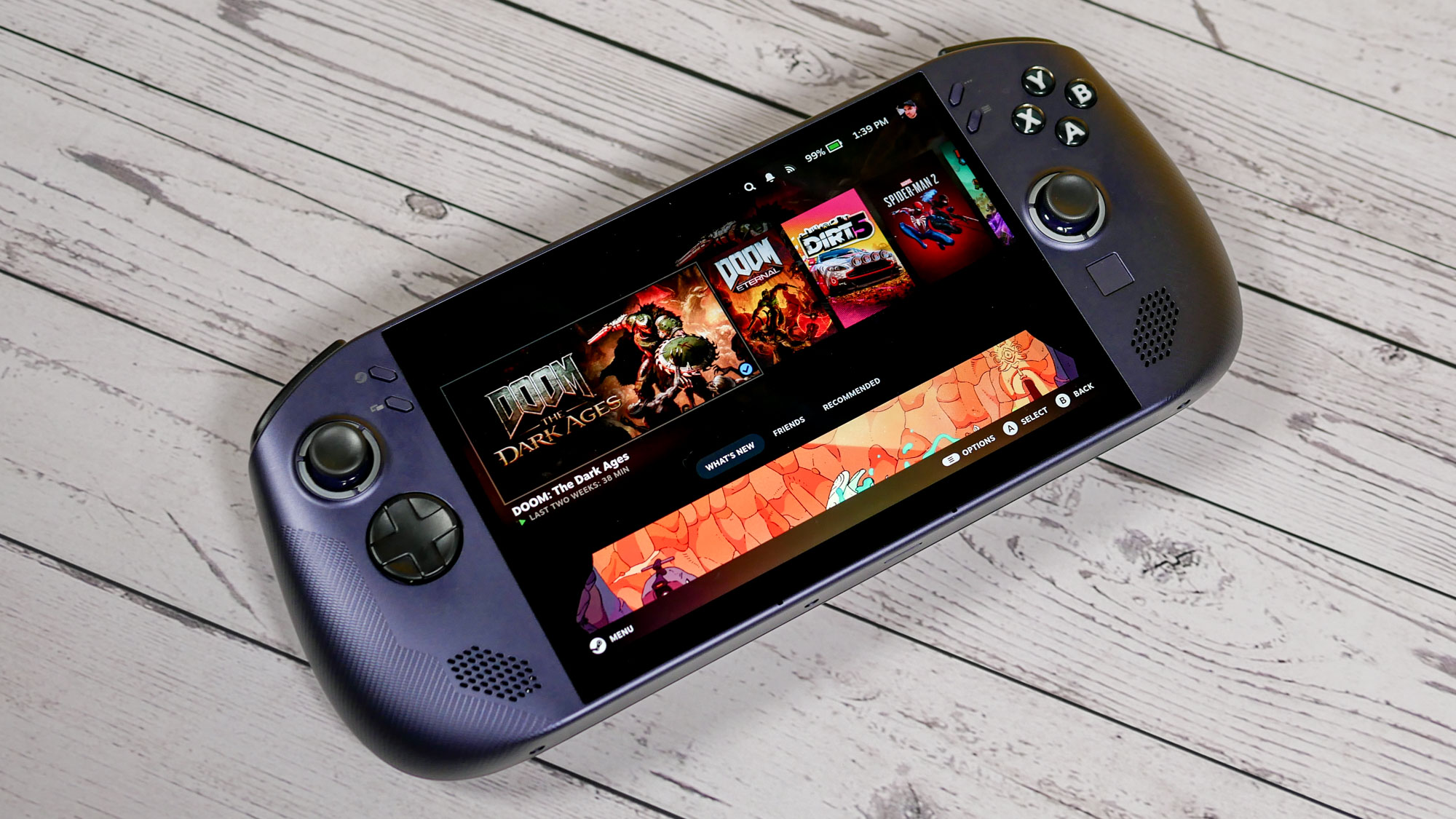
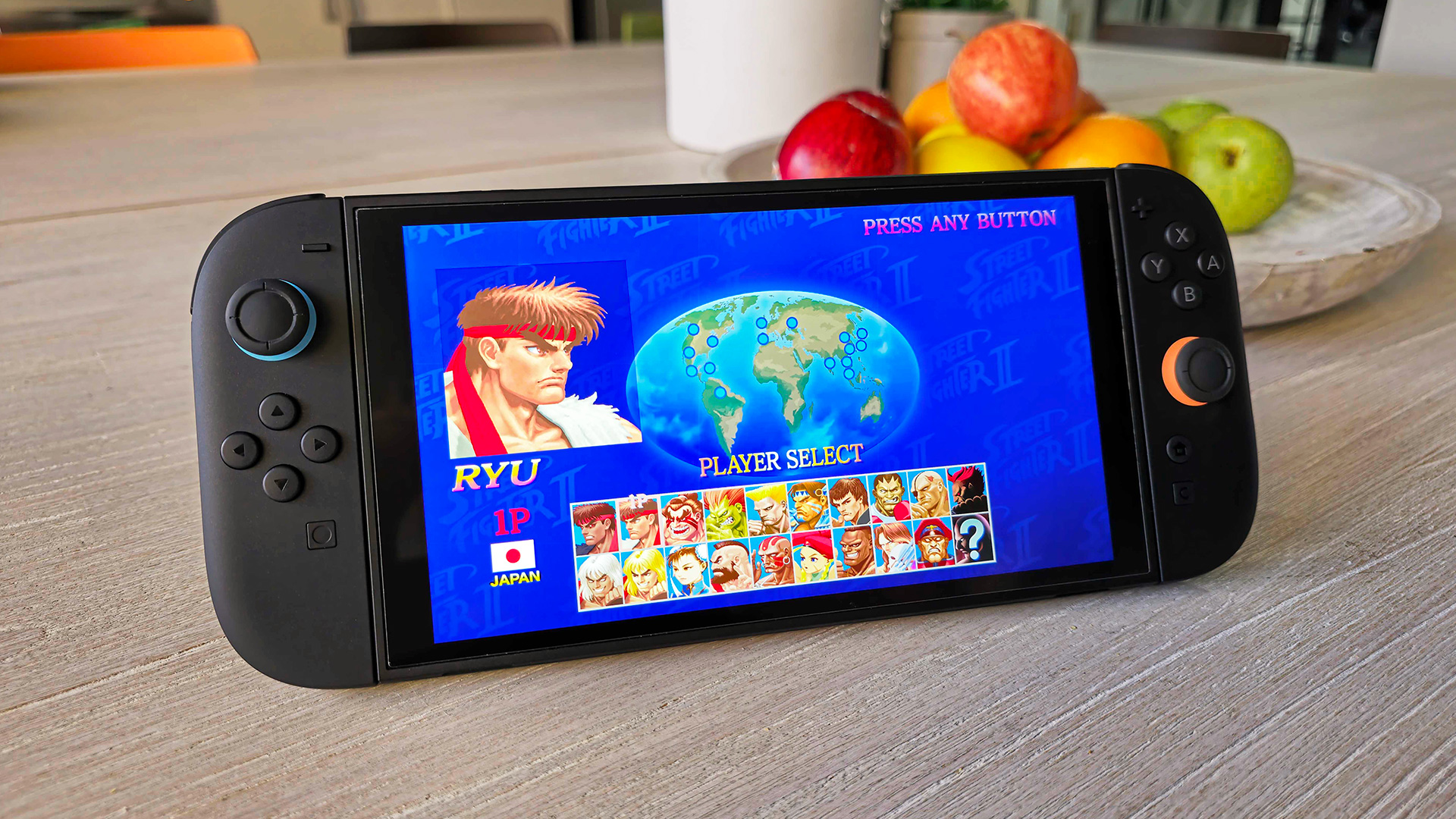
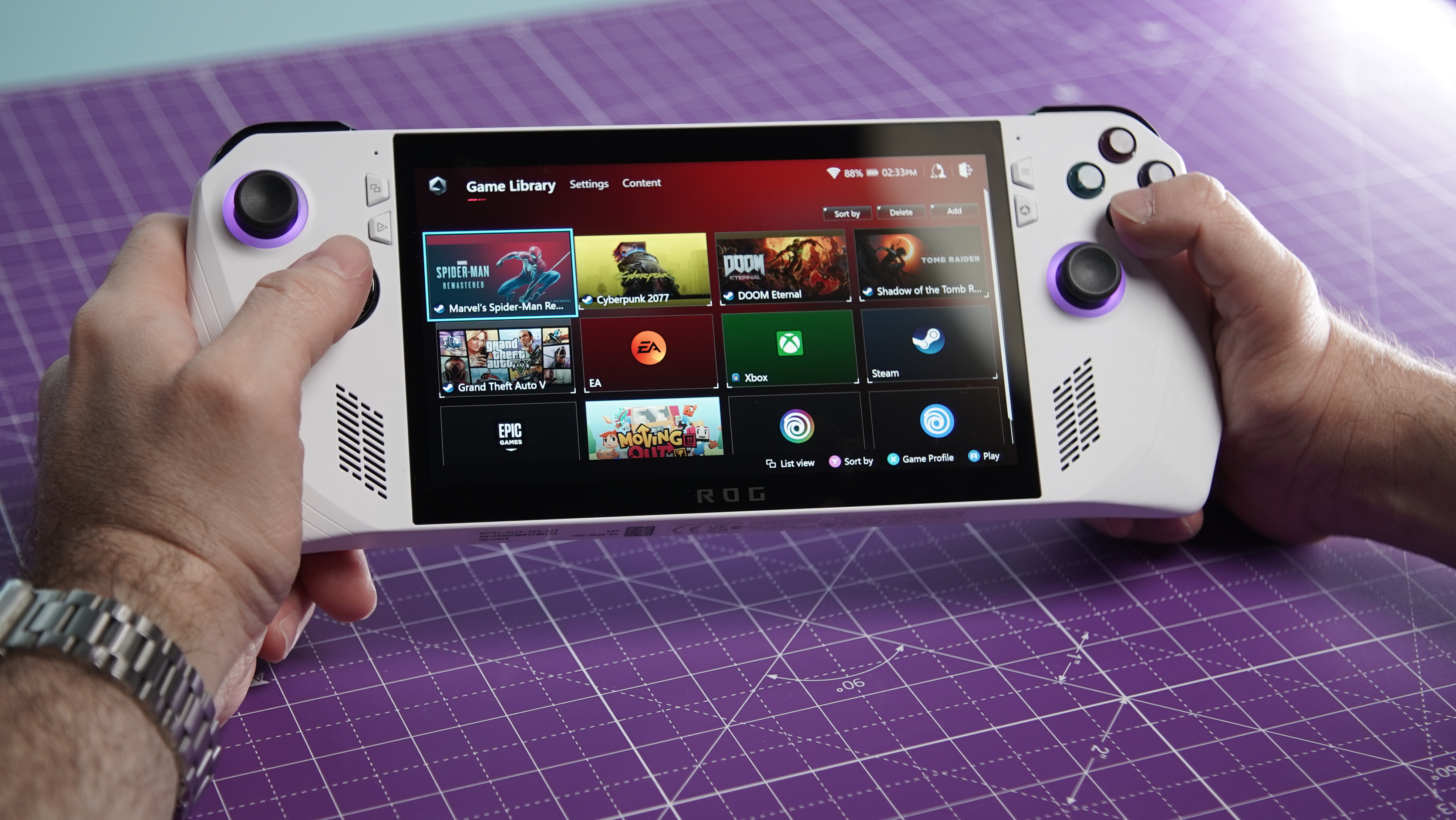
Which games matter most to you? If you’re into blockbuster PC titles and Xbox Game Pass, a Windows 11 handheld like the original Asus ROG Ally is still a fantastic option. Conversely, if you’re into Nintendo exclusives or more family-friendly titles, the Nintendo Switch 2 is your best bet. The Legion Go S with SteamOS is also great for indie games, emulation, and some older AAA titles.
Battery life is another key factor. You’ll typically get around 2-3 hours on demanding titles, though less intensive games can last much longer depending on settings. Don’t expect any of these machines to last all day without charging.
Display-wise, I say don’t focus too heavily on OLED machines right now, as they’re either sold out (Steam Deck OLED) or far too expensive (Lenovo Legion Go 2). That said, if you truly want an OLED handheld at an affordable price, you can generally find the original Switch OLED for under $300. Just a reminder: this handheld is nearly five years old.
Lastly, consider which operating system you’ll use regularly. SteamOS is one of the most intuitive, since it delivers a console-like experience right out of the box. On the flip side, Windows 11 might be painful to use on a handheld form factor, but it offers greater flexibility, as it’s compatible with virtually all x86 games and applications. On that last point, buying a handheld with a microSD card slot and a dock (usually sold separately) can add more value.
How to save money on a handheld in 2026
(Image credit: Stephen Lambrechts / Tom’s Guide)
There are several ways to save money when buying a gaming handheld right now.
First, you don’t necessarily need the latest and greatest handheld — especially at current prices. Prioritize older machines over bleeding-edge flagships. This has been a good rule in the past, and it’s even truer now. You can still have a lot of fun with an older model.
What to read next
Speaking of older models, shopping through official refurbished programs and big retailers’ open-box or certified pre-owned stock can save you 15–30%. These handhelds have undergone full testing and come with return policies, which should give you some peace of mind. I wouldn’t have recommended used machines before, but they’re a worthwhile option in 2026.
Other ways to save include bundle deals and flash sales on Steam, Best Buy, Amazon, and Nintendo’s site. I suggest skipping random eBay “deals” unless you’re willing to take the risk; certified options from reputable retailers are much safer. Speaking of gray areas, retro emulation handhelds can cost $40–$100, but don’t ask me how these companies obtain these games.
Three handhelds to buy right now
(Image credit: Tom’s Guide)
Here are three standout options that deliver great value without draining your wallet. Prices fluctuate, so check the links and stock today.
Tips when buying used or certified pre-owned
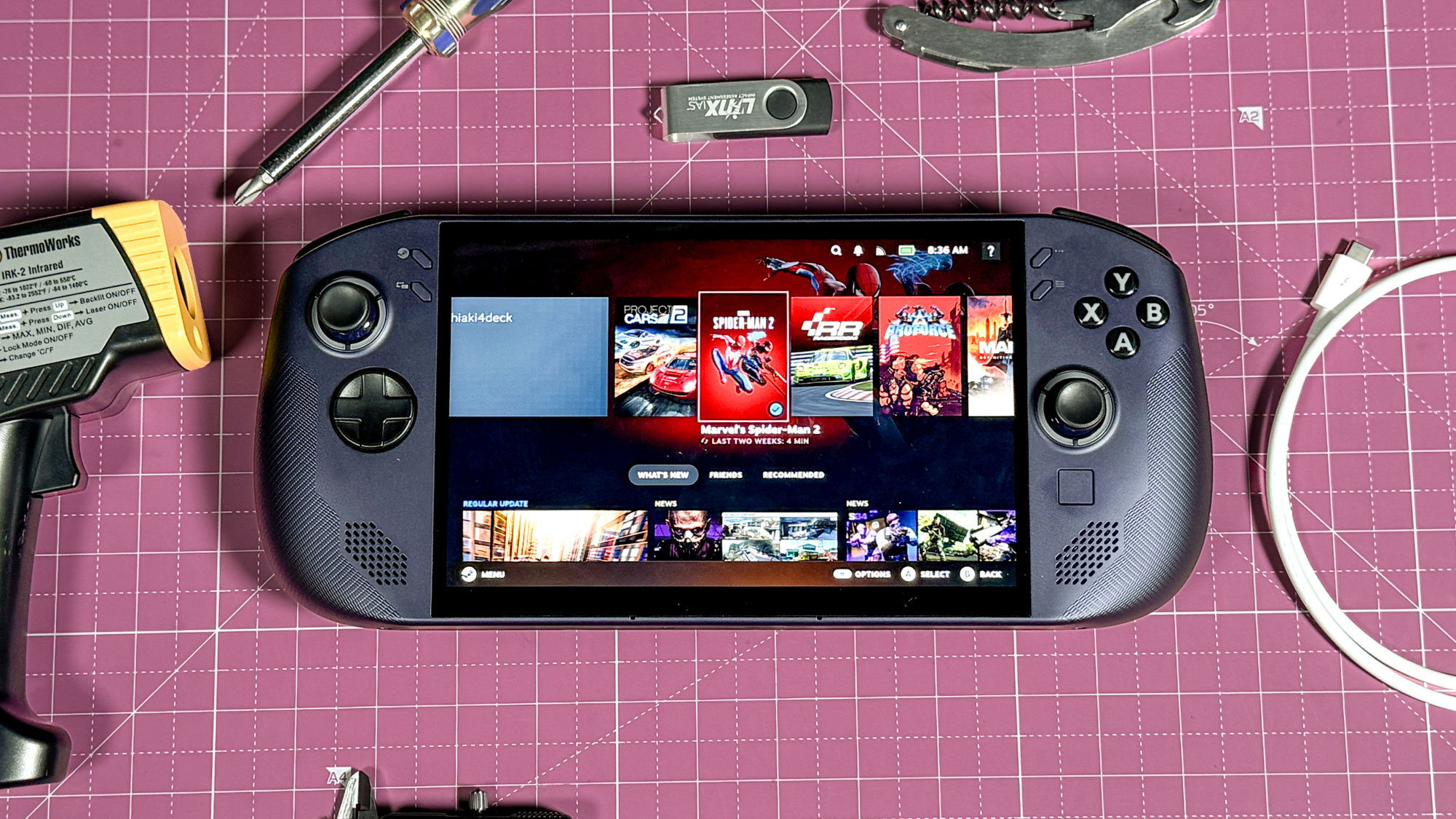
(Image credit: Tom’s Guide)
For the most part, certified pre-owned and open-box items from Amazon and Best Buy are safe bets. These handhelds have been inspected, usually come with a 30–90-day return policy, and may include a warranty. However, here are some things to keep in mind.
Test immediately: To ensure you didn’t buy a faulty machine, check the joysticks for drift, buttons for responsiveness, the screen for dead pixels or backlight bleed, and battery health. Run a few games for 20–30 minutes to check for overheating or Wi-Fi issues.Battery life: Handhelds are power-hungry, so older units can have degraded cells. Refurbs directly from manufacturers like Valve or big retailers tend to be safer options since they do thorough testing.Warranty: I keep hammering this point, but please stick to official or big-retailer CPO for coverage. Avoid random user listings.Red flags: Watch out for prices that seem too good to be true, vague seller descriptions, no actual photos of the unit, or “for parts only” listings. Always verify the exact model and specs so you don’t get fleeced.General rule: Double-check any listing under $300 that claims to be “like new” for modern PC gaming. It could be a retro-emulation device, which is great for classics but not for modern titles.Game smart, not expensive
Buying a gaming handheld is more challenging these days, but with the tips I provided in this article, you should be able to find something that makes you happy.
The RAM crisis is likely to last for the rest of the year, but if you play it cool, you can still find an excellent machine that won’t drain your bank account. Happy hunting!

Follow Tom’s Guide on Google News and add us as a preferred source to get our up-to-date news, analysis, and reviews in your feeds. Subscribe to Tom’s Guide on YouTube and follow us on TikTok.
More from Tom’s Guide